TikTok moves fast, but good short-form video still depends on a few timeless basics: a strong first second, a clear visual idea, emotional payoff, and a format people want to watch to the end. That is why more creators are turning to advanced AI tools for TikTok video creation instead of relying only on templates or random effects.
If you want cinematic motion, stronger realism, and flexible visual control, Google Veo 3.1 is one of the most interesting options to test right now. On VideoWeb, it becomes much easier to access as a practical creator tool rather than just a model name. You can use it to turn an idea into a stylized social clip, build mood-based sequences, or create an image-to-video concept for a vertical short.
This guide explains how to approach TikTok content with Google video AI, what kinds of trends currently translate well into AI-generated visuals, and how to use VideoWeb’s workflow to generate clips that feel more native to TikTok instead of looking like generic AI output.
Why Veo 3.1 Fits TikTok So Well
The biggest advantage of Google Veo 3.1 for TikTok creators is that it is well suited to short, high-impact scenes. TikTok rarely rewards slow build-up unless the story is already compelling. Most creators need clips that communicate a mood, a transformation, a product feeling, or a slice of personality almost instantly. That is exactly where a stronger AI video generator becomes useful.
Instead of making one long video and hoping the middle stays interesting, a better approach is to build TikTok videos out of short visual moments: a hook shot, a detail shot, a reaction shot, a reveal, and a final call to action. That kind of structure works especially well with Gemini video workflows because you can focus on generating clips with a very specific purpose.
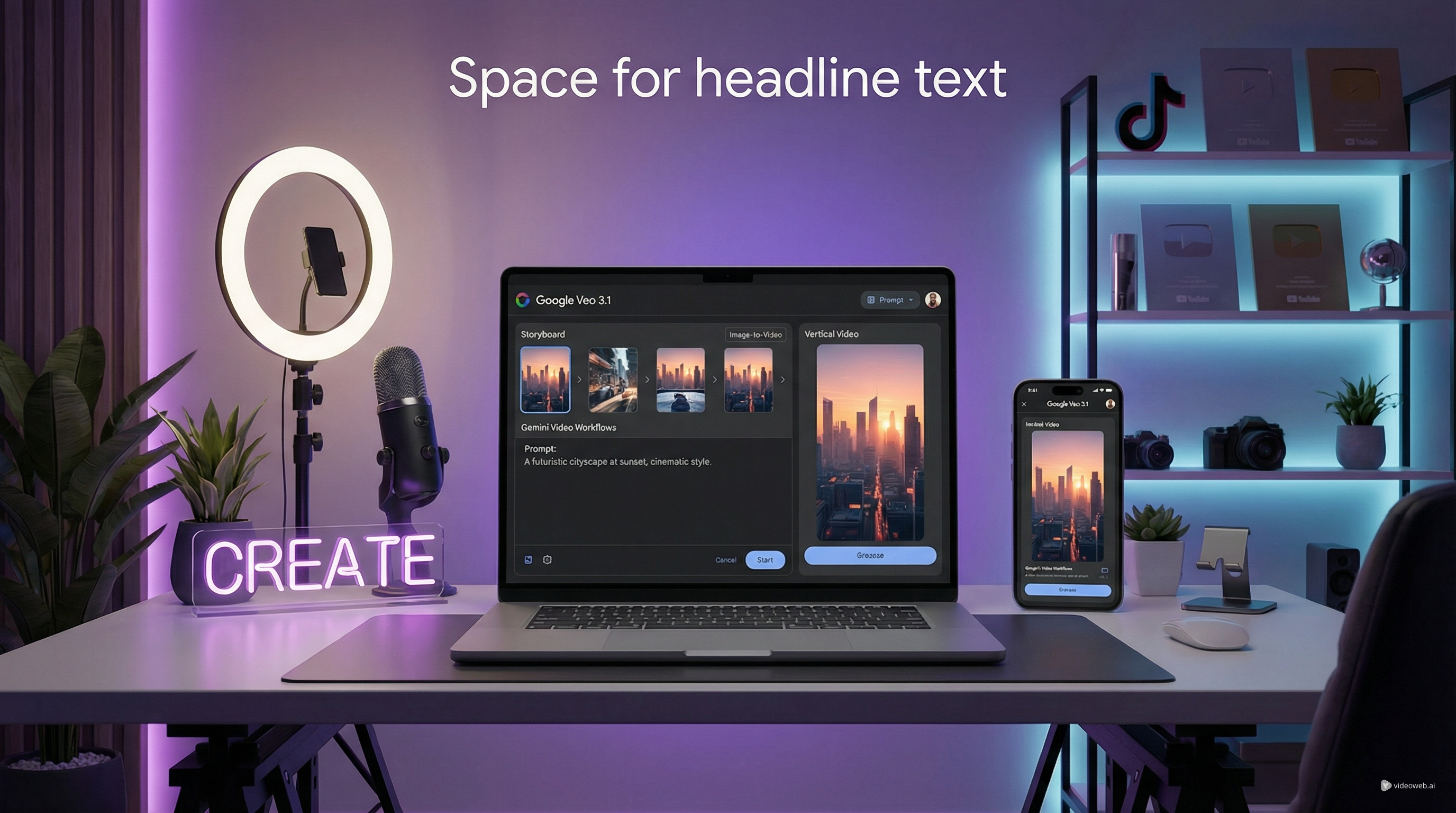
VideoWeb also helps simplify the process. Rather than dealing with a complicated experimental setup, you can use one clean interface to choose the model, upload a frame, add a prompt, select resolution and ratio, and generate. That matters because most creators do not need a technical demo. They need a fast workflow that helps them test ideas.
TikTok Trends That Work as AI Video Themes
The best TikTok ideas are not always the biggest spectacles. Many of the strongest posts feel personal, curious, or emotionally useful. That gives you a better direction for AI generation than simply asking for something “viral.”
One useful category is the polished everyday moment. Think shower routine visuals, desk-reset clips, quiet luxury food shots, after-work recovery scenes, or “small things that fixed my mood this week.” These themes feel familiar, but they still allow dramatic lighting, close-up details, and smooth movement.
Another strong category is curiosity-driven content. This includes hidden cafés, forgotten streets, unexpected objects, travel details, tiny apartment upgrades, or niche hobbies shown in a beautiful way. These ideas work because they feel discoverable. They invite viewers to stay for the reveal.
A third category is proof-based storytelling. Instead of posting a broad lifestyle fantasy, creators increasingly frame videos around outcomes: what changed, what improved, what felt better, what was actually worth it. This makes AI clips useful for product marketing, before-and-after edits, beauty videos, and practical lifestyle storytelling.
For creators using Veo 3.1 on Gemini, the lesson is simple: choose themes that are visually readable in seconds. TikTok is less about complex exposition and more about immediate visual meaning.
How to Use VideoWeb for TikTok Video Creation
-
Choose Google Veo 3.1 on VideoWeb. For a faster test workflow, position it as a quick Google Veo 3.1 Lite style experiment.
-
Pick your starting format. Use text for idea exploration, or use image-to-video when you already have a subject, product, or scene in mind.
-
Write a TikTok-focused prompt. Describe the subject, action, setting, camera movement, lighting, mood, and social style.
-
Set a vertical ratio and generate several versions. Google video AI works best when you compare multiple variations instead of relying on one result.
-
Choose the strongest clip, then edit it for TikTok with captions, tighter cuts, readable text, and sound that matches your audience.
A Smarter Structure for TikTok Videos Made with AI
A lot of AI-generated content fails on TikTok because it looks like a demo instead of a post. The difference is structure.
A smart TikTok structure usually starts with a hook frame that makes people stop. That might be a highly aesthetic object, a strange but attractive visual, a beautiful face close-up, or a setting that feels unexpectedly cinematic. The middle should then add a payoff: motion, detail, contrast, or transformation. The ending should either resolve the mini-story or encourage a reaction.
This is where Gemini video thinking helps. Treat every clip as part of a sequence, not as a standalone spectacle. One clip can introduce the mood, another can reveal the routine or product, and another can deliver the result. Once you think in sequences, TikTok video creation becomes easier and more repeatable.
Common TikTok Content Types You Can Build with Veo 3.1
One of the easiest content types is the mood reel. This is ideal for beauty, food, fashion, travel, or wellness niches. The goal is not deep explanation. The goal is feeling.
Another effective format is the mini transformation. This could be a room glow-up, outfit switch, skincare progression, mood reset, or “from chaos to calm” narrative. These concepts are easy to understand and naturally reward visual storytelling.
You can also use Google Veo 3.1 for creator-style ad concepts. For example, instead of a hard sell, build a soft, realistic visual sequence around a product’s presence in daily life. A strong AI video generator is especially useful here because it lets you test multiple brand moods without filming everything from scratch.
For creators who want more personality, diary-style visual storytelling is another good direction. This could include “my week felt like this,” “things that made today better,” “soft life morning,” or “I found this by accident.” These themes fit current short-form behavior because they feel both intimate and stylized.
Use VideoWeb to Test, Learn, and Scale Faster
The real advantage of using VideoWeb is not just access to Google Veo 3.1. It is the ability to test short-form ideas quickly and refine what actually works for your audience. TikTok rewards iteration. One strong concept can become a whole series if you keep the structure but change the setting, product, mood, or voice.
That is why VideoWeb is a practical choice for creators who want more than one-off experiments. You can use Google video AI to build hooks, product cutaways, aesthetic transitions, and visual storytelling clips, then turn the best-performing ideas into repeatable content.
If your goal is more serious TikTok video creation, VideoWeb gives you an easier path to test Google Veo 3.1, experiment with Veo 3.1 on Gemini-style prompting, and create polished image-to-video content without overcomplicating the workflow.
Detailed Prompt Bank for TikTok Video Creation
1. Luxury Shower Routine / Everyday Ritual Prompt
Prompt: Create a vertical TikTok-style cinematic video of a modern luxury shower routine in a softly lit apartment bathroom at sunrise. Begin with a close-up of warm steam on a glass shower door, then cut to detailed shots of water droplets running across chrome fixtures, hands reaching for elegant skincare bottles, and a relaxed woman with wet hair stepping into the frame naturally. Use soft golden morning light, realistic reflections, subtle camera push-ins, shallow depth of field, and premium lifestyle-ad composition without feeling overly commercial. The mood should feel intimate, calming, and aspirational, like a realistic self-care moment someone would save for inspiration. Include smooth transitions between details, gentle body movement, and a believable sense of warmth and moisture in the room. Design the sequence as a strong TikTok opener for beauty, wellness, or soft-life content.
2. Locked-In Study or Workday Reset Prompt
Prompt: Generate a vertical social video showing a highly focused study or work reset routine in a stylish but realistic desk setup. Start with clutter on the desk, an unfinished coffee, dim ambient room light, and a tired mood. Then transition into a clean reset: notebook aligned, laptop opened, task list written, headphones on, lamp switched on, and a more energized atmosphere. Use cinematic close-ups of keyboard typing, pen movement, desk accessories, screen glow, and organized stationery. The camera should feel like a premium handheld lifestyle vlog with quick but readable motion, realistic lighting changes, and a satisfying sense of control returning to the space. The emotional payoff should be the transformation from mental chaos to locked-in concentration. Make it look like a TikTok reel that people would watch for motivation, productivity inspiration, or “get your life together” content.
3. Hidden Café Discovery Prompt
Prompt: Create a vertical TikTok discovery video about finding a hidden café on a quiet city street. Open with an exterior shot of a narrow side alley with warm signage barely visible from the main road, then move into a series of cozy interior details: coffee being poured, pastries behind glass, sunlight falling across wooden tables, a book left open next to a cup, and one stylish visitor entering the frame. Use smooth handheld movement, realistic city ambience, rich textures, and warm tones that make the space feel intimate and worth sharing. The overall feeling should be “I almost missed this place, but now I want everyone to know about it.” Keep the pacing gentle but engaging, like a TikTok hidden-gem video that invites comments asking for the location. Focus on curiosity, comfort, and visual richness rather than fast-cut chaos.
4. Soft Product Story / Emotional ROI Prompt
Prompt: Generate a vertical TikTok-style product storytelling video centered on a small everyday object that quietly improves daily life, such as a lamp, skincare item, notebook, mug, or wearable accessory. The clip should not feel like a direct ad. Instead, it should show the product naturally integrated into a person’s routine across a few realistic scenes: reaching for it in the morning, using it during work or rest, noticing the comfort or convenience it adds, and ending on a subtle emotionally satisfying close-up. Use natural body movement, premium but believable lighting, shallow focus, and realistic domestic details. The camera language should feel thoughtful and modern, with a mix of close-up textures and wider lifestyle context. The emotional message is that this small item brings disproportionate comfort, joy, or calm. Make it ideal for TikTok viewers who respond better to story and atmosphere than aggressive selling.
5. Car GRWM / Road-Trip Mood Prompt
Prompt: Create a vertical aesthetic TikTok video set inside a parked car during late afternoon or early evening golden light. The video should feel like a calm but stylish get-ready-with-me or pre-road-trip moment. Show details such as sunlight hitting the dashboard, a phone opening a playlist, lip gloss or sunglasses being picked up, a drink in the cup holder, a quick mirror check, hands on the steering wheel, and city or highway reflections visible through the windows. Use realistic handheld motion and intimate close-ups, with a mood that feels independent, relaxed, and slightly cinematic. The pacing should feel social-native rather than like a movie trailer, but still polished enough to hold attention. This should work as a TikTok clip for car lifestyle content, road-trip mood edits, or “main character” routines before going somewhere.
6. From Chaos to Calm Transformation Prompt
Prompt: Generate a vertical before-and-after TikTok transformation video with a clear emotional arc from stress to calm. The setting can be a bedroom, vanity, small apartment corner, or work area. Begin with visual disorder: messy surfaces, dim flat lighting, distracted body language, and a slightly rushed atmosphere. Then gradually transition into a clean, beautiful, calm environment with brighter natural light, organized objects, more confident posture, and a sense of relief. Use camera movement that emphasizes contrast, such as starting with slightly restless framing and ending with smoother, more centered compositions. Include tactile detail shots of folding fabric, arranging skincare, stacking books, wiping a surface, or lighting a candle. The result should feel satisfying and aspirational, ideal for TikTok viewers who love reset videos, mini glow-ups, and transformation content with an emotional payoff.
Why VideoWeb Is Worth Using Beyond Veo 3.1
Once you find a concept that works, it makes sense to explore more of VideoWeb’s Models and tools. Different projects need different strengths, so it helps to match each tool or model to a clear function.
A practical next step is to compare Google Veo 3.1 for realistic cinematic short-form video generation, Kling for stylized motion and social-ready visual storytelling, Runway for flexible creative video workflows, Luma for polished cinematic scene generation, PixVerse for fast, trend-friendly short clips, Vidu for quick AI video production, Wan for experimental visual generation, Hedra Character 3 for character-driven animation, and Higgsfield for creative visual experiments. You can also use VideoWeb’s broader image tools, music tools, and other AI-assisted creation workflows when your content strategy goes beyond TikTok video creation.
Related Article
- How to Create AI Short Video with Veo3 for TikTok/YouTube
- VideoWeb AI Video Generator 2026: One Hub, Every AI Video Workflow
- Lights, Camera… SCREAM! Veo 3.1 Halloween Prompt Spellbook











