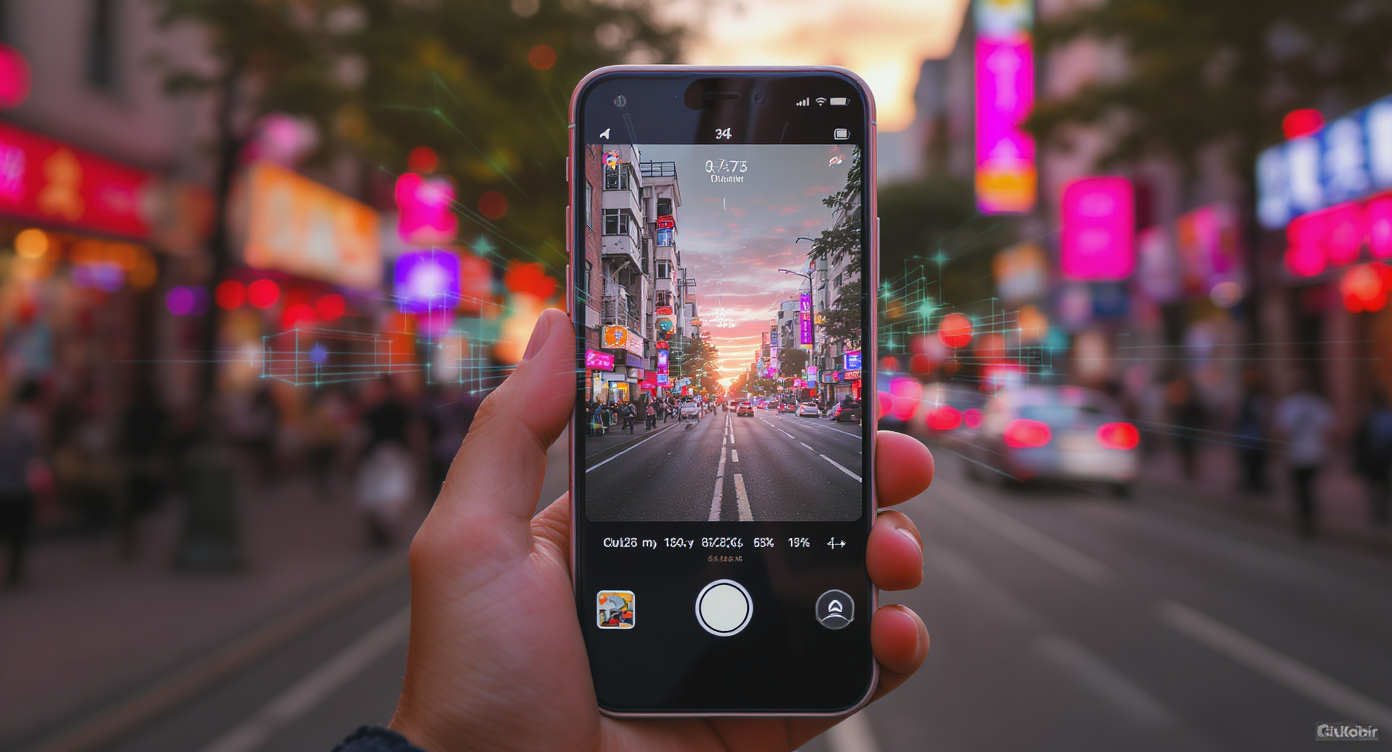
If you’ve been scrolling TikTok or YouTube Shorts lately, you’ve probably seen those mesmerizing AI-generated clips — perfectly lit, beautifully composed, and timed for maximum impact. Chances are, many of them were made with the google veo 3 ai video generator.
Veo 3 is Google’s advanced text-to-video model that can turn your words (or even a single image) into cinematic footage. Whether you want to create aesthetic B-roll, a quick product showcase, or a snappy storytelling scene, Veo 3 can do it — and do it in a style that fits vertical, short-form platforms like TikTok and YouTube Shorts.
In this guide, we’ll walk you through the whole process — from idea to upload — and share tips for making Veo 3 work with the short-form algorithm, not against it.
Why Veo 3 Works So Well for Short-Form Video
Short-form content lives and dies by its hook — and Veo 3 is built for delivering fast, eye-catching visuals. Here’s why it’s such a good fit:
- Short, cinematic clips: Perfect 8–12 second lengths for TikTok/YouTube
- High visual fidelity: Realistic motion, lighting, and textures
- Creative flexibility: Add music, ambience, or dialogue right in the generation phase
- Multiple workflows: Start fresh with text, or use the AI video generator from image with prompt to stylize existing images into moving scenes
Step 1: Start With a Strong Concept
Short videos need to be clear and punchy. Before you open the google veo 3 ai video generator, think about:
- Your audience: Is this for entertainment, education, or product marketing?
- Your hook: What’s the very first frame that will grab attention?
- Your format: Will you start from scratch (Text to Video) or remix an image with the AI video generator from image with prompt?
Step 2: Using the Veo 3 Interface on VideoWeb
To make your first short AI video, head to Veo 3 on VideoWeb.
Here’s the workflow:
Mode Selection
- Text to Video — Write a detailed description and Veo builds the scene from scratch.
- Image to Video — Upload a still image and use the AI video generator from image with prompt to animate it with motion, effects, and even audio.
Writing Your Prompt
Use this formula for short, high-impact content:
Subject → Action → Setting → Camera → Lighting → Audio → Duration
Example:
Close-up of a steaming coffee cup on a wooden table, morning sunlight streaming in, camera slowly zooms in, soft jazz playing, 8 seconds.
Choosing Audio
- “No Audio” for silent B-roll you’ll edit later
- Select background music or dialogue for instant-ready uploads
Visibility
- Toggle “Public” to share with the VideoWeb community or keep private for brand use
Generate
- Click Generate (3000 credits), wait for rendering, and preview your video
Step 3: Optimize for TikTok and YouTube Shorts
Your content is only as good as its presentation. To make sure your Veo 3 creation thrives:
- Export in 9:16 vertical format for mobile viewing
- Keep the clip between 7–12 seconds for maximum completion rate
- Pair with trending audio when uploading to TikTok
- Add captions for accessibility and better engagement
Step 4: Writing Better Prompts for Social Media
For TikTok and Shorts, prompts that feel alive work best:
- Use vivid action verbs: running, swirling, glowing, dripping
- Add emotional tone: moody, joyful, suspenseful
- Match trending aesthetics: cottagecore, cyberpunk, clean minimalism
- Don’t forget sensory cues: wind noise, rain patter, sizzling food sounds
- Experiment with both Text to Video and AI video generator from image with prompt for varied results
Step 5: Content Ideas That Perform Well
- TikTok: quick glow-up effects, aesthetic location B-roll, mini “day in the life” vignettes
- YouTube Shorts: micro how-tos, teaser scenes for bigger projects, cinematic product demos
Step 6: Example Prompts You Can Try Today
- Slow pan through a neon-lit street at night, light rain, reflections on pavement, synthwave soundtrack.
- Golden retriever chasing a frisbee in a park, soft focus, warm sunset glow, upbeat acoustic music.
- Barista making latte art, macro focus on milk swirling, coffee shop ambience.
Step 7: Mistakes to Avoid
- Writing overly long or complicated prompts that confuse the model
- Forgetting to specify vertical aspect ratio for TikTok/Shorts
- Ignoring audio design when aiming for instant-upload content
Final Thoughts
The google veo 3 ai video generator is more than just an AI toy — it’s a serious creative tool for producing short, impactful videos that can live anywhere from TikTok’s For You page to YouTube’s Shorts feed.
With the right prompt, aspect ratio, and trend awareness, you can go from idea to viral-ready video in minutes.
So fire up Veo 3 on VideoWeb, experiment with both Text to Video and the AI video generator from image with prompt, and start creating the kind of content people stop scrolling for.











