Seedream 4.0 Image AI powered by Bytedance Seed AI
Powered by Bytedance Seed AI, Seedream 4.0 Image AI is an advanced image generation model featuring powerful image editing capabilities and outstanding character consistency. It excels at maintaining character identity across edits, making it perfect for transforming photos into stunning, professional-quality artwork.
Core Features of Seedream 4.0 Image AI
Powerful image editing and generation capabilities

Advanced Image Consistency
Maintains exceptional consistency across edits while preserving key image details and quality
Multi-Image Synthesis
Seamlessly combine multiple images to create stunning composite artworks with natural blending
Diverse Style Generation
Generate images in various artistic styles from photorealistic to anime, oil painting to digital art
Specialized Effects
Create unique visual effects with specialized models for portraits, landscapes, and creative artwork
Benefits of Using Seedream 4.0 AI Image Generator
Quick generation with professional results
Professional Image Editing
Advanced AI-powered image editing and retouching capabilities
Artistic Elements
Adds sophisticated artistic effects and enhancements
Creative Applications
Perfect for professional content, artwork, and creative projects
High Quality Output
Clear and polished results ready for professional use
Perfect Use Cases for Seedream 4.0 AI Image Generator
Suitable for various creative and professional scenarios
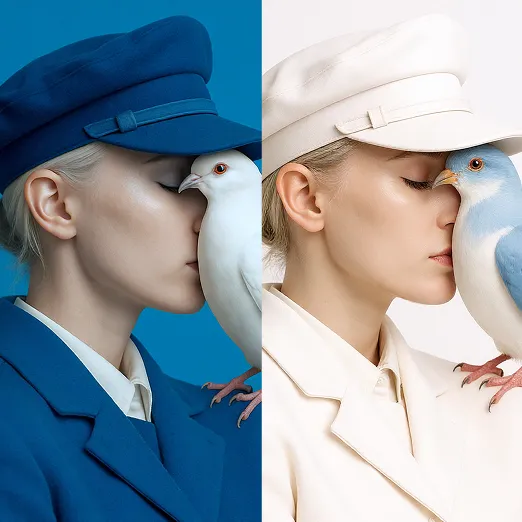
Professional Content
Create high-quality visual content

Digital Artwork
Design stunning digital art pieces
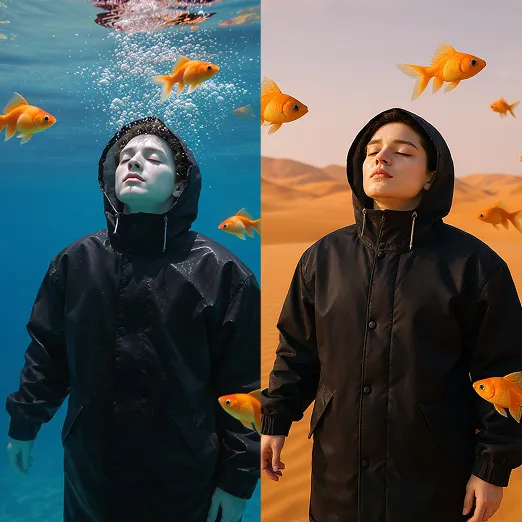
Creative Projects
Transform photos into professional artwork
How to Use Seedream 4.0 AI Image Generator
Create your artwork in 3 easy steps
1. Enter Prompt
Describe the features and specific modifications you want for your image.
2. Select Reference Image
Choose a clear image to use as a reference for the AI generation.
3. Click Generate
Click 'Generate' and wait for the AI to create your artwork.
FAQs about Seedream 4.0 AI
Explore More AI Image Tools for Creative Projects
Discover our full toolkit of AI-powered image generation tools.