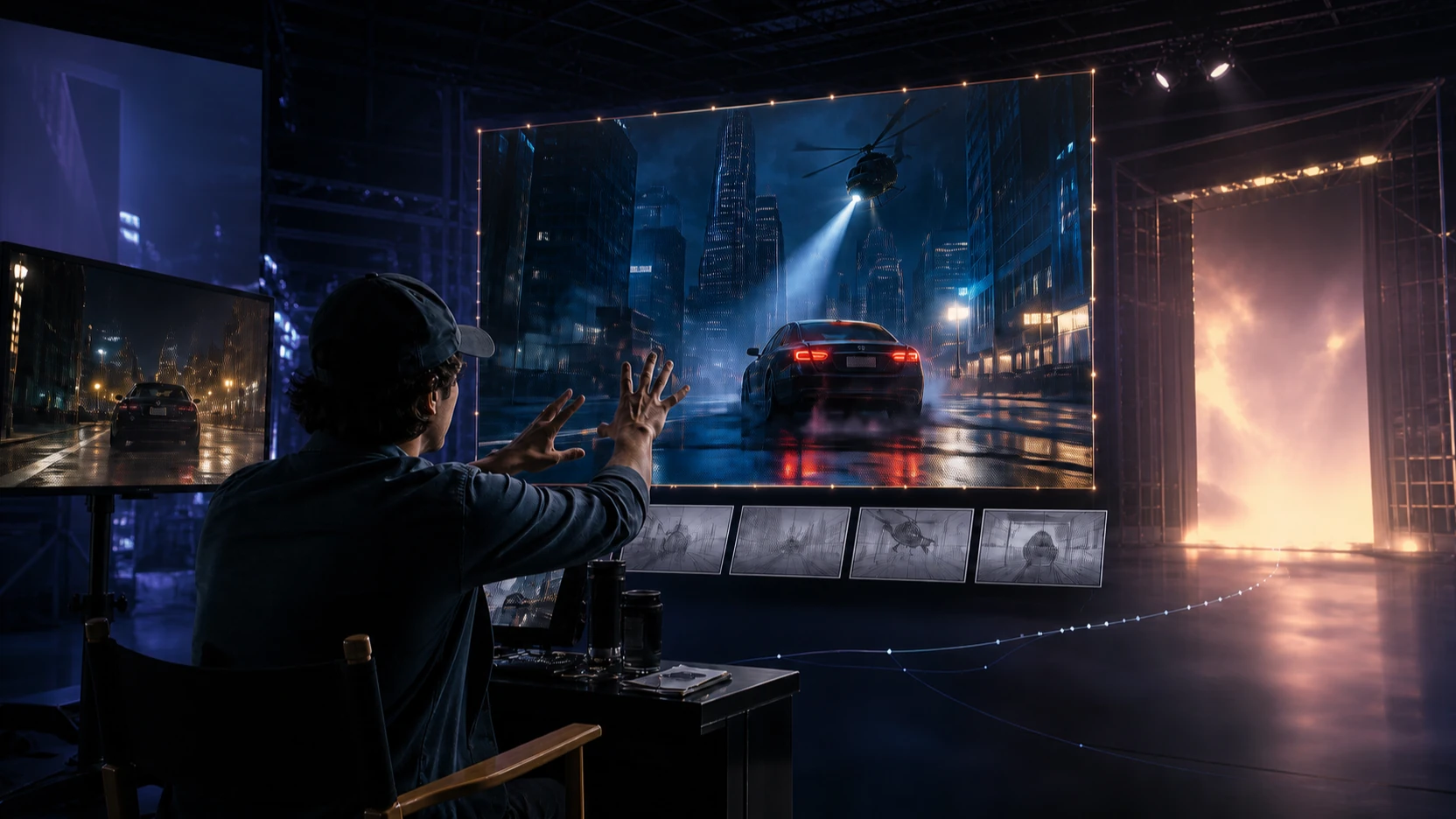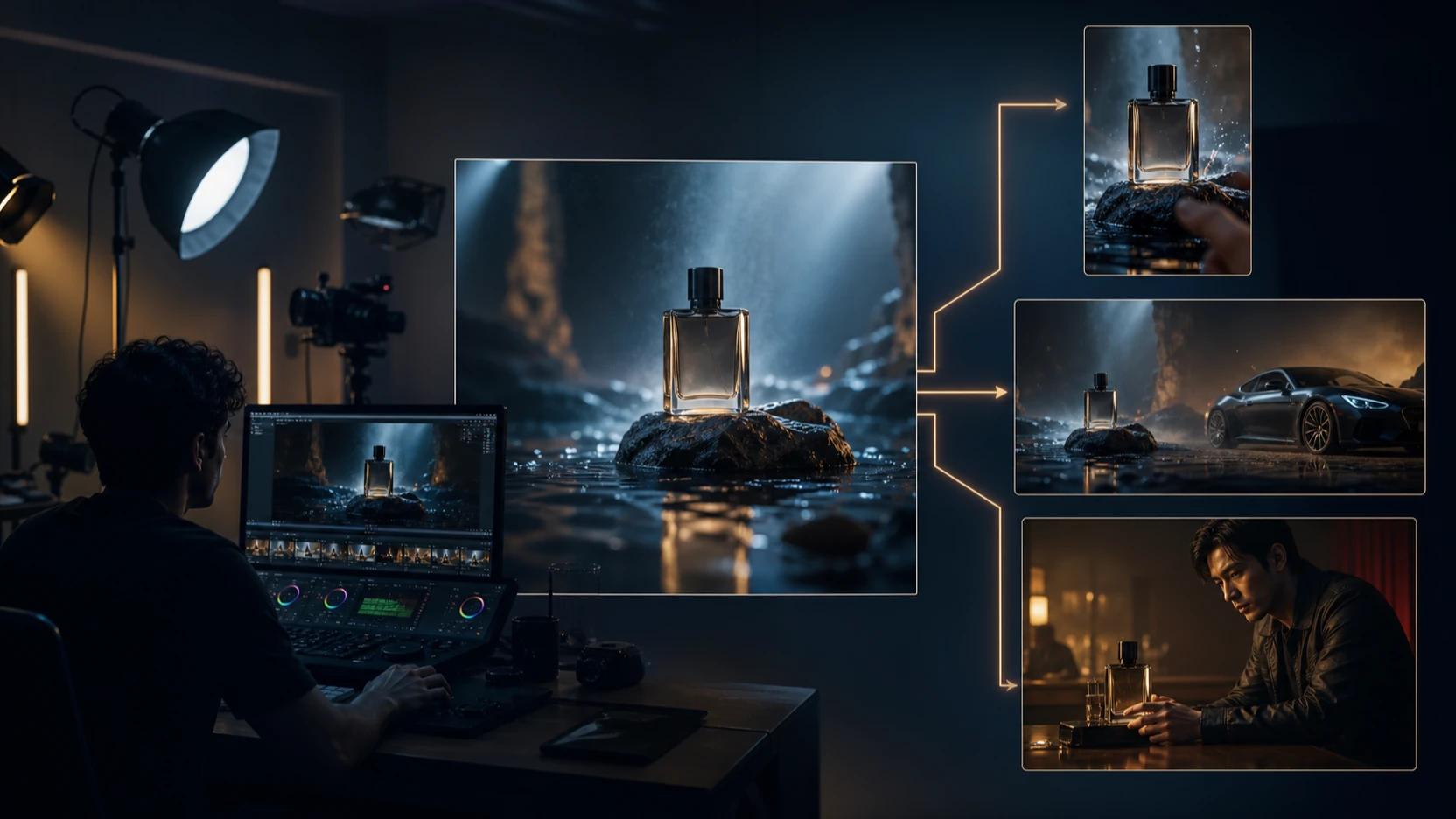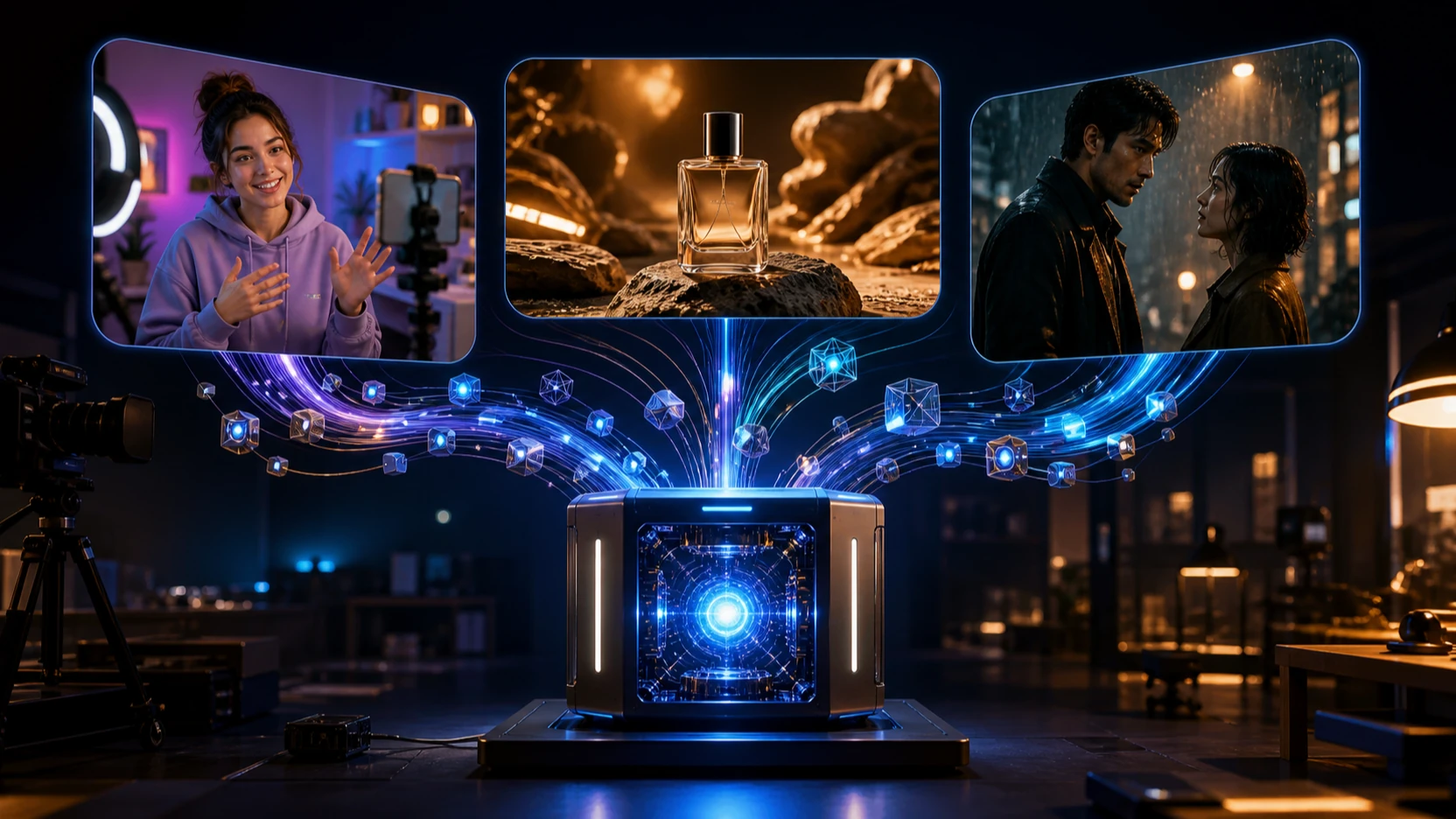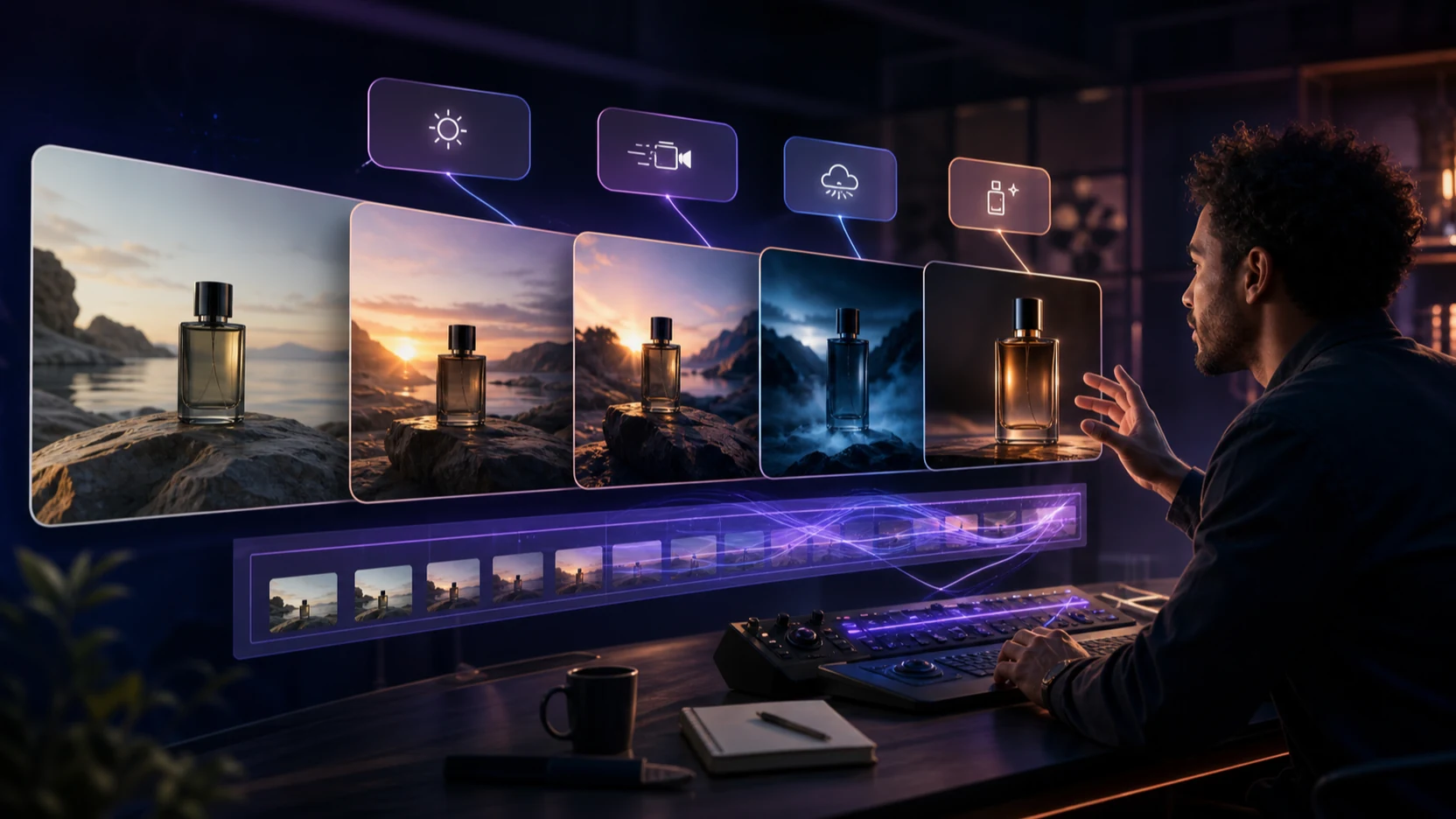
The Gemini Omni 1.1 Flash new release turns a familiar creative request—“change this part, but keep everything else”—into a practical AI video workflow. Instead of restarting from a prompt whenever a shot is wrong, creators can generate, edit video through conversation, extend a scene, guide the first and last frames, and move from an inexpensive draft to a polished delivery file. For marketers, filmmakers, ecommerce teams, educators, and social creators, that changes video creation from a one-shot lottery into an iterative directing process.

Google released gemini-omni-1.1-flash as the generally available version of Gemini Omni Flash on August 27, 2026. The release adds 360p drafts, 1080p and 4K upscaling, first-and-last-frame interpolation, video extension, and stronger control over longer sequences. This guide explains what improved over the earlier Gemini Omni Flash preview, how the pricing can reduce experimentation cost, where the model still has limits, and how to use it for real production scenarios.
Gemini Omni 1.1 Flash New Release: What Actually Changed?
Gemini Omni 1.1 Flash is the production-ready evolution of Google’s original conversational video model. Google’s Gemini API release notes list the stable model code as gemini-omni-1.1-flash; the older gemini-omni-flash-preview endpoint is scheduled for deprecation on September 30, 2026. That matters to developers because a stable endpoint is easier to plan around than a temporary preview model.
The new release expands creative control in five practical ways:
- Lower-cost drafting: create 360p previews before paying for a higher-resolution result.
- Higher-resolution delivery: select 720p, upscale to 1080p, or upscale to 4K when the final shot needs more finishing detail.
- Longer narrative continuity: extend a sequence in increments, with the model considering more prior video context.
- First-and-last-frame control: define where a shot starts and ends, then generate the movement between those keyframes.
- More structured iteration: preserve a conversation state and request targeted changes rather than rebuilding the entire clip.
Google’s official release article says an extension can analyze up to 10 seconds of prior context, compared with the final second used by earlier models, and can continue in 10-second increments up to a cumulative 40 seconds. The same article introduces video references of up to three seconds and describes 360p generation as a faster, less expensive draft mode.
These are meaningful improvements, but they do not guarantee a perfect first result. The value comes from making correction, branching, and refinement more deliberate.
Gemini Omni 1.1 Flash vs Gemini Omni Flash
The clearest comparison is not “new is automatically better.” It is whether the new version makes a repeatable video creation workflow easier to control and cheaper to revise. On that test, Gemini Omni 1.1 Flash offers several concrete advantages over the earlier Gemini Omni Flash preview.

| Decision factor | Gemini Omni 1.1 Flash | Earlier Gemini Omni Flash preview | Why it matters |
|---|---|---|---|
| Model status | Stable GA model released August 27, 2026 | Preview endpoint scheduled for deprecation September 30, 2026 | Production workflows gain a clearer migration target. |
| Resolution | 360p, 720p, upscaled 1080p, upscaled 4K | 720p in Google’s release pricing comparison | Teams can draft cheaply and reserve high resolution for approved shots. |
| Scene extension | Up to 10 seconds of prior context; cumulative extension up to 40 seconds | Earlier models referenced the final second | More context can improve continuity across longer stories. |
| Keyframe control | First-and-last-frame interpolation | Not listed as a preview capability in the new release comparison | Camera transitions and loops become easier to art-direct. |
| Conversational editing | Stateful follow-up edits through the Interactions API | Conversational editing was already the core preview experience | The new model keeps the familiar workflow while adding production controls. |
| Output price | $0.03/s at 360p; $0.10/s at 720p; $0.15/s at 1080p; $0.30/s at 4K | $0.10/s at 720p | 360p creates a cheaper decision layer; 720p pricing remains unchanged. |
Better effects come from control, not resolution alone
The most useful visual improvement is the ability to direct a shot more precisely. First-and-last-frame interpolation can define a camera orbit, push-in, pull-back, whip-pan, or seamless loop without leaving the final composition entirely to chance. Video extension can preserve more narrative context, which is especially valuable when a character, product, room, or lighting setup must remain recognizable.
Higher resolution helps at delivery time, but it cannot repair weak motion, incorrect geometry, or a poorly designed prompt. A sensible workflow tests action, identity, composition, and timing at 360p or 720p first. Only upscale an approved version. This keeps “fine detail” connected to actual creative decisions instead of treating 4K as a substitute for direction.
More precise editing through conversation
Gemini Omni 1.1 Flash uses the Interactions API to maintain state between turns. A creator can generate a shot, then ask for a focused change such as “keep the actor, framing, and camera path unchanged; make the room warmer and replace the rain with light snow.” The next instruction can build on that result instead of requiring a complete prompt rewrite.
This conversational structure benefits non-editors because it expresses revisions in normal production language. It also benefits experienced teams because each instruction can become more specific: preserve product geometry, keep the same wardrobe, delay the camera move until the third second, remove one background object, or branch an alternate ending.
Gemini Omni 1.1 Flash Pricing: Where the Savings Come From
Gemini Omni 1.1 Flash is cheaper during exploration, not universally cheaper at every resolution. Google’s August 2026 release pricing table lists the following per-second output prices:
| Resolution | Gemini Omni 1.1 Flash price | Practical role |
|---|---|---|
| 360p | $0.03 per second | Storyboards, prompt tests, timing checks, variation reviews |
| 720p | $0.10 per second | Standard preview and many online-video workflows |
| 1080p | $0.15 per second | Upscaled delivery for polished social, web, and presentation video |
| 4K | $0.30 per second | Upscaled master for detailed finishing and professional post-production |
A 10-second 360p draft therefore costs about $0.30 at Google’s listed API rate, while a 10-second 720p generation costs about $1.00. Four draft alternatives would cost about $1.20 at 360p versus $4.00 at 720p. This example excludes input charges, taxes, subscription fees, and third-party platform markups, but it shows why the draft tier can materially reduce the cost of selecting an idea.
The better metric is cost per approved clip, not price per attempt. Track how many generations reach the edit, how many require a restart, whether identity and geometry survive revisions, and how much manual post-production remains. A model that costs more per second may still be more efficient if it needs fewer retries.
“Fewer Restrictions” Means More Creative Control—not Fewer Safety Rules
Gemini Omni 1.1 Flash is less restrictive in workflow terms because it offers more resolution choices, longer scene construction, first-and-last-frame control, uploaded-video editing, reference media, and multi-turn refinement. Those options reduce the number of times a creator must leave the model to rebuild a shot elsewhere.
However, the safety and technical limits still matter. According to Google’s Gemini Omni API guide:
- Base outputs are 3–10 seconds at 24 fps.
- API output supports 16:9 and 9:16 aspect ratios.
- Uploaded videos for editing or extension must be 10 seconds or shorter.
- Editing or extending uploaded videos is region-limited in the EEA, Switzerland, and the United Kingdom; model-generated videos can still be extended there.
- Editing certain recognizable people is restricted.
- English is fully supported; other languages may work but have not been evaluated to the same level.
- Inputs and outputs pass through safety filters, and generated videos include an imperceptible SynthID watermark.
Creators should also secure rights to faces, voices, music, footage, product designs, and brand assets. “More flexible” should describe production control, never a way around consent, copyright, platform policy, or disclosure requirements.
How to Edit Video Through Conversation
The strongest workflow separates ideation, correction, branching, and finishing. Treat the conversation like a compact directing session.
Step 1: Define the unchangeable elements
Start with the subject, environment, action, camera, lighting, sound, duration, and aspect ratio. Name the elements that must remain stable. For example:
A single continuous 9:16 shot of a runner tying her shoes on a rooftop at sunrise. Slow push-in, natural wind in her jacket, distant city ambience. Keep her face, yellow jacket, rooftop layout, and sunrise direction consistent. No cuts and no on-screen text.
Specific constraints give later edits an anchor. They are more useful than vague adjectives such as “epic” or “cinematic.”
Step 2: Generate cheap drafts and vary one decision
Use 360p to compare ideas that may be rejected. Create three or four versions, changing only one variable in each branch: camera speed, lighting, action timing, or environment. A controlled comparison reveals which direction works without confusing several changes at once.
Step 3: Edit one problem per conversational turn
Write narrow instructions that preserve approved parts:
- “Keep the subject, timing, wardrobe, and camera path unchanged. Make the sunrise warmer and reduce the wind.”
- “Preserve everything from the last version. Delay the push-in until she looks at the camera.”
- “Keep the edit. Remove the bottle in the background and leave the rooftop architecture unchanged.”
This sequence is easier to evaluate than a single request containing ten corrections.
Step 4: Use keyframes or extension for structure
Supply a first and last frame when the ending composition matters—for example, a product entering a hero pose, a camera passing through a doorway, or a loop returning to its opening frame. Use extension when the shot needs another story beat, and restate the identity, direction of movement, sound, and visual invariants.
Step 5: Upscale only the approved branch
Review motion, anatomy, product shape, reflections, background continuity, dialogue timing, and audio before moving to 1080p or 4K. Add exact logos, prices, legal copy, and subtitles in a conventional editor where spelling, placement, timing, and accessibility can be controlled.
Video Creation Use Cases That Benefit Most
Conversational editing is most valuable when a good shot needs a precise revision rather than a full replacement.

Social video and creator content
Short-form teams can build 9:16 hooks for TikTok, Reels, and YouTube Shorts, then refine the first second, expression, product reveal, and closing frame. One concept can branch into calm, energetic, humorous, and premium versions without losing the central subject. The result may improve watch time when the hook, pacing, and message fit the audience, although no model can guarantee views.
Advertising and product videos
Brands can animate an approved pack shot, adjust surface reflections, change environmental lighting, or direct a camera move between two product frames. The conversation history helps preserve decisions while the team explores different moods. Final logos, claims, prices, and disclaimers should still be composited in post.
Ecommerce and UGC variants
A product team can turn one creative brief into multiple UGC-style demonstrations: unboxing, close-up texture, problem-and-solution, lifestyle use, or testimonial framing. Reference images help maintain the product, while low-cost drafts make it practical to test several openings before choosing a final version.
Short films, trailers, and episodic stories
Longer context and extensions can support a sequence of connected beats. Directors can branch an alternate reaction, continue a camera move, or build toward a specified last frame. Human review remains essential for character continuity, screen direction, dialogue logic, and edit rhythm across scenes.
Real estate, travel, and hospitality
First-and-last-frame guidance suits controlled room transitions, exterior-to-interior moves, destination reveals, and time-of-day changes. Prompts should avoid adding architecture or amenities that do not exist. Treat the generated result as concept or marketing footage only when it accurately represents the property and local advertising rules allow it.
Education, explainers, and previsualization
Teachers and creative teams can visualize a scientific process, historical environment, product mechanism, or storyboard motion before commissioning full production. Every factual detail needs review. The model is useful for communicating direction, not replacing subject-matter verification.
Music, performance, and event concepts
Creators can plan a camera orbit, stage-light transition, stylized performance beat, or looping visual. Native audio makes rhythm and ambience part of the prompt, while conventional audio tools remain preferable for licensed masters, precise mixing, stems, and final loudness control.
More AI Video Tools to Add to the Workflow
No single model needs to handle every shot. These related tools provide useful alternatives for generation, testing, and API integration.
Gemini Omni Flash on VideoWeb AI
The Gemini Omni Flash page on VideoWeb AI offers a browser-oriented entry into Gemini Omni-style multimodal video creation. Check the model label, settings, credits, and supported inputs before each generation because platform availability can change independently of Google’s API rollout.
Google Veo 3.1 and Google Veo 3
Use the Google Veo 3.1 Video Generator when the priority is prompt-led cinematic generation with a creator-friendly interface. The Google Veo 3 Video Generator remains a useful comparison point for teams with established Veo 3 prompts or older project references.
Gemini Omni 1.1 Flash is the stronger fit when the job centers on conversational editing, extension, keyframes, and iterative control. Veo remains useful when a team wants an alternate generation model for a fresh visual interpretation.
Google Veo 3.1 API on BestImage AI
Developers can evaluate the Google Veo 3.1 text-to-video API for automated generation. On August 31, 2026, the supplied page exposed a text-to-video model, 16:9 and 9:16 ratios, and a visible price of $3.04 per generation after a 5% discount. Treat this as time-sensitive platform pricing and recheck it before budgeting.
Seevido AI and Hey Dream AI
The supplied Seevido AI recommendation currently points to the same VideoWeb AI Veo 3.1 destination listed above, so it should be treated as one tool page rather than a separate model. Hey Dream AI provides a broader creative workspace for AI images, video, edits, and 3D assets, which can help teams develop reference images or supporting assets around the final video workflow.
FAQ About Gemini Omni 1.1 Flash
Is Gemini Omni 1.1 Flash officially released?
Yes. Google’s API release notes list gemini-omni-1.1-flash as generally available from August 27, 2026. The earlier gemini-omni-flash-preview endpoint is scheduled for deprecation.
Can Gemini Omni 1.1 Flash edit an uploaded video through conversation?
Yes, where the feature is available. Upload a supported video of 10 seconds or less, describe the change, then refine the result through follow-up instructions. Regional and recognizable-person restrictions apply.
Is Gemini Omni 1.1 Flash cheaper than Gemini Omni Flash?
At 720p, Google lists both at $0.10 per second. Omni 1.1 adds a $0.03-per-second 360p draft mode, making experimentation cheaper. Higher-resolution 1080p and 4K outputs cost more.
Does Gemini Omni 1.1 Flash generate 4K video natively?
Google describes 1080p and 4K outputs as upscaled. Use them for an approved final branch, but judge motion, identity, and scene continuity before paying for the higher-resolution render.
What is the best use of conversational video editing?
Use it for targeted revisions: preserve a character while changing lighting, keep a product while revising the camera, extend an approved scene, or branch alternate endings. Small, explicit instructions are easier to evaluate than a complete rewrite.
Conclusion
The Gemini Omni 1.1 Flash new release makes AI video creation more direct: draft cheaply, edit video through conversation, guide the opening and closing frames, extend an approved scene, and upscale only the version worth finishing. Its biggest advantage over Gemini Omni Flash is not a blanket price cut; it is a more disciplined path from idea to approved clip. Use the new controls to reduce unnecessary retries, preserve creative intent, and build social, advertising, ecommerce, film, and educational videos with a clearer revision process.