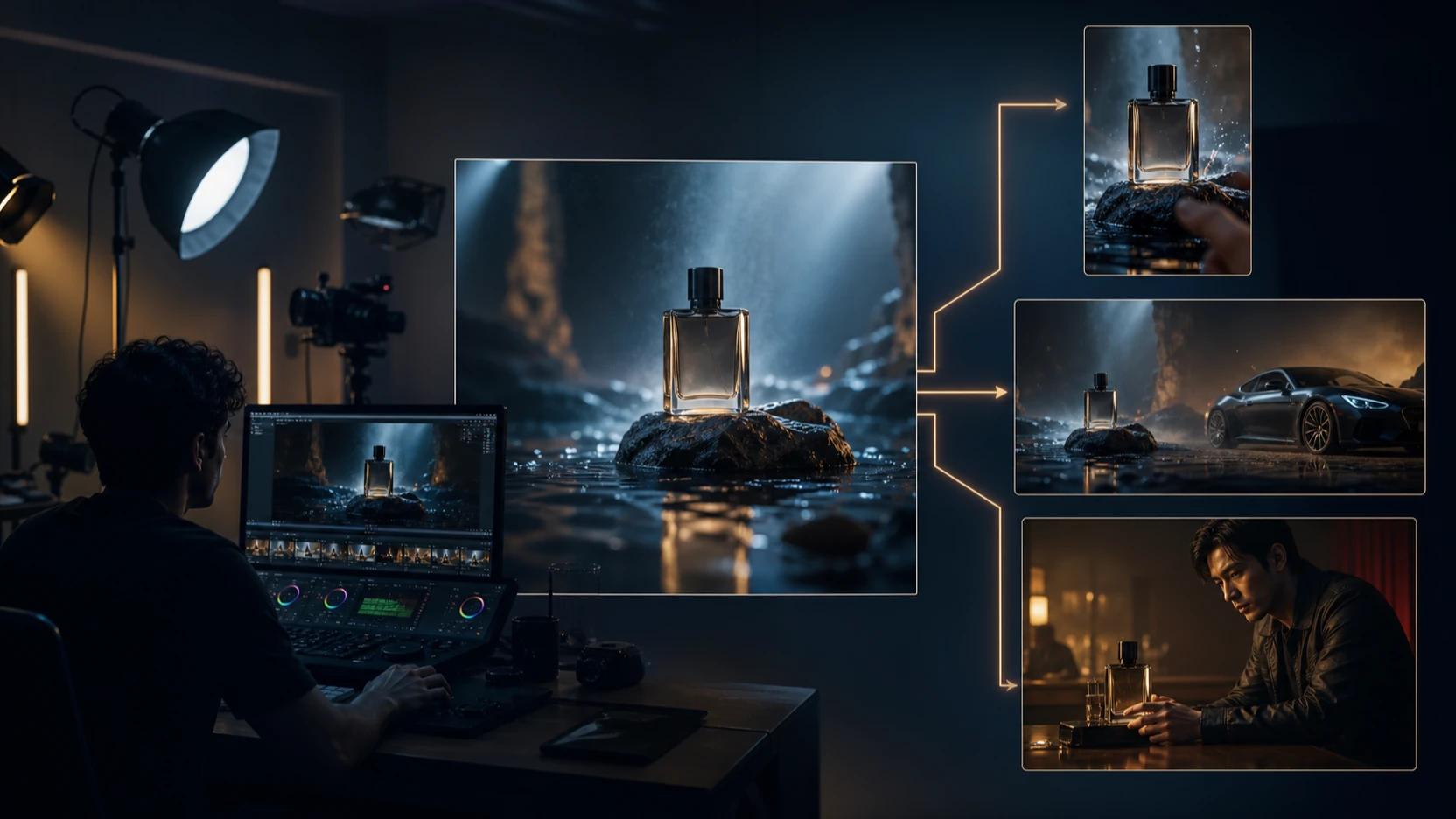
The Seedance 2.5 launch on VideoWeb AI gives creators a new route to cinematic video creation from either a prompt or a starting image. The model is now selectable in the Seedance 2.5 Video Generator, where the current page presents a 500-credit starting generation and controls for resolution, duration, and aspect ratio. Compared with Seedance 2.0, the practical upgrade is not simply “newer is better.” Seedance 2.5 is most compelling when longer clips, tighter shot direction, native audio, and fewer assembly steps can produce a more usable first pass.

This guide compares the two versions by output effect, fine detail, workflow freedom, and price. It also shows how social teams, advertisers, short-drama creators, and developers can turn the model into a repeatable production workflow.
Seedance 2.5 Launch: What Is Available on VideoWeb AI Now?
Seedance 2.5 is available as an online generator on VideoWeb AI. At the time of this review on August 10, 2026, the page loads with Seedance 2.5 selected and a Generate (500) action. Its current VideoWeb AI configuration supports text-to-video and image-to-video creation, 5-to-30-second durations, 480p or 720p output, six common aspect ratios, and native audio. Available settings and credit quotes can change, so confirm the live selector before starting a large batch.
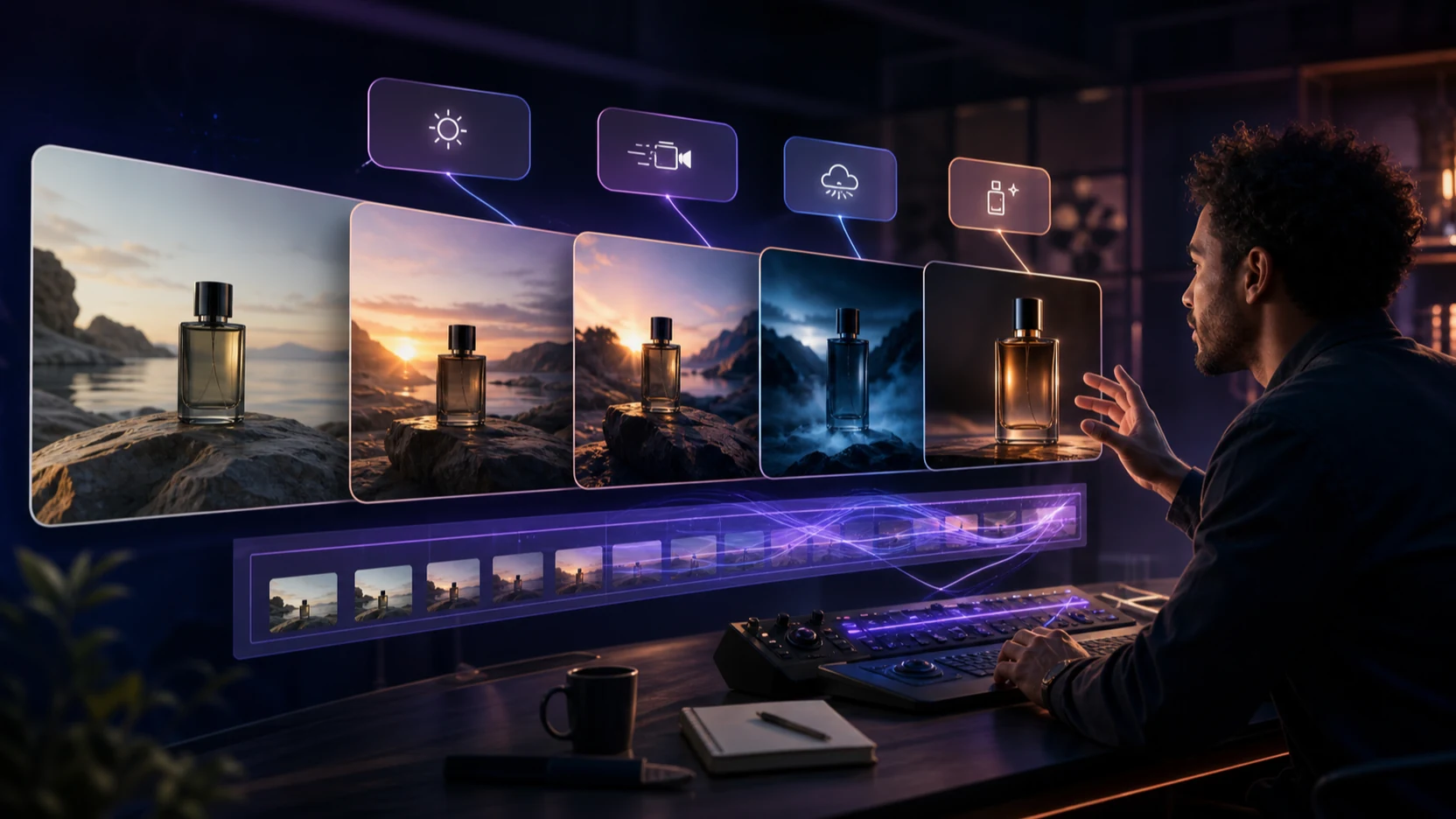
The most useful launch benefit is workflow consolidation. A creator can describe the subject, environment, camera move, lighting, pace, sound, and ending in one brief, or upload a starting image to preserve the product or character direction. VideoWeb AI positions the model for product launches, social ads, creator briefs, landing-page loops, and short cinematic scenes.
This is different from treating a generator as a novelty clip maker. A 30-second ceiling gives a team more room for a hook, development, and closing beat inside one generation. That can reduce the need to generate and stitch several short fragments, although every result still needs a human review for continuity, brand accuracy, and publishing rights.
Seedance 2.5 vs Seedance 2.0: Effect, Price, Detail, and Limits
The fair comparison is scenario-based. ByteDance’s official Seedance 2.0 launch notes describe a mature multimodal model that accepts text, images, audio, and video references, with high-quality output up to 15 seconds and strong control over complex motion. Seedance 2.5 on VideoWeb AI takes a more streamlined text-or-image route while extending the available duration and emphasizing directed, campaign-ready clips.

| Decision factor | Seedance 2.5 on VideoWeb AI | Seedance 2.0 on VideoWeb AI | Practical takeaway |
|---|---|---|---|
| Starting credit display | 500 credits | 300 credits | Seedance 2.0 has the lower entry cost for a first test. |
| Output effect | Positioned for cinematic motion, stronger reference consistency, and campaign-oriented direction | Proven multimodal control, physical motion, editing, and reference-driven generation | Test both with the same brief; choose by usable output, not version number. |
| Fine detail | Better fit when product surfaces, lighting, framing, and a clear final beat must survive a longer shot | Strong choice when the job depends on mixed image, video, and audio references | Inspect hands, props, logos, fabric, facial identity, and frame-to-frame stability at full size. |
| Duration on the current workflow | 5–30 seconds | The official Seedance 2.0 release describes up to 15-second high-quality output | Seedance 2.5 can cover a longer story arc without joining as many clips. |
| Input flexibility | Text-to-video or image-to-video, with start/end-frame control in image mode | Broader multimodal reference workflow is a core Seedance 2.0 strength | Seedance 2.5 is less restrictive for duration; Seedance 2.0 remains stronger for deep mixed-media referencing. |
| Delivery formats | Vertical, square, landscape, portrait, and ultrawide ratios; current implementation offers 480p and 720p | Multiple creation modes and reference-led control | Match ratio to the publishing channel before generation to avoid destructive crops. |
Does Seedance 2.5 really save money?
Seedance 2.5 does not have the lower displayed starting price: the current pages show 500 credits for 2.5 and 300 for 2.0. Its potential cost advantage is instead the cost per usable deliverable. A longer, more directed generation may replace multiple clips, editing joins, or failed variations.
A simple planning formula is:
effective creative cost = credits per attempt × attempts required for an approved result
For illustration only, two 300-credit attempts cost 600 credits, while one approved 500-credit attempt costs 500. That example does not predict success rates. Run a small A/B test with the same prompt, reference image, duration target, and approval checklist before moving a campaign budget.
Where the finer result should be visible
“More detailed” should be judged on frames, not adjectives. Zoom in on product edges, material texture, small props, hands, eyes, clothing movement, reflections, and the transition between action beats. Then listen for audio that lands at the right moment rather than merely existing in the clip.
Seedance 2.5 is the stronger candidate when the brief depends on a controlled reveal, deliberate camera motion, consistent product appearance, or a complete 20-to-30-second arc. Seedance 2.0 remains a serious option when several reference types must work together or when its lower starting credit quote makes broad ideation more economical. Neither model eliminates compositing, captions, color review, or legal clearance.
What “fewer restrictions” means here
In this comparison, fewer restrictions refers to creative workflow options: longer selectable duration, multiple channel-ready ratios, native audio, and start/end-frame guidance for image-to-video work. It does not mean relaxed safety rules, permission to imitate people without consent, or freedom to use copyrighted assets. Teams should still use licensed media, obtain likeness permission, and review each platform’s advertising and synthetic-media policies.
Why Seedance 2.5 Helps Cinematic Video Creation
Cinematic video creation depends on continuity between intention and output. A useful model must understand not only what appears in the frame, but how the camera moves, when the action changes, what the light communicates, and where the scene ends. Seedance 2.5 makes those instructions easier to keep inside one production pass.
For creators, that improves three parts of the process:
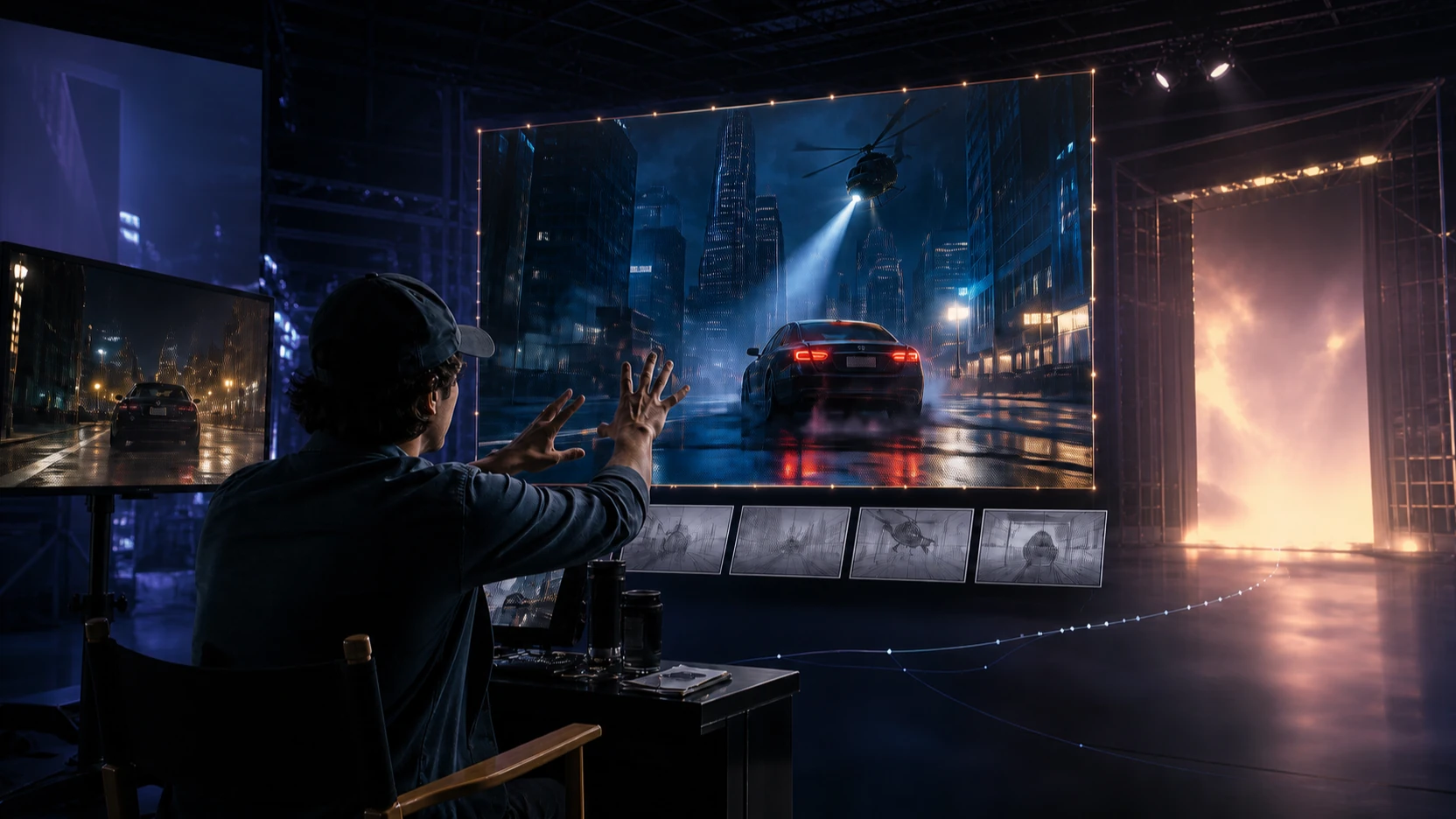
- Previsualization: turn a script beat or storyboard frame into motion before committing to a shoot or full edit.
- Variation: change a hook, camera move, aspect ratio, or final beat without rebuilding the whole concept manually.
- Delivery planning: generate for 9:16 social feeds, 1:1 placements, 16:9 pages, or cinematic 21:9 concepts from the start.
- Audio-aware review: judge motion and sound together, then replace or mix audio in post when the campaign requires stricter brand control.
The result is not automatically a finished film. It is a faster path from a written brief to a clip that editors, clients, or creators can evaluate. That distinction matters: the model saves the most time when the team has a clear approval rubric and knows which defects require a rerender versus a normal edit.
High-Impact Seedance 2.5 Use Cases

Social media video creation
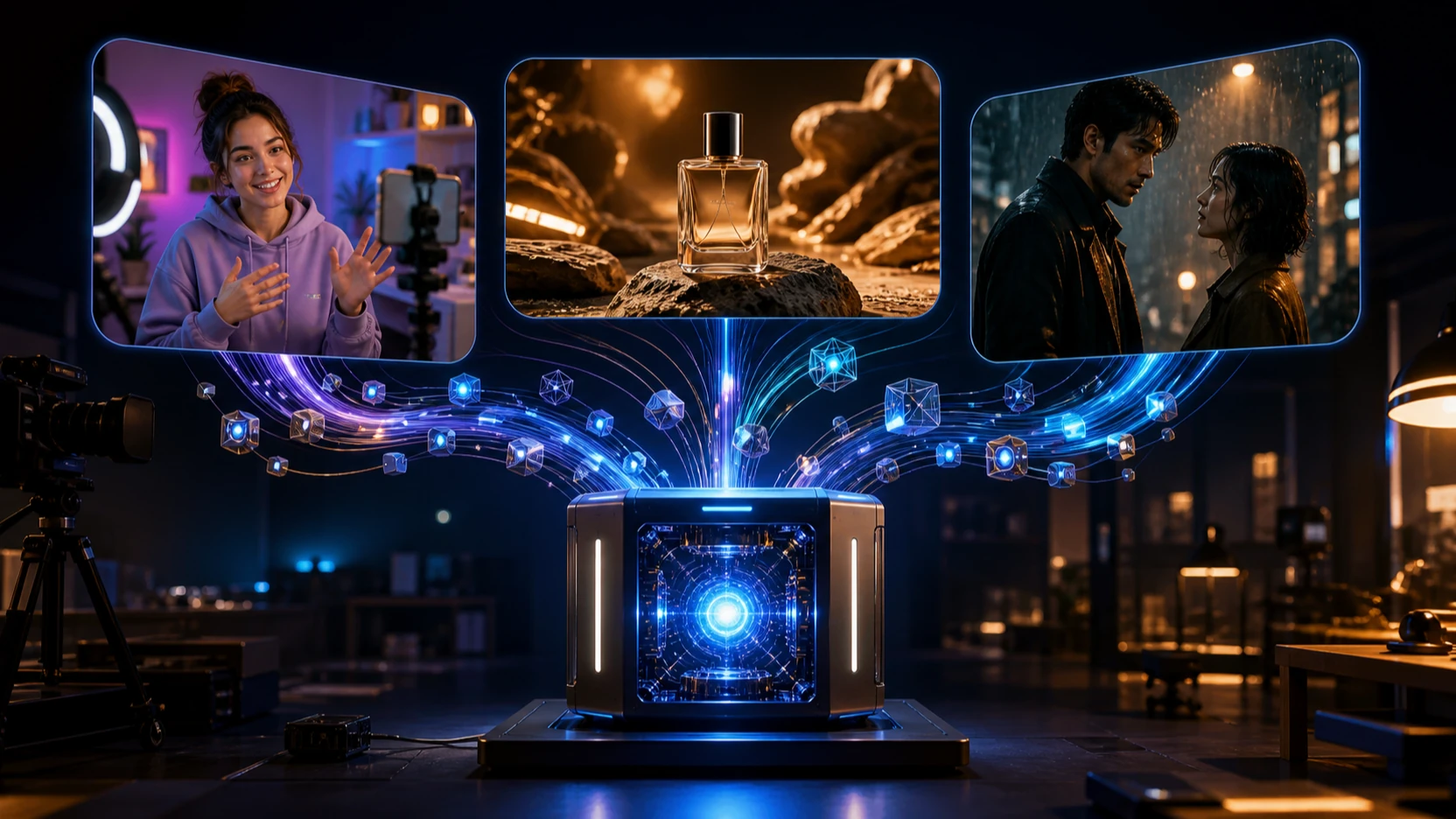
Use Seedance 2.5 for TikTok, Instagram Reels, YouTube Shorts, and vertical campaign teasers. A 9:16 brief can include a one-second visual hook, a product action, a reaction or benefit beat, and a clean end frame for later captioning. Producing several openings around one consistent product image gives social teams more creative angles to test, but no model can guarantee views. Reach still depends on the idea, opening retention, edit, caption, offer, targeting, timing, and platform distribution.
Prompt example: “Vertical 9:16 beauty product launch. Macro shot of a glass serum bottle on wet black stone, slow arc camera move, cool dawn light, condensation beads remain sharp, a hand lifts the bottle at second four, soft water ambience, finish on a stable centered packshot with negative space for captions.”
Advertising and ecommerce video creation
Product teams can turn clean pack shots into motion concepts for paid social, marketplace listings, landing-page heroes, or pitch reviews. The best briefs specify which product details must not change, the desired camera path, background behavior, and the final merchandising frame. Always compare the generated packaging against the real SKU before publishing; AI may alter labels, proportions, colors, or claims.
For UGC-style ads, build visual B-roll rather than pretending an AI person is a real customer. A safe structure is problem context, product demonstration, visible benefit, and branded close. Add verified claims, disclosures, and human voiceover during editing.
Short drama and cinematic storytelling
A 20-to-30-second span can hold a setup, turn, and payoff: a character enters a rain-soaked station, recognizes an object, and makes a decision as the camera moves from wide to close. Seedance 2.5 is useful for short-drama previews, mood tests, shot exploration, fantasy inserts, and proof-of-concept trailers. It is especially valuable before production, when changing a lens feel or location in a prompt is cheaper than changing a physical set.
Use a character reference where identity consistency matters, describe one action per beat, and avoid packing an entire episode into one prompt. Editors can then combine the strongest passes with dialogue, titles, and sound design.
Creator briefs, education, and internal communication
Agencies can use generated clips as motion references that show creators the intended framing, pace, and product placement. Educators can animate a process opener or abstract concept, while product teams can visualize onboarding or feature-launch ideas. In each case, the model communicates direction quickly; factual explanations, accessibility captions, and final brand review remain human responsibilities.
How to Use the Seedance 2.5 Video Generator
Start with one measurable creative goal rather than a broad request for “a cinematic video.” The Seedance 2.5 Video Generator works best when the prompt functions like a concise director’s brief.
- Choose text-to-video or image-to-video. Use text for exploration. Use an image when product, character, composition, or style continuity matters.
- Write the scene in ordered beats. Name the subject, setting, action, camera movement, lighting, pace, audio direction, and final frame.
- Select the publishing format first. Use 9:16 for vertical social, 1:1 for square placements, 16:9 for web and YouTube, or another available ratio only when the destination supports it.
- Use duration intentionally. Five seconds suits a motion test; 10–15 seconds suits a single ad beat; 20–30 seconds can support a short narrative arc. Longer is useful only when the scene has enough structure.
- Review at full size. Check identity, hands, product geometry, text, shadows, contact points, motion continuity, sound timing, and the closing frame.
- Iterate one variable at a time. Change the camera path, action timing, reference image, or duration separately so you learn what improved the result.
A reusable prompt formula is:
subject + environment + ordered action beats + camera and lens feel + lighting + motion physics + audio + final frame + aspect ratio and channel
Keep on-image text out of the generation prompt when exact wording matters. Add copy, logos, prices, subtitles, and legal lines in the editor, where spelling and placement are controllable.
Recommended APIs and Online UGC Video Tools
For developers, the right API depends on whether the pipeline needs a specific Seedance look, low-cost iteration, or another image-to-video option. Check status, schema, pricing, rate limits, moderation requirements, and commercial terms before production deployment.
- Seedance 2.5 Video API — the requested image-to-video endpoint page currently says Coming Soon. Bookmark it for status updates; do not design a production deadline around it until the playground and API are enabled.
- MiniMax H3 Video API — a text-to-video alternative for teams that want to compare motion, prompt adherence, and generation cost across providers.
- Flux 3 Video API — an image-to-video option for pipelines that begin with approved product, character, or campaign artwork.
Creators who do not need API integration can also extend the workflow with these online tools:
- Reference to Video Generator — useful when character, product, camera, style, or motion references should guide the clip.
- Image to Video Generator — useful for animating pack shots, key art, storyboards, portraits, and social campaign stills.
For UGC production, use these tools to build hooks, demonstrations, reaction-style B-roll, and alternate cuts. Keep real testimonials, product claims, disclosures, and creator identity authentic and verifiable.
A Practical A/B Test Before You Scale
Run a controlled test before declaring Seedance 2.5 better than Seedance 2.0. Use the same input image, prompt, aspect ratio, target duration, and review panel. Score each output from 1 to 5 on subject consistency, fine detail, action completion, camera compliance, audio timing, crop safety, and editing effort.
Record both credits spent and the number of attempts required. The winning model is the one that reaches the approval threshold with the best combination of quality, total credits, and editor time. This method turns a subjective “looks better” debate into a repeatable production decision.
Recommended Reading
- Meta Muse Video vs Seedance 2.0: Preview Potential Against a Model Creators Can Test Now
- Seedance 2.5 Release: What’s New and How It Compares with Seedance 2.0
FAQ
Is Seedance 2.5 available on VideoWeb AI?
Yes. The VideoWeb AI page currently loads with Seedance 2.5 selected and shows a 500-credit generation action. Confirm the live settings and credit quote before creating a large batch.
Is Seedance 2.5 always better than Seedance 2.0?
No. Seedance 2.5 is a strong candidate for longer, directed cinematic clips, while Seedance 2.0 remains useful for deeper mixed-media reference workflows and lower-cost first tests. Compare both on the same brief.
Is Seedance 2.5 cheaper than Seedance 2.0?
Not by the displayed starting quote: the current VideoWeb AI pages show 500 credits for Seedance 2.5 and 300 for Seedance 2.0. Seedance 2.5 can still be cost-effective if a longer or more controlled result reduces rerenders, stitching, or editing effort.
Can Seedance 2.5 create social ads and UGC videos?
Yes. It can create vertical hooks, product demonstrations, branded B-roll, launch reels, and creator-brief examples. Do not present synthetic people as real customers, and verify all product claims and disclosures before publication.
Is the Seedance 2.5 API already live?
The Flaq AI Seedance 2.5 image-to-video page currently displays “Coming Soon.” The online Seedance 2.5 generator on VideoWeb AI is available, but API availability should be checked separately.
Conclusion
The Seedance 2.5 launch on VideoWeb AI is most useful for creators who want longer, more directed cinematic video creation with text or image input, native audio, and channel-ready ratios. Seedance 2.0 still offers a lower displayed starting cost and deeper multimodal reference strengths, so the smarter choice is a controlled A/B test. Start with one real brief in the Seedance 2.5 Video Generator, measure usable outputs and total credits, then scale the workflow that wins.