The useful answer to Vidu Q3 vs Kling 3.0 is not a universal winner. Vidu Q3 is the model to test first for longer self-contained clips, native audio-led scenes, animated source images, and short-form production. Kling Video 3.0 is the model to test first for reference-heavy shots, multi-shot direction, text or product preservation, and complex cinematic camera language.
That recommendation is a starting hypothesis, not an independent benchmark result. A fair decision requires identical prompts, source assets, durations, aspect ratios, audio instructions, and repeated generations. VideoWeb AI is a practical comparison hub because it provides dedicated pages for Vidu Q3 and Kling 3.0 inside the same broader video-generation environment.

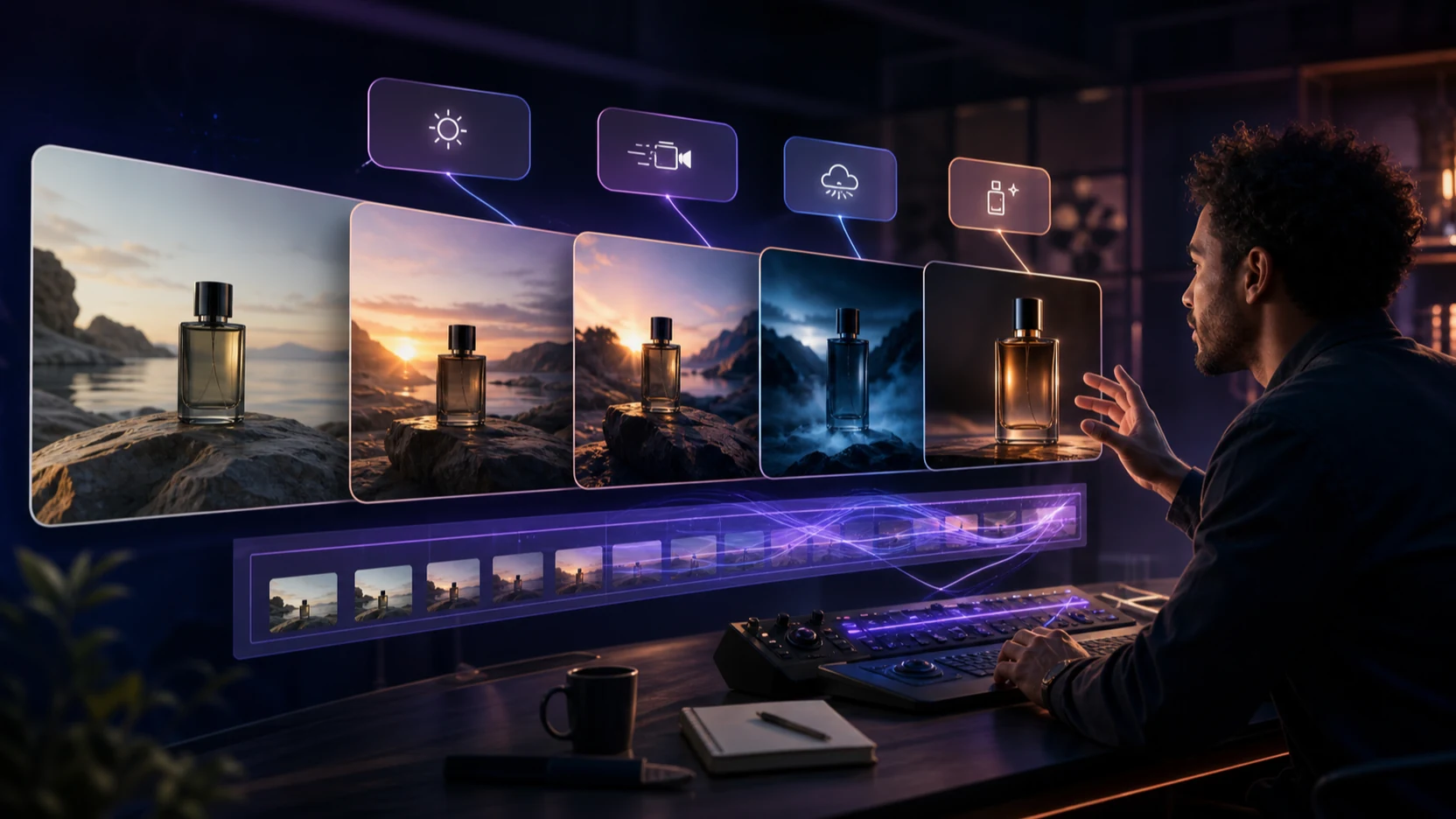
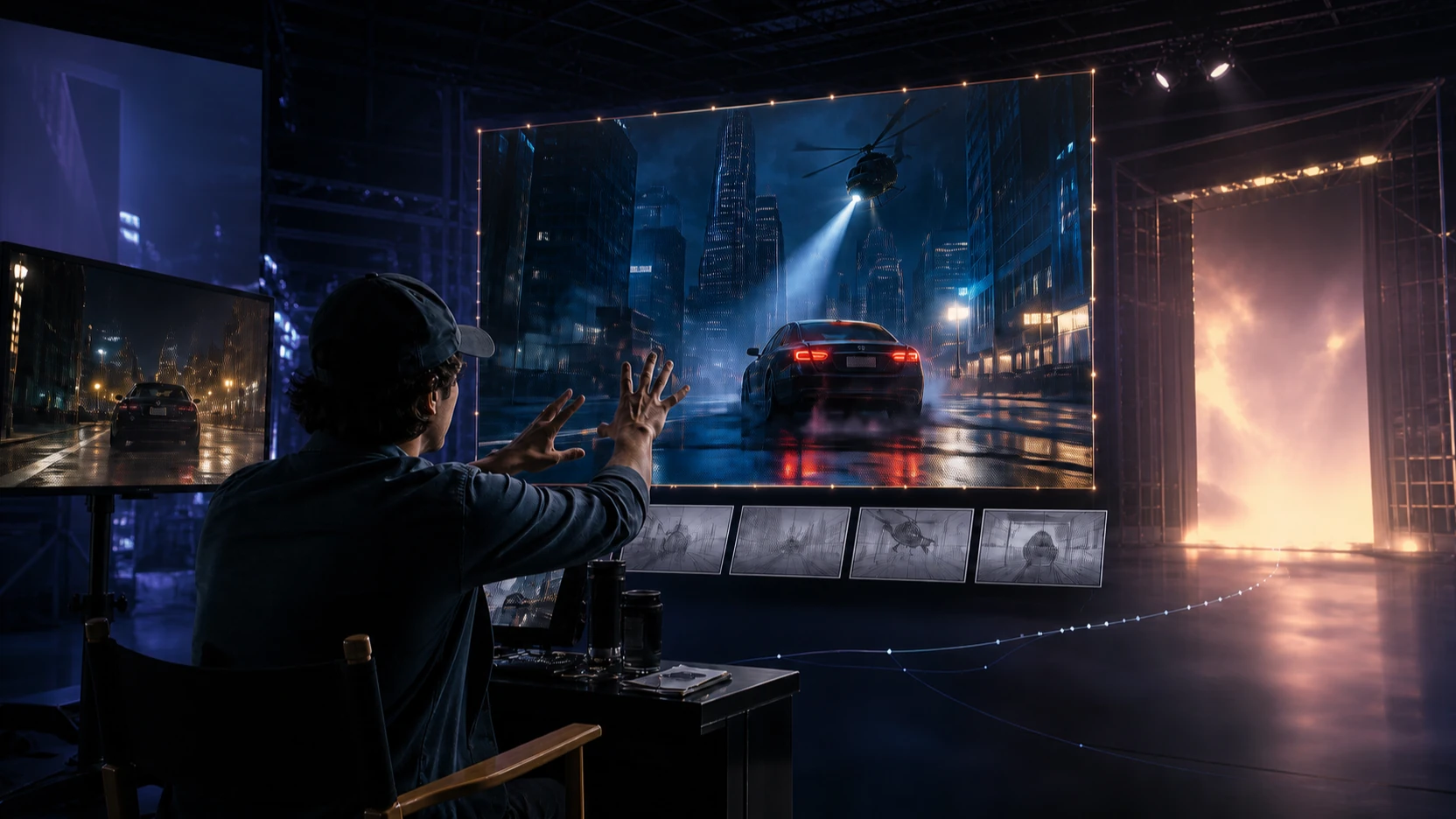
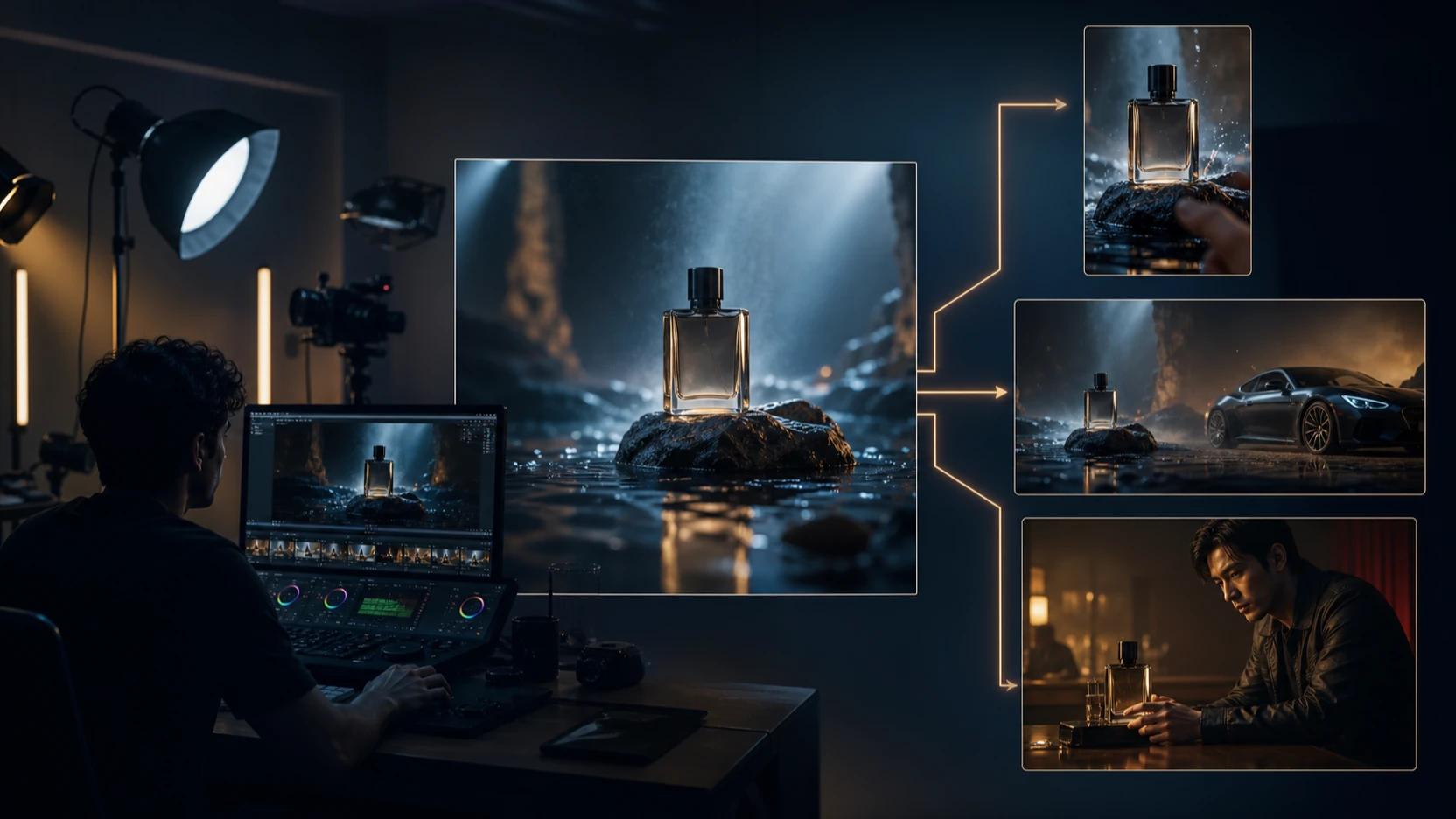
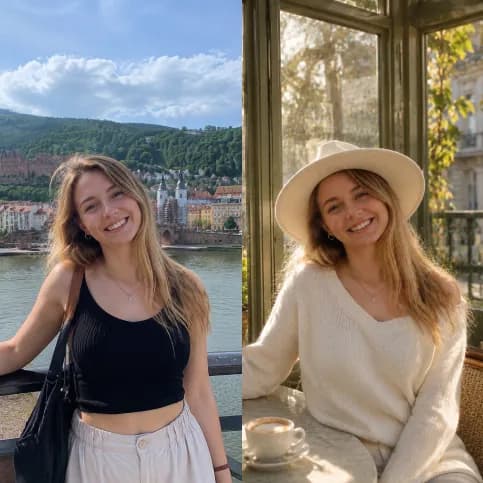
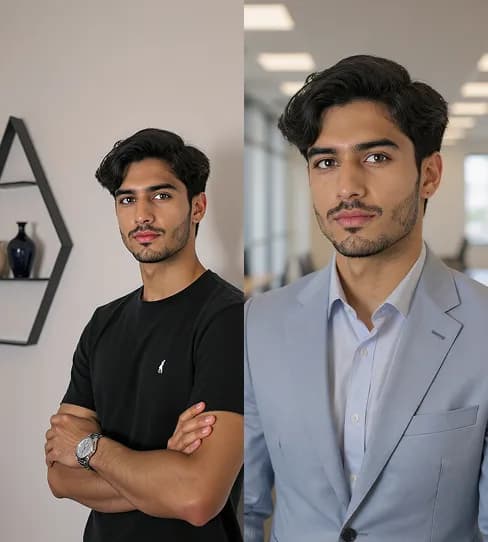
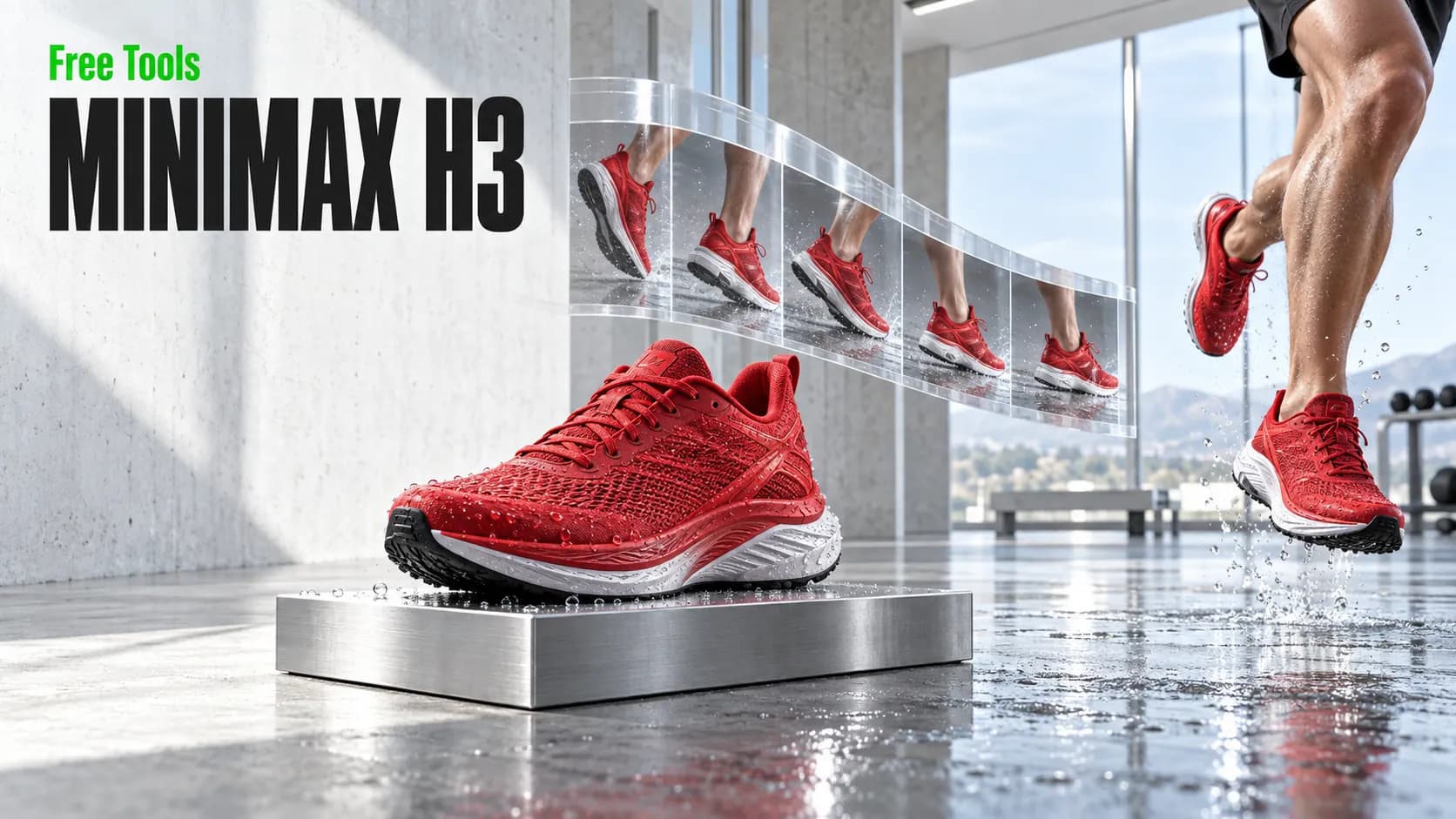
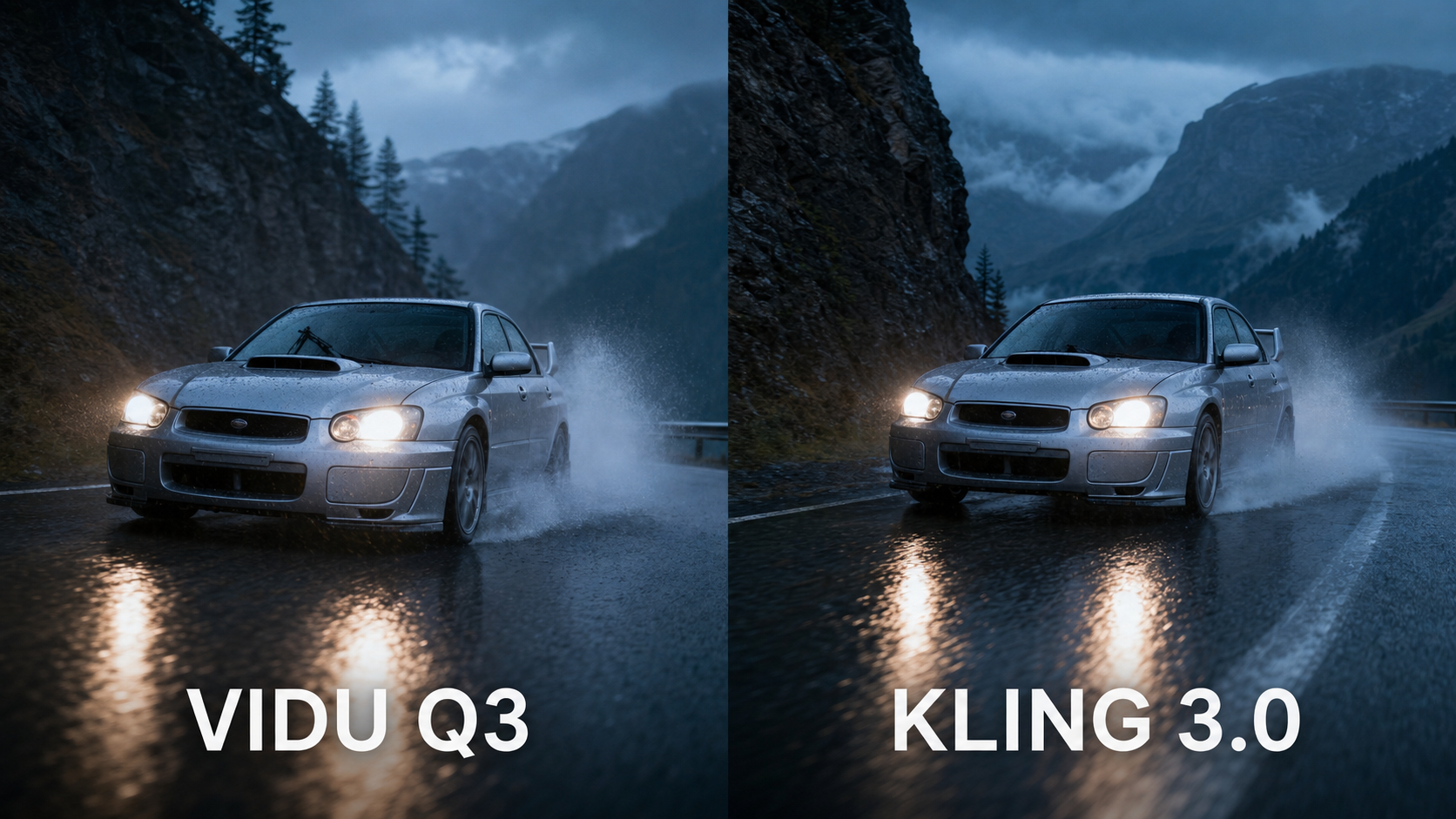
Evidence note: The images in this guide are independent editorial illustrations of the proposed test cases. They are not official demonstrations or measured outputs from either model. Record actual VideoWeb generations before publishing scores or declaring a winner.
Vidu Q3 vs Kling 3.0: The Practical Verdict by Creator Workflow
Choose the model by the failure you can least afford. A filmmaker may care most about camera direction and continuity. An ecommerce team may prioritize product geometry and label stability. A social team may accept minor detail drift if the clip has convincing motion, native sound, and a usable first draft.
| Production need | Test Vidu Q3 first when | Test Kling Video 3.0 first when |
|---|---|---|
| Self-contained short scene | You want video, dialogue, ambience, effects, or music generated together in a clip of up to 16 seconds | You want a clip of up to 15 seconds with multilingual audio and directed shot changes |
| Image animation | You want to animate a strong start frame with expressive motion and sound | You need start/end-frame control or additional references to protect the visual destination |
| Cinematic direction | You need a complete audio-led short with controlled pacing | You need explicit camera language, shot-reverse-shot structure, cross-cutting, or reference-heavy continuity |
| Product advertising | You want a fast product animation or vertical social asset | Text, signage, branded elements, product geometry, and final hero framing are the main risks |
| Character dialogue | English, Japanese, or Chinese output covers the project and a longer single generation helps the scene | The scene uses additional supported languages, accents, multiple speakers, or complex speaking order |
| Animation and illustration | You want to bring a single illustration or character frame to life | You need multiple references, several shots, or stricter visual consistency across a sequence |
These are test-order recommendations, not performance scores. Official materials describe Vidu Q3 as a native audio-video model with clips up to 16 seconds, camera control, multi-speaker conversations, and English, Japanese, and Chinese output. Kuaishou describes Kling Video 3.0 as supporting clips up to 15 seconds, multilingual audio, references, text preservation, and intelligent multi-shot storytelling.
Do not merge model names. Kling Video 3.0 is not automatically Kling Video 3.0 Omni or Kling 3.0 Turbo. Likewise, a Vidu Q3 page may expose Standard, Turbo, Pro, text-to-video, image-to-video, or reference-to-video variants. Record the exact selector value used for every run.

How to Run a Fair Vidu Q3 vs Kling 3.0 Comparison
A controlled comparison changes only the model. Reusing the same idea while changing duration, aspect ratio, source image, prompt optimization, or audio settings produces an attractive montage, not a useful test.
Lock the variables before generating
Create a test sheet with these fields:
- Exact model and variant name
- Text-to-video, image-to-video, or reference-to-video mode
- Original prompt and any platform-optimized prompt
- Source image checksum or filename
- Start frame, end frame, and additional references
- Duration, aspect ratio, resolution, and audio toggle
- Public/private generation setting
- Generation start time, completion time, displayed credit cost, and queue status
- Download format, visible watermark, and export restrictions
- Run number and random seed when the platform exposes one
Run each prompt at least three times per model. One excellent result can be luck, while one poor result can be an outlier. Keep the first run, the median-quality run, and the best run so readers can see both capability and revision burden.
Use one scoring rubric
Score each clip from 1 to 5 for prompt accuracy, motion, camera behavior, subject preservation, continuity, audio synchronization, text rendering, and revision effort. Add factual notes beside every score: “left hand changes shape at 00:06,” “watch bezel drifts after orbit,” or “Japanese line begins before the correct speaker moves.”
The score should follow the evidence, not replace it. Publish frame grabs, timecodes, generation settings, and the number of retries when possible.
Reusable comparison formula
Create a [duration] [aspect ratio] video of [subject] performing [action] in [environment]. Use [shot type] and [camera movement] with [lighting and visual style]. Preserve [reference details]. Include [dialogue, music, ambience, or sound effects]. End with [final shot]. Avoid [specific visual or audio errors].
Eight copy-to-use test prompts
- Cinematic dialogue:
Create a two-character conversation inside a quiet train carriage at night. Alternate between medium shots and close-ups as they discuss a missing letter. Preserve both faces, voices, clothing, and seat positions. Include restrained train ambience and natural lip synchronization. - Product advertisement:
Create a 9:16 advertisement for a silver sports watch on black stone. Begin with a macro dial shot, circle the watch slowly, and end with a centered hero frame. Preserve the logo and product geometry. Add subtle mechanical sound effects and cinematic bass. - Image-to-video portrait:
Animate the uploaded portrait with a slow camera push-in. The subject looks toward the window, blinks naturally, and turns back toward the camera. Preserve the face, hairstyle, outfit, and background architecture. - Complex physical motion:
Create a wide shot of a rally car accelerating through a rain-covered mountain road. Show realistic wheel rotation, water spray, suspension movement, reflections, and camera tracking. Keep the car design consistent. - Multi-shot story:
Create a three-shot sequence: an astronaut approaches an abandoned greenhouse, enters through a damaged door, and discovers one living flower. Maintain the same suit, environment, lighting, and atmospheric sound across all shots. - Multilingual audio:
Create a café conversation in which one character speaks English and the other speaks Japanese. Maintain distinct voices, correct speaking order, natural lip movement, quiet café ambience, and consistent character appearance. - Animated illustration:
Animate the uploaded fantasy illustration. The character raises a lantern while wind moves the cape and grass. Preserve the original art style, facial design, costume details, colors, and background composition. - UGC product clip:
Create a vertical smartphone-style video of a creator demonstrating [product name] in a bright apartment. Use natural gestures, realistic facial movement, conversational pacing, room ambience, and a clear final product close-up.
If the models offer different maximum durations, use the longest duration both support for the direct comparison. Then run a separate maximum-duration test for each model and label it as a capability test rather than a head-to-head result.

Motion, Camera Movement, and Physical Realism
Motion quality is not one category. A model can produce a strong camera move while failing the subject’s mechanics, or render beautiful water while the vehicle wheels slide across the road.
For human motion, inspect foot contact, weight transfer, hand-object interaction, eye direction, blinking, and whether clothing follows the body. For fabric, check inertia, folds, wind direction, and whether garments merge with limbs. For vehicles, compare wheel rotation with travel speed, suspension compression, reflections, and road contact. For water and particles, inspect source direction, collision behavior, spray persistence, and interaction with the camera.
Camera evaluation should be equally specific:
- Push-in or pull-back: Does perspective change naturally, or does the subject simply scale?
- Orbit: Does the model reveal new geometry without redesigning the subject?
- Tracking shot: Does the camera maintain speed, distance, and composition?
- Handheld motion: Does it feel intentional rather than unstable?
- Rack focus: Does focus move between real depth planes?
- Multi-camera sequence: Do screen direction, eyelines, lighting, and spatial geography survive the cut?
Vidu’s official page emphasizes frame-accurate camera control, while Kuaishou emphasizes precise shot control and multi-shot camera changes. Those descriptions justify testing both models with camera language; they do not prove that one executes every move better.
Use the rally-car prompt as a stress test because it combines vehicle geometry, wheel mechanics, water, reflections, camera tracking, and a changing background. Review the clip at normal speed and frame by frame. A convincing first second is not enough if the car deforms at the end.

Image-to-Video Consistency, Product Preservation, and Multi-Shot Continuity
Image-to-video quality should be measured by what the model preserves while adding motion. A beautiful result is still a failure if the face, product, costume, artwork, or room changes beyond the brief.
For a portrait test, compare facial proportions, eye color, hairstyle, outfit edges, skin texture, and background architecture at the first, middle, and final frames. For an animated illustration, add line weight, palette, costume ornament, and rendering style. For products, inspect silhouette, dial layout, label placement, material finish, logo legibility, and the final hero frame.
The sports-watch prompt is especially useful. A macro shot tests small geometry and text-like details. An orbit tests whether the model invents unseen surfaces. The final centered frame tests whether the clip returns to a clean, commercially usable composition.
Multi-shot storytelling adds another layer. The astronaut prompt should maintain the same suit, greenhouse damage, time of day, color grade, sound bed, and flower across three shots. Record whether cuts feel motivated and whether the model changes geography between the exterior and interior.
Kuaishou’s announcement says Kling Video 3.0 can use reference videos and multiple image references for improved element consistency. It separately describes Video 3.0 Omni as having more advanced reference-based generation and a custom multi-shot storyboard. Do not attribute Omni-only controls to the standard Kling Video 3.0 test.
The VideoWeb Kling 3.0 page currently shows a version selector plus start-frame and end-frame inputs. The VideoWeb Vidu Q3 page shows a start-frame upload. Confirm the exact active variant and reference limits in the live interface before comparing them.

Native Audio, Dialogue, Music, Sound Effects, and Subtitle Tests
Native audio should be judged as a production system, not a checkbox. Evaluate speech intelligibility, speaker identity, lip movement, turn-taking, ambience, music, sound-effect timing, and whether the audio remains coherent across cuts.
The official Vidu Q3 page describes direct audio-video output with dialogue, voiceover, sound effects, and music. It lists English, Japanese, and Chinese output and multi-speaker conversations. Kuaishou describes Kling Video 3.0 speech in English, Chinese, Japanese, Korean, and Spanish, plus various English accents and Chinese dialects. It also describes control over multi-character content, delivery, language, and speaking order.
Use two dialogue tests:
- The train scene tests quiet English dialogue, restrained ambience, shot-reverse-shot timing, and stable voices.
- The café scene tests English and Japanese turn-taking, speaker separation, multilingual pronunciation, lip movement, and background noise.
Listen once without watching, then watch once muted. This separates audio quality from visual persuasion. Finally, inspect waveforms and frame-level timing around plosives, door sounds, footsteps, engine acceleration, and shot changes.
VideoWeb’s Vidu page currently describes automatic subtitle generation and rendering. Kuaishou’s official Kling announcement describes better preservation and generation of text, including signage, captions, and branded elements. Test subtitles separately from visual text because correct timing, spelling, line breaks, and safe-area placement are different problems.
Do not claim one model has better audio from a single attractive clip. Run repeated generations, include silence and crowded ambience, and test every language needed by the campaign.

Production Workflow: Duration, Formats, Cost, Speed, Revisions, and Best Use Cases
Official maximum duration is one clear difference: Vidu Q3 advertises up to 16 seconds per generation, while Kling Video 3.0 advertises up to 15 seconds. The one-second gap matters only when the extra beat survives with usable continuity and audio.
VideoWeb’s current Vidu page exposes prompt input, start-frame upload, resolution, duration, ratio, and public-generation controls. Its Kling page exposes a version selector, start/end frames, prompt optimization, optional audio, duration, ratio, and public-generation controls. The public page text does not safely reveal every selectable option, so record the live values during testing.
Treat resolution carefully. VideoWeb’s Kling page currently uses “native 4K” language, but Kuaishou’s release announcement assigns explicit 2K/4K support to Image 3.0 and Image 3.0 Omni. Do not publish a native-4K Kling Video 3.0 claim unless the actual VideoWeb selector and downloaded file confirm it.
Measure production efficiency with the whole revision loop:
- Credits charged for each successful and failed generation
- Queue time and render time
- Number of attempts needed for a publishable clip
- Upscaling, interpolation, audio repair, subtitle repair, and editing time
- Watermark and export behavior
- API availability and batch controls
- Commercial-use terms and required attribution
Do not copy a number from a generate button and treat it as permanent pricing. Verify the current plan, selected variant, duration, resolution, audio setting, and refund behavior immediately before publication.
Which model should each creator test first?
- Filmmakers and agencies: Start with Kling Video 3.0 for reference-heavy continuity, deliberate camera language, and multi-shot scenes; test Vidu Q3 when a longer audio-led single generation could reduce editing.
- Social media teams: Start with Vidu Q3 for self-contained short-form clips and animated source images; compare Kling when a vertical ad needs precise shot structure or text preservation.
- Ecommerce marketers: Start with Kling for product, signage, and final-frame preservation tests; compare Vidu for fast product animation with integrated sound.
- Advertisers: Use both. Route motion-led concepts to Vidu first and storyboard-led concepts to Kling first, then choose by revision cost.
- UGC creators: Test facial motion, gestures, room ambience, and final product close-up in both models. Natural delivery matters more than cinematic spectacle.
- Animation teams: Test Vidu first for a single illustration brought to life; test Kling first when several references, environments, or shots must remain coherent.
The advantage of VideoWeb’s AI video generator is model switching inside one broader environment. Use text-to-video when the prompt is the only source, image-to-video or photo-to-video for a start frame, and reference-to-video when subject consistency depends on additional assets.

FAQ About Vidu Q3 vs Kling 3.0
Is Vidu Q3 better than Kling 3.0?
Not universally. Test Vidu Q3 first for longer self-contained clips, native audio-led storytelling, and animated source images. Test Kling Video 3.0 first for reference-heavy continuity, multi-shot direction, text preservation, and complex camera instructions.
Which model supports longer videos?
Official materials describe Vidu Q3 clips up to 16 seconds and Kling Video 3.0 clips up to 15 seconds. Check the live VideoWeb duration selector because the available maximum may depend on variant, mode, plan, resolution, or audio settings.
Does Kling Video 3.0 generate native 4K video?
Do not assume so from the release announcement. Kuaishou explicitly associates 2K/4K with Image 3.0 and Image 3.0 Omni. Confirm VideoWeb’s current video-resolution selector and inspect the downloaded file before publishing a 4K claim.
Are Kling Video 3.0 and Kling Video 3.0 Omni the same model?
No. Kuaishou describes Video 3.0 Omni as a distinct model with advanced reference-based generation and a custom multi-shot storyboard. Record the exact VideoWeb version selection and avoid applying Omni features to a standard Video 3.0 result.
Which model is better for multilingual dialogue?
The official language lists differ. Vidu Q3 lists English, Japanese, and Chinese. Kling Video 3.0 lists English, Chinese, Japanese, Korean, and Spanish, plus certain accents and dialects. Actual pronunciation, speaker separation, and lip sync still require repeated tests in the languages you plan to publish.
Which model is faster or cheaper?
There is no durable answer without current side-by-side measurements. Record displayed credits, failed-run charges, queue time, render time, and revision count using matching settings. The cheapest first generation can become the more expensive workflow if it needs several retries.

Conclusion: Choose the Model That Wins Your Controlled Test
The most defensible Vidu Q3 vs Kling 3.0 comparison is conditional. Vidu Q3 deserves the first test when the brief favors a longer self-contained clip, native audio, animated source imagery, or rapid short-form production. Kling Video 3.0 deserves the first test when the brief depends on references, multi-shot continuity, text or product preservation, and sophisticated camera direction.
Use identical assets and settings, run each prompt several times, and publish the settings, retries, and visible failure points beside any conclusion. That turns “which model is better?” into a production decision your team can repeat.
Start the comparison on VideoWeb AI, then use the dedicated Vidu Q3 generator and Kling 3.0 generator to keep model selection explicit.
Related VideoWeb guides
- Vidu Q3 AI vs Kling 3.0: existing comparison page to update
- Kling 3.0 AI Video Generator Guide for Cinematic Clips
- PixVerse V6 vs Kling 3.0 Workflow Comparison
- Best Current Alternatives to Sora 2