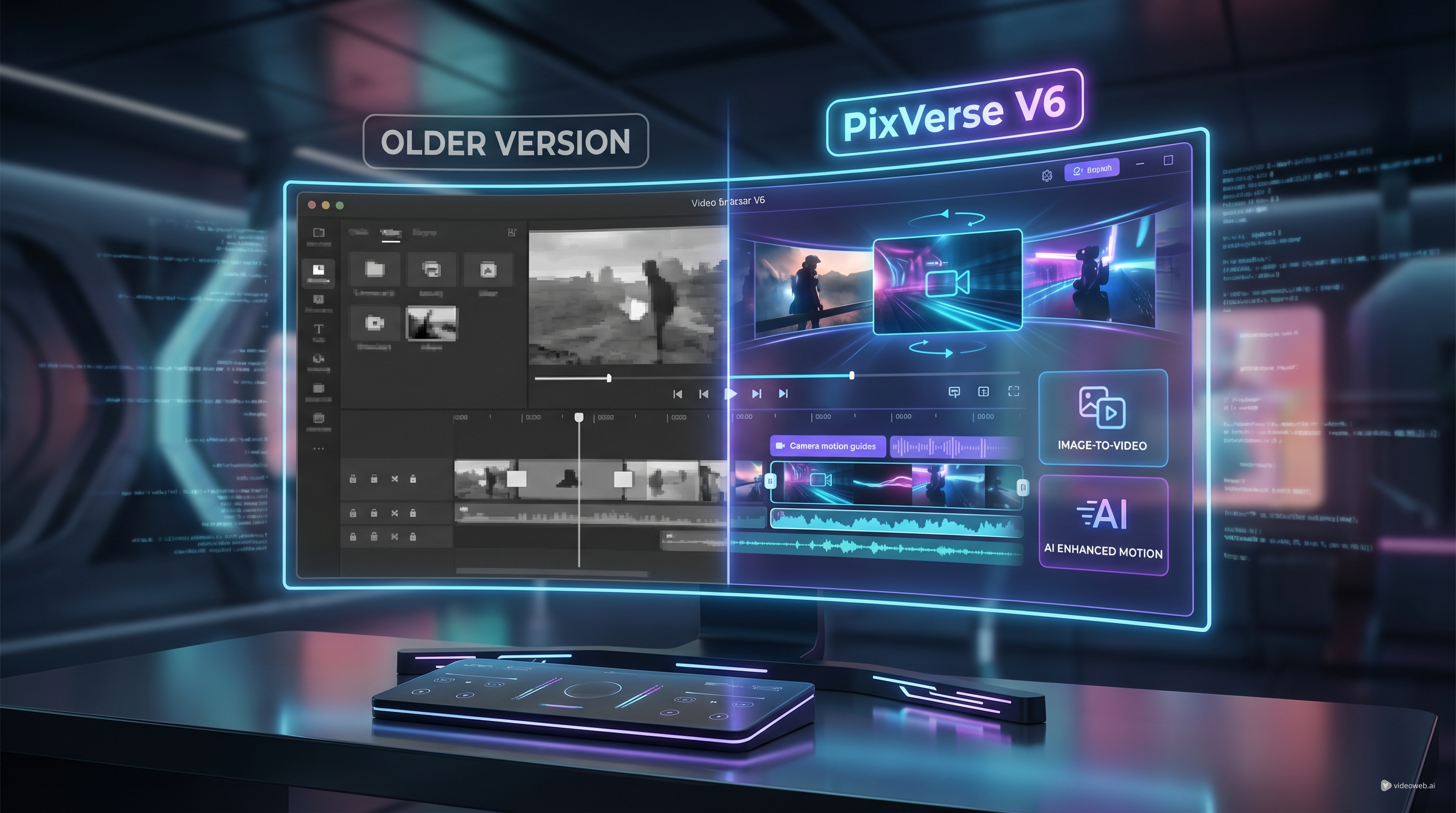
The release of PixVerse V6 is one of the more notable AI video updates of the year. PixVerse’s official launch materials frame V6 as a major step forward in camera control, character performance, multi-shot storytelling, and native audio generation. In practical terms, that means the model is moving beyond quick visual experiments and closer to a more complete production workflow.
For creators, marketers, and teams building short-form campaigns, that matters. The earlier generations of PixVerse already made it easier to turn prompts and images into animated clips, but this release is clearly aimed at users who want more continuity, more control, and less cleanup after generation. If you have been following pixverse ai as a fast, creator-friendly tool for visual ideas, V6 feels like the version that starts taking narrative structure and polished output more seriously.
What is PixVerse V6?
At its core, PixVerse V6 AI video generator is the newest generation of the PixVerse model family, designed to create video from prompts, reference images, and more structured creative instructions. The big story is not just that it is newer. It is that V6 brings together several upgrades that directly affect real workflows: longer generation, stronger camera behavior, improved subject performance, multi-shot sequencing, and native audio inside the same creation process.
That combination changes how the model can be used. Instead of only treating AI video as a way to make short flashy clips, users can begin using PixVerse V6 for concept trailers, ads, social campaign assets, mood films, promo loops, and more cinematic short-form storytelling.
What’s new in PixVerse V6?
The clearest improvement in PixVerse V6 is that it is built for more complete scene construction. Official release notes highlight improvements in camera work, character performance, and multi-shot video generation with native audio. That sounds technical, but the user-facing takeaway is simple: the model is trying to produce clips that feel more directed and less stitched together.
Here are the most important changes.
1. Multi-shot storytelling is more central
Older AI video workflows often required users to generate several separate clips and then stitch them together manually. With PixVerse V6 AI video generator, multi-shot sequencing is treated as a stronger built-in capability. That makes it easier to create clips that feel like actual scenes rather than isolated visual moments.
For creators working on product spots, micro-stories, fashion edits, or branded explainers, this is a meaningful upgrade. It reduces the gap between “good-looking result” and “usable sequence.”
2. Native audio is part of the workflow
One of the headline upgrades is native audio. That makes PixVerse V6 more attractive for people who want a faster route from concept to finished asset. Even if you still plan to edit in post, having sound integrated earlier makes previews feel more complete and lets teams assess pacing and mood faster.
This also helps distinguish the new release from earlier versions that felt more visually focused. For content creators, that means fewer disconnected steps between generation and publishing.
3. Better camera control and scene execution
Another major theme in the release is stronger camera behavior. PixVerse V6 AI video generator is being positioned as better at handling intentional motion, shot design, and more cinematic direction. That is especially relevant for users who care about dynamic framing, movement through space, or ad-style polish rather than static animation.
In practice, this should help with videos that need a stronger sense of rhythm and perspective, whether the goal is a product close-up, a dramatic reveal, or a more immersive short-form sequence.
4. Longer and more production-ready output
PixVerse’s V6 release materials also emphasize 15-second 1080p generation as part of the new workflow. That matters because longer stable output gives creators more room to tell a story, hold a shot, or build a sequence that feels intentional.
For marketers and social teams, that makes PixVerse V6 more useful for promos and cutdowns. For filmmakers and visual storytellers, it makes the model easier to test for scene concepts, pitch visuals, and previsualization.
5. More room for structured workflows and integrations
The official release also points to CLI and agentic workflow support. Even if not every user needs that today, it makes the idea of a PixVerse V6 API more interesting for teams thinking beyond one-off generation. Agencies, tool builders, and internal content teams increasingly want model access that fits into repeatable systems, not just manual prompting.
That does not mean every creator needs an API-first mindset. It simply means V6 is being presented as a model that can support both direct creative use and more advanced automation paths.
PixVerse V6 vs. previous versions
To understand why this launch matters, it helps to compare it with what came before. On VideoWeb, PixVerse V5.5 is framed as an upgraded generation built for multi-scene continuity, subject coherence, and stable transitions. That version already made PixVerse more usable for coherent storytelling and image-driven video creation.
So V6 is not arriving from nowhere. It builds on a foundation that was already getting better at continuity, prompt interpretation, and cleaner visual flow. But the new release shifts the emphasis further toward complete workflows.
A practical way to think about the difference is this:
- PixVerse V5.5 felt like a strong upgrade for creators who wanted smoother motion, better stability, and more reliable multi-scene generation.
- PixVerse V6 feels like the version that pushes PixVerse from “strong generator” toward “more complete AI video production tool.”
That is why the new features matter together. Multi-shot support is more useful when audio is included. Better camera control is more useful when scenes can run longer. Stronger subject performance matters more when you are trying to build a sequence instead of a single eye-catching fragment.
Why this matters for image-to-video creators
A lot of users still approach PixVerse through an image-led workflow, and that is where PixVerse image to video remains especially relevant. If you already have a strong still image, brand visual, concept frame, key art, or product render, PixVerse can help turn that starting point into motion much faster than building a clip from scratch.
With the V6 release, that image-to-video workflow becomes more interesting because the output can feel less like simple animation and more like directed motion. Instead of just adding movement to a picture, users can aim for richer camera behavior, more intentional transitions, and clips that better support storytelling or marketing structure.
That makes PixVerse image to video useful for several common tasks:
- turning product renders into ad-style motion clips
- animating poster art or campaign visuals
- testing cinematic movement from concept art
- creating social-ready loops from still images
- building storyboard-like sequences more quickly
Who should try PixVerse V6?
The new release is especially worth testing if you fall into one of these groups.
Content creators
If you make TikToks, Shorts, Reels, or other fast-turnaround videos, pixverse ai has always been appealing because it is visual, flexible, and easy to experiment with. V6 adds more polish to that equation.
Marketers and social teams
If you need product clips, teaser videos, or campaign visuals that look more deliberate, PixVerse V6 AI video generator is a more serious option than earlier lightweight AI video workflows.
Creative studios and agencies
If your team cares about repeatable output, structured prompting, and potentially scalable workflows, the idea of a PixVerse V6 API becomes more relevant as the model matures.
Story-first users
If your problem with many AI video tools is that they look impressive but feel disconnected, PixVerse V6 is worth testing because the release is explicitly focused on shot execution, subject performance, and multi-shot logic.
How to try PixVerse on VideoWeb
If you want to test the latest PixVerse V6 workflow, the easiest starting point is to compare a few simple use cases:
- Start with a straightforward text-to-video prompt.
- Then try the same idea as a PixVerse image to video task using a reference image.
- Compare scene continuity, motion quality, and overall polish.
- If you are evaluating production potential, think about whether the output saves you editing time rather than just whether it looks impressive in isolation.
This approach gives you a more realistic sense of what the model can actually do for your workflow.
Other tools on the website worth trying
If PixVerse is on your shortlist, it also makes sense to test a few adjacent tools on VideoWeb so you can compare strengths without rebuilding your workflow elsewhere.
- Image to Video for turning still images into dynamic clips quickly.
- Text to Video for prompt-led scene generation when you do not have a reference visual.
- Video to Video for transforming existing footage into a different visual style or format.
- Veo 3.1 AI Video Generator if you want another high-end model for cinematic video work.
- Runway Gen 4 AI Video Generator if you want to compare different creative strengths within the same broader workflow.
- AI Video Prompt Generator if you want help improving prompt clarity before you generate.
Final thoughts
The release of PixVerse V6 looks like more than a routine version bump. It reflects a broader shift in AI video from isolated clips toward more integrated, production-aware workflows. Native audio, better camera behavior, multi-shot structure, and longer stable output all point in the same direction: more usable videos with less manual patching.
That does not make earlier versions irrelevant. PixVerse V5.5 still matters as a useful benchmark for how PixVerse improved continuity and multi-scene generation over time. But V6 is the version that most clearly signals where the product is heading.
If you have been curious about pixverse ai but wanted something more structured and workflow-friendly, this is a strong release to watch.
Related Article
- PixVerse 5.5 AI Video Generator: The Complete Guide for Creators, Brands & Filmmakers
- PixVerse 5.5 Image to Video With Sound: A Practical Creator’s Guide
- VideoWeb AI Video Generator 2026: One Hub, Every AI Video Workflow
- Is PixVerse AI Video Generator the New King of Short-Form Video?
People Also Read
- Veo 3.1 Guide on HeyDream: Better Prompts, Settings, Fixes
- How to Use DreamMachine AI’s AI Video Generator: A Practical Guide for Text and Image Workflows
- SeaImagine AI Text-to-Video Guide: How to Choose Models and Create Better Clips
- AIFacefy Image to Video Generator (2026): One Hub for the Best Image-to-Video AI Models











