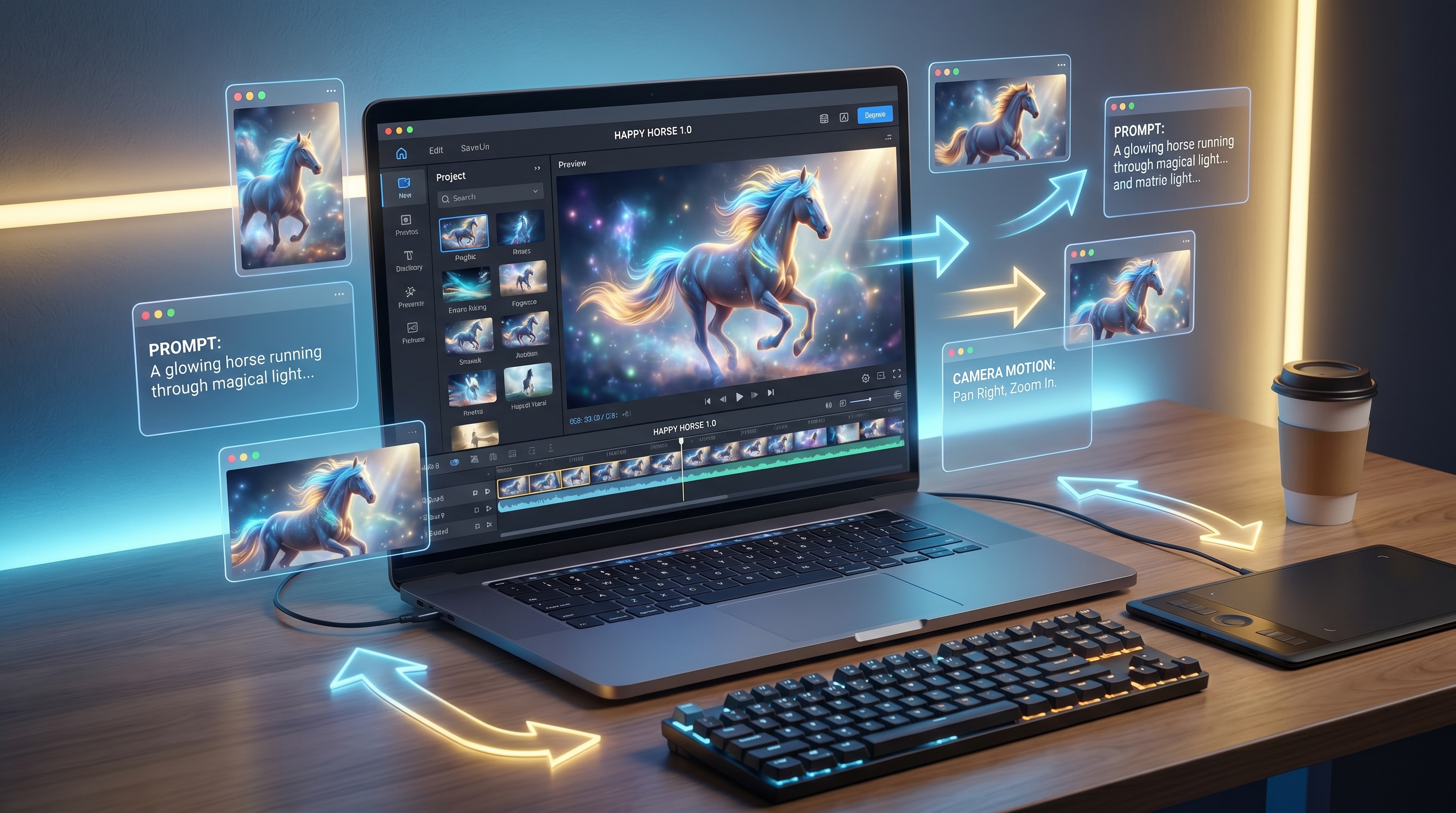
If you want a fast, playful, creator-friendly way to turn ideas into short AI videos, happy horse 1.0 is worth testing. It is especially useful for creators who want animated scenes, social media clips, cinematic animal adventures, stylized product shots, music-video-style visuals, and image-to-video experiments without building a full production pipeline from scratch.
This Happy Horse 1.0 creation guide is written for creators, not model researchers. The goal is simple: help you understand what the tool does, how to use it on VideoWeb AI, what prompts work best, and when you may want to compare it with other AI video models on the same platform.
What Is Happy Horse 1.0, and Why Are Creators Testing It?
Happy Horse 1.0 is an AI video model designed to generate animated video clips from ideas, prompts, or visual references. For creators, its appeal is not just that it can make moving images. The more useful point is that it can help turn a small creative idea into a watchable short clip with motion, mood, lighting, and scene direction.
That makes the happy horse ai video generator a good fit for people who create content quickly: TikTok-style clips, fantasy micro-scenes, brand teasers, playful animal shorts, concept trailers, meme-like cinematic moments, and social-first video experiments. Instead of opening several editing tools, you can begin with a direct prompt, describe the scene clearly, and generate a short visual draft.
For beginners, the biggest advantage is speed. You do not need to understand animation software before testing a video idea. For experienced creators, the value is iteration. You can explore different moods, camera moves, character actions, and visual styles before deciding which concept deserves more editing work.
How to Use Happy Horse 1.0 on VideoWeb AI
The easiest workflow is to use the happy horse 1.0 ai video generator on VideoWeb AI as a short-form creation sandbox. Keep your first test simple, then improve it after seeing the result.
Step 1: Choose your video idea. Start with one clear concept. For example: a horse running through a neon forest, a toy mascot dancing on a desk, a product bottle rotating in golden light, or a fantasy rider crossing a stormy valley. Avoid combining too many scenes in one prompt.
Step 2: Pick text-to-video or image-to-video. If you only have an idea, begin with a text to video AI workflow. If you already have a product photo, character design, poster, pet image, or visual reference, use an image to video AI generator workflow so the model has a stronger visual base.
Step 3: Describe the motion. Do not only describe the subject. Tell the model what should move. Mention body motion, camera movement, environmental changes, and emotional timing. “A horse in a field” is weak. “A white horse gallops through mist while the camera tracks beside it at sunrise” is much stronger.
Step 4: Add mood, style, and lighting. Happy Horse AI works better when the prompt explains the visual direction. Use words like cinematic, playful, dreamy, realistic, animated, warm, magical, dramatic, soft daylight, neon glow, golden hour, studio lighting, or handheld documentary style.
Step 5: Generate, review, and refine. After the first result, change only one or two elements at a time. If the motion feels messy, simplify the action. If the style feels generic, add a clearer art direction. If the clip lacks energy, add camera movement or a stronger beat.
Best Prompt Formula for Happy Horse AI Videos
A strong AI video prompt is not necessarily long. It is structured. For a practical happy horse ai creation guide, use this formula:
Subject + Action + Scene + Camera + Mood + Style + Lighting + Audio Direction
For example: “A tiny wooden horse toy wakes up on a child’s desk, stretches, and trots across scattered crayons. Close-up camera, gentle push-in, cozy morning mood, whimsical animated style, warm window light, soft playful music.”
This formula works because AI video needs motion logic. The subject tells the model what to focus on. The action gives it movement. The scene creates context. The camera direction helps the clip feel intentional. Mood, style, and lighting reduce randomness. Audio or music direction can help creators plan the final edit, even if they adjust sound later.
When writing happy horse video prompts, keep the scene short enough for a single clip. One subject, one main action, one camera idea, and one emotional goal usually produce cleaner results than a complicated mini-movie.
Creative Use Cases: From Social Clips to Cinematic Shorts
Happy Horse 1.0 is strongest when you use it for compact, visual-first ideas. A social creator can use it as an AI short video maker for vertical clips, reaction-style animations, playful fantasy edits, or visual hooks for TikTok and Reels. A marketer can test simple product ad concepts, such as a sneaker glowing under rain, a drink can spinning through tropical mist, or a toy mascot entering a miniature world.
For storytellers, it can act as a cinematic AI video generator for mood tests. You can create a knight riding through fog, a magical horse crossing a crystal bridge, or a stylized chase scene for a fantasy trailer concept. Educators and hobbyists can use it to make visual examples, animated intros, or character moments that would be difficult to film manually.
The model can also support photo to video AI workflows. Uploading a still image gives the clip a clearer visual anchor, which is useful for product photos, character art, poster images, and social avatars. This is often better than starting from text when consistency matters.
Tips to Get Cleaner Motion, Better Style, and Stronger Results
First, make the action physically clear. Instead of asking for “epic motion,” describe what happens: the horse gallops, the camera circles, the cloak moves in the wind, the background lights flicker, or the product rotates slowly on a reflective platform.
Second, avoid crowding the scene. AI video tools can struggle when too many subjects move at once. A single hero subject with a clear environment usually looks better than five characters, multiple camera cuts, and several actions in one prompt.
Third, separate concept testing from final editing. Use Happy Horse 1.0 to generate the core visual idea, then use editing tools, captions, music, brand overlays, or transitions to make the clip ready for publishing.
Fourth, match the model to the job. If you are creating a playful animated clip, Happy Horse AI may be the right first stop. If you need a longer cinematic piece, realistic human performance, or another model’s specific style, compare alternatives before spending too many generations on one direction.
Happy Horse 1.0 Alternatives and When to Try Other VideoWeb AI Models
One reason to try Happy Horse 1.0 on VideoWeb AI is that you can compare it with other models and workflows in the same broader creator environment. If your goal is a general-purpose video workflow, the platform’s AI video generator can help you explore multiple options instead of locking into one model too early.
For creators comparing Happy Horse 1.0 vs Seedance 2.0, the Seedance 2.0 AI Video Generator may be worth testing for polished AI video generation, anime-style ideas, or scenes where visual consistency is a priority. If you are comparing Happy Horse AI vs Veo 3.1, the Google Veo 3.1 AI Video Generator may be a better fit for cinematic realism, longer-form storytelling tests, and controlled creative scenes. For Happy Horse 1.0 vs Kling AI, the Kling AI Video Generator is a strong alternative when you want another approach to dynamic motion, realistic scenes, or model-to-model comparison.
In practice, the best AI video models for creators are not always the most hyped models. The best choice is the one that matches the job: playful clip, product ad, character animation, cinematic scene, social hook, music-video visual, or image-to-video experiment.
Final Recommendation: Who Should Use Happy Horse 1.0?
Happy Horse 1.0 is best for creators who want to move quickly from idea to visual draft. It is especially useful if your work depends on short clips, animated scenes, social content, fun concepts, fantasy visuals, product tests, or prompt-based experimentation.
Use it when you want to create AI videos with Happy Horse 1.0 without overcomplicating the process. Start with a simple idea, write a clear motion-focused prompt, generate a short clip, then refine the result based on what looks strongest. For beginners, it is a friendly way to learn how to turn prompts into videos with AI. For experienced creators, it is a useful testing ground before choosing a final model, building a longer edit, or moving into a larger campaign workflow.
Happy Horse 1.0 Prompt Examples
1. Cinematic Animal Adventure Prompt
A majestic chestnut horse gallops across a wide green valley after rainfall, water splashing under its hooves, mountains in the distance, camera tracking beside the horse at low angle, cinematic adventure mood, realistic style, soft golden-hour sunlight, gentle orchestral music feeling.
2. Product Ad Prompt
A premium sports drink bottle stands on a glossy black platform, glowing blue mist swirling around it, the bottle slowly rotates as droplets slide down the surface, smooth camera push-in, energetic commercial mood, studio lighting, crisp reflections, modern electronic beat direction.
3. TikTok-Style Short Video Prompt
A tiny cartoon horse mascot jumps onto a smartphone screen and starts dancing to an upbeat rhythm, quick playful motion, vertical video composition, bright colorful background, fast camera zooms, fun social media style, catchy pop music direction.
4. Fantasy Scene Prompt
A silver horse carries a young mage across a crystal bridge floating above clouds, the mage’s cloak waves in the wind, magical sparks drift through the air, sweeping camera movement from behind to side view, epic fantasy mood, moonlit lighting, cinematic orchestral sound direction.
5. Image-to-Video Motion Prompt
Animate the uploaded portrait of a horse standing in a misty forest. Make the horse slowly turn its head toward the camera, its mane moving gently in the breeze, fog drifting between trees, subtle camera push-in, quiet magical mood, soft natural light, calm ambient music direction.
6. Music-Video-Style Prompt
A black horse runs through a neon city street at night, colorful reflections on wet pavement, rhythmic slow motion synced to an electronic beat, camera follows from behind then swings to the side, stylish music video mood, high contrast lighting, futuristic cinematic look.
Recommended VideoWeb AI Tools
- Happy Horse 1.0 AI Video Generator — Best for playful animated clips, creative short videos, and fast concept testing.
- AI Video Generator — Best for creators who want a broader starting point for text-to-video, image-to-video, and multi-model video workflows.
- Image to Video AI Generator — Best when you already have a photo, product image, character design, or visual reference to animate.
- Text to Video AI Generator — Best for starting from a pure idea and testing scene direction quickly.
- Photo to Video AI Generator — Best for animating portraits, product shots, travel photos, character art, and poster-style images.
- AI Music Video Generator — Best for turning mood, rhythm, and visual style into music-video-like clips.
- AI UGC Video Generator — Best for social ads, creator-style product demos, and marketing variations.
- AI TikTok Video Generator — Best for vertical hooks, quick trend tests, and short-form social clips.
- Seedance 2.0 AI Video Generator — Best when you want to compare Happy Horse with another polished AI video model.
- Google Veo 3.1 AI Video Generator — Best for creators testing cinematic realism, strong scene control, and premium-style video ideas.
- Kling AI Video Generator — Best for another motion-focused alternative when you want to compare model behavior.
Related Articles
- Happy Horse 1.0 vs Seedance 2.0: Which AI Video Model Fits Your Workflow?
- HappyHorse Video Editing Guide: Change Scenes, Styles, and Backgrounds With AI
- How to Create Better TikTok Videos with Google Veo 3.1
- Seedance 2.0 Video Generation Guide: Tutorial and Prompts
- VideoWeb AI Video Generator 2026: One Hub for Every AI Video Workflow











