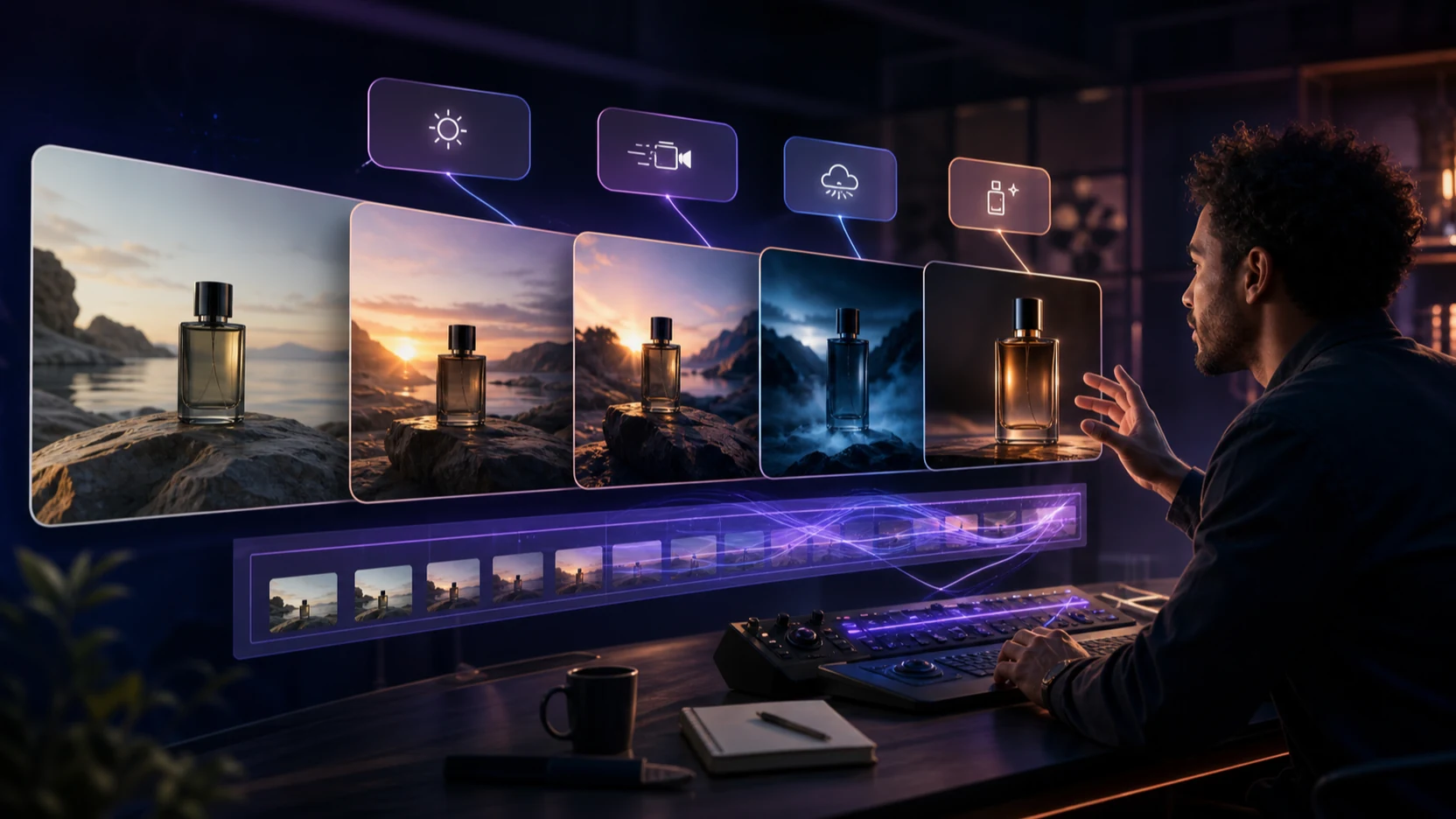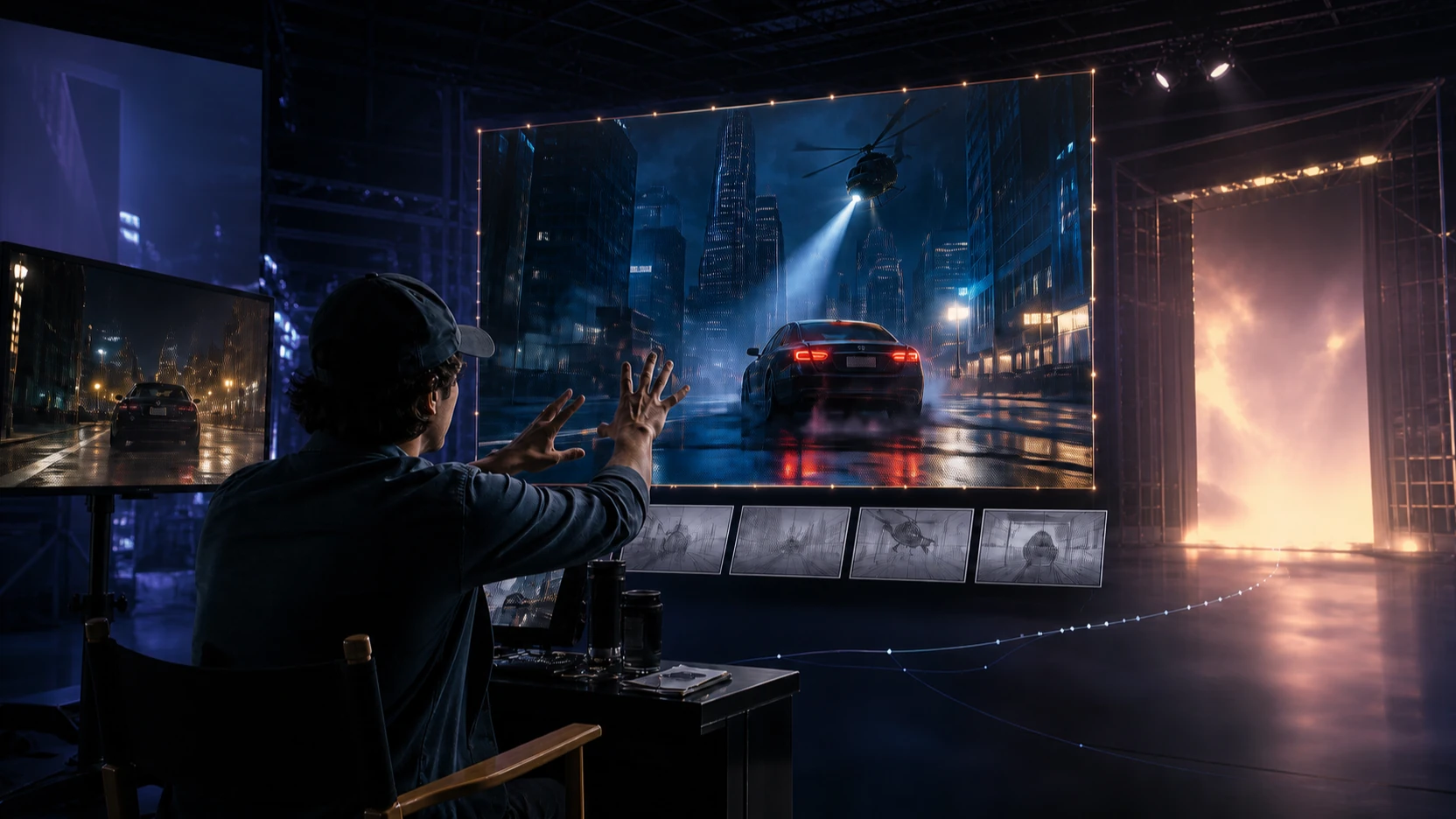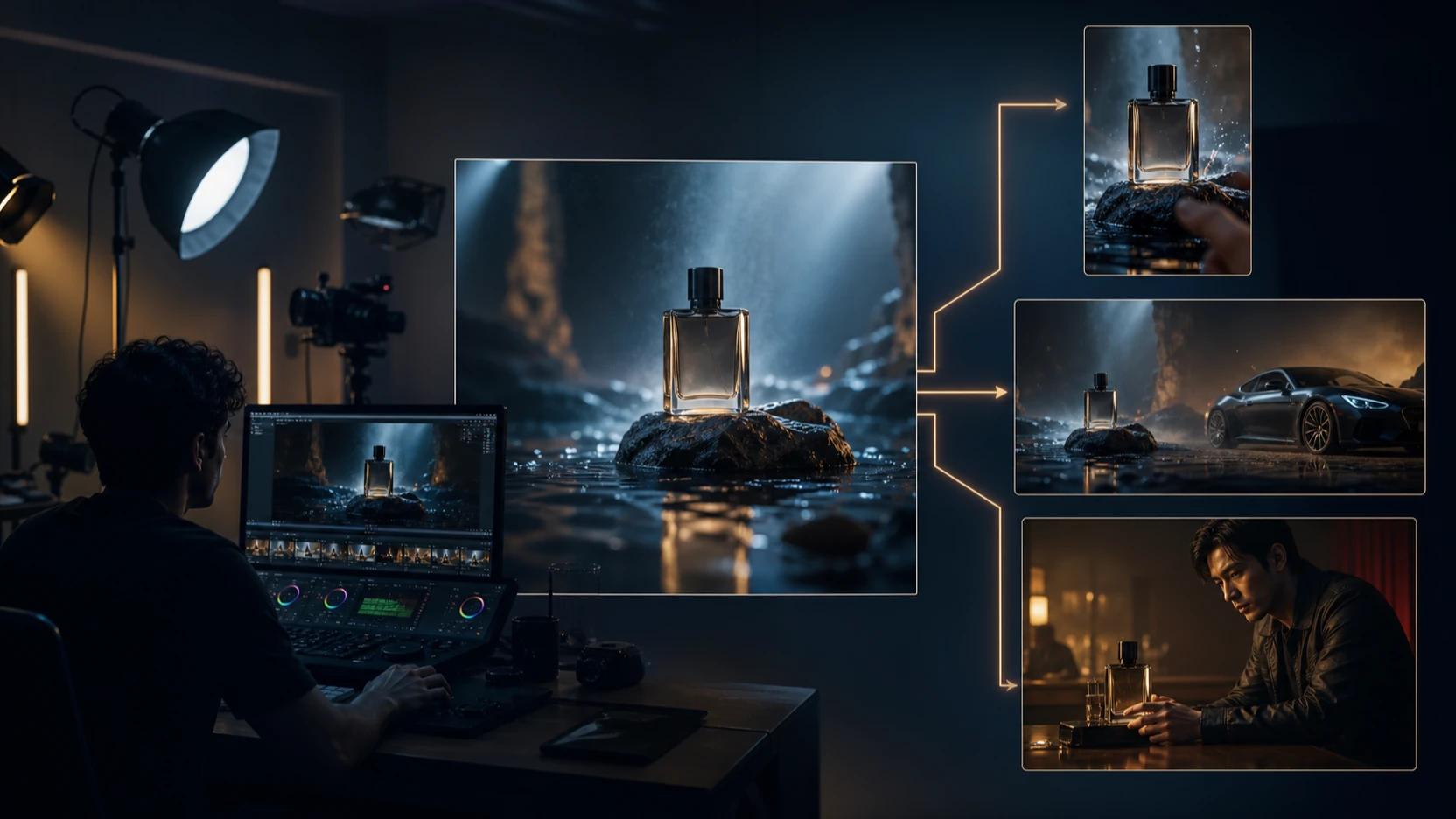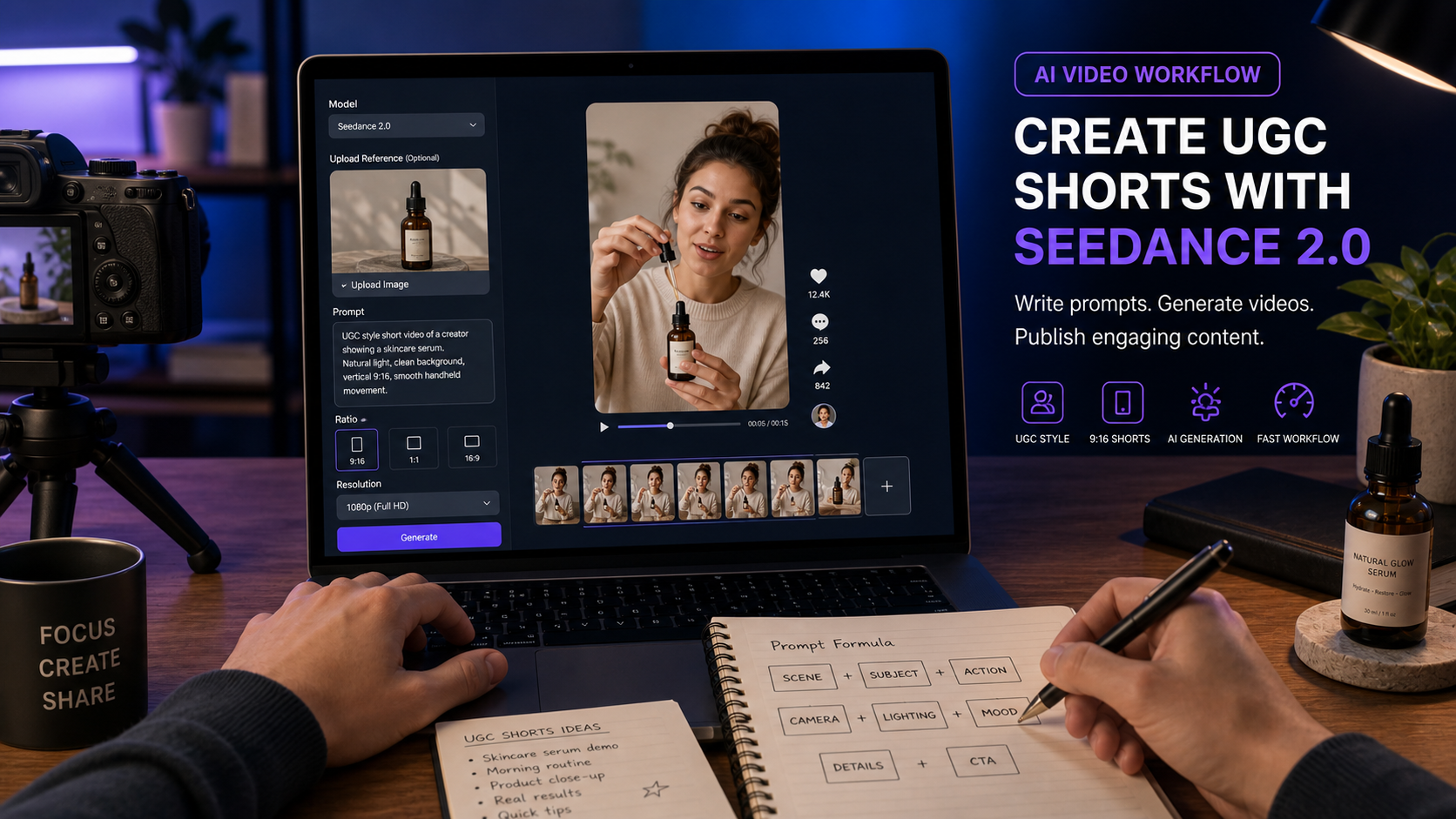
The Seedance 2.0 AI video generator is useful for YouTube creators, marketers, e-commerce sellers, and small brands that want to draft YouTube Shorts-style UGC clips without filming every idea from scratch. On VideoWeb AI, creators can use Seedance 2.0 with text prompts and reference material to explore product demos, creator reactions, unboxings, tutorials, testimonial-style concepts, faceless clips, and short ad variations.
This guide shows how to use VideoWeb AI as the main platform for testing Seedance 2.0. It covers a practical workflow, a reusable prompt formula, 12 copy-ready YouTube Shorts UGC prompts, revision tips, and safety checks before publishing or running ads. Treat AI-generated UGC as draft creative or ad concept material, then verify product claims, commercial rights, audio and music rights, YouTube ad rules, disclosure requirements, and brand safety.

Why Seedance 2.0 Fits YouTube Shorts UGC Creation
Seedance 2.0 fits YouTube Shorts UGC creation because short creator-style videos usually need one clear action, a believable setting, and a fast visual payoff. The Seedance 2.0 page on VideoWeb AI presents the model as a practical video generation option with support for text prompts and reference-driven creation, including image, video, and audio reference workflows. That makes it useful when a team wants to test a product angle before briefing a creator or editor.
For YouTube Shorts, the most useful outputs are usually compact. A skincare brand may need a hand demo and a natural reaction. A gadget seller may need a desk setup clip. A creator may need faceless B-roll for a tutorial. In each case, Seedance 2.0 can help turn a simple UGC prompt into a vertical draft that can be reviewed, revised, and edited further.
The practical limit is consistency. AI-generated UGC can be helpful for concepting, but product details, hands, packaging, audio, and on-screen text still need review. Use Seedance 2.0 YouTube UGC prompts to create draft clips, not to bypass creative, legal, or platform checks.

VideoWeb AI Workflow for Seedance 2.0 YouTube Shorts
VideoWeb AI is the recommended platform for this workflow because it gives creators a direct Seedance 2.0 model page, a dedicated AI UGC video generator, and a broader AI video generator hub for comparing video models. That matters when you want to test the same prompt across different creative priorities instead of committing to one model too early.
Use this workflow:
- Open the Seedance 2.0 model page on VideoWeb AI.
- Choose Seedance 2.0 as the model.
- Upload product images, a start frame, an end frame, video reference, or audio reference if the clip needs a fixed product, scene, or style.
- Write a YouTube Shorts UGC prompt with creator persona, hook, setting, product action, proof moment, camera style, audio, and CTA.
- Use Translate or Optimize Prompt if you need help polishing the prompt.
- Set the ratio to 9:16 for YouTube Shorts.
- Choose duration, resolution, and public or private settings based on the project.
- Generate, review the clip, and revise with clearer action, fewer scene changes, and more specific product visibility.
This turns the Seedance 2.0 UGC video workflow into a repeatable process: reference, prompt, generate, inspect, revise, and then edit for publishing. If you are testing a broader campaign, use the AI video creation workflow on VideoWeb AI to compare how different models handle the same product scene.

Reusable Seedance 2.0 YouTube UGC Prompt Formula
A good YouTube UGC prompt tells Seedance 2.0 what happens in the first two seconds, how the product appears, and what proof moment makes the clip feel believable. The prompt should be specific enough to guide motion, but not so crowded that the model has to stage five scenes at once.
Copy this formula and replace the bracketed parts:
Create a 9:16 YouTube Shorts-style UGC video for [product/service].
A [creator persona] films in [realistic setting] with casual handheld phone-camera energy.
Hook: "[first 2-second hook]."
Show [product action/demo/tutorial] clearly.
Emphasize [main benefit] without exaggerated claims.
Add [proof moment: texture, size, use case, comparison, routine, result].
Camera: close-up product shots, quick but readable cuts, natural motion, stable subject.
Mood: authentic, conversational, social-native.
Audio: [natural voiceover / ambient sound / soft music].
End with [CTA].
Duration: [8-15 seconds].
This formula also works with an AI video prompt generator when you want help turning a rough idea into a cleaner prompt draft. For Seedance 2.0 short video prompts, keep the hook concrete, keep the product visible, and avoid asking for fake readable UI text or unsupported claims.

YouTube Shorts UGC Use Cases Worth Testing
The best YouTube Shorts UGC concepts are easy to understand with the sound off and stronger with audio on. Seedance 2.0 is most useful when the prompt describes a visible action, such as applying, packing, opening, pouring, clipping, adjusting, or organizing.
Useful YouTube Shorts UGC use cases include:
- Product demos: Show the product in use, not just on a table.
- Creator reactions: Capture a natural first impression or routine-based moment.
- Unboxings: Show packaging, first look, and one useful product detail.
- Tutorials: Demonstrate one setup step, recipe, desk fix, or app workflow.
- Testimonial-style concepts: Draft a creator-like scene without presenting it as a real customer claim.
- Before/after concepts: Keep them safe and visual, such as a messy desk becoming organized.
- Faceless videos: Use hands, product close-ups, overhead angles, and lifestyle B-roll.
- Short ad variations: Test different hooks, CTAs, and proof moments from the same product.
This is where an AI UGC video maker for YouTube Shorts becomes useful. It lets creators test which idea is visually clear before they spend time on live filming, editing, or paid campaign production.

12 Copy-to-Use Seedance 2.0 YouTube UGC Prompts
Use these UGC video prompt examples as starting points. Replace the product, setting, hook, CTA, and proof moment based on your actual offer. If product consistency matters, upload a reference image or start frame before generating.
1. Skincare Serum Demo
Create a 9:16 YouTube Shorts-style UGC video for a skincare serum. A creator films in a bright bathroom, shows the bottle, applies one drop to the hand, then reacts naturally. Hook: "I wanted a serum that didn't feel sticky." Soft morning light, handheld camera, clean product close-up, natural voiceover, end with: "Try it in your morning routine."
Best for beauty routines and sensory product demos. Avoid medical skin claims unless they are verified and allowed.
2. Portable Blender Breakfast Clip
Create a YouTube Shorts UGC video for a portable blender. A creator films on a kitchen counter, adds fruit and milk, blends quickly, then pours the smoothie into a cup. Hook: "This is my fastest breakfast trick." Bright natural light, quick cuts, realistic product demo, cheerful tone.
Best for clear product action and routine-based content.
3. Wireless Microphone Creator Setup
Generate a Seedance 2.0 UGC video for a wireless microphone. A creator sits at a desk, clips the mic onto their shirt, and records a quick video. Hook: "Your phone audio might be ruining your Shorts." Show product close-up, simple before/after audio moment, casual creator style.
Best for creator tools, editing accessories, and desk setup products. Replace generated audio tests with real recorded audio before publishing if accuracy matters.
4. Desk Organizer Product Demo
Create a YouTube Shorts product demo for a desk organizer. Start with a messy desk, then show the creator arranging pens, cables, sticky notes, and headphones. Hook: "My desk finally stopped stressing me out." Overhead and close-up shots, satisfying quick cuts, clean final reveal.
Best for safe before/after concepts where the transformation is visual and practical.
5. Travel Backpack Packing Short
Create a vertical UGC video for a travel backpack. A creator packs clothes, laptop, charger, water bottle, and passport. Hook: "I packed three days into one backpack." Show compartments clearly, handheld camera, bedroom packing scene, travel-ready final shot.
Best for e-commerce listings where compartments and scale matter.
6. Pet Grooming Brush Ad Concept
Generate a creator-style YouTube Shorts ad for a pet grooming brush. A pet owner gently brushes a calm dog on the floor. Hook: "If pet hair is everywhere, try this." Show the brush, collected loose hair, and a happy pet moment. Avoid medical claims. Warm natural lighting.
Best for warm product demos. Keep animal handling gentle and avoid veterinary claims.
7. Faceless Budget Planner Notebook
Create a faceless YouTube Shorts UGC video for a budget planner notebook. Show hands opening the notebook, writing monthly categories, and flipping pages at a cafe table. Hook: "I needed a simpler way to track spending." Calm lifestyle mood, close-up pen movement, soft background music.
Best for faceless creator content and financial-adjacent products. Avoid promising savings or financial outcomes.
8. Phone Stand Study Setup
Create a Seedance 2.0 YouTube Shorts video for a phone stand. A student places the stand beside a laptop, adjusts the angle, and uses it during a video call. Hook: "Tiny desk upgrade, huge difference." Natural study-room lighting, product close-ups, casual pacing.
Best for simple desk accessories where the benefit is visible in one scene.
9. Coffee Subscription Unboxing
Generate a YouTube Shorts UGC video for a coffee subscription box. A creator opens the package, smells the beans, brews coffee, and takes the first sip. Hook: "This made my Monday feel expensive." Cozy kitchen lighting, product packaging visible, relaxed morning mood.
Best for unboxing and sensory lifestyle clips.
10. Portable LED Lamp Tutorial
Create a product tutorial Short for a portable LED lamp. A creator turns the lamp on beside a book, adjusts brightness, and moves it between desk and bedside table. Hook: "This little lamp fixed my night routine." Warm lighting, soft shadows, clear product use.
Best for home, study, and utility products with clear physical controls.
11. AI Writing Tool Short
Generate a YouTube Shorts ad for an AI writing tool. A creator sits at a laptop with a blank document, types one idea, then reacts to an organized draft outline. Hook: "When your brain has zero ideas..." Avoid readable fake UI text. Keep it realistic and creator-friendly.
Best for SaaS and creator tools. Replace generated UI with real footage or approved mockups during final editing.
12. Fitness Water Bottle Routine
Create a YouTube Shorts UGC video for a fitness water bottle. A creator packs it in a gym bag, drinks after a workout, and shows the straw lid. Hook: "This is the bottle I actually remember to bring." Energetic pacing, natural gym setting, realistic product focus.
Best for routine-based fitness products. Avoid hydration, weight, or performance claims that cannot be substantiated.
These Seedance 2.0 product video prompts are meant for draft creative. For final YouTube Shorts, edit the clip, add accurate captions, verify audio rights, and check whether disclosure is needed.

Why VideoWeb AI Works as a Model Testing Hub
VideoWeb AI is useful beyond one Seedance 2.0 render because creators often need to compare models, references, ratios, and prompt styles. The AI video generator for YouTube Shorts can support broader testing, while the YouTube UGC video generator keeps the workflow focused on creator-style content.
Use VideoWeb AI as a testing hub when you want to answer practical questions:
- Does Seedance 2.0 handle this product reference clearly?
- Does the clip look more like a creator video or a polished ad?
- Does 9:16 framing keep the product visible?
- Does the first two-second hook read visually?
- Does another model handle the same scene better for motion, detail, or mood?
This is also where an AI product video generator and an AI creator ad video generator can work together. Seedance 2.0 may be your main test model, but comparing versions helps you choose the cleanest draft before editing.

Publishing Checks for AI-Generated YouTube UGC
AI-generated UGC should be treated as draft creative or ad concept material until it passes a human review. A clip may look useful and still be unsuitable for publishing if it implies an unsupported result, uses uncleared audio, includes inconsistent product details, or fails YouTube ad requirements.
Before publishing or running paid media, check:
- Product claims: Verify medical, financial, fitness, beauty, sustainability, or performance claims.
- Commercial rights: Confirm you can use uploaded product images, packaging, references, and generated visuals.
- Audio and music rights: Make sure voiceover, sound effects, and music are cleared for organic or paid use.
- YouTube rules: Review YouTube Shorts, YouTube Ads, and channel disclosure requirements for the specific use case.
- AI disclosure: Follow platform, regional, and brand rules for AI-generated or AI-assisted content.
- Brand safety: Check faces, hands, background objects, text, packaging, logos, and unintended implications.
- Final edit accuracy: Replace fake UI, unreadable text, incorrect labels, or unrealistic product behavior.
This caution applies to every AI short video generator workflow. Video generation can speed up ideation, but final publishing still needs careful review.

Recommended Articles for More VideoWeb AI Workflows
Use these related reads when you want to deepen your Seedance 2.0 workflow, compare models, or build a broader YouTube and social video production process.
Related articles:
- Seedance 2.0 Video Generation Guide: Tutorial + Prompts
- TikTok UGC Video Generation: VideoWeb AI Prompt Templates and Workflow
- VideoWeb AI Video Generator 2026: One Hub, Every AI Video Workflow
- Kling 3.0 AI Video Generator Guide: How to Create Cinematic Clips on VideoWeb AI
- How to Use Seedance 2.0 for Anime Clips: Prompt Examples and Scene Ideas
- VideoWeb AI Version Upgrade: A Creator-Friendly Hub for Faster AI Video Production
People also read:
- UGC Video Ads Guide: How to Make UGC Ad Videos With UGC Maker AI
- Seedance 2.0 for TikTok Videos: How Creators Can Turn Ideas Into Scroll-Stopping Clips
- UGC Prompts for Seedance 2: How to Create Native AI Video Ads
- How to Create TikTok Videos with HeyDream AI That Actually Feel Native to the Feed
- How to Make TikTok UGC Videos with AI Talking Avatar Generator
- SeaImagine AI Text-to-Video Guide: How to Choose Models and Create Better Clips

FAQ: Seedance 2.0 YouTube UGC Prompts
What is the best prompt structure for YouTube Shorts UGC?
Use a 9:16 format, a creator persona, a realistic setting, a two-second hook, one clear product action, a proof moment, camera instructions, audio direction, CTA, and an 8-15 second duration.
Should I upload a product image before using Seedance 2.0?
Upload a product image, start frame, end frame, video reference, or audio reference when visual consistency matters. Text-only prompts are better for rough concept testing when exact product detail is less important.
Can VideoWeb AI create faceless YouTube Shorts?
Yes, you can prompt faceless UGC-style clips with hands, desk setups, overhead shots, product close-ups, notebooks, packaging, or lifestyle B-roll. Keep the action simple and ask for clean caption space.
Can I use AI-generated UGC videos in paid ads?
Possibly, but only after review. Verify product claims, commercial rights, audio and music rights, YouTube ad rules, disclosure requirements, and brand safety before publishing or spending ad budget.
Is Seedance 2.0 the only model worth testing on VideoWeb AI?
No. Seedance 2.0 is a useful starting point for YouTube Shorts UGC drafts, but VideoWeb AI also works as an AI video tool for creators who want to compare models and prompt styles.

Conclusion: Build a Repeatable Seedance 2.0 UGC Workflow
The best Seedance 2.0 YouTube Shorts generator workflow is repeatable: choose Seedance 2.0, upload references when needed, write a focused UGC prompt, set 9:16, generate, review, and revise. The more specific your hook, product action, proof moment, camera direction, and CTA are, the easier it is to judge the output.
VideoWeb AI is a practical place to test that workflow because it combines Seedance 2.0, UGC-focused generation, broader AI video tools, and model comparison in one creative environment. Start with the prompts above, then treat every result as a draft that still needs editing, rights review, disclosure checks, and brand safety approval.
Try the Seedance 2.0 AI video generator on VideoWeb AI when you are ready to turn these YouTube Shorts UGC prompts into test clips.