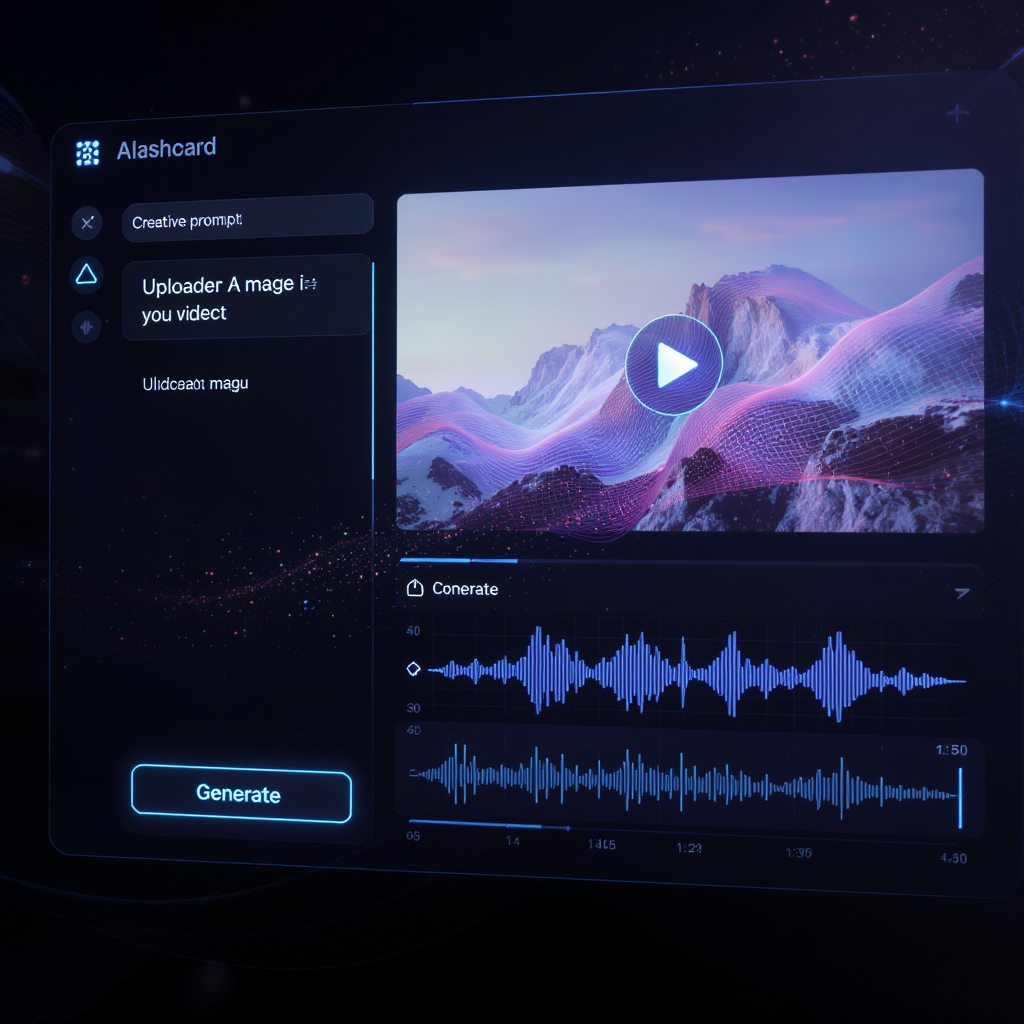
In the fast-paced digital world, visual storytelling is no longer optional—it’s essential. Whether you're a content creator, marketer, educator, or just someone looking to express creativity, the ability to turn a simple image into a fully animated video with audio can change how you engage with your audience. Thanks to advanced AI tools like the Veo 3 AI video generator, that power is now at your fingertips.
Let’s explore how to use image to video with audio by Veo3 and why it’s quickly becoming the go-to tool for creators.
What is the Veo 3 AI Video Generator?
The Veo 3 AI Video Generator is a next-gen tool that converts images into dynamic videos using artificial intelligence. It's designed to be simple for beginners while powerful enough for professionals. Unlike traditional editing software, Veo 3 does all the heavy lifting—animation, audio sync, and rendering—based on a single image and a prompt.
Who is it for?
- Marketers looking to craft quick ad creatives
- Educators creating engaging visuals for lessons
- Social media creators aiming for eye-catching content
- Storytellers and artists visualizing concepts dynamically
Key Benefits of Image to Video with Audio by Veo3
- From Still to Motion: Animate any image with just a few words and clicks.
- Audio Integration: Easily add synced audio for richer storytelling.
- Format Friendly: Supports JPG, JPEG, PNG, and WEBP formats.
- Fast Results: Generate full videos within seconds.
- No Editing Experience Needed: AI handles the motion, transitions, and syncing.
Walkthrough: How to Use the Veo 3 AI Video Generator on VideoWeb
Using the image to video tool by Veo3 is incredibly straightforward. Let’s go through the interface and steps, based on the actual UI.
1. Switch Model
At the top of the interface, use the dropdown menu to select:
Image to Video(or switch to Text to Video if needed, which requires prompt only)
2. Enter Prompt
In the black prompt box, describe the scene you want to generate:
“A futuristic neon-lit street with animated signs and gentle rain.”
Click the clipboard icon to paste, or the ✖️ to clear.
3. Upload Image
Click the upload area or drag and drop your image. Supported formats: JPG, JPEG, PNG, WEBP
4. Select Audio
Use the Audio dropdown to choose:
No AudioAudio
5. Set Privacy
Toggle the Public switch on or off depending on whether you want the video to be public or private.
6. Generate
Click the glowing Generate button at the bottom.
✅ In a few seconds, your image will be transformed into a stunning video, with or without audio, ready to download and share.
Tips for Best Results
- Use High-Quality Images: Clear visuals lead to cleaner animations.
- Write Detailed Prompts: The more descriptive your prompt, the more accurate and creative the result.
- Experiment with Audio: Test videos with and without sound to see what works best for your goal.
- Keep It Short: Short prompts often yield cleaner animations.
Frequently Asked Questions
Q: What image formats are supported? A: JPG, JPEG, PNG, and WEBP.
Q: How long does it take to generate a video? A: Most videos are rendered within seconds.
Q: Can I customize the audio later? A: You can select preset audio in the tool. For more custom edits, download the video and use a video editor.
Q: Are there any costs? A: Yes, video generation uses credits. As of this interface, 3000 credits are required per video.
Why Choose Image to Video with Audio by Veo3 on VideoWeb?
Compared to other platforms, this tool offers:
- Streamlined Interface: Minimalist and intuitive, with no learning curve.
- Speed & Performance: Ultra-fast generation backed by powerful AI.
- High-Quality Results: Visual and audio output rivaling professional tools.
- Creative Control: Full prompt customization and media flexibility.
- Trusted Platform: VideoWeb is known for hosting cutting-edge AI tools.
Conclusion
The future of storytelling is here—and it's powered by AI. With the Veo 3 AI Video Generator, transforming a static image into a cinematic video has never been easier. Whether you’re aiming to boost engagement, visualize an idea, or simply have fun, image to video with audio by Veo3 delivers professional results in seconds.
🎬 Ready to try it yourself? 👉 Click here to generate your first Veo3 AI video now











