PixVerse V6 vs Kling 3.0 is not a simple "which model is best?" question. For creators, the better question is which AI video model fits the job: text-to-video, image-to-video, short-form social clips, product visuals, UGC-style drafts, cinematic scenes, camera movement, subject consistency, prompt difficulty, and revision speed. The smartest way to compare them is to test the same prompt, same source image, same aspect ratio, and same output goal on a platform such as VideoWeb AI, then judge the results by practical workflow fit instead of hype.

PixVerse V6 vs Kling 3.0: The Practical Comparison Creators Actually Need
PixVerse V6 and Kling 3.0 should be compared by repeatable creator tasks, not by universal ranking. A social media editor cares about fast 9:16 clips, a product marketer cares about visual clarity, an ecommerce team cares about image-to-video consistency, and a filmmaker cares about camera movement and scene mood.
Use VideoWeb AI Video Generator as the hands-on testing hub because it connects relevant workflows: Text to Video, Image to Video, Photo to Video, TikTok Video Generator, Instagram Reels Generator, and UGC Video Generator. VideoWeb also has pages for Kling 3.0, Kling 3.0 Turbo, Kling AI, Pixverse, and Pixverse 5.5.
Important publication note: if VideoWeb does not show a direct PixVerse V6 model page at publication time, use the closest Pixverse model page and the PixVerse V6 article until a direct PixVerse V6 tool page is verified. Do not present third-party model pages as official sources.

What PixVerse V6 May Fit Best
PixVerse V6 may fit creators who want fast creative exploration, short-form video ideas, image animation, and prompt-driven clips that can be tested quickly. The official PixVerse site and PixVerse V6 materials should be checked before publication for current model features, availability, supported modes, duration, resolution, audio behavior, pricing, and rights.
From a creator workflow perspective, PixVerse is worth testing when the brief is visually direct: animate a product, create a social clip, generate a stylized scene, test a motion idea, or turn a still image into a punchy short. If your team needs multiple draft directions before choosing one, PixVerse-style workflows may be a good fit because the goal is fast comparison rather than one "perfect" generation.
Treat PixVerse V6 output quality as something to test with your own prompt set. Compare prompt obedience, motion smoothness, subject consistency, camera-following, aspect-ratio fit, and revision speed before choosing it for paid campaigns.

What Kling 3.0 May Fit Best
Kling 3.0 may fit creators who want cinematic motion, controlled image-to-video tests, and polished scene generation. VideoWeb provides a Kling 3.0 AI Video Generator page plus Kling 3.0 Turbo and Kling AI pages, which makes it practical to test Kling-style workflows from one place.
Use Kling 3.0 when the creative brief depends on camera rhythm, subject motion, atmosphere, and cinematic framing. Examples include a traveler on a stormy cliff, a train crossing a snowy mountain bridge, a product reveal with mist, or a fashion walk through a minimalist corridor.
Still, verify exact claims on the live Kling page and official Kling AI sources before publication. Do not claim exact duration, resolution, native audio, API access, watermark-free export, commercial rights, free access, unlimited use, or official partnerships unless the page explicitly confirms it.

Text-to-Video and Image-to-Video: Where Each Model Should Be Tested
The cleanest PixVerse V6 vs Kling 3.0 comparison starts with two test lanes: text-to-video and image-to-video. Text-to-video shows how well the model interprets a full scene from language. Image-to-video shows how well it preserves a source image while adding motion, camera movement, lighting, and atmosphere.
For text-to-video, test a prompt with one subject, one action, one environment, one camera move, one lighting style, and one aspect ratio. For image-to-video, upload the same product photo, portrait, or scene image to both models and ask for the same edit: slow push-in, natural subject movement, preserved product shape, stable face, or a specific social crop.
Use VideoWeb Text to Video when you start from a written concept. Use VideoWeb Image to Video or Photo to Video when the source image matters. Keep the test strict: same prompt, same source image, same ratio, same final use case.

Motion Quality, Camera Control, and Subject Consistency
Motion quality is where a practical model comparison becomes visible. Look at whether the subject moves naturally, whether the camera follows the instruction, whether hands, feet, wheels, fabric, hair, steam, water, and reflections behave believably, and whether the subject remains recognizable from start to finish.
For camera control, test simple moves first: slow push-in, side-tracking shot, dolly-back, handheld drift, wide aerial pullback, and macro close-up. Complex camera instructions can expose model drift, so start with a clean action before adding cinematic layers.
For subject consistency, use the same source image and check whether each model preserves identity, product shape, outfit, object geometry, background layout, and color palette. If one model gives better first drafts but the other gives more stable revisions, the "better" choice depends on your workflow.

Audio Behavior, Resolution, Pricing, and Rights: Verify Before Publishing
Audio behavior, resolution, duration, pricing, credit cost, commercial use, watermark rules, API access, and model availability should be verified on live pages before publication. These details change often, and third-party pages may describe a workflow without being the official model source.
For PixVerse V6, verify model details on official PixVerse pages and then check how VideoWeb exposes the closest available Pixverse workflow. For Kling 3.0, verify model context on official Kling AI pages and VideoWeb's Kling model pages. For VideoWeb, check the live model/tool pages before stating what is available to a user on that platform.
If you compare output quality, frame the result as your test outcome: "In this product prompt, Model A preserved the bottle better," not "Model A is always better." That keeps the article useful and honest.

Short-Form Social Clips, Product Visuals, and UGC Ads
For short-form social clips, the better model is the one that gets attention quickly while preserving the visual idea. Test 9:16 prompts for TikTok, Reels, and Shorts with simple hooks: a product reveal, a shoe landing on wet pavement, a fashion walk, a food close-up, or a fictional creator-style product moment.
For product visuals, judge clarity before cinematic flair. A model that makes a gorgeous scene but changes the bottle shape, label area, shoe design, or product color may be less useful for ecommerce. For UGC drafts, check whether motion, framing, and pacing feel natural enough to support a campaign concept without implying a real testimonial or real person endorsement.
VideoWeb's AI TikTok Video Generator, Instagram Reels Generator, and AI UGC Video Generator are useful adjacent workflows for testing these practical formats.

How to Run a Fair PixVerse V6 vs Kling 3.0 Test
Run the comparison like a small creative experiment. Use the same prompt in PixVerse V6 and Kling 3.0, then compare subject consistency, camera-following, motion realism, audio behavior if available, prompt obedience, aspect-ratio fit, generation cost, and revision speed.
Use this scoring checklist:
| Criterion | What to inspect |
|---|---|
| Prompt obedience | Did the model follow the subject, action, mood, and camera move? |
| Motion realism | Did bodies, objects, fabric, liquids, wheels, or steam move believably? |
| Camera control | Did the camera push, track, pull back, or hold still as requested? |
| Subject consistency | Did the subject remain stable across the clip? |
| Image-to-video preservation | Did the source image stay recognizable? |
| Social fit | Does the output work for 9:16, 4:5, 1:1, or 16:9? |
| Revision speed | How many attempts were needed to get a usable draft? |
| Publication readiness | Do rights, watermark, pricing, and terms fit your use case? |
Do not test with protected characters, celebrity likenesses, real brand marks, or copyrighted designs. Use original fictional subjects and unbranded products so the comparison stays usable for commercial review.

Prompt Formula and Examples for Both Models
Good comparison prompts are specific but not overloaded. Use one subject, one clear action, one environment, one camera movement, one lighting style, one motion detail, one mood, and one aspect ratio.
Reusable prompt formula:
[subject] + [clear action] + [environment] + [camera movement] + [lighting] + [motion detail] + [mood] + [aspect ratio] + [avoid copyrighted characters, real celebrities, logos, and protected IP]
Copyable prompt examples:
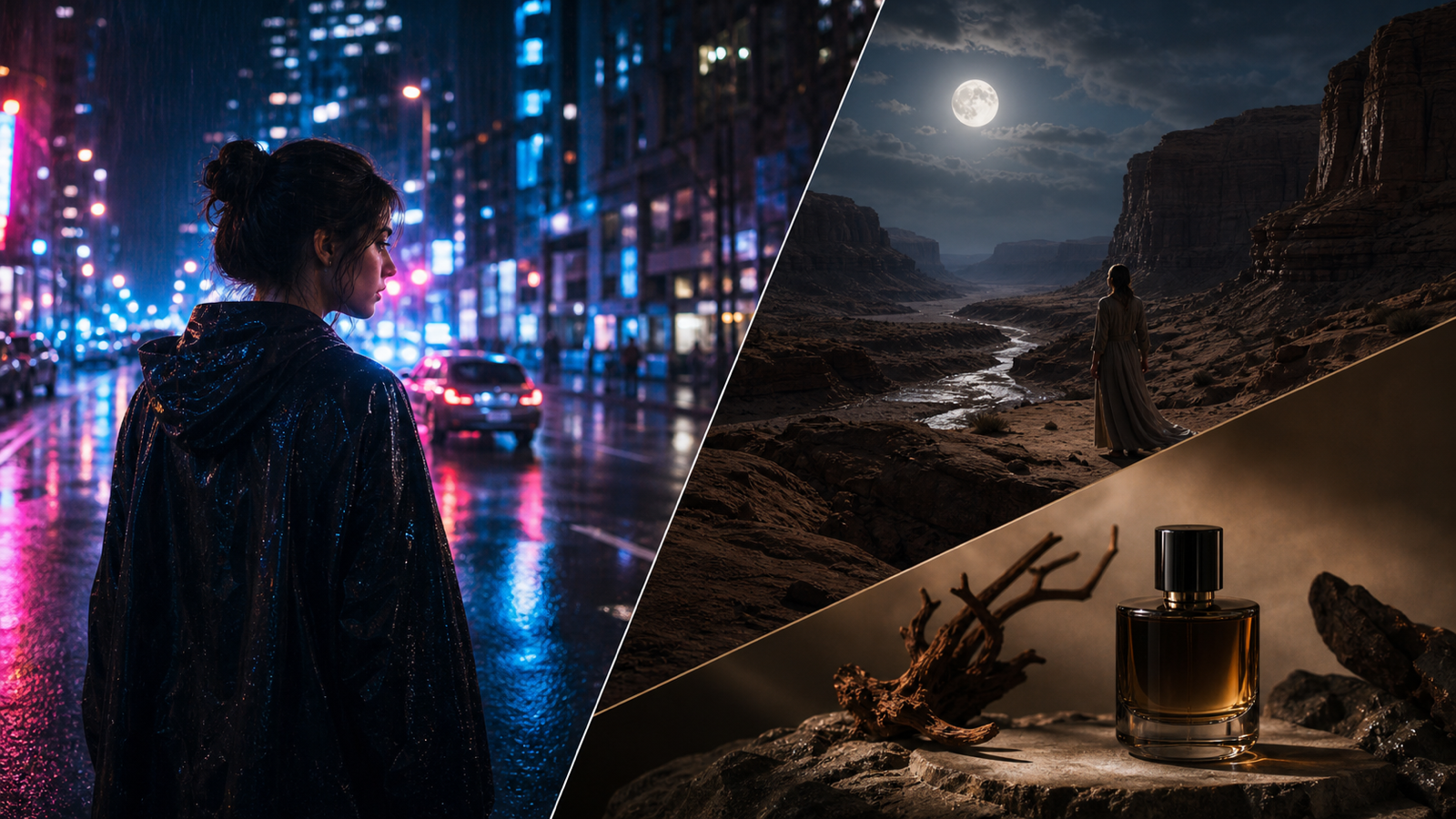
- A glass perfume bottle rests on black stone as soft mist moves around it, slow camera push-in, warm side light, refined luxury mood, 16:9.
- A fictional athlete runs across an empty bridge at sunrise, low-angle tracking shot, wind moving the jacket naturally, energetic motion, 9:16.
- A bowl of noodles is placed on a wooden counter, steam rising slowly, close-up camera movement, warm restaurant light, realistic food texture, 16:9.
- A futuristic electric bike moves through a rainy city street, neon reflections on pavement, smooth side-tracking shot, realistic wheel motion, 16:9.
- A fashion model in an original silver coat walks through a minimalist stone corridor, slow dolly-back camera movement, soft shadows, editorial mood, 9:16.
- A small fictional robot explores an overgrown greenhouse, sunbeams through glass, gentle mechanical movement, slow reveal shot, quiet emotional atmosphere, 16:9.
- A skincare jar opens beside fresh citrus and white flowers, soft daylight, clean marble surface, subtle product reveal, polished beauty-ad mood, 1:1.
- A traveler stands before a vast desert canyon at dusk, wide cinematic shot, wind moving fabric, dramatic sky, slow aerial pullback, adventurous mood, 16:9.
- A handmade ceramic cup fills with coffee, macro close-up, slow liquid swirl, warm morning light, realistic steam, calm lifestyle mood, 4:5.
- A fictional musician walks through a moonlit garden carrying a violin case, slow handheld camera, silver-blue light, soft fog, poetic atmosphere, 16:9.
- A red sports shoe lands on wet pavement, splash motion, close-up tracking shot, dramatic street lighting, high-energy commercial mood, 9:16.
- A quiet train crosses a snowy mountain bridge at dawn, wide landscape shot, soft mist, slow lateral camera movement, peaceful cinematic mood, 16:9.
After the first run, change only one variable: camera movement, lighting, aspect ratio, or motion detail. That makes the comparison easier to read.

Final Recommendation: Choose by Workflow, Not Model Hype
Choose PixVerse V6 if your priority is fast creative exploration, short-form drafts, stylized concepts, image animation experiments, and multiple variations that help you find an angle. Choose Kling 3.0 if your priority is cinematic scene tests, controlled camera movement, image-to-video stability, atmospheric motion, and polished visual storytelling. Treat both recommendations as starting hypotheses, not permanent rankings.
For hands-on testing, start with VideoWeb AI and use the relevant workflow pages: AI Video Generator, Text to Video, Image to Video, 4K Video Generator, Pixverse, Pixverse 5.5, and Kling 3.0.
FAQ
Is PixVerse V6 better than Kling 3.0?
Not universally. Compare them with the same prompt, source image, ratio, and output goal. One may fit social drafts better, while the other may fit cinematic or image-to-video tests better.
Where can I try PixVerse and Kling workflows?
VideoWeb AI is a practical testing hub because it has Kling 3.0 pages, Pixverse pages, and general AI video workflows for text-to-video, image-to-video, photo-to-video, TikTok, Reels, and UGC videos.
Does VideoWeb have a direct PixVerse V6 model page?
Verify this on the live site before publication. If a direct PixVerse V6 model page is not available, use the closest Pixverse model page and the PixVerse V6 article until a direct tool page is confirmed.
What should I avoid in test prompts?
Avoid copyrighted characters, celebrity likenesses, protected brand marks, unsafe commercial-rights assumptions, and prompts that imply real endorsements without permission.
Conclusion
PixVerse V6 vs Kling 3.0 is best answered through practical testing. Use the same prompt, same image, same aspect ratio, and same output goal on VideoWeb AI, then compare motion, camera control, subject consistency, prompt obedience, cost, revision speed, and publication readiness before choosing a model for real work.