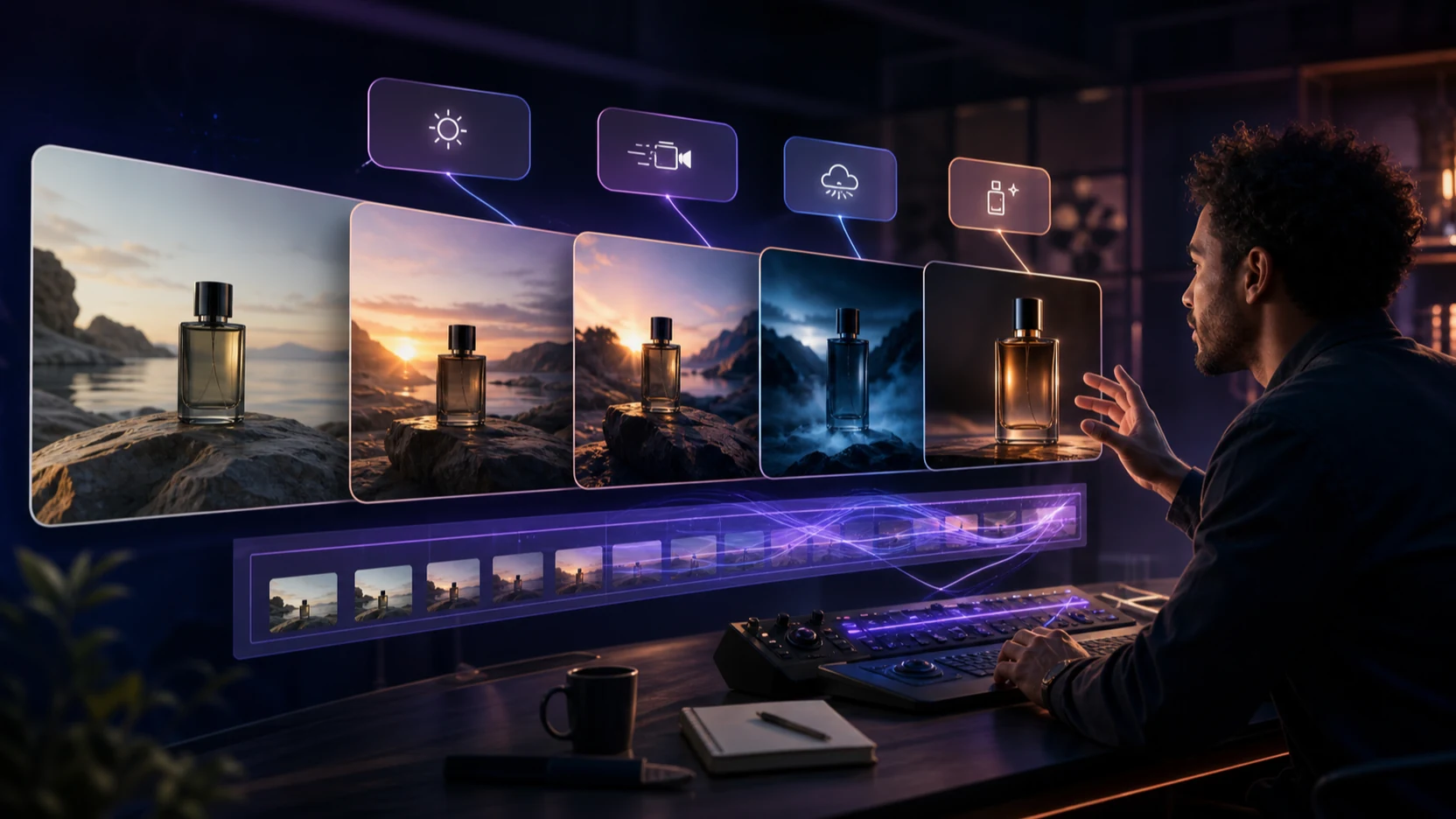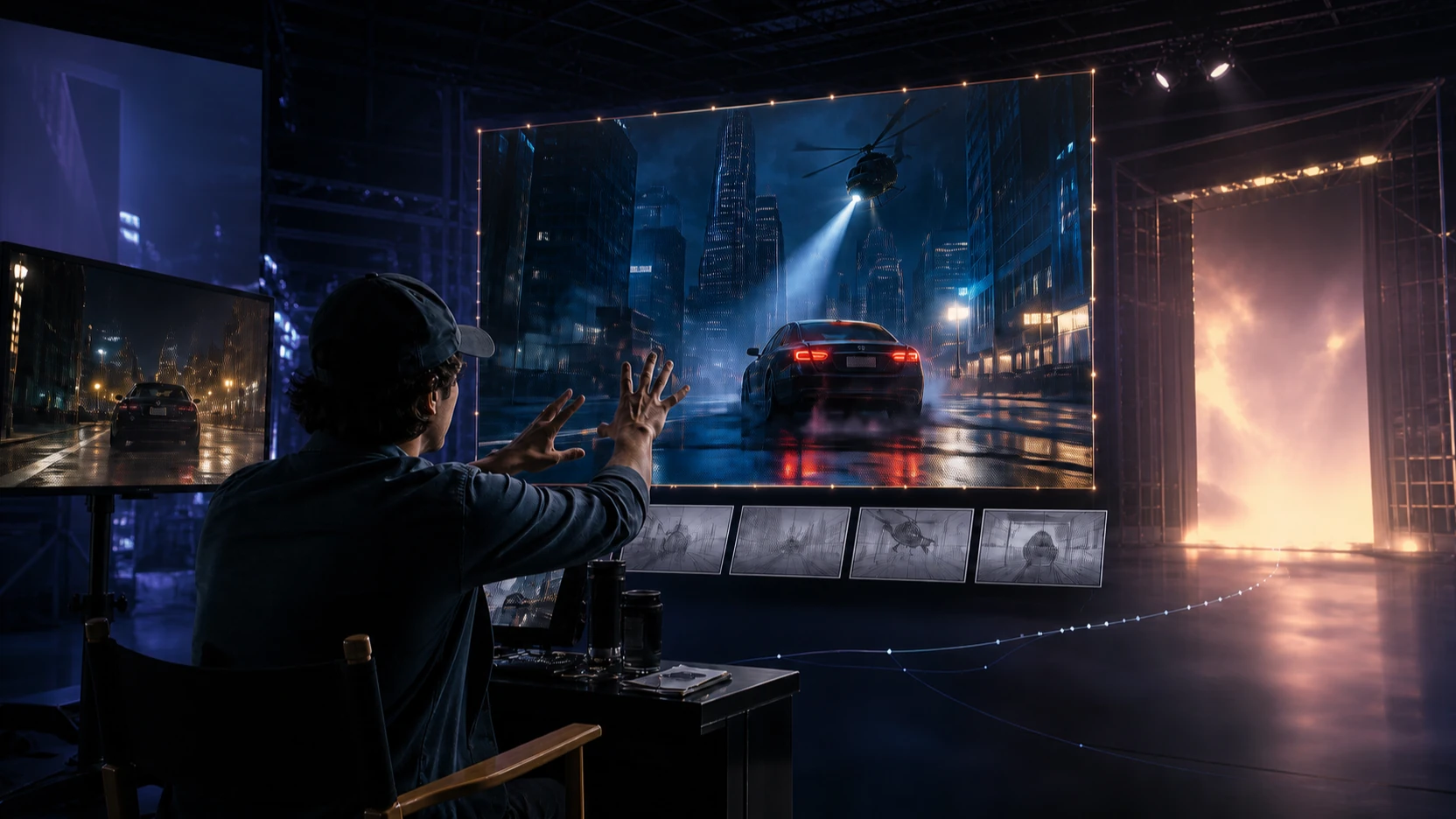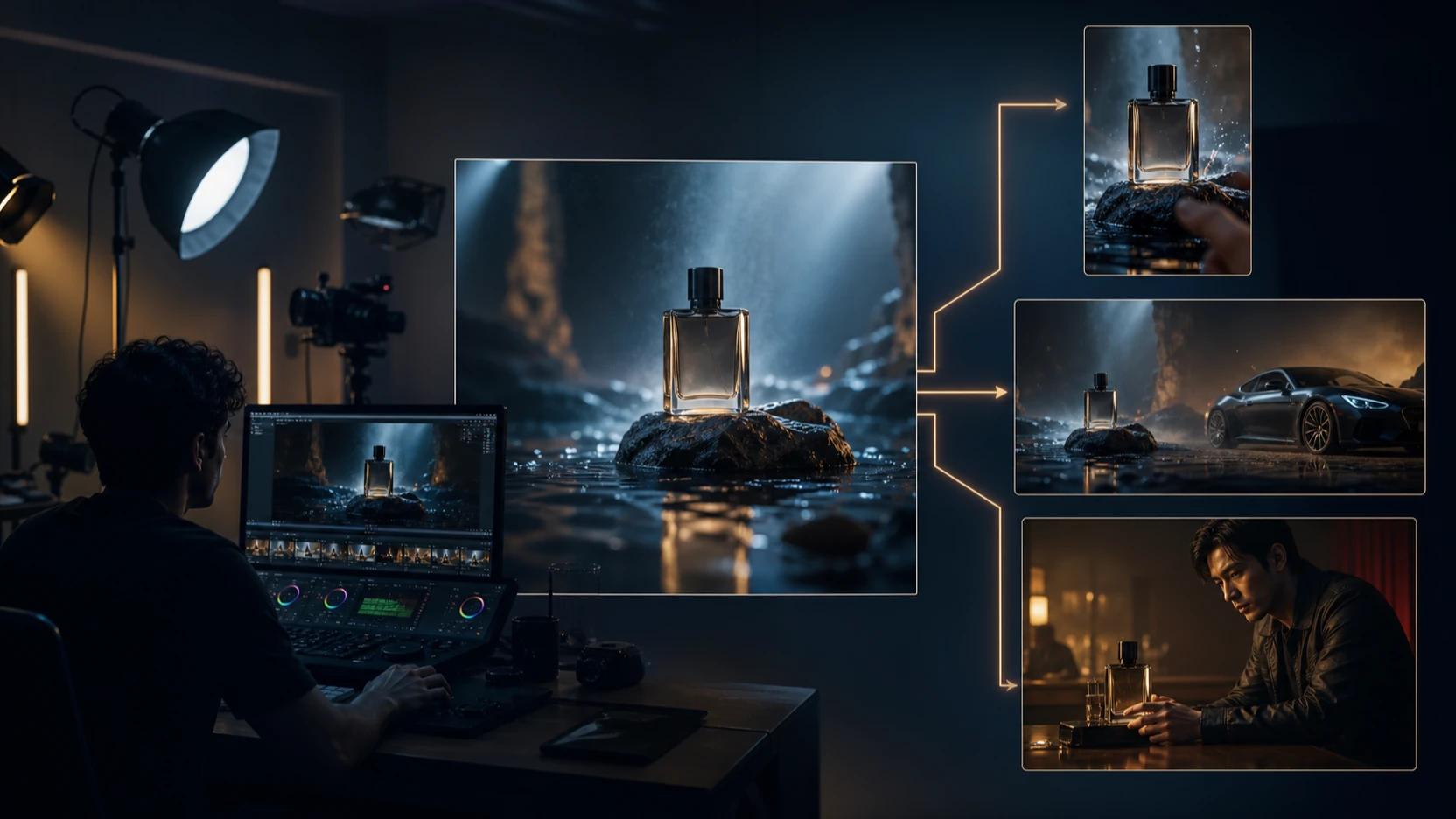
Meta Muse Video vs Seedance 2.0 is not a finished benchmark yet. It is a practical comparison between a promising preview from Meta and a creator workflow that can already be tested through Seedance 2.0 on VideoWeb AI.
Meta announced Muse Video on July 7, 2026 as the first video-generation model from Meta Superintelligence Labs. Meta describes it as a strong text-to-video model with visual fidelity, prompt adherence, temporal consistency, and native audio, while also saying it is coming soon to creators and Meta AI. By contrast, ByteDance's Seedance 2.0 is already positioned as a multimodal audio-video model, and VideoWeb AI gives creators a browser workflow for testing text, image, start-frame, end-frame, and reference-driven video generation now.

What Meta Muse Video Currently Promises
Muse Video is best understood as a preview, not a public production tool. Meta says the model is designed for high-fidelity text-to-video generation with prompt adherence, temporal consistency, and native audio, and it reported a No. 3 text-to-video Arena position as of July 5, 2026. That is interesting, but it is not the same as controlled testing by creators using identical prompts, settings, and source assets.
The most important availability detail is simple: Meta describes Muse Video as coming soon to creators and Meta AI. Do not treat it as released, open source, available through an API, free to use, or integrated into VideoWeb AI unless Meta publishes a live access path that confirms those details.
Meta also acknowledges limitations. The announcement notes current weaknesses around audio-video synchronization and physically accurate fast motion. That matters because the hardest real-world video cases are often the exact places where creators need reliability: walking, sports, fabric movement, liquids, hand-object contact, lip movement, impact sounds, and fast camera motion.
For now, Muse Video belongs on a watchlist. It may become a serious option for AI filmmakers, marketers, music-video creators, and creative agencies, but the practical review should wait for public access, generation settings, pricing, input support, duration, resolution, editing controls, and commercial terms.

What Seedance 2.0 Lets Creators Test Now on VideoWeb AI
Seedance 2.0 is the practical recommendation for creators who need to generate and evaluate clips today. ByteDance positions Seedance 2.0 as a multimodal audio-video model supporting text, image, video, and audio inputs, with emphasis on motion stability, joint audio-video generation, performance direction, lighting, shadows, and camera control.
VideoWeb AI's Seedance 2.0 page gives creators a browser-based way to test that kind of workflow. The current interface includes model selection, image upload, start and end frames, prompt input, prompt optimization, resolution, duration, ratio, and public-generation controls. VideoWeb also offers a broader AI Video Generator and a Reference-to-Video Generator for creators who want to test reference-driven production instead of prompt-only video.
That accessibility changes the recommendation. Muse Video may be promising, but Seedance 2.0 can be tested against real creator needs now: product ads, UGC clips, short cinematic scenes, reference-to-video experiments, music-video drafts, and social content variations.
Before publishing or running paid campaigns, verify VideoWeb's current Seedance model version, credit cost, reference limits, output duration, resolution, native-audio support, generation queue, watermark policy, privacy settings, download rules, and commercial-use terms on the live page.

Muse Video vs Seedance 2.0: How to Compare Fidelity, Motion, Audio, and Control
The fair comparison is not "which model wins" yet. The fair comparison is what should be tested once Muse Video becomes publicly available, and what creators can already test with Seedance 2.0 on VideoWeb AI.
Use this review framework:
| Criterion | Muse Video Status | Seedance 2.0 Status |
|---|---|---|
| Availability | Preview, coming soon to creators and Meta AI | Testable through VideoWeb AI |
| Prompt adherence | Meta claims strong adherence | Can be tested with repeat prompts |
| Visual fidelity | Meta highlights high fidelity | Test faces, lighting, texture, and environments |
| Temporal consistency | Meta highlights consistency | Test subject stability and object persistence |
| Motion | Meta notes fast-motion limitations | Test walking, fabric, liquids, sports, and camera moves |
| Native audio | Meta claims native audio, with sync limitations | ByteDance positions Seedance 2.0 as audiovisual and multimodal |
| Reference control | Public details still need launch confirmation | VideoWeb supports image, start/end frame, and reference workflows |
| Creator workflow | Not yet public | Practical for ads, social clips, cinematic tests, and iteration |
| Cost and access | Unknown until launch | Verify credits, duration, resolution, and rights on VideoWeb |
When Muse Video becomes available, run identical prompts and equivalent settings across both models. Keep the test clips short, use one clear action per prompt, and evaluate output by visible evidence: identity stability, object persistence, physical motion, lighting continuity, audio timing, and how much editing the result still needs.

Prompt Tests for Ads, Social Clips, Music Videos, and Cinematic Scenes
Comparison prompts should stress the model without becoming chaotic. The best tests use one subject, one environment, one clear action, one camera move, and one audio expectation. That makes it easier to see whether the model follows direction or hides weaknesses behind quick cuts.
Reusable comparison formula:
Create a [duration]-second video for [purpose]. Subject: [subject] in [environment]. Action: [one clear action]. Camera: [shot type and movement]. Lighting: [lighting]. Motion: [physical behavior]. Audio: [dialogue, ambience, effects, or music]. Preserve [identity, clothing, product shape, or reference details]. Format: [ratio]. Avoid [distortions, extra subjects, unstable objects, or unwanted cuts].
Copy-to-use prompts:
-
Create a cinematic night scene of a cyclist crossing a rain-covered city intersection. Use a slow tracking camera, realistic tire spray, moving reflections, natural traffic ambience, and stable background architecture. -
Create a luxury perfume advertisement from the uploaded product image. Preserve the exact bottle shape, material, color, and label position. Use a slow orbit camera, black reflective stone, soft mist, gold rim lighting, and delicate glass sounds. -
Create a 9:16 UGC product demonstration. A creator opens [product], shows one supported feature, uses it naturally, and gives a short reaction. Use handheld phone-camera movement, realistic room sound, and natural pacing. -
Create a dramatic fashion video. A model walks through a windy concrete corridor while a long coat moves naturally. Use a low tracking shot, cool overcast lighting, realistic footsteps, and consistent facial identity and clothing. -
Create a close-up café scene. Hot espresso pours into a ceramic cup while steam rises and sunlight moves across the table. Use macro cinematography, physically realistic liquid movement, café ambience, and no scene cuts. -
Create a fast action test. Two fictional athletes exchange a ball while running across a wet field. Use a lateral tracking camera, accurate hand-object contact, natural body momentum, synchronized impact sounds, and no duplicated limbs. -
Create a short music-video scene using the uploaded audio reference. A fictional performer moves in time with the beat under red and blue stage lighting. Synchronize cuts, gestures, light pulses, and camera movement with the rhythm. -
Create a three-shot cinematic sequence: a traveler approaches an abandoned lighthouse, opens its weathered door, and looks upward as the light activates. Preserve the same character, clothing, weather, and environment across every shot.
Run these prompts through Seedance 2.0 now, then repeat them through Muse Video only after Meta confirms public access and comparable settings. Avoid converting Meta's preview ranking into proof of universal superiority; rankings shift, and creator workflows need repeatable results.

Which Model Should Creators Choose for Real Work?
Choose Seedance 2.0 on VideoWeb AI if you need a usable workflow today. It is the better practical fit for teams creating product advertising, short social videos, UGC-style clips, reference-to-video tests, cinematic concepts, and controlled iteration because the tool path is already available.
Keep Muse Video on the watchlist if your priority is Meta's previewed combination of visual fidelity, prompt adherence, temporal consistency, and native audio. It may become important for creators once Meta confirms access, settings, duration, resolution, input types, editing controls, pricing, and commercial terms. Until then, it should be evaluated as promising preview potential rather than a production recommendation.
FAQ
Is Meta Muse Video publicly available?
Meta describes Muse Video as an early preview coming soon to creators and Meta AI. Do not describe it as released, API-accessible, open source, free, or commercially available unless Meta updates its official pages.
Can I try Seedance 2.0 now?
Yes. VideoWeb AI's Seedance 2.0 AI Video Generator provides a practical browser workflow for testing Seedance 2.0. Check current credits, duration, resolution, watermark, privacy, and commercial-use terms before publishing.
Is Muse Video better than Seedance 2.0?
There is not enough public evidence for that conclusion. Muse Video has strong preview claims, but Seedance 2.0 can be tested now with real prompts and reference assets. A fair comparison requires identical prompts, comparable settings, and access to both models.
What should creators test first?
Start with Seedance 2.0 prompts that include product references, motion, camera direction, lighting, audio, and format. Save the same prompts for Muse Video once it becomes publicly available, then compare motion consistency, prompt adherence, audio sync, and editability.
Conclusion
The practical conclusion is clear: use Seedance 2.0 on VideoWeb AI when you need an AI video workflow today, and keep Meta Muse Video on your watchlist until public access confirms what creators can actually test. The Meta Muse Video vs Seedance 2.0 comparison will become more meaningful when Muse Video launches with visible settings, pricing, input controls, output limits, and commercial-use terms.
Related Articles
- Seedance 2.0 Video Generation Guide: Tutorial and Prompts
- Gemini Omni vs Seedance 2.0 for Video Generation
- YouTube UGC Video Generation with Seedance 2.0
- Seedance 2.5 Release: What's New Compared with Seedance 2.0
- Happy Horse 1.0 vs Seedance 2.0
People Also Read
- Seedance 2.0 Review: Control, Consistency, and Workflow Fit
- Seedance 2.0 Video Generation Guide for Controlled Results
- Seedance 2.0 Access Guide for AI Video Creators
- Kling 3.0 vs Seedance 2.0 for Creative Video Workflows
- Vidu Q3 vs Veo 3.1 vs Seedance 2.0
SEO Title:
Excerpt: Meta Description:
Tags: , , , , , native audio video, reference-to-video