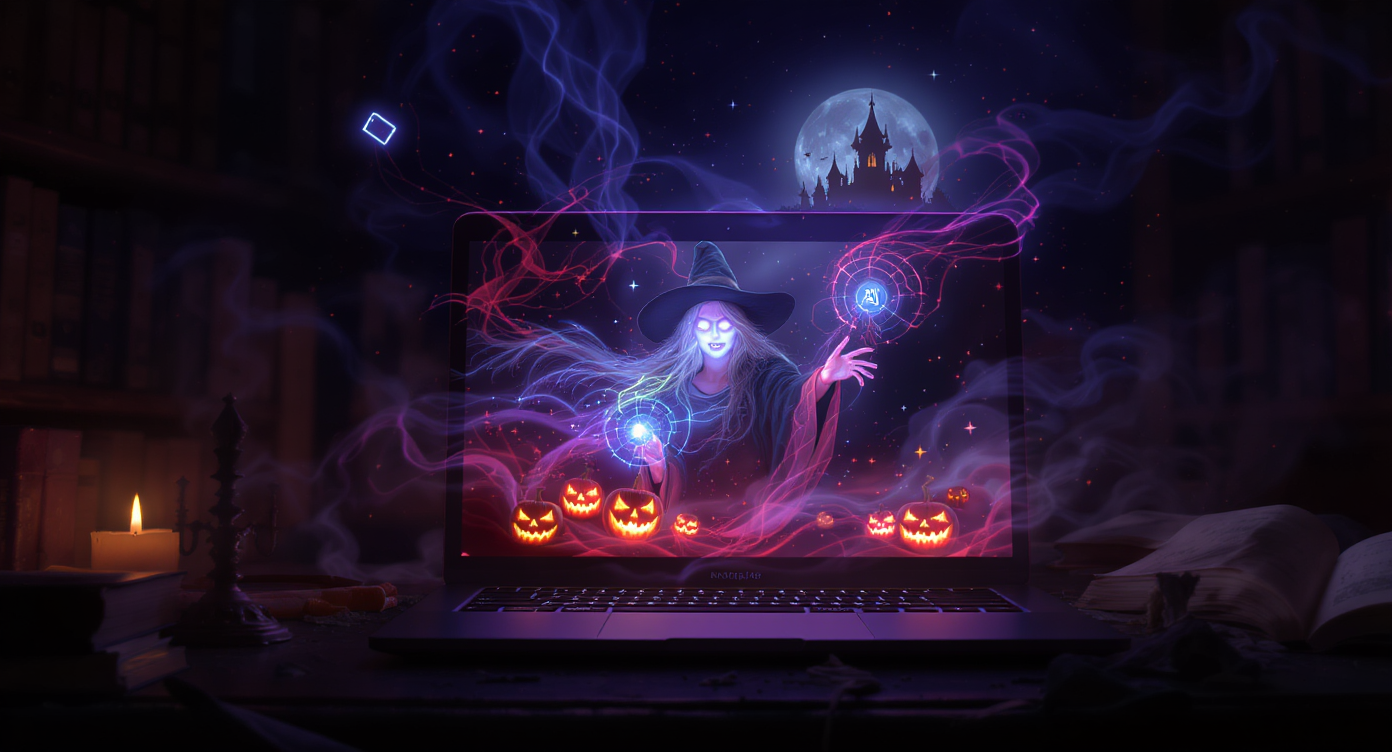
Halloween has always been a celebration of imagination — a night when costumes, spooky houses, ghost stories, and eerie visuals come to life. But in 2025, the spirit of Halloween has taken a groundbreaking leap into the world of AI-generated video. This year, the most captivating Halloween content won’t come from makeup, props, or camera crews — it will be conjured from words.
With Veo 3.1, creators can produce cinematic Halloween clips—from haunted mansion walkthroughs to witch transformations—with nothing but a prompt. If images were last year’s trend, Halloween 2025 belongs to AI horror video magic.
Whether you’re a content creator, brand, filmmaker, or simply a Halloween lover, this spellbook will guide you through crafting viral, spooky, stunning Halloween videos using Veo 3.1. Get ready to unlock prompt formulas, plug-and-play scripts, advanced techniques, and share-to-scare posting strategies.
Start here:
🎥 Veo 3.1 Halloween Video Generator: https://videoweb.ai/model/veo-3-1-video/
👻 1. Halloween Has a New Director — YOU
For decades, creating horror video content required cameras, actors, sound design, editing, and effects. But AI has changed the game. With Veo 3.1, you can direct a Halloween short in minutes, complete with:
- Cinematic camera movement
- Eerie lighting and atmospheric fog
- Sound effects and background scores
- Micro-stories and scene transitions
This turns anyone into a director — even if you’ve never touched a camera before.
Why It Matters for Halloween
| Why AI Video Wins Halloween | What It Means for You |
|---|---|
| Instant creative transformation | No filming, no makeup, no props needed |
| High shareability | Short spooky clips thrive on TikTok & Reels |
| Unlimited imagination | Ghosts, witches, monsters — all possible |
| Cost-free production | Hollywood-style scenes without a budget |
AI still images went viral last Halloween — but moving horror is infinitely more immersive. If a ghost blinks, floats, whispers, or crawls toward the camera, it creates emotional impact that a photo can’t match.
And that’s why Veo 3.1 is the new Halloween powerhouse.
🔮 2. Why Veo 3.1 Is the Ultimate Halloween Video Engine
Veo 3.1 is known for generating high-fidelity video scenes with strong motion, realistic detail, and audio integration — perfect ingredients for horror storytelling.
What Makes Veo 3.1 Ideal for Halloween?
| Feature | Why It’s Perfect for Spooky Content |
|---|---|
| Cinematic camera control | Create suspense, tension, and eerie reveals |
| Built-in sound | Add whispers, footsteps, thunder, chants |
| Realistic lighting & fog rendering | Essential for horror atmosphere |
| Works with short-form formats | Tailor-made for Reels, TikTok, Shorts |
| Handles surreal, supernatural, and fantasy | Fits Halloween aesthetics effortlessly |
What You Can Create with Veo 3.1
- Haunted house walkthroughs
- Ghost encounters
- Witch spell animations
- Monster transformations
- Cute-creepy Halloween loops
- Jump-scare POV clips
- Horror mini-series & trailers
You’re not generating a video — you’re directing a mini-movie.
Generate yours here → https://videoweb.ai/model/veo-3-1-video/
🧙♀️ 3. Preparing Your Cauldron — How to Begin With Veo 3.1
Before casting your first spell (prompt), you need a setup that ensures consistent, high-quality results.
🧵 Step-by-Step Setup
- Open Veo 3.1: https://videoweb.ai/model/veo-3-1-video/
- Choose your format:
- 9:16 vertical = TikTok/Reels/Shorts
- 16:9 horizontal = YouTube, trailers
- Decide your duration: 5–15 seconds works best for Halloween
- Pick a tone:
- Horror, eerie, suspense, whimsical, gothic, cute-creepy
- Add audio direction (optional but powerful)
- Write your prompt using this magic formula:
✍️ Halloween Prompt Formula
Subject + Setting + Lighting + Atmosphere + Camera Motion + Sound
Example Prompt:
A ghost girl standing at the end of a candle-lit hallway, fog creeps in, slow push-in camera, thunder rumbling, soft whispering.
🧪 Instant Halloween Vibe Words
Add one or more to amplify horror:
- moonlit
- foggy / misty
- haunted / cursed
- flickering candles
- whispering voices
- distant children laughing
- cobwebs
- ritual circle
- neon witchcraft
- VHS grain
These words activate Veo 3.1’s horror imagination.
📜 4. Halloween Video Prompt Frameworks: Choose Your Spell Type
Think of these as spell templates. Fill in the blanks, and Veo 3.1 will summon the scene.
🩸 4.1 – Horror Scene Builder (For Cinematic Chills)
Format:
Wide shot of [Setting], [Camera Movement], [Lighting], [Atmosphere], distant [Sound Effect], reveal [Horror Element].
Example:
Wide shot of candle-lit haunted mansion hallway, slow pan forward, moonlight leaking through broken windows, fog swirling at floor level, distant thunder rumbling, ghostly silhouette at end of corridor.
🧛 4.2 – Character Reveal (Perfect for Intros & Teasers)
Format:
Close-up of [Character Feature], [Lighting], camera [Movement], reveal [Transformation or Action], [Music Cue] builds.
Example:
Close-up of witch’s eyes glowing purple in moonlight, slow zoom out, camera rotates to reveal her floating above rooftop, choir chant intensifies.
🪦 4.3 – POV Immersion (For Jump-Scares & Fear)
Format:
POV [Action] through [Setting], [Sound], camera shakes slightly, [Reveal].
Example:
POV walking through abandoned carnival at night, creaking ferris wheel, faint children laughing, fog thickens, shadow figure crosses in front of camera.
🎃 4.4 – Cute-Creepy Loop (Family-Friendly & Viral)
Format:
Looping 8-second clip of [Character] doing [Action] in [Setting], [Music Style], [Whimsical Detail].
Example:
Looping 8-second clip of pumpkin fairy twirling in foggy pumpkin patch, firefly lights, magical xylophone music.
🦇 5. Plug-and-Play Veo 3.1 Halloween Prompts (Use As-Is!)
Copy & paste directly into Veo 3.1.
Cinematic Horror Scenes
- “Slow pan through candle-lit haunted mansion hallway, fog crawling along floor, ghostly woman at the end, thunder rumbling in background.”
- “Camera tracks through abandoned asylum courtyard at dusk, vines covering walls, lightning flashes, shadow in top window watching.”
- “Old church at night, camera zooms toward altar, candles blow out one by one, faint whispers echo.”
- “Forest at 3AM, moonlit fog, camera follows footprints in mud, distant wolf howl, flashlight flickers off and on to reveal figure behind trees.”
Character Transformations
- “Close-up of human face under moonlight, eyes turn yellow, camera pulls back to reveal werewolf transformation, dramatic orchestra swelling.”
- “Witch floating above ritual circle, neon spell symbols rotating, hair lifting as magical energy surges, bass-heavy sound.”
- “Pumpkin farmer turns slowly toward camera, face cracks into jack-o-lantern, embers inside glow, creepy children’s choir sings.”
Immersive POV Scares
- “POV inside mirror maze, reflections distort, footsteps behind you, mirror cracks, whisper says ‘Don’t look back.’”
- “POV opening attic door, flashlight beam searches through dusty room, dolls turn their heads toward you, music shrieks softly.”
- “POV walking through cornfield, stalks rustling, crow screech, scarecrow appears closer each time camera blinks.”
Cute-Creepy Loops
- “Ghost cat wearing witch hat stirring glowing cauldron, sparkles float, cozy fireplace, whimsical music.”
- “Pumpkin fairy leading tiny pumpkin children across bridge of leaves, fireflies swirl, soft lullaby tune.”
- “Skeleton band playing jazz in neon graveyard, tombstones bob to rhythm, purple and orange lights.”
🧟♂️ 6. How to Enhance Your Veo 3.1 Halloween Clips
Once you generate your video, a few upgrades can take it from “cool” to “viral.”
🧊 A. Add Sound Design
Audio controls emotion. Try adding:
- Whispering
- Footsteps on wooden floors
- Distant lullaby
- Creaking doors
- Low-bass rumble
- Witch laughter
🎥 B. Cinematic Camera Terms to Include
| Term | Effect |
|---|---|
| Slow pan | Builds suspense |
| Dutch angle | Creates unease |
| Tracking shot | Adds immersion |
| Close-up | Shows emotion |
| Zoom-in reveal | Dramatic emphasis |
🌕 C. Horror Lighting Enhancers
- moonlit shadows
- candle flicker
- neon purple witch glow
- foggy underlighting
- lightning flashes
🧵 Combine Image + Video for Style Consistency
If you want a character to appear across multiple videos:
- Generate reference image first
- Use it as a visual seed for Veo 3.1
- Keep outfit, lighting, color palette the same
This creates a “character franchise” effect — ideal for storytelling.
📣 7. Sharing Strategy: Scare to Go Viral
You didn’t summon ghosts for no one to see them. Share wisely to maximize impact.
🎯 Best Platforms for Halloween AI Clips
| Platform | Why It Works |
|---|---|
| TikTok | Shock value + shareability |
| Reels | Aesthetic horror thrives |
| YouTube Shorts | Mini-series perform well |
| Cute-creepy loops go viral |
🗓️ Posting Timeline for Halloween
| Date Range | Best Content |
|---|---|
| Oct 1–10 | Teasers & transformations |
| Oct 11–24 | Horror scenes, mini-series |
| Oct 25–31 | Jump-scares, POVs, collabs |
🧵 Winning Content Formats
- Before → After AI Reveal
- “Make a Prompt with Me” behind-the-scenes
- POV horror series (3–10 episodes)
- Choose What Happens Next audience polls
- “If this gets 1,000 likes, I’ll open the next door…”
🔥 Viral Hashtags
#Veo31AI #HalloweenVideoAI #AIHorror #AIPrompts #LightsCameraSCREAM #SpookySeason #AIVideo #HorrorTok #GhostTok #WitchTok
⚠️ 8. Pro Tips, Mistakes & Ethical Magic
✅ Do This
✔ Keep scenes focused — one main action
✔ Use camera and audio cues
✔ Experiment with genre mashups:
Cyberpunk Witch, Victorian Tech-Horror, Candy-Goth Fairycore
❌ Avoid
✖ Too many scene changes in one clip
✖ Using copyrighted character names
✖ Silence — unless used intentionally for tension
🧒 Kid-Friendly Mode
If your audience includes children:
Replace words like “blood”, “evil”, “possessed” with:
- “mischievous”
- “magical”
- “mysterious”
- “enchanted”
🎭 9. Conclusion — Halloween’s New Movie Set Is in Your Laptop
You now hold the spellbook to conjure haunted mansions, witches in the sky, pumpkin spirits dancing under starlight, and jump-scare POVs — without filming a thing.
This Halloween, you’re not just a content creator.
You’re the director of your own AI horror universe.
The ghosts are waiting. The spells are ready.
Take your place behind the camera — or rather, behind the prompt.
🎥 Enter Your Director’s Chair:
👉 Generate your first Halloween video now:
https://videoweb.ai/model/veo-3-1-video/
Lights…
Camera…
SCREAM!
🩸











