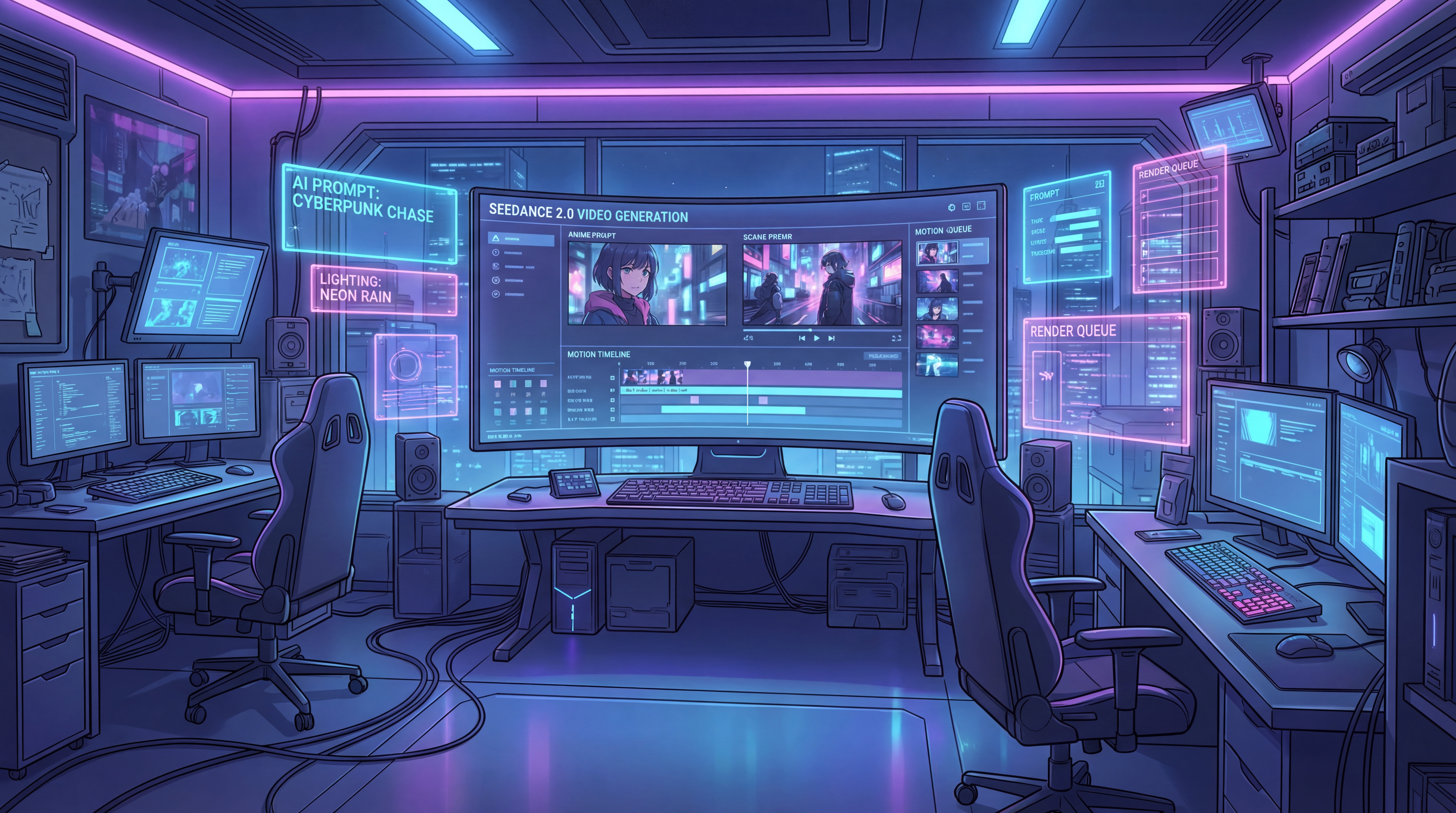
If you search seedance 2.0 anime, the real question is whether it can make clean, cinematic anime-style clips. The answer looks promising. Seedance 2.0 is positioned as a high-control multimodal video model, with strengths in smoother motion, better consistency, and reference-driven creation.
That is why interest in bytedance seedance 2.0 keeps growing. It feels less like a basic text-to-video tool and more like a model for creators who want stronger direction and continuity.
There is one limitation: broader public workflow is still opening up. VideoWeb AI is launching its Seedance 2.0 page and will support it more directly once the API is available, while Seedance 1.5 is already live there now. This article covers both the core ideas behind Seedance 2.0 for anime clips and practical prompt tips you can use today.
Why Seedance 2.0 Makes Sense for Anime Clips
Anime-style video needs stable characters, believable motion, and a clear mood from shot to shot. That is where Seedance 2.0 stands out. It looks well suited to smoother movement, better scene consistency, multi-reference input, and stronger control over camera, lighting, sound, and action.
For creators exploring modern anime ai workflows, that matters. Better anime clips usually come from clear shot direction, not just style labels.
Where to Use Seedance 2.0 Right Now
Right now, Seedance 2.0 is still best understood as an official-first model through ByteDance’s ecosystem.
At the same time, VideoWeb AI already has a live seedance 2.0 video generator page. It gives creators a place to follow the model now and prepare for easier use later.
Its model selector already shows Seedance 1.5 available and Seedance 2.0 coming soon, so users can start learning this workflow today. In that sense, Seedance 2.0 is the model to watch, and VideoWeb AI is one of the easiest places to track it as access expands.
How to Prompt Seedance for Anime Better
A lot of weak AI video comes from weak prompting. People overload the prompt with style words, or they stay too vague. For anime clips, a better approach is to brief the model like a shot planner.
A useful structure looks like this:
character + setting + action + camera + lighting + mood + visual style + motion detail
That means your prompt should answer a few practical questions.
Who is on screen? Where are they? What is happening? How should the camera move? What is the light source? What emotion should the scene carry? What visual style should stay consistent? And what motion details must remain readable?
This approach works especially well for anime because anime visuals are often built around purposeful composition. A dramatic close-up, a hard side profile under neon rain, a slow push-in before a confession, or a fast circular camera move during a transformation scene all need clear direction.
Tips Before You Generate
Before jumping into the prompt pack, keep these rules in mind.
First, focus on one main idea per clip. If you ask for a sword fight, cherry blossoms, crying, lightning, three camera moves, and a city collapse all in one short video, the result will usually get messy.
Second, be explicit about character identity. Mention hair color, outfit, age range, accessories, and emotional state. This helps the model keep the subject more stable.
Third, describe motion in plain language. Instead of saying “dynamic cinematic energy,” say “the character runs toward the camera, coat flaring in the wind, while the camera tracks backward smoothly.”
Fourth, if you have a strong illustration or concept frame, use it. Reference-driven generation is one of the reasons Seedance feels promising in the first place.
Ready-to-Use Prompt Pack for Anime Clips
The prompts below are written to be copy-paste ready. They are newly written in a practical style, based on public best practices for video prompting and rephrased for original use.
1. Anime Opening Shot: Rooftop at Sunset
A teenage anime boy with dark blue hair and a black school uniform stands alone on a windy rooftop at sunset, looking over a glowing modern city. The camera begins behind him, then slowly arcs to the side as he turns his face toward the horizon. His jacket and hair move gently in the evening wind, warm golden sunlight reflects on nearby windows, long shadows stretch across the rooftop, and the mood feels reflective, emotional, and cinematic. High-quality anime film style, clean linework, soft atmospheric haze, stable facial consistency, smooth camera motion.
2. Neon Rain Swordsman Scene
A lone anime swordsman with silver hair and a dark long coat walks through a narrow neon-lit alley at night during heavy rain. Water splashes under his boots, pink and blue signs reflect on the wet ground, and the camera tracks forward slowly as he stops and raises his sword. Rain runs across his coat and blade, a gust of wind lifts the fabric, and his eyes sharpen with quiet determination. Moody cyberpunk anime look, sharp highlights, dramatic reflections, smooth character motion, consistent face and outfit, polished cinematic framing.
3. Magical Girl Transformation Clip
A cheerful anime magical girl with shoulder-length pink hair, star-shaped accessories, and a white-and-gold outfit begins a transformation sequence in a glowing night sky filled with floating light particles. She lifts one hand toward the sky as ribbons of light spiral around her body, the camera circles smoothly from low angle to front view, and her costume changes piece by piece into an elegant magical form. Sparkling effects, luminous pastel colors, expressive eyes, graceful body movement, clean transformation timing, bright fantasy anime style, highly consistent character design.
4. Fast Rooftop Chase
An anime girl in a red scarf sprints across connected rooftops in a dense city at dusk while a masked pursuer follows several steps behind. The camera moves in a fast side-tracking shot, then rises slightly as she jumps between rooftops, lands, and keeps running without losing momentum. Her scarf whips dramatically in the wind, city lights begin to glow below, and the pacing feels urgent but readable. High-energy anime action style, smooth leg and arm motion, strong sense of speed, stable environment detail, cinematic motion blur used carefully, no visual drift.
5. Emotional Train Window Scene
A quiet anime girl with short black hair sits alone by the window of a moving train at night, wearing a simple school uniform and holding a folded letter in both hands. City lights slide across the glass, her reflection overlaps softly with her face, and the camera slowly pushes in from a medium shot to a close-up as her eyes lower with restrained sadness. The train interior is dim and calm, small vibrations suggest motion, and the mood feels intimate, gentle, and melancholic. Delicate anime drama style, clean facial detail, subtle movement, stable composition, soft blue night lighting.
6. Cherry Blossom Confession Scene
Two anime high school students stand beneath a row of cherry blossom trees in full bloom during late afternoon, petals drifting around them in the wind. A shy boy in a navy uniform takes a small step forward and speaks while a girl with long brown hair listens in surprise, her expression slowly softening. The camera begins with a wide shot, then slowly pushes closer as petals cross the frame and sunlight flickers through the branches. Romantic slice-of-life anime style, soft pink and gold palette, expressive eyes, gentle body language, stable character proportions, polished emotional storytelling.
7. Fantasy Shrine Maiden Scene
A young anime shrine maiden in red and white robes walks through a mountain shrine path at night, surrounded by lanterns and faint floating spirit lights. The camera follows from behind, then moves to a three-quarter front view as she lifts a paper charm and the lights around her glow brighter. Her sleeves sway naturally, the lantern light warms her face, distant mist moves between the trees, and the scene feels sacred, mysterious, and elegant. Rich fantasy anime visual style, clean costume detail, smooth cloth motion, consistent lighting, calm cinematic pacing.
8. Boss Entrance: Demon Queen Reveal
An anime demon queen with long white hair, black horns, and a flowing dark crimson gown descends slowly onto a ruined throne hall lit by fire and moonlight. The camera starts low near the broken floor, tilts upward as she lands, and then slowly pushes in while embers drift through the air. Her expression is cold and confident, the gown trails behind her with controlled motion, and the atmosphere feels powerful, regal, and dangerous. Dark fantasy anime style, dramatic contrast, stable face and costume design, elegant movement, cinematic composition with strong visual impact.
9. Moonlit Dragon Flight Scene
A young anime hero rides on the back of a luminous dragon flying above a vast moonlit sea, with silver clouds opening to reveal a huge glowing moon. The camera sweeps alongside them, then pulls wider to show the dragon banking over the water and leaving a trail of sparkling light. The hero leans forward against the wind, cloak streaming behind, while the dragon’s scales catch the moonlight in shifting blue highlights. Epic fantasy anime style, smooth flight motion, strong sense of scale, consistent characters, polished cinematic atmosphere.
10. Anime Music Video Montage Shot
Create a stylish anime music-video sequence featuring a silver-haired idol singer on a neon stage, intercut with brief emotional flashbacks of city streets, train platforms, and glowing late-night windows. The performance shots should show rhythmic body movement, confident eye contact, and soft hair motion under moving stage lights, while the flashbacks feel dreamy and slightly nostalgic. Use smooth beat-synced cuts, expressive color changes, energetic but readable camera movement, and a polished modern anime music video aesthetic. Keep the singer’s face, hairstyle, and outfit consistent across every shot.
How to Improve These Prompts Further
The easiest way to improve any of these prompts is not to make them longer. It is to make them more specific to your goal.
If you want a clip for TikTok or Reels, shorten the action and make the first visual beat stronger. If you want an anime opening feel, add weather, symbolic objects, or a dramatic camera rise. If you want character consistency across multiple clips, repeat the same core description of the character every time and reuse the same source image when possible.
You can also split bigger ideas into smaller shots. Instead of asking for a full transformation, battle, and emotional ending in one prompt, break them into three separate clips. That usually gives you cleaner results.
What to Use on VideoWeb AI While Waiting for Wider Seedance 2.0 Access
If you want to build anime workflows right now, VideoWeb AI already gives you a useful stack.
Image to Video is one of the best starting points if you already have anime artwork or character frames and want to animate them. AI Video Prompt Generator is helpful when your idea feels vague and you need a cleaner prompt structure before generating. AI Video Generator works well as a broader hub if you want to compare different creative paths in one place.
For visual preparation, Seedream 5.0 AI is useful for building strong source images, concept art, or character frames before moving into video. And if you want to compare other featured models for motion and cinematic style, Higgsfield AI, Runway Gen 4, Vidu Q2, and Kling 2.6 Pro are all worth exploring.
Final Thoughts
Seedance 2.0 is exciting for anime clips because its strengths match the real needs of anime-style video: cleaner motion, better consistency, stronger direction, and a workflow that benefits from references instead of random guessing.
That is why interest in bytedance seedance 2.0 keeps growing. People are not just looking for another generator. They are looking for a model that can make stylized short video feel more deliberate.
And while broader access is still opening up, VideoWeb AI is already a smart place to watch. Its seedance 2.0 video generator page is live, Seedance 1.5 is available now, and the platform already gives creators useful tools to build anime workflows while waiting for the full Seedance 2.0 experience to become easier to use.











