The most interesting part of the latest Gemini Omni discussion is not simply that Google may have another AI video model in progress. It is what the reported update suggests about the next stage of video generation: less isolated prompting, more conversational editing, and a smoother bridge between text, images, templates, sound, and finished video.
Right now, Gemini Omni should still be treated as unconfirmed. Google has not publicly launched a product called Gemini Omni at the time of writing, and creators should not assume official pricing, release date, API access, rollout regions, duration, resolution, or usage limits. The current gemini omni latest info comes from reports of Gemini app UI elements, early demo outputs, and discussion around possible connections to Google’s Veo ecosystem.
That makes this more than another “AI model leak” story. If the reports are accurate, Gemini Omni may point toward a new kind of creative workflow where video generation becomes something users refine inside a chat, rather than a one-shot prompt box. For creators, marketers, educators, and AI video watchers, that shift could matter as much as raw visual quality.
Gemini Omni Latest Info: What Has Actually Changed?
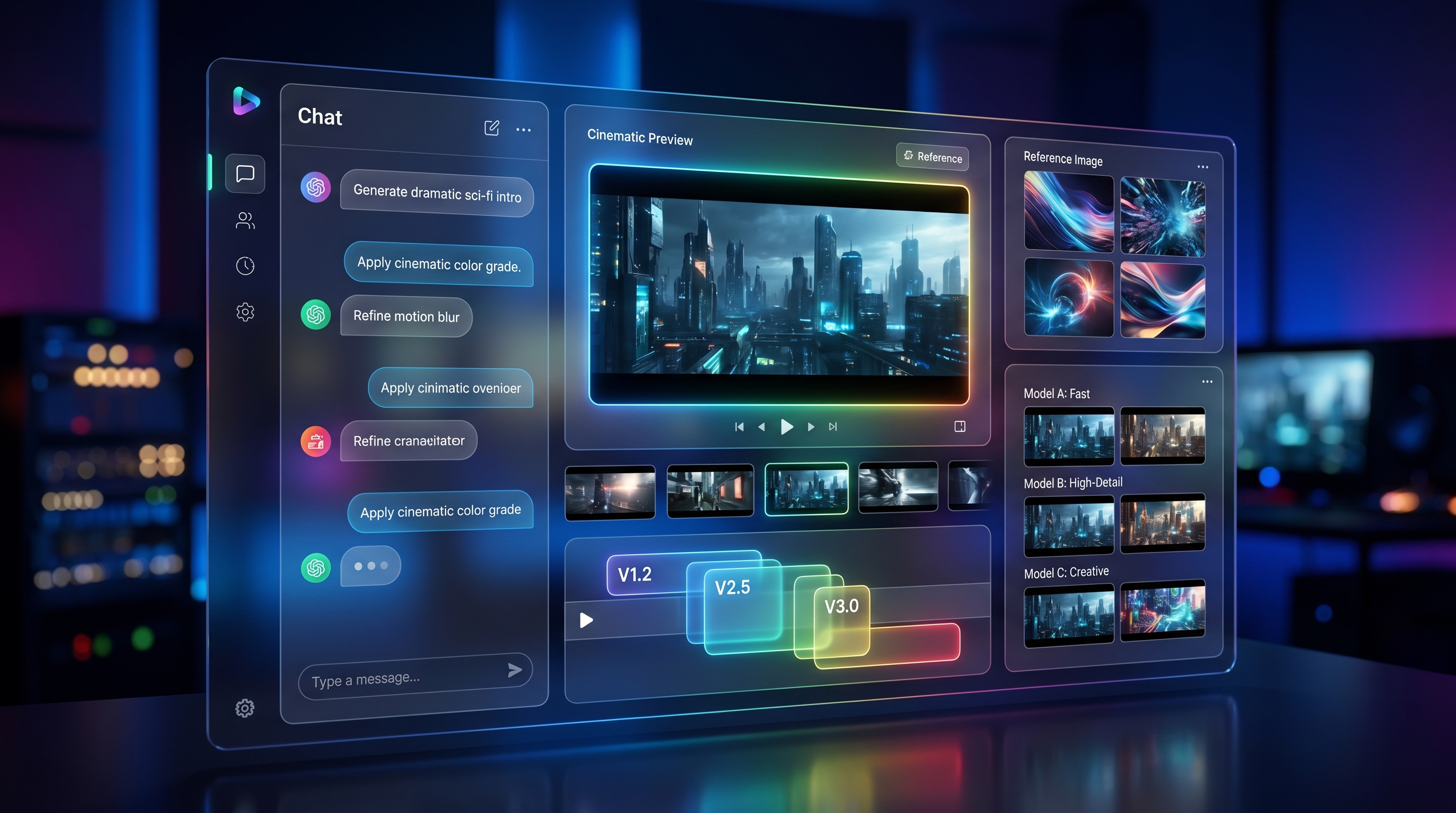
The key reported detail is that some users saw Gemini wording along the lines of “Create with Gemini Omni.” Reports describe it as a video-focused Gemini feature with language around remixing videos, editing directly in chat, trying templates, and starting from an idea.
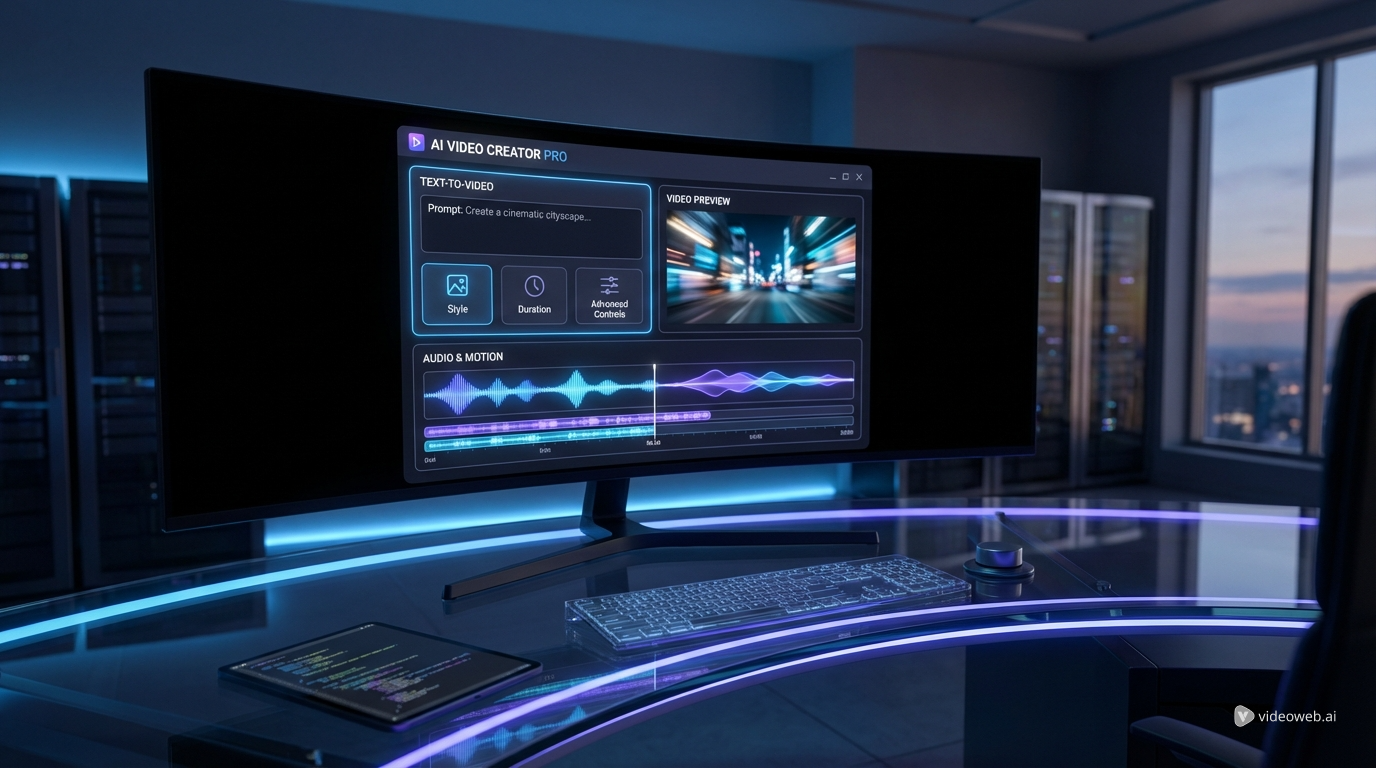
That wording is important because it suggests gemini omni video generation may be designed as a workflow, not just a render engine. Older AI video tools usually ask the user to write a prompt, generate a clip, inspect the result, then manually rewrite the prompt and try again. A Gemini-native workflow could make the process feel more like: “make this brighter,” “turn this into a product ad,” “replace the background,” “try a vertical version,” or “remix this in a documentary style.”
Still, the boundary between known, reported, and unknown matters. What seems known is that current reports describe Gemini Omni appearing inside Gemini. What is reported is that it may support chat-based creation, remixing, editing, and templates. What remains uncertain is whether google gemini omni video is a new model, a Veo-based feature, a Gemini interface layer, or an internal experiment accidentally surfaced before an announcement.
The Bigger Shift: Video Generation Inside the Chat Workflow
If Gemini Omni becomes real, its biggest contribution may be changing how creators interact with AI video. Video generation has often felt like a slot machine: write a prompt, wait, hope the model understands the scene, then repeat. That approach is powerful, but it is slow when users need precision.
A conversational system changes the rhythm. Instead of rebuilding the prompt from scratch, a creator could describe the correction in ordinary language. A marketer could ask for three variations of a product reveal. A teacher could request a chalkboard explainer with clearer text. A social creator could turn a horizontal clip into a vertical short with a faster first second.
This is why gemini video AI matters as a concept. The future is not only “better pixels.” It is video generation becoming a creative conversation. Prompt refinement, image references, templates, remixing, audio direction, and editing instructions can all become part of a single back-and-forth workflow.
That would also make AI video more accessible. Many users understand what they want but do not know how to write a production-grade prompt. A chat interface can translate creative intent into technical generation instructions, then help revise the result.
What the Early Demos Suggest About Future AI Video Quality
The early Gemini Omni demos reportedly test two difficult categories: educational scenes and realistic social interactions. Both are useful because they reveal weaknesses that simple cinematic landscape clips can hide.
A chalkboard-style educational video is difficult because it requires scene stability, readable writing, hand coordination, and logical continuity. If a professor is writing trigonometric proofs, the model must keep the chalkboard text from dissolving into nonsense while also making the person’s hand motion feel believable. Reports suggest the output looked surprisingly coherent, although not free of AI tells.
The restaurant-style demo is a different kind of stress test. Dining scenes involve hands, plates, utensils, food, faces, conversation, and object contact. Those details are hard for any AI video generator because the model must understand physical relationships across time. Reported issues such as objects appearing oddly, weak eating logic, or inconsistent contact are not minor details; they are exactly where AI video still struggles.
The promising signs are more realistic motion, better scene composition, cleaner text handling, stronger prompt understanding, and smoother creative iteration. The remaining problems are equally clear: hands, object contact, eating scenes, physical logic, safety guardrails, staged access, and possible usage restrictions. Until public benchmarks and creator tests exist, Gemini Omni should be judged as a promising signal, not a proven replacement for current tools.
Gemini Omni vs Veo 3.1: New Model, New Interface, or New Workflow Layer?
The biggest question is how Gemini Omni relates to Veo. Google already has a strong official video-generation path through Veo 3.1, so it would be premature to assume Omni replaces it.
There are three realistic possibilities. First, Gemini Omni could be a new model. That would make it a distinct generation system built for Gemini’s multimodal environment. Second, it could be a Gemini-native interface around Veo-like generation, where the model technology remains close to Veo but the user experience becomes more conversational. Third, Gemini Omni could be a workflow layer: a way to create, edit, remix, and template videos inside Gemini while using existing or evolving Google video models underneath.
Veo 3.1 provides useful context because Google has already emphasized prompt adherence, native audio direction, cinematic control, image-to-video generation, reference-based workflows, and better audiovisual quality. The Veo 3.1 video model is currently the clearest official benchmark for Google’s video strategy.
That means the right question is not only “Gemini Omni vs Veo 3.1.” It is also whether Gemini Omni represents a new interface for the same creative ambitions: better control, faster revision, more coherent scenes, and less friction between idea and output.
What Creators Should Watch Next
Creators should watch for five practical details before making any workflow decisions. First is release timing. Gemini Omni could be clarified around a Google I/O-style announcement window, but no creator should plan around rumor-based dates.
Second is access. Will it appear in Free, Pro, Ultra, or a separate tier? Will it be available globally, or only in selected regions? Will mobile users receive it first, or will desktop workflows matter more?
Third is cost and limits. AI video is expensive to generate, so even a powerful feature may come with strict quotas. Reported usage-limit screenshots are useful signals, but they are not official product rules.
Fourth is capability depth. Creators should look for audio support, reference images, start/end frames, templates, editing, video extension, multi-shot continuity, and whether chat-based revisions preserve the identity of characters, products, and settings.
Fifth is competition. Gemini Omni will eventually be compared with Sora, Seedance, Kling, Wan, and Veo workflows. The real test will not be a single demo. It will be whether the system can support repeatable ad video creation, educational videos, product demos, social clips, and long-term creator habits.
How to Prepare Now With VideoWeb AI
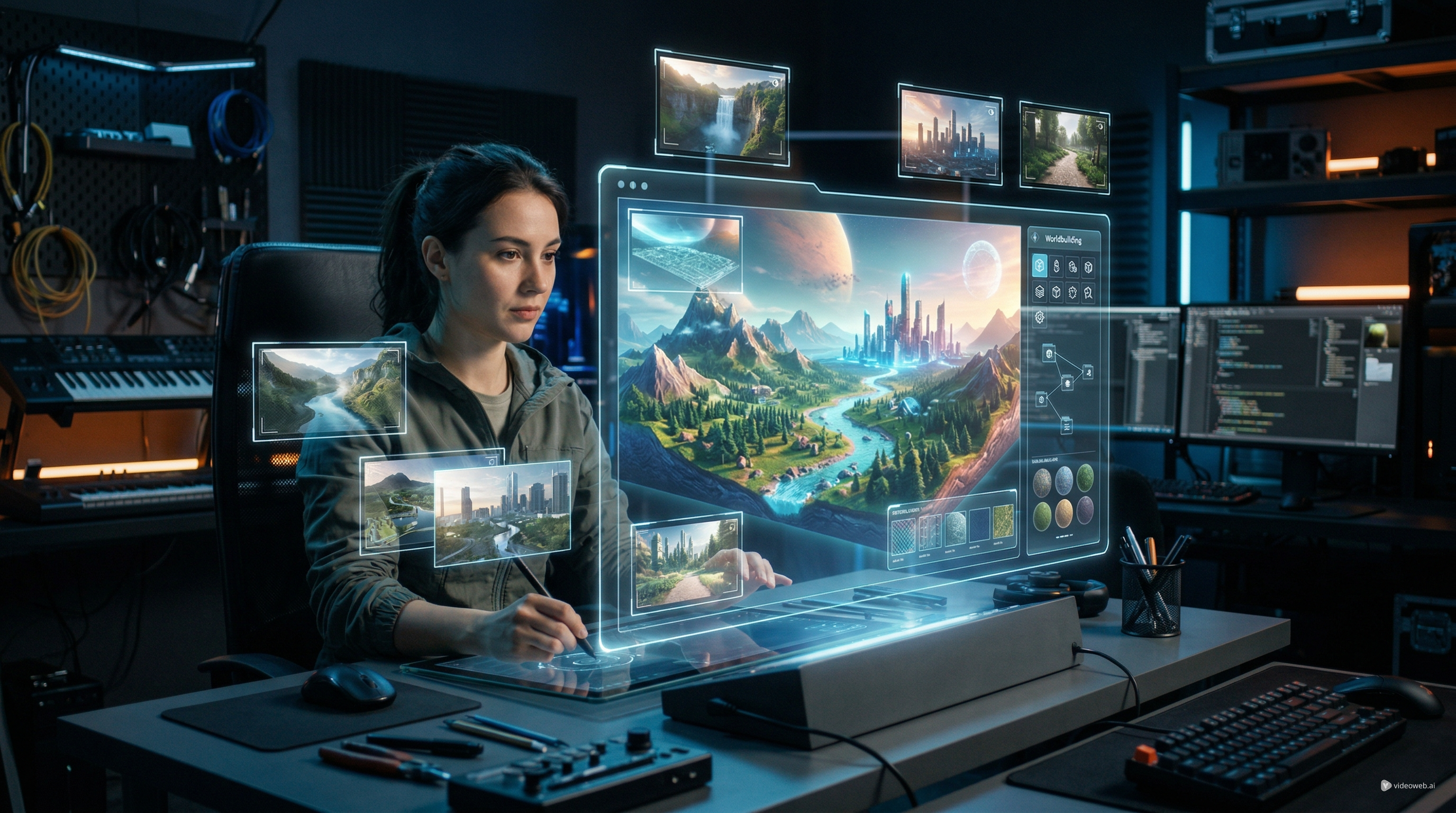
While Gemini Omni remains unconfirmed, creators can still prepare by practicing the habits that transfer across models. The best preparation is not memorizing one rumored feature. It is learning how to structure prompts, control reference frames, compare models, test object interaction, and revise scenes with intention.
VideoWeb AI is useful here because it can serve as an independent workspace for current AI video experimentation. It should not be described as officially affiliated with Google unless that is confirmed. Its practical value is that creators can test modern workflows today while watching where Gemini Omni and Veo go next.
For broad testing, the VideoWeb AI video generator helps users compare different creative directions without locking the entire process to one model. The AI video generation workflow hub is useful for thinking through the full path from concept to prompt to model choice to output review.
For production habits, an image to video AI generator helps creators practice reference-based animation, while a text to video AI generator is better for script-first storytelling. Creators tracking Google-style output can test the Google Veo 3.1 AI video generator as a current benchmark. For comparison, the Seedance 2.0 AI video generator and Kling 2.1 Master video generator can help users understand how different models handle motion, scene logic, and cinematic style.
Conclusion
Gemini Omni may matter because it points toward conversational, multimodal video generation. The reported update is not only about generating nicer clips; it is about making video creation feel more like an iterative creative dialogue inside chat.
But the details are not final. Gemini Omni has not been officially confirmed as a public product, and creators should wait for Google’s announcement before trusting claims about access, price, usage, specs, or API support. The practical move is to watch official updates, compare real outputs when available, and use VideoWeb AI to practice current video generation workflows now. The next model wave will reward creators who already understand prompting, references, motion, editing goals, and model comparison.
Prompt Examples to Test Gemini-Style Video Generation Workflows
-
Conversational video editing prompt Subject: a 10-second product teaser for a smart desk lamp. Scene: modern workspace with laptop, notebook, and soft reflections. Camera motion: slow push-in, then a close-up of the lamp turning on. Lighting: warm evening desk light with subtle blue background glow. Action: first generate the clean product reveal, then revise it by making the scene more premium, slowing the camera, and adding a final title card. Audio: soft electronic ambience. Quality goal: stable product shape and cinematic ad pacing. Negative notes: avoid warped product geometry, unreadable text, flickering shadows, or unstable reflections.
-
Educational chalkboard explainer prompt Subject: a calm math teacher explaining a trigonometric identity. Scene: traditional classroom with a large chalkboard. Camera motion: medium shot with a slow dolly-in. Lighting: soft daylight from side windows. Action: the teacher writes one equation at a time and points to each step while explaining. Audio: clear voice, faint chalk sounds, quiet classroom ambience. Quality goal: readable writing and believable hand movement. Negative notes: avoid unreadable symbols, warped hands, mismatched chalk strokes, or disappearing text.
-
Product demo video prompt Subject: a premium skincare bottle. Scene: marble bathroom counter with water droplets and soft mirror reflections. Camera motion: macro orbit followed by a top-down hero shot. Lighting: clean morning light with gentle highlights. Action: the bottle rotates slightly, a small amount of cream appears on a fingertip, and a short benefit label fades in. Audio: soft water ambience and refined product reveal tone. Quality goal: luxury commercial look. Negative notes: avoid changing label text, unstable bottle shape, distorted fingers, or broken object contact.
-
Image-to-video cinematic motion prompt Subject: animate the provided portrait or product image while preserving identity. Scene: keep the original background and color palette. Camera motion: subtle parallax dolly-in with gentle depth separation. Lighting: maintain the source image’s light direction. Action: add small natural movement such as blinking lights, drifting particles, cloth motion, or environmental breeze. Audio: low cinematic ambience. Quality goal: preserve the original image while adding life. Negative notes: avoid changing facial identity, colors, logo placement, or product proportions.
-
Social short-form ad prompt Subject: a creator unboxing wireless earbuds. Scene: vertical 9:16 bedroom desk setup with colorful LED accents. Camera motion: fast hook shot, close-up cut, then handheld reaction shot. Lighting: bright creator-style lighting with neon accents. Action: the creator opens the box, shows the earbuds, taps the phone, and reacts to the sound. Audio: upbeat short-form music with subtle packaging sounds. Quality goal: TikTok/Reels-ready pacing. Negative notes: avoid chaotic cuts, distorted hands, unreadable UI text, or floating objects.
-
Model comparison test prompt Subject: two people eating pasta at an outdoor seaside restaurant. Scene: circular table with plates, forks, glasses, napkins, and ocean background. Camera motion: slow handheld close-up moving between hands, food, and faces. Lighting: golden-hour sunset. Action: one person twirls pasta, takes a bite, and continues conversation while the other lifts a glass. Audio: light waves, cutlery, soft conversation. Quality goal: test object contact, eating logic, facial consistency, and scene realism. Negative notes: avoid broken object contact, disappearing food, warped fingers, unstable plates, or unrealistic chewing.
Recommended Tools / APIs / Models
- VideoWeb AI — Best for creators who want a practical workspace to explore AI video workflows while monitoring Gemini Omni and Veo developments.
- AI Video Generator — Best for general AI video testing, creative experiments, and fast model comparisons.
- AI Video Generator Workflow Hub — Best for planning a complete AI video generation workflow from concept to output review.
- Image to Video AI Generator — Best for animating product photos, character art, campaign images, and storyboard frames.
- Text to Video AI Generator — Best for turning scripts, ad ideas, explainers, and scene descriptions into generated clips.
- Google Veo 3.1 AI Video Generator — Best for creators who want to study Google-style video output and Veo 3.1 workflows.
- Seedance 2.0 AI Video Generator — Best for comparing motion, prompt interpretation, and short-form video generation alternatives.
- Kling 2.1 Master Video Generator — Best for testing cinematic realism, character motion, and stylized video generation.
Related Articles
- VideoWeb AI Video Generator 2026: One Hub, Every AI Video Workflow
- How to Create Better TikTok Videos with Google Veo 3.1 on VideoWeb
- Veo 3.1 API Guide: How to Use Google’s Premium Video Model on Flaq AI
- Sora 2 Is Shutting Down: The Best AI Video Alternatives for Creators Right Now
- Christmas Video Magic with Nano Banana Pro & Veo 3.1: The Complete Prompt Guide for Holiday Creators
People Also Read
- Veo 3.1 Guide: Better Prompts, Settings, and Fixes
- How to Use HeyDream AI’s Text-to-Video Generator: Model Comparison, Prompting Tips, and Workflows
- The Release of Seedance 2.0: What Dropped, What’s New, and What Creators Should Do Next
- Wan 2.7 Review and Comparison: What Changed, What Matters, and What Creators Should Use
- SeaImagine AI Text-to-Video Guide: How to Choose Models and Create Better Clips
- How to Use the AI Music Video Generator: A Detailed Guide from Song to Video