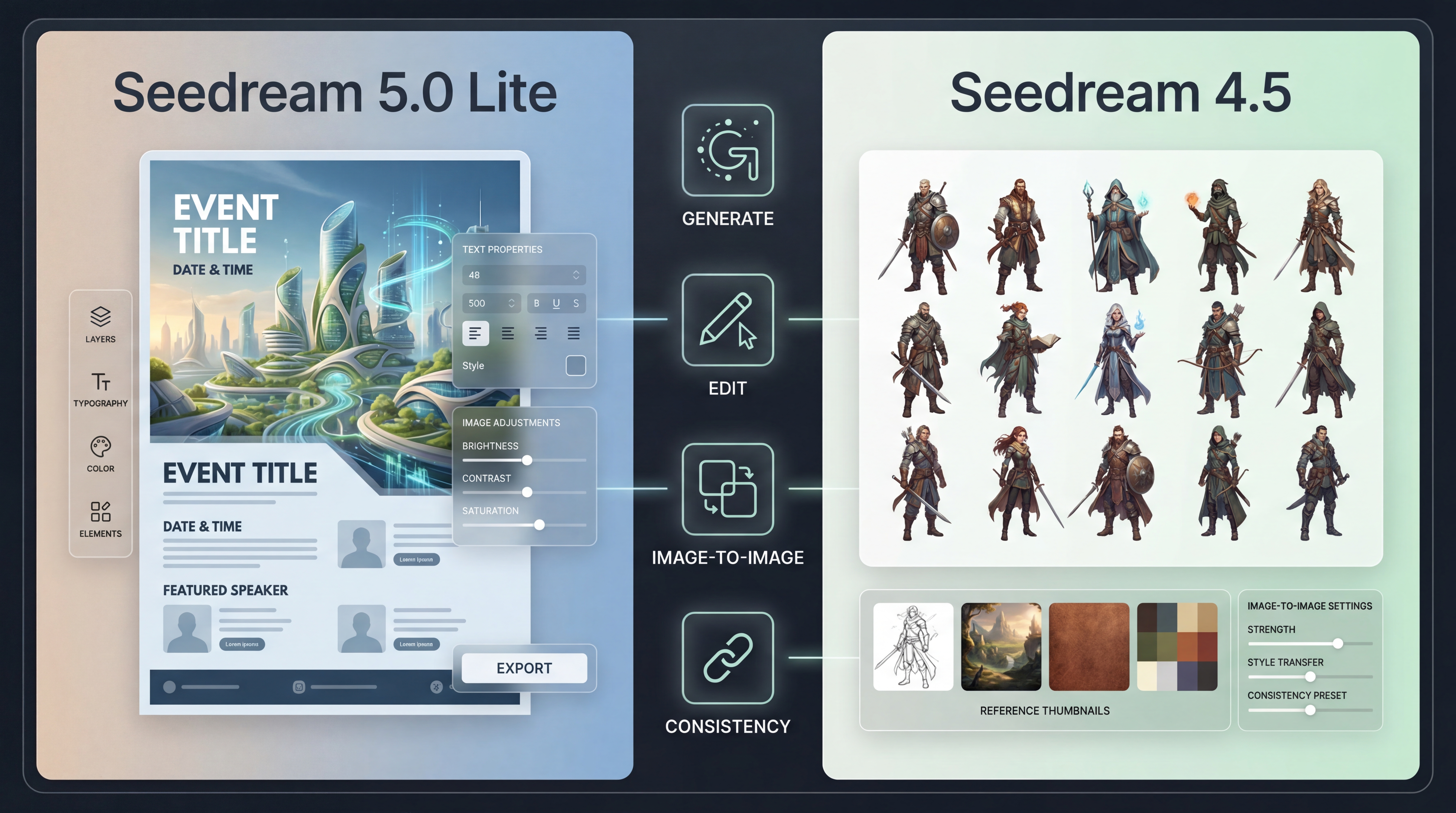
If you’ve been experimenting with image models lately, you’ve probably noticed something: getting a nice-looking image is easy. Getting an image that follows your constraints, survives feedback, and stays consistent across revisions is where most workflows break.
That’s why comparing Seedream 5.0 Lite and Seedream 4.5 is actually useful. They’re from the same family—ByteDance Seedream 5.0 and ByteDance Seedream 4.5—but they shine in slightly different “real work” situations: constraint-heavy generation, editing reliability, multi-image consistency, and how forgiving they are when your prompt isn’t perfect.
Below is a practical, human-friendly guide to what changes from Seedream 4.5 to Seedream 5.0 Lite, and how to pick the right one for your day-to-day creation.
The short version: how they feel in real use
Seedream 5.0 Lite is oriented around deeper intent understanding—built to interpret complex instructions, with optional online search for up-to-date, time-sensitive visuals.
Seedream 4.5 leans into stability: consistent structure, more predictable composition, and workflows that feel comfortable when you need repeatable results.
A helpful way to think about it:
- If your prompts sound like a design brief with constraints, Seedream 5.0 Lite often feels smarter.
- If your workflow needs stable structure and continuity across multiple images, Seedream 4.5 often feels steadier.
The model lineage: from Seedream 4.5 to Seedream 5.0 Lite
What ByteDance Seedream 4.5 emphasized
ByteDance Seedream 4.5 is commonly used as a “production-stable” option—especially when your workflow needs consistency. In practice, people lean on it for things like:
- consistent structure and composition
- repeatable lighting/material rendering
- reference-based workflows and multi-image continuity
If you do series work (multiple variations, multiple angles, a cohesive set), Seedream 4.5 is often the model you reach for when you want fewer surprises.
What ByteDance Seedream 5.0 introduced (as Seedream 5.0 Lite)
ByteDance Seedream 5.0 (publicly shown as Seedream 5.0 Lite) focuses more on “understanding and reasoning” upgrades:
- stronger interpretation of complex, layered instructions
- more capable revisions that keep non-edited areas stable
- optional online search for prompts that depend on what’s current
This matters when your prompt relies on knowledge and constraints at the same time—for example, structured infographics, posters with precise layout rules, or edits where only one element should change.
Generation quality: what you’ll notice first
Layout and constraint-following
If you do posters, promo graphics, or anything layout-heavy, you’ll care less about raw beauty and more about one question:
Did it follow the structure?
- Seedream 4.5 is often a safe pick when you want stable composition and fewer weird structural shifts.
- Seedream 5.0 Lite tends to show its value when your prompt includes multiple constraints that must work together—relationships, placement rules, and “must/only/don’t” instructions.
A simple heuristic: if your prompt includes a lot of rules, Seedream 5.0 Lite is worth trying first.
Knowledge-driven prompts and time sensitivity
This is one of the clearest differences:
- Seedream 5.0 Lite can be used for time-sensitive visuals when you want the model to stay current.
- Seedream 4.5 is often the better choice for evergreen brand assets where you want stable, repeatable outputs.
Editing capabilities: where workflows really diverge
Most people choose a model based on the first generation. In practice, the time you save comes from how cleanly you can revise.
Seedream 5.0 image editing: the “precision revision” mindset
When people say they want better editing, what they usually mean is:
Keep everything the same… but fix this one thing.
That’s the sweet spot for Seedream 5.0 image editing.
If your edit instructions look like this, Seedream 5.0 Lite is a strong candidate:
- “Keep the person and pose unchanged. Change only the background.”
- “Don’t move the subject. Just change lighting to studio softbox.”
- “Preserve composition. Replace the object in the left hand with X.”
Seedream image-to-image in Seedream 4.5: the “reference fidelity” mindset
If your workflow depends on references—matching a character, preserving a product silhouette, maintaining a cohesive style across a set—then Seedream image-to-image workflows in Seedream 4.5 can be a big advantage.
This is the kind of setup you want for:
- character design sets across angles
- product variations with the same setup
- sequential/storyboard-style visuals
If you often think “do it again but keep it the same,” Seedream 4.5’s image-to-image approach can feel more predictable.
Use cases: choose based on what you actually make
Pick Seedream 5.0 Lite if you…
- write prompts with multiple constraints and want the model to “get it” faster
- do lots of targeted revisions where keeping everything else stable matters
- want to treat editing as an iterative loop (draft → edit → polish)
Pick Seedream 4.5 if you…
- need stable structure and coherent composition for repeatable work
- create sets/series and care about multi-image continuity
- rely heavily on Seedream image-to-image consistency
The honest “best practice” answer
A lot of creators use both:
- Draft quickly and explore directions
- Move into the model that gives the smoother revision loop
- Lock a final look and generate a consistent set
A simple side-by-side testing method (10 minutes, no overthinking)
If you want to decide without hype, do this:
-
Pick one real prompt you actually use
- product hero image
- poster layout with whitespace
- consistent character portrait you’ll reuse
-
Run it in both models
- don’t rewrite the prompt
- keep it identical
-
Do one edit pass
- in Seedream 5.0 Lite: constraint-heavy change (“change only lighting, preserve everything else”)
- in Seedream 4.5: reference-based change using Seedream image-to-image
-
Decide based on friction
- the winner is the one that feels like less work to reach “final”
Copy/paste prompt templates (friendly for both models)
Template 1: Poster layout (structure-first)
“Create a vertical poster for [topic]. Leave the top third empty for a headline. Center a single hero visual. Bottom area reserved for a CTA. Minimal design, high contrast, clean background. No extra text.”
Template 2: Product hero image (clean ecommerce look)
“A premium ecommerce hero image of [product] centered on a clean background. Studio softbox lighting, crisp edges, subtle shadow. Minimal composition. No watermark, no hands, no extra text.”
Template 3: Edit-only instruction (revision saver)
“Keep the subject identity, pose, and composition unchanged. Change only the background to [background] and the lighting to [lighting]. Do not add text.”
If you’re leaning into Seedream 5.0 image editing, Template 3 is the one you’ll reuse daily. If you rely on Seedream image-to-image, Template 2 becomes even stronger with a good reference image.
FAQ
Is Seedream 5.0 Lite strictly better than Seedream 4.5?
Not automatically. Seedream 5.0 Lite is more reasoning-focused, while Seedream 4.5 often feels steadier for repeatable design and series work.
Which is better for image-to-image?
If your workflow depends heavily on Seedream image-to-image and multi-image consistency, Seedream 4.5 is usually the safer pick.
Which one should a beginner start with?
If you want stable results and predictable output, start with Seedream 4.5. If you want stronger intent interpretation and precise revision control, try Seedream 5.0 Lite.
Final takeaway
If you like predictable structure and you build sets, ByteDance Seedream 4.5 (and Seedream 4.5 in general) is a practical choice—especially for Seedream image-to-image workflows.
If your prompts are complex, your edits are precise, or you want optional “fresh info” visuals, Seedream 5.0 Lite—and the way ByteDance Seedream 5.0 is positioned—can save real time in iteration.