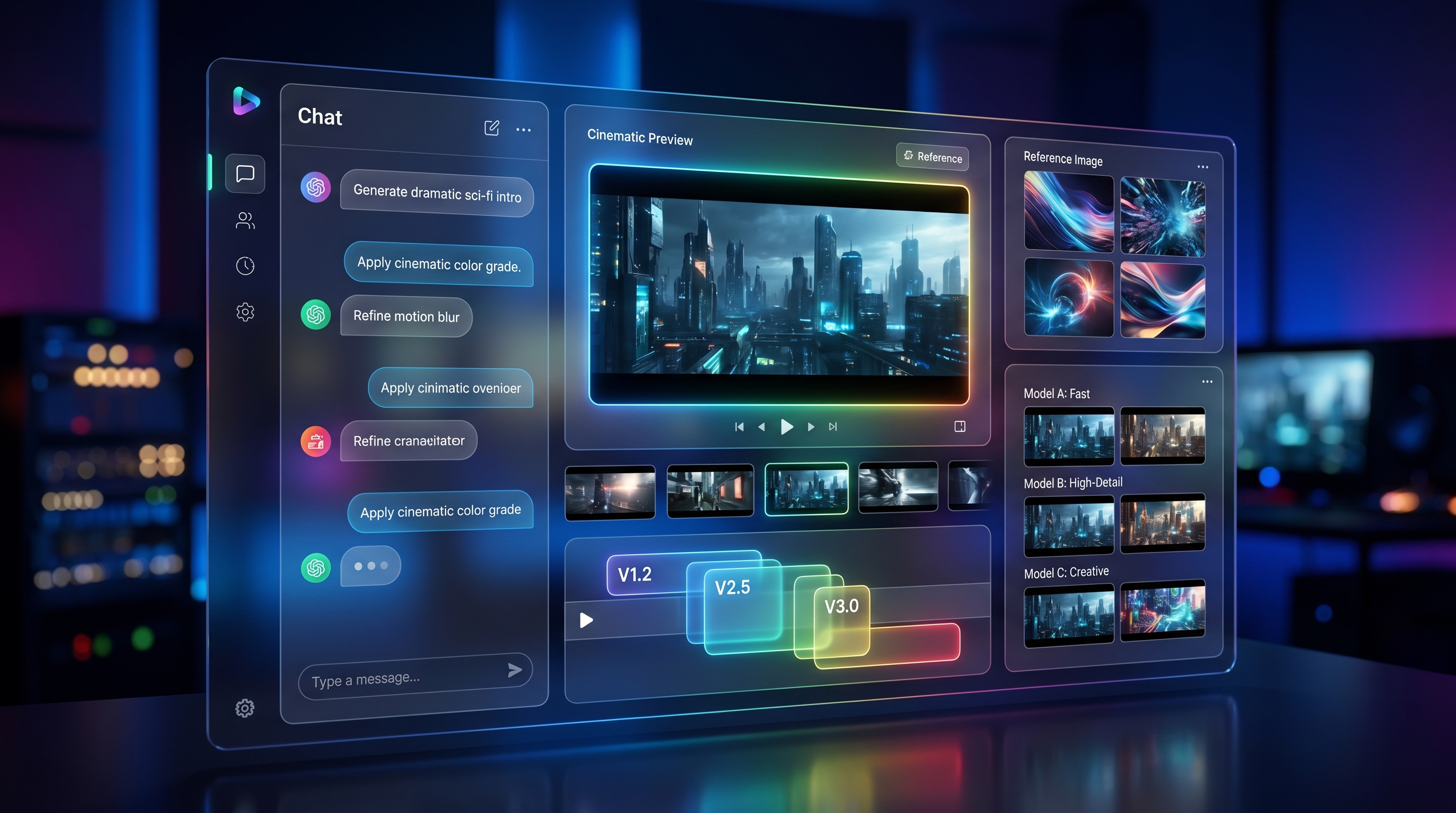
If you are researching Veo 3.1 right now, the real question is not only whether the model is good. It is whether there is a practical place to use it, test it, and integrate it into a real workflow. That is why Google Veo 3.1 is worth covering through the Flaq AI lens. Instead of leaving the model as an abstract headline, Flaq presents it as both a direct text-to-video playground and a developer-ready access point.
For creators, that means you can try the model online and judge the output for yourself. For developers, it means the same page also functions as a clear entry point into the Veo 3.1 API. And for teams comparing tools, it opens the door to broader decisions about premium video generation, production quality, and workflow fit.
What Veo 3.1 actually offers
At its core, Veo 3.1 is a high-end text-to-video model built for people who want more than random short clips. Google positions the model around high-fidelity generation, cinematic control, and native audio, which makes it more appealing for serious creative work than for casual novelty alone. In practice, that changes how you should think about it. A strong prompt is no longer just a phrase. It becomes closer to direction.
That is why the Gemini Veo 3.1 video generator deserves attention from both creators and product teams. You are not simply asking for “a dog running on a beach.” You can describe the lens feel, lighting, motion, mood, pacing, and even the sound atmosphere. When a model can handle that level of instruction, it becomes useful for ad concepts, visual prototypes, social campaigns, short trailers, and internal product features.
Another reason the model stands out is that sound is part of the value proposition. Many video tools still feel like visual-only engines that expect the rest of the workflow to happen later in editing. Veo 3.1 is more interesting because audio-aware output can make a generated clip feel closer to a usable draft rather than a raw visual test.
Why Flaq AI is a practical way to access it
What makes Flaq AI notable is not only that it lists the model. It structures the experience in a way that works for both non-technical and technical users. On the model page, you can use Google Veo 3.1 directly in a playground, enter a prompt, choose a format, and generate a clip online. That matters because it lowers the barrier to evaluation. Before you commit to deeper use, you can test how the model responds to your style of prompting.
At the same time, the page also exposes a clear API section with example code and workflow logic. That makes the platform much more than a demo. It becomes a practical home for the Veo 3.1 API if your real goal is integration.
This dual access model is useful for agencies, startup teams, and internal creative departments. A marketer can test prompt ideas in the playground first. A developer can then turn the winning direction into an actual implementation path. That bridge between experimentation and deployment is one of the strongest reasons to recommend Flaq rather than describe the model in isolation.
How to use Veo 3.1 on Flaq AI
The workflow is simple enough for beginners, but flexible enough for more advanced users.
Start by opening the Gemini Veo 3.1 video generator page on Flaq AI. From there, choose the text-to-video mode and write a detailed prompt. Good prompts usually include five things: the subject, the environment, the action, the camera feel, and the mood. If sound matters, include that too.
For example, instead of writing “city at night,” write something closer to this: “Cinematic night street in Tokyo, neon reflections on wet pavement, slow tracking camera, stylish young woman walking through light rain, soft ambient traffic sounds, moody but elegant tone.” That kind of structure gives the model far more to work with.
Next, choose the output format that suits your destination. Vertical ratios make more sense for short-form social content, while landscape is usually better for trailers, ads, and embedded website visuals. Then generate, evaluate, and refine.
If you want to build with it instead of only testing it, switch to the API tab. This is where the developer side becomes more relevant. The platform shows request flow examples so teams can move from manual experimentation to actual product integration without starting from scratch.
How to think about Veo 3.1 API pricing
Any serious article on this topic has to address Veo 3.1 API pricing, but the most useful way to do that is not to reduce it to a single number. Premium video models should be judged by workflow economics, not just by one generation cost.
The first question is whether the model saves time by delivering better results earlier. If a premium model produces a more usable clip in fewer attempts, it can be more efficient than a cheaper option that requires constant reruns. The second question is whether the output quality actually matters to your project. For casual experimentation, a less expensive tool may be the smarter starting point. For brand-facing ads, polished social clips, or developer products that need stronger audiovisual quality, premium access can make more sense.
That is why Veo 3.1 API pricing should be framed as a quality-first decision. If you are building hero content, product demos, concept trailers, or a premium generation feature inside your own app, the cost conversation changes. You are not only buying seconds of video. You are paying for control, output stability, and a cleaner path to production-ready results.
Best use cases for Veo 3.1
The best use cases are the ones where prompt sensitivity and visual polish matter.
For marketing and advertising, Google Veo 3.1 is a strong fit for short campaign visuals, product teasers, and mood-rich brand clips. These projects benefit from cinematic language, lighting control, and coherent motion.
For social content, the model is useful when creators want something that feels more refined than a casual AI experiment. A polished short clip with better atmosphere, stronger motion logic, and built-in sound direction can make a meaningful difference for audience perception.
For game studios, SaaS builders, and internal product teams, the Veo 3.1 API is especially interesting as infrastructure. It can support storyboard generation, feature prototypes, visual pitch materials, or premium media generation inside a user-facing tool.
It is also a smart option for concept development. Before a team funds a larger shoot or animation process, it can use the Gemini Veo 3.1 video generator to explore framing, tone, pacing, and scene logic quickly.
Other Flaq APIs worth recommending
Even if Veo 3.1 is the star of the article, Flaq becomes more useful when you look at it as a broader API hub.
If budget and scale matter more than premium realism, Seedance 1.5 Pro text-to-video API is worth considering for higher-volume production. It is the kind of option that makes sense for content pipelines where cost efficiency matters as much as output.
If you want another hosted video workflow with strong creative potential, Wan 2.6 text-to-video API gives you an alternative path. And if your workflow starts from a still image rather than pure prompting, Wan 2.6 image-to-video API is especially relevant.
There is also a practical upstream angle. Many teams need images before they need motion. In that case, Nano Banana Pro API can help with concept frames, marketing assets, or storyboard-style visuals before they move into video generation.
In other words, Flaq is easiest to recommend when your workflow is not limited to one model. Veo 3.1 may be your premium video layer, but the surrounding APIs help shape a fuller production stack.
Final verdict
The strongest reason to pay attention to Veo 3.1 is not hype. It is fit. Google’s model is most compelling when you care about prompt control, cinematic quality, and sound-aware output. Flaq AI makes that value easier to access by packaging the experience into a usable playground plus a developer-ready API layer.
That is why this is a practical recommendation rather than a theoretical one. If you want to test the model directly, build with it, or judge whether premium video generation belongs in your workflow, Google Veo 3.1 on Flaq AI is a sensible place to start. The platform supports online generation, gives you a real path into the Veo 3.1 API, and makes the pricing question easier to evaluate in context.
If your goal is direct access to a premium Google video workflow, Flaq is the better recommendation. If your goal is broader creative exploration across multiple models and tool types, then the next step should be VideoWeb.
Recommended Models and Tools
If you want a broader creation hub after testing Flaq, start with VideoWeb’s Models and tools. It is better suited to users who want to compare models, switch workflows quickly, and use adjacent utilities in the same environment.
Useful starting points include the AI Video Generator for multi-model creation, Text-to-Video for prompt-led workflows, Image-to-Video for animated stills, Photo-to-Video for creator-friendly motion effects, and the AI Video Prompt Generator for refining ideas before you spend credits.
If you want to stay close to the same model family while comparing interfaces, you can also explore VideoWeb’s own Veo 3.1 AI video generator.
Related Article
- VEO 3.1 Text-to-Video API on Flaq AI: Features, Pricing, and How to Use It
- Is Wan 2.7 Open-Source, API-Only, or Platform-First? What to Expect Next
- More Articles & News about Flaq AI
People Also Read
- How to Use the AI Music Video Generator: A Detailed Guide from Song to Video
- AI Music Generator for Music Creator AI: How to Turn Ideas Into Finished Tracks
- Veo 3.1 Video Generation Guide: How to Create Cinematic Clips
- How to Create High-Quality AI Videos with Veo 3.1
- Try Veo 3.1 in Dream Machine AI: A Practical Guide to Text-to-Video and Image-to-Video Creation
- Veo 3.1 vs Luma Ray2 on DreamMachine AI: Which AI Video Model Fits Your Workflow?
- SeaImagine AI Text-to-Video Guide: How to Choose Models and Create Better Clips
- The 2026 Image-to-Video Guide for Sea Imagine AI: Best Models & Prompts
- Veo 3.1 vs Sora 2: Which AI Video Model Performs Better?
- VideoWeb AI Video Generator 2026: One Hub, Every AI Video Workflow