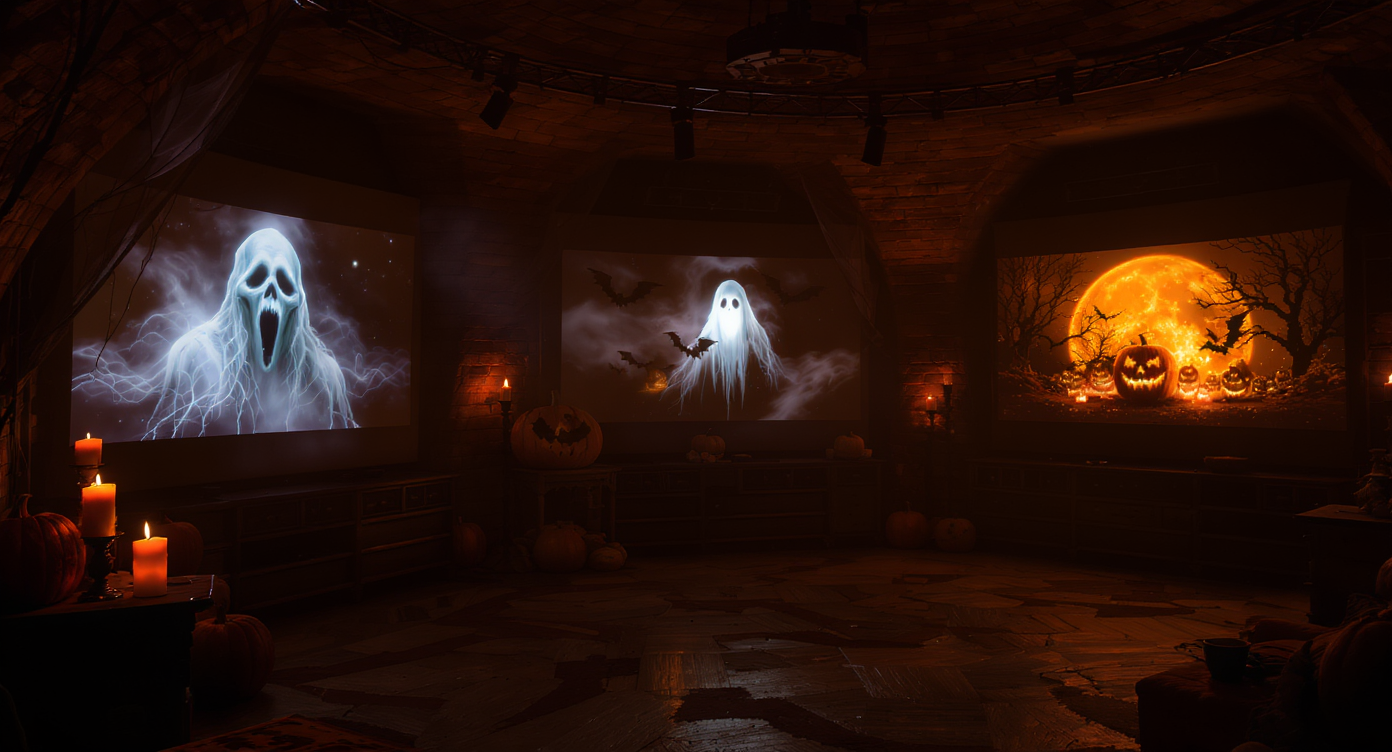
🕸️ Introduction: This Halloween, You Are the Main Character
Halloween isn’t just about costumes anymore — it’s about how you show up online. From eerie transformation reels to chilling cinematic shorts, everyone wants to create something that makes their followers stop scrolling.
But here’s the secret: you don’t need a film crew, fog machine, or special effects. With Sora 2 Video AI and Veo 3.1 Video AI, you can turn your own photo into a professional-looking Halloween short film. Whether you want to become a vampire, a haunted spirit, or a cursed reflection, AI handles the cinematic part — you just bring your face.
🧠 Why Use AI for Halloween Videos?
AI tools like Sora 2 and Veo 3.1 let you create stories instead of edits. No need to film yourself — upload a photo, describe your idea, and the model generates dynamic movement, lighting, and effects.
This isn’t just “cool tech.” It’s creative freedom:
- You can become any character — ghost, witch, or monster — instantly.
- You can add cinematic camera moves, fog, or lightning without software.
- You can experiment endlessly until you get the perfect eerie vibe.
In short, AI video models are like having a director, animator, and effects artist — all inside your browser.
⚔️ Meet Your Halloween Tools
🩸 Sora 2 Video AI
Perfect for narrative horror — emotional, surreal, and atmospheric.
Upload your photo, choose the ratio (16:9 for cinematic, 9:16 for reels), and enter your idea.
- Strengths: story flow, ghostly transformations, and facial animation.
- Output: short videos that feel like horror trailers or dream sequences.
🌕 Veo 3.1 Video AI
Built for cinematic motion and lighting realism.
Use “Image to Video” mode to make your portrait come alive with dynamic effects.
- Strengths: lighting, transitions, realistic motion, high detail.
- Output: dramatic, movie-like sequences.
🧛 Sora 2 vs. Veo 3.1 — Which Should You Use?
| Feature | Sora 2 Video AI | Veo 3.1 Video AI |
|---|---|---|
| Best for | Narrative, emotional, surreal videos | Cinematic realism and effects |
| Upload type | Image Upload | Image-to-Video |
| Recommended ratio | 16:9 (YouTube Shorts) or 9:16 (TikTok/Reels) | 16:9 for cinematic wide shots |
| Style | Atmospheric and story-driven | Visual realism and motion depth |
| Tone | Dreamy, creepy, unsettling | Bold, film-like, polished |
For haunted storytelling — choose Sora 2.
For visually stunning transformations — go with Veo 3.1.
🪞 How to Prepare Your Halloween Photo
Your image is the foundation of your horror clip. Follow these simple steps before uploading:
- Pick a clear, front-facing photo — eyes visible, no heavy filters.
- Keep background simple — AI will replace it with a haunted environment.
- Use dim or natural light — it gives more realistic depth for shadows.
- Neutral expression works best — the model animates emotions naturally.
Optional: if you want to enhance your costume design, try Nano Banana AI first to generate or polish your Halloween outfit concept.
🧙 Step-by-Step: Using Your Photo to Create Halloween Magic
🧟 For Sora 2 Video AI
- Upload your portrait.
- Select 16:9 for cinematic widescreen.
- In the Prompt box, describe your Halloween scene or transformation.
- Toggle Optimize Prompt for smoother storytelling.
- Click Generate — and watch yourself come alive (or undead).
🦇 For Veo 3.1 Video AI
- Choose Image to Video.
- Upload your photo (JPG or PNG).
- Enter a prompt that describes lighting, mood, and motion.
- Set Audio: No Audio — you can add sound later.
- Hit Generate 3000 and get your haunting cinematic clip.
💀 Halloween Prompt Ideas for Your Photo
These examples are made for direct use — copy, paste, and tweak with your own vibe.
🧛♂️ 1. Transformation Horror
🕷 For Sora 2
The uploaded person begins smiling but slowly morphs into a gothic vampire under moonlight. Red eyes glow, fog rolls in, bats fly across the scene. Cinematic realism, slow zoom, eerie background.
A porcelain doll transformation — cracks form across the face, head tilts unnaturally, flickering candlelight, subtle breathing sound, creepy ambiance.
🦇 For Veo 3.1
The uploaded person’s reflection glows, turns transparent, and vanishes into drifting smoke. Background turns to misty forest, cinematic lighting, high contrast shadows.
Human turns zombie — pale skin decays, eyes fade gray, camera pans slowly as thunder rumbles behind.
🪞 2. Mirror and Doppelgänger Effects
👁️ For Sora 2
The uploaded face looks into a mirror. The reflection smiles first — then breaks free from the glass, crawling outward. Candlelight flickers, horror tone, cinematic perspective.
Two versions of the person appear: one angelic, one demonic. They face each other through fog, glowing eyes, eerie slow pan.
💀 For Veo 3.1
Person’s reflection turns monstrous, grinning back with fangs. The real version blinks in fear as mirror cracks. Background flickers between room and ghostly ruins.
A ghostly twin fades in behind the uploaded person. Both move in sync before one disappears. Subtle lighting, cinematic fog, eerie silence.
🕯️ 3. Haunted Setting Storylines
🕸 Sora 2
The uploaded person wanders through a dark forest lit by moonlight, whispers echo in the distance, branches sway, eyes glint behind trees.
Haunted library — floating candles, person reading an ancient tome as ghostly hands reach from the shelves.
🌫 Veo 3.1
Close-up of uploaded face illuminated by TV static. Glitch transitions reveal ghostly shadows in reflection.
Wide shot of person in front of haunted mansion, lightning flashing, camera dolly-in, fog rolling, cinematic color tone.
🎃 4. Halloween Promos or Social Media Reels
🦹 Veo 3.1
Person morphs into a ghost host surrounded by floating pumpkins and purple mist. Tagline fades in: “Join the Haunted Night.” Neon-orange lighting, cinematic zoom.
Motion poster: glowing pumpkins swirl around uploaded face, orange-purple glow, fog trails, text overlay “Trick or Treat.”
🧙♀️ Sora 2
Person lights a pumpkin lantern; surroundings transform into a nightmare carnival, flashing lights, confetti turns into bats, eerie laughter echoes.
Face emerging from swirling candy fog — eyes flash, smile turns wicked, colorful glow fading into darkness.
⚡ Prompt Writing Tips
- Use emotion words: terrified, cursed, entranced, possessed.
- Add camera cues: slow zoom-in, pan right, dolly shot, over-shoulder.
- Define lighting: candle flicker, moon glow, shadow pulse.
- Describe movement: smoke drifts, wind blows, mirror cracks.
- Keep it under 300 words — simple but vivid works best.
📲 Posting Strategy: Where and How to Share
| Platform | Format | Best Use |
|---|---|---|
| TikTok / Reels | 9:16 | Fast, spooky transformations (5–10s) |
| YouTube Shorts | 16:9 | Cinematic narratives (10–30s) |
| Instagram Feed | 1:1 or 4:5 | Stylized motion portraits |
| Stories | 9:16 | Quick loops, ghost effects, teasers |
💡 Pro tip: Export multiple clips from the same photo — post one daily for a “5 Days of Horror” countdown.
🎞 Suggested Halloween Workflow
| Step | Tool | Purpose |
|---|---|---|
| 1 | Nano Banana AI | Create or enhance your costume concept |
| 2 | Sora 2 Video AI | Generate emotional or narrative motion |
| 3 | Veo 3.1 Video AI | Add cinematic lighting and realism |
| 4 | CapCut or Canva | Add sound and captions |
| 5 | TikTok, Reels, Shorts | Publish with hashtags #AIHalloween #Sora2AI #Veo3AI |
🚫 Common Pitfalls to Avoid
- ❌ Using low-res or dark photos — AI can’t enhance unclear faces.
- ❌ Overstuffing prompts — too many details confuse the model.
- ❌ Ignoring aspect ratio — 16:9 for cinematic, 9:16 for reels.
- ❌ Forgetting emotion — horror works when you define the feeling.
🕯️ Final Thoughts: Haunt the Feed
This Halloween, don’t just post another pumpkin photo — become the pumpkin’s curse.
With Sora 2 and Veo 3.1, your selfies can become haunted films, gothic portraits, or cinematic nightmares. Upload a picture, type a sentence, and watch the magic unfold.
AI isn’t replacing creativity — it’s giving it wings (or bat wings, in this case).
So light the candles, write your prompt, and let the algorithms whisper your horror story into motion.
👁 Try it now on Sora 2 Video AI and Veo 3.1 Video AI.
The next haunting star of Halloween might just be… you.











