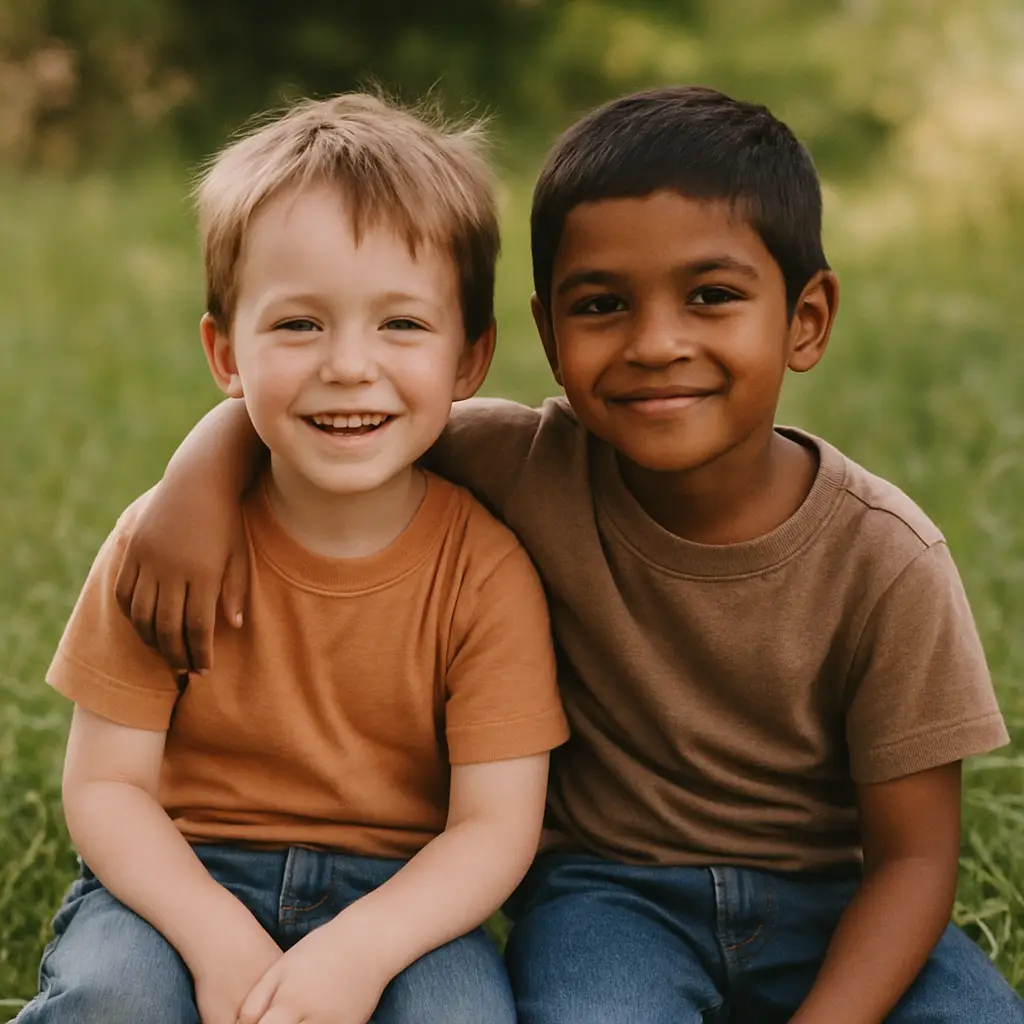
In the age of visual storytelling, breathing life into a still photo is no longer the stuff of science fiction. Thanks to breakthroughs in artificial intelligence, you can now turn your static images into dynamic videos—effortlessly. Welcome to the world of AI animate photo tools, and more specifically, the magic of VideoWeb AI.
1. What Does “AI Animate Photo” Mean and Why It’s So Powerful
“AI animate photo” refers to the process of transforming a still image into a moving, lifelike video using artificial intelligence. Unlike simple filters or GIF overlays, this method uses deep learning and motion synthesis to create fluid, natural-looking animations from static content.
VideoWeb AI harnesses these advanced technologies to deliver seamless motion. Whether it's a subtle smile, blinking eyes, or gently waving hair, the AI understands facial structures and background dynamics, producing videos that feel both magical and human.
2. Step-by-Step Guide: How to Animate Photos with AI on VideoWeb AI
Getting started with AI photo animation is surprisingly easy. Here's how to animate photos with AI using VideoWeb AI:
- Visit the AI Animate Photo tool on VideoWeb AI.
- Upload your image—portraits, landscapes, even illustrations work.
- Choose your desired animation style:
- Portrait motion
- Background loop
- Facial expressions (like smile or blink)
- Fine-tune your creation by adjusting timing, smoothness, and loop settings.
- Preview the animation and download your video in just seconds.
3. Top Features of VideoWeb AI’s “AI Animate Photo” Tool
What sets VideoWeb AI apart is its intuitive design paired with powerful capabilities:
- 🧠 Multiple animation presets: smile, blink, pan, zoom, and more.
- 🎛️ Custom keyframe controls for advanced animation tweaking.
- 🎥 High-resolution output ideal for sharing or embedding.
- 🚫 No watermarks, and no sign-up required to try it out.
4. Creative Use Cases: From Family Photos to Marketing Assets
The applications of AI photo animation are diverse and delightful:
- 👨👩👧👦 Bring vintage family portraits to life in digital scrapbooks.
- 🛍️ Animate product shots for scroll-stopping social media ads.
- 🎓 Add subtle motion to educational slides for improved engagement.
- 🎥 Create animated intros for personal vlogs and business presentations.
5. Best Practices for Natural Results When You AI Animate Photo
To get the most natural, lifelike animation results, follow these best practices:
- Use high-quality, well-lit photos.
- Ensure facial features or key objects are unobstructed.
- Start with subtle movements—like a slow pan or soft blink.
- Try different presets and loop styles until you find the perfect effect.
6. Comparing VideoWeb AI to Other “How to Animate Photos with AI” Tools
When evaluating your options, here's how VideoWeb AI stacks up:
| Feature | VideoWeb AI | Other Tools |
|---|---|---|
| Speed & Usability | Browser-based, no install needed | Often requires heavy desktop software |
| Quality | High-res output, realistic animation | May vary in smoothness and clarity |
| Feature Set | Presets + custom control options | Often limited or locked behind paywalls |
| Cost | Free basic use, optional premium | Usually subscription-only |
7. Next Steps: Try AI Animate Photo Today and Share Your Creations
The best way to explore the power of AI photo animation is to try it yourself:
- Download your first animated video from VideoWeb AI in under a minute.
- Share your results on Instagram, TikTok, or use it as a dynamic website header.
- Experiment with different photos and styles to hone your creative touch.
- Invite friends and colleagues to discover how to animate photos with AI—the easy way.
Let your memories move. Try AI Animate Photo with VideoWeb AI today.
FAQs
Q1: What is the easiest way to ai animate photo online?
A1: Using VideoWeb AI’s photo-to-video tool, you can animate your photos online in seconds. No technical skills required—just upload a photo and let AI handle the animation.
Q2: How to animate photos with AI on VideoWeb?
A2: Simply visit the Photo to Video page, upload your image, and choose a preset animation. The AI will generate a lively video from your still image automatically.
Q3: Do I need to download any software to animate photos with AI?
A3: No. All AI animation happens online at VideoWeb AI. Just upload your image, choose your style, and export your animated video as an MP4—all from your browser.
Q4: Can I animate old or black-and-white photos using AI?
A4: Yes! VideoWeb AI supports photo restoration and animation, making it easy to bring old or vintage photos to life using the latest AI photo-to-video generation technology.
Q5: Is it free to ai animate photo on VideoWeb?
A5: Yes. You can use the basic features for free. Optional premium features and longer video formats are available with upgrades.
Recommended Reading
Explore the creative possibilities of AI-generated media with these helpful guides:
-
How to Convert Image to Video: Exploring the Best AI Tools for Seamless Transformation
Discover how to turn static images into dynamic, animated visuals using AI tools designed for artists, content creators, and marketers. -
Unlock Creativity with Flux AI Image Generator: A Deep Dive into Flux AI Image Generation
Learn how Flux AI helps you generate imaginative visuals from simple prompts. Ideal for creative professionals and hobbyists. -
Experience Romance Reimagined with the AI Kiss Generator: Create Free AI Kissing Videos Instantly
Want to create a romantic moment with AI? This article shows how the AI Kiss Generator creates cinematic kiss scenes from photos.
More Fun AI Video Tools
Supercharge your storytelling with these creative AI tools:
-
AI Old Photo Animation
Bring old portraits and vintage photographs to life with AI-powered animation. -
AI Dance Video Generator
Turn a still photo into a fun and lively dance performance using motion presets. -
AI Kiss Video Maker
Create intimate kiss animations from uploaded couple photos—perfect for romantic tributes or digital gifts.
These tools pair well with the effects from the 4O Image Generator, giving you creative flexibility whether you’re animating faces, creating fantasy scenes, or building character-driven videos.
Transform Photo into Video with AI
Ready to animate your favorite photo into a shareable MP4? Whether it's a nostalgic moment or a romantic gesture, turn your still image into motion magic with AI.
👉 Try it now











