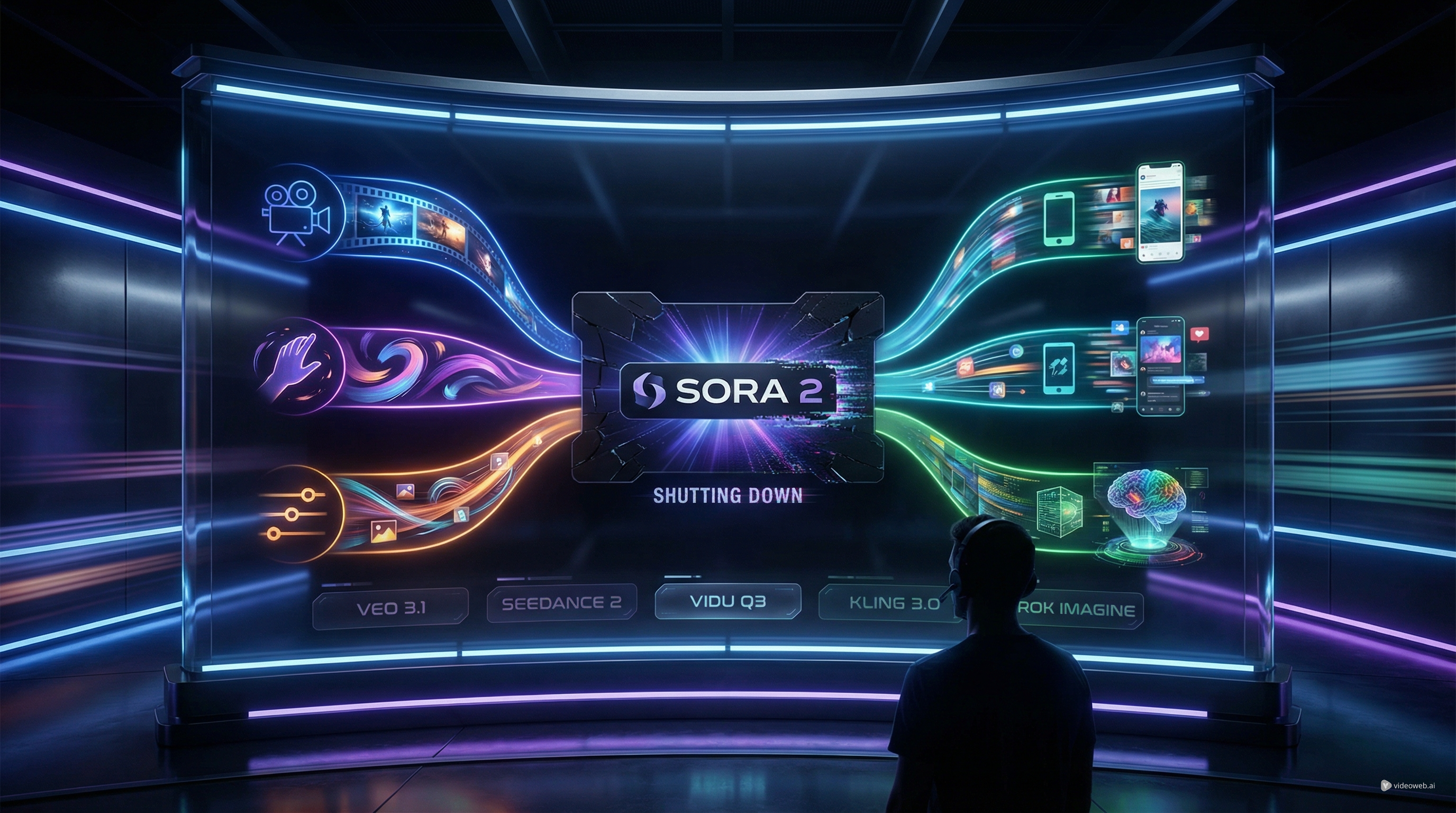
OpenAI’s decision to discontinue Sora 2 changes the AI video landscape in a very practical way. For creators, marketers, and indie filmmakers, this is not just product news. It means existing workflows need a replacement, current projects may need to move, and the usual question becomes urgent: which model should you actually use next?
The good news is that the market is no longer short on strong options. If you were using Sora for cinematic clips, realistic motion, or experimental visual storytelling, there are now several serious alternatives worth considering. The most relevant choices in this comparison are Google Veo 3.1, Seedance 2 AI, Grok Imagine video, Vidu AI, and Kling AI video.
This review takes a helpful, creator-first approach. Instead of asking which model is “best” in the abstract, it looks at what each one is best at, where each model feels more intuitive, and how you can pick the right tool for the kind of video you actually want to make.
What the Sora 2 shutdown means for users
The headline is simple: Sora 2 is being shut down, so users need an alternative workflow now rather than later. For some people, that means exporting assets and replacing one model. For others, it means rethinking their entire process.
That matters because Sora was often treated like a showcase model: people used it for cinematic realism, for visually ambitious concept clips, and for experimenting with what AI video could look like when it felt less “template-like.” When a tool like that disappears, creators usually do not want a single backup. They want a new stack that covers multiple needs.
In practice, most users now need five things from a replacement:
- Good prompt understanding
- Stable motion
- Strong image-to-video support
- Audio support or at least a clear production workflow
- A platform that makes it easy to compare models instead of forcing a one-model bet
That last point matters more than ever. The post-Sora world is less about finding one magical winner and more about building a flexible workflow.
What to compare in a serious Sora alternative
Before looking at individual models, it helps to define the comparison criteria. Not every creator wants the same thing.
Some people care most about realism and scene coherence. Others care about speed, social-ready motion, or how easily a still image can be turned into a usable short clip. Some want native audio. Others are fine with silent output if the motion quality is strong enough.
Here is the simplest way to evaluate the models in this article.
| Model | Best For | Main Strength | Main Trade-Off |
|---|---|---|---|
| Google Veo 3.1 | Cinematic storytelling | Realism, coherence, audio | Can feel more premium and deliberate than fast social workflows need |
| Seedance 2 AI | Reference-driven creation | Multimodal control and consistency | Best results usually come from stronger input material |
| Grok Imagine video | Experimental testing | Frontier-style flexibility and feature depth | Less convenient if you want an all-in-one cross-model hub |
| Vidu Q3 Pro | Social clips and motion-first content | Fast, lively motion and usability | Usually less “directed” in feel than a more cinematic model |
| Kling 3 AI | Controlled, polished video | Shot logic, storytelling, presentation | Often best when you already know the look you want |
With that framework in place, the alternatives become much easier to understand.
1. Veo 3.1 is the strongest choice for cinematic creators
If your main reason for using Sora was cinematic quality, narrative clarity, and more believable scene logic, Google Veo 3.1 is one of the clearest places to start.
The appeal of a Veo 3.1 Gemini style workflow is that it feels designed for creators who think in shots, pacing, and atmosphere rather than only in flashy one-off clips. It is especially appealing for brand videos, visual storytelling, explainers, polished short films, and ads where the final output needs to look intentional.
Compared with an earlier Veo 3 AI workflow, the newer version is better framed as the more refined option when you care about consistency, richer audiovisual output, and scene logic that holds together under more complex prompts.
Choose Veo 3.1 when you want:
- more cinematic pacing
- better realism
- stronger coherence across a scene
- audio support as part of the workflow
- a more “director-minded” result
If your projects lean commercial, editorial, or film-like, Veo 3.1 is probably the safest first recommendation.
2. Seedance 2.0 is one of the smartest alternatives for controlled creative work
If Veo is the cinematic pick, Seedance AI video generator is the control-first pick.
The reason so many creators are paying attention to Seedance 2 AI is that it fits the way real production often works. Many people are not starting from a blank prompt anymore. They already have a reference image, a style direction, an existing clip, audio ideas, or a very clear target look.
That is where Seedance stands out. It is especially useful when you want consistency, reference-led motion, and tighter creative steering. For anime-style sequences, brand-consistent scenes, product clips, or edits where you want the output to stay close to source material, it is one of the most intuitive alternatives in this lineup.
If you are specifically wondering how to use Seedance 2, two especially relevant reads are How to Use Seedance 2.0 for Anime Clips: Prompt Examples and Scene Ideas and Seedance 2.0 Video Generation Guide: Tutorial + Proven Prompts. Those are useful starting points if you want prompt ideas and a more practical workflow.
Choose Seedance when you want:
- strong multimodal input
- reference-driven generation
- more controllable style direction
- anime clips or stylized video
- an editing-friendly mindset instead of pure one-prompt experimentation
For many creators, Seedance may be the most “workable” replacement even if it is not always the flashiest one.
3. Vidu Q3 is one of the easiest models to recommend for fast, usable motion
Vidu Q3 video makes a strong case for itself because it solves a very common problem: people want results quickly, and they want the clip to actually move well.
That is why Vidu Q3 Pro feels especially relevant for creators making social content, short marketing clips, animated stills, or quick concept videos. The model is easy to understand from a workflow perspective: take a concept, a still image, or a scene idea, and turn it into motion without demanding a complicated setup.
This is where Vidu AI feels intuitive. It is not trying to be the most ceremonious or prestige-oriented model in the group. It is trying to be useful. That makes it attractive for creators who need a lot of short-form output, or who want to test multiple ideas quickly before investing in a more cinematic final render.
Choose Vidu when you want:
- lively movement
- quick iteration
- social-friendly clips
- easier image-to-video conversion
- a workflow that feels fast rather than precious
If Veo is the polished film-minded choice, Vidu is often the creator-friendly speed choice.
4. Kling 3.0 is a strong choice when you want more directed visual storytelling
Kling AI video sits in an appealing middle space. It is cinematic, but it is not only about realism. It is also about direction.
That is why Kling 3 AI stands out for creators who care about composition, transitions, multi-camera feeling, and a more authored result. If your frustration with faster models is that they can look impressive but not intentional, Kling is one of the strongest alternatives to consider.
It is particularly strong for creators who already know what they want the shot to do. In other words, Kling tends to reward more deliberate creative planning.
Choose Kling when you want:
- more guided shot construction
- a polished presentation style
- stronger storyboarding logic
- a more cinematic look than casual motion-first models usually offer
For creator types who think more like directors than experimenters, Kling can be easier to trust than a model that mainly sells speed.
5. Grok Imagine video is worth watching, even if it is not the easiest “default” recommendation
Grok Imagine video deserves a place in this conversation because it is a real current competitor, not just a side note.
Its appeal is broader experimentation. For users who want another high-end model family to test for text-to-video, image-to-video, and more advanced generation workflows, Grok Imagine video is clearly relevant.
That said, it is not the easiest recommendation for everyone in a practical migration article like this one. The main reason is not quality alone. It is workflow convenience. Many users leaving Sora are not just looking for another frontier model. They want a practical place to compare options and get moving again.
So Grok Imagine is worth reviewing as a serious outside option, but it is less obviously the first hands-on recommendation here than Veo, Seedance, Vidu, or Kling inside a multi-model creative hub.
Which model should you choose?
If you only want the short version, this is the most helpful way to decide.
| If your priority is… | Best starting point |
|---|---|
| Cinematic storytelling and realism | Google Veo 3.1 |
| Controlled, reference-led generation | Seedance 2 AI |
| Fast motion and social content | Vidu Q3 Pro |
| Directed shots and polished visual structure | Kling 3 AI |
| Experimental comparison outside the same platform stack | Grok Imagine video |
That is really the key takeaway after Sora 2. There is no single perfect replacement for every creator. There are better replacements for different kinds of work.
Why VideoWeb’s image-to-video workflow is the most practical next step
Once you move past the model comparison, the most useful next recommendation is simple: test these alternatives through a flexible AI video generator workflow rather than treating each model as a separate island.
That is why VideoWeb’s image-to-video feature is such a practical suggestion. For creators leaving Sora, image-to-video is often the fastest recovery path. You may already have product shots, character art, mood frames, key visuals, portraits, or storyboard stills. Instead of starting from zero, you can animate what you already have.
This is especially relevant for trying:
- Google Veo 3.1 for cinematic image-to-video
- Seedance 2 AI for reference-driven motion
- Vidu Q3 video for fast, social-friendly animation
- Kling AI video for more directed and polished clips
That recommendation is also more intuitive than pushing people into a complicated all-new workflow. Upload an image, describe the movement, compare the models, and see which engine fits your project best.
Beyond that, VideoWeb also gives readers other useful paths to explore, including text-to-video, photo-to-video, video-to-video, AI music video generation, AI talking avatar creation, and a wider model lineup for future testing.
Final verdict
Sora 2 shutting down is significant, but it does not leave creators without strong options. In some ways, it may push users toward a healthier workflow: one where the model choice matches the project rather than the brand hype.
If you want the cleanest replacement for cinematic work, start with Google Veo 3.1. If you want more control and reference-driven creation, Seedance AI video generator is one of the most useful alternatives. If speed and motion matter most, Vidu AI is easy to recommend. If you want more directed visual structure, Kling 3 AI deserves a close look. And if you want an additional frontier comparison, Grok Imagine video is worth keeping on your shortlist.
For most users, though, the smartest next move is not picking a winner in theory. It is testing the right models in a flexible AI video generator workflow and finding what actually fits your footage, style, and goals.
Related Article
- Veo 3.1 vs Sora 2: Which AI Video Model Performs Better?
- Vidu Q3 AI vs Kling 3.0: Which AI Video Model Should You Use on VideoWeb AI?
- How to Use Seedance 2.0 for Anime Clips: Prompt Examples and Scene Ideas
- Seedance 2.0 Video Generation Guide: Tutorial + Proven Prompts
- VideoWeb AI Video Generator 2026: One Hub, Every AI Video Workflow
People Also Read
- How to Create High-Quality AI Videos with Veo 3.1 on HeyDream AI
- Veo 3.1 Video Generation Guide: How to Create Cinematic Clips on HeyDream AI
- Seedance 2.0 Video Generation Guide: How to Create Better AI Videos
- The Release of Seedance 2.0: What Dropped, What’s New, and What Creators Should Do Next
- The 2026 Image-to-Video Guide for Sea Imagine AI: Best Models & Prompts
- SeaImagine AI Text-to-Video Guide: How to Choose Models and Create Better Clips











