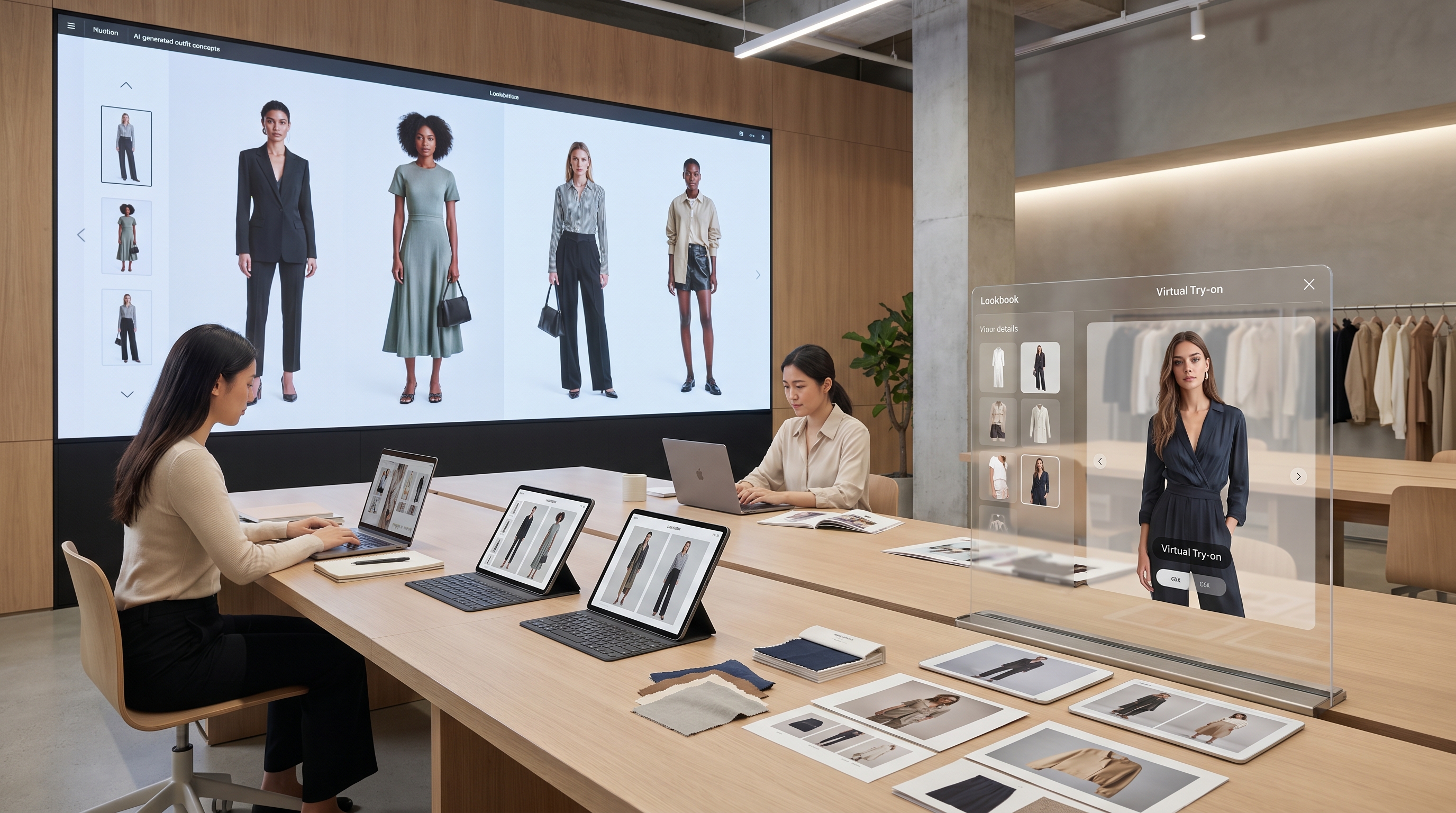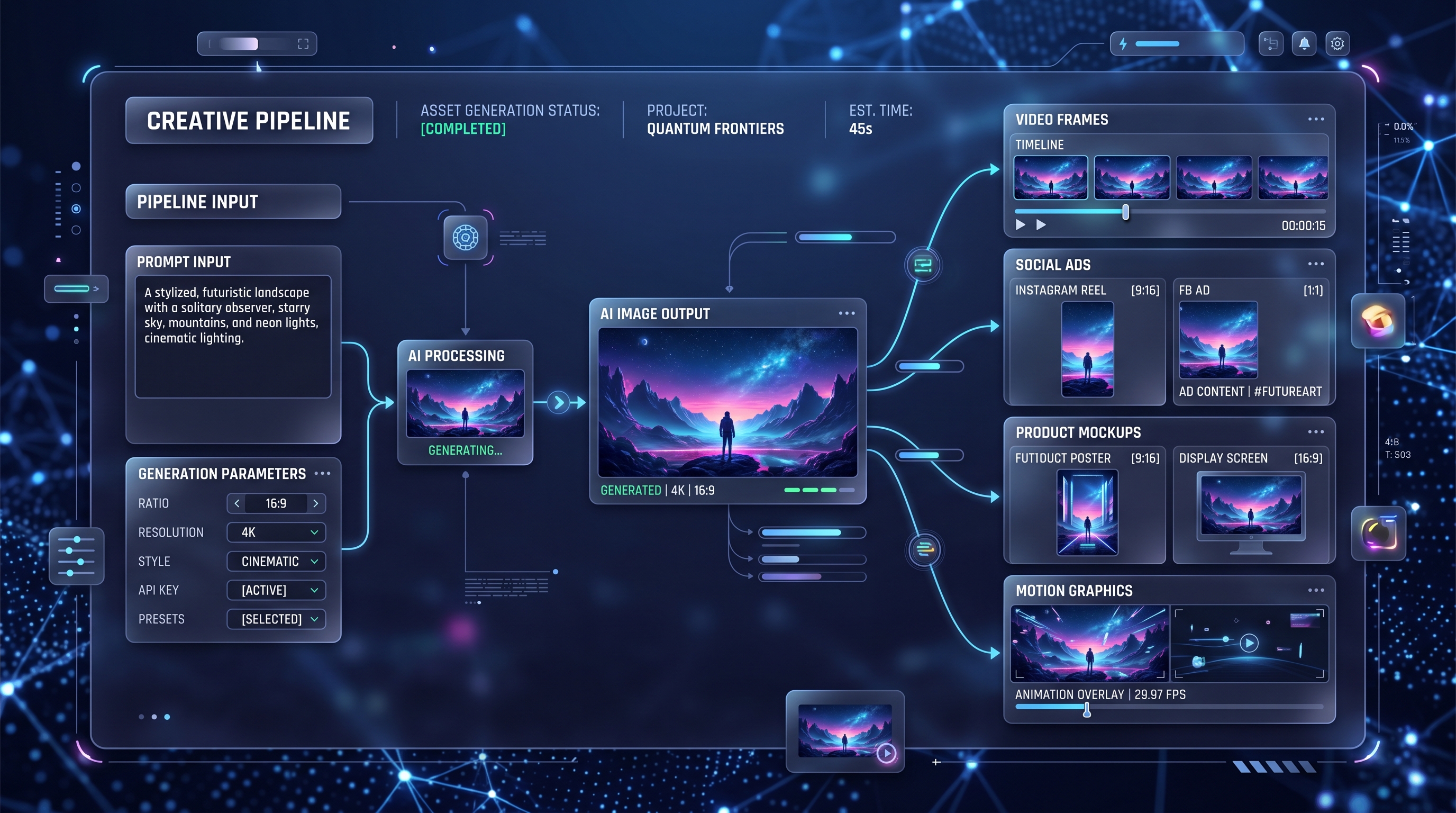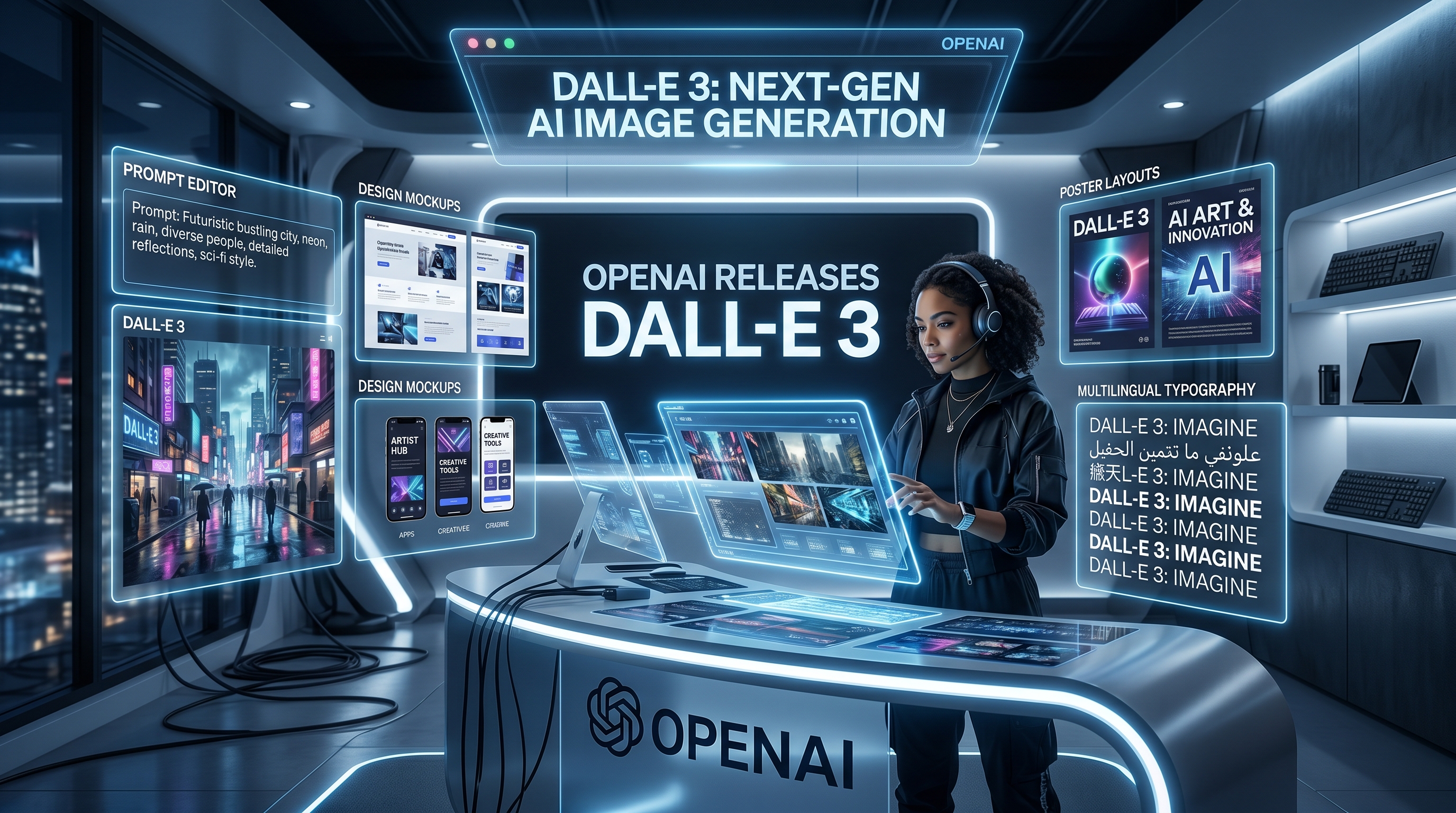
AI-powered visual creation has entered a bold new era with the arrival of GPT-4o. Whether you're a designer, marketer, educator, or curious creator, mastering GPT4o image generation can open up an extraordinary range of creative possibilities. In this guide, we’ll explore why GPT-4o is a game changer, how to use the GPT 4o image generator, and what sets it apart from other tools.
What Is GPT4o Image Generation and Why It’s a Game Changer
GPT-4o, OpenAI’s most advanced multimodal model, is more than just a text generator. It seamlessly understands and generates text, images, and even audio, making it a true leap forward in artificial intelligence. When it comes to visual content, GPT4o image generation marks a significant improvement over previous models.
Unlike traditional AI image generators that often rely on fixed styles or narrow outputs, GPT4o can interpret nuanced prompts with contextual understanding, allowing for more accurate and creative results. Whether you’re crafting concept art, branding assets, or social media content, the new GPT 4o image generator brings speed, creativity, and coherence together like never before.
How to Use the GPT 4o Image Generator to Create Stunning Visuals
Trying GPT4o image generation is easier than you might think, thanks to platforms like VideoWeb AI. Their GPT 4o image generator lets you start creating immediately—no login required.
Step-by-Step Guide:
- Visit the VideoWeb AI image generation page.
- Enter a detailed prompt describing the image you want. Be specific about characters, lighting, style, or mood.
- Optionally, upload a reference image to guide the output even more precisely.
- Click “Generate” and watch as the AI brings your vision to life within seconds.
Tips for Better Results:
- Use descriptive and layered language.
- Include emotions, settings, or design styles (e.g., “cyberpunk sunset skyline with neon dragons”).
- Refine results by iterating or modifying prompts for each version.
Comparing GPT4o Image Generation with Other AI Tools: What Makes It Different?
GPT-4o’s image generation stands apart from tools like DALL·E, Midjourney, and Stable Diffusion. While those platforms also produce high-quality visuals, GPT4o introduces a unique advantage: multimodal reasoning.
By blending visual intelligence with advanced natural language understanding, GPT4o image generation allows for real-time, fluid prompt interaction. This results in visuals that not only look great but also align precisely with user intent.
Why Choose VideoWeb AI’s GPT 4o Image Generator:
- Blazing fast generation
- No login barriers
- Simple, intuitive interface
- Exceptional coherence between text and image
Top Use Cases for GPT4o Image Generation in Content Creation and Branding
Whether you're a solopreneur or a large marketing team, GPT 4o image generation offers a creative edge across industries:
- 🎨 Content Marketing: Create blog images, infographics, and email headers.
- 🧠 Education: Design visual aids, flashcards, and course illustrations.
- 🛍️ E-Commerce & Branding: Mockups, product concepts, and logo-style art.
- 🎥 Social Media & YouTube: Generate thumbnails, storyboards, and post-ready visuals.
- 🎮 Entertainment & Concept Art: Sketch characters, worlds, and moodboards instantly.
With GPT 4o image generation, scaling content is faster, cheaper, and more expressive.
Tips and Best Practices for Getting the Most Out of the GPT 4o Image Generator
To fully harness the power of GPT4o, here are a few best practices:
- Structure your prompts clearly: include subject, setting, lighting, and emotion.
- Match tone and style to your audience: try "flat design," "surrealist," or "animated movie-style" depending on your needs.
- Iterate rapidly: refine with small changes to unlock the perfect image.
- Avoid vagueness: overly general prompts often result in bland outputs.
- Play with contrasts: combine realistic details with fantastical ideas for powerful visuals.
Best of all? You can dive in immediately. Head over to VideoWeb AI’s GPT 4o image generator to start experimenting—no signup, no fuss.
GPT4o image generation isn’t just an upgrade—it’s a redefinition of how we create and communicate through visuals. Whether you're crafting your next viral post or developing a product prototype, the new GPT 4o image generator gives you the freedom to imagine, iterate, and inspire like never before.
FAQs
Q1: What makes GPT4o image generation unique compared to earlier models?
A1: GPT4o image generation blends text and visual reasoning natively, allowing the GPT 4o image generator to create more coherent, detailed, and context‑aware images than previous AI tools.
Q2: Do I need to register before using the GPT 4o image generator on VideoWeb AI?
A2: No sign‑up is required. Simply visit the tool, enter your prompt, and the GPT 4o image generator will deliver results within seconds.
Q3: Can I upload a reference photo for GPT4o image generation?
A3: Yes. Adding a reference image helps GPT4o align composition, style, or likeness more precisely with your creative vision.
Q4: How fast is GPT4o image generation on VideoWeb AI?
A4: Most images render in 5–10 seconds, thanks to the platform’s optimized GPT 4o backend.
Q5: Are there usage limits or costs?
A5: VideoWeb AI offers free daily credits for GPT4o image generation. Heavier usage or higher‑resolution exports may require an optional upgrade.
Recommended Reading
Deepen your understanding of AI creativity with these popular posts:
-
Discover the Best AI Text‑to‑Video Generator: Free & No Sign‑Up Needed
See how no‑login video tools are transforming content workflows. -
Unlock Creativity with Flux AI Image Generator: A Deep Dive
Explore advanced prompt strategies and image styles for Flux AI. -
How to Convert Image to Video: Exploring the Best AI Tools
Learn to turn still photos into dynamic MP4 clips in minutes.
More Creative AI Tools to Try
Expand your toolkit beyond GPT4o image generation:
- Action Figure Generator – Turn a selfie into a personalized 3D hero.
- Ghibli Studio – Produce dreamy, hand‑painted scenes inspired by classic animation.
- Labubu Toy Generator – Design cute collectible characters ready for merch or social posts.