Fashion visuals are no longer only about the final photo shoot. For many designers, sellers, stylists, and content creators, the hardest part is the planning stage: deciding the outfit direction, testing fabric combinations, building a lookbook mood, preparing product-page images, and imagining how a piece might look on a real person.
That is where a strong image model can become useful. The official OpenAI release of GPT Image 2 makes image generation feel more practical for visual design because it focuses on higher-quality rendering, better text handling, flexible formats, and more controllable creative output. For fashion work, this means a prompt can become more than a pretty picture. It can become a draft for a campaign, a lookbook page, a product concept, or a social visual.
For creators who want a tool-based workflow in addition to the official website, ChatGPT Image Generator 2 on VideoWeb AI is a useful place to test ChatGPT Image 2 fashion ideas, especially when the goal is to move from outfit concept to campaign-ready image planning.
Why GPT Image 2 Works Well for Fashion Planning
Fashion is visual, but it is also highly specific. A good outfit image depends on silhouette, texture, fabric weight, styling, lighting, pose, and context. A simple prompt like “a stylish woman in a coat” may create an attractive image, but it will not help a designer or store owner make a real decision.
A stronger AI fashion image generator workflow starts with direction. You can use GPT Image 2 to explore whether a wool coat should feel structured or relaxed, whether a summer collection should lean coastal or urban, or whether a product page needs a clean studio shot or a lifestyle scene. Instead of waiting until the shoot to discover what works, you can test several visual routes first.
This is especially helpful for small fashion brands. A seller can create draft visuals for a capsule collection, compare color palettes, test model poses, and plan banner layouts before hiring photographers or preparing product samples. The generated image does not have to replace the real shoot. Its value is that it makes the creative direction clearer.
How to Prompt Outfit Concepts with Better Detail
Fashion prompts need concrete garment language. Instead of asking for “a modern outfit,” describe the clothing as a stylist would: “cropped ivory boucle jacket, high-waisted straight-leg denim, pointed ankle boots, structured mini shoulder bag.” Then add fabric, fit, body position, background, and output purpose.
A useful prompt structure is:
Subject + garment details + fabric + fit + styling + setting + camera style + final use.
For example, if you are using an AI outfit generator for a fall campaign, do not only request “autumn fashion.” Try: “full-body editorial image of a model wearing an oversized camel wool coat, ribbed cream turtleneck, dark straight-leg jeans, leather loafers, soft city street background, natural overcast light, luxury lookbook style.”
Fabric words matter. Satin should drape and catch light. Denim should show seams and weight. Knitwear should have visible texture. Leather should look structured, not like flat plastic. Fit words also matter: slim, relaxed, oversized, cropped, tailored, draped, boxy, high-waisted, ankle-length.
If you already have reference images, an image-to-prompt AI tool can help turn visual references into reusable prompt language. This is useful when a brand wants to keep a consistent mood across lookbooks, ads, and social posts.
Creating Lookbooks, Product Photos, and E-Commerce Banners
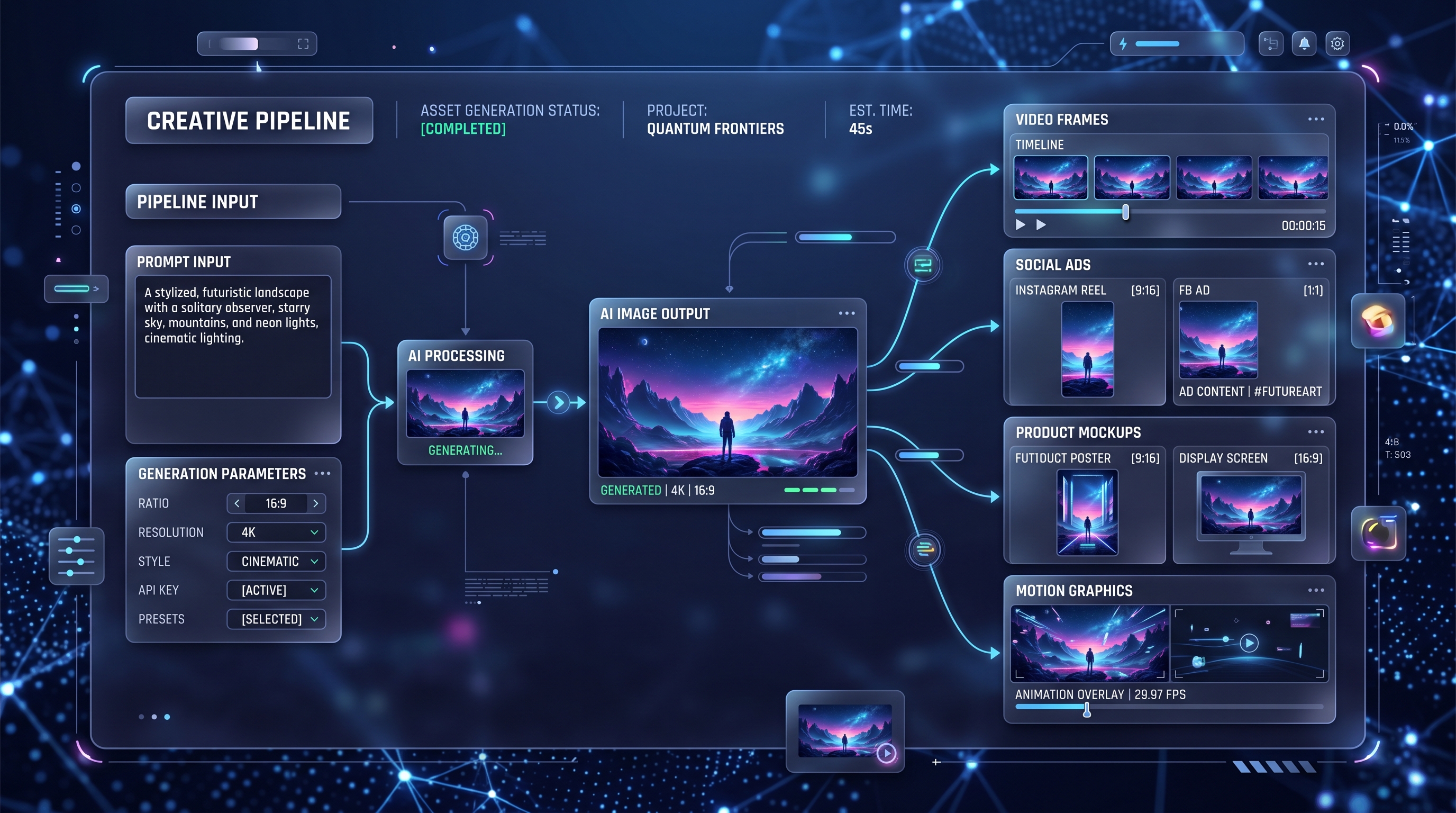
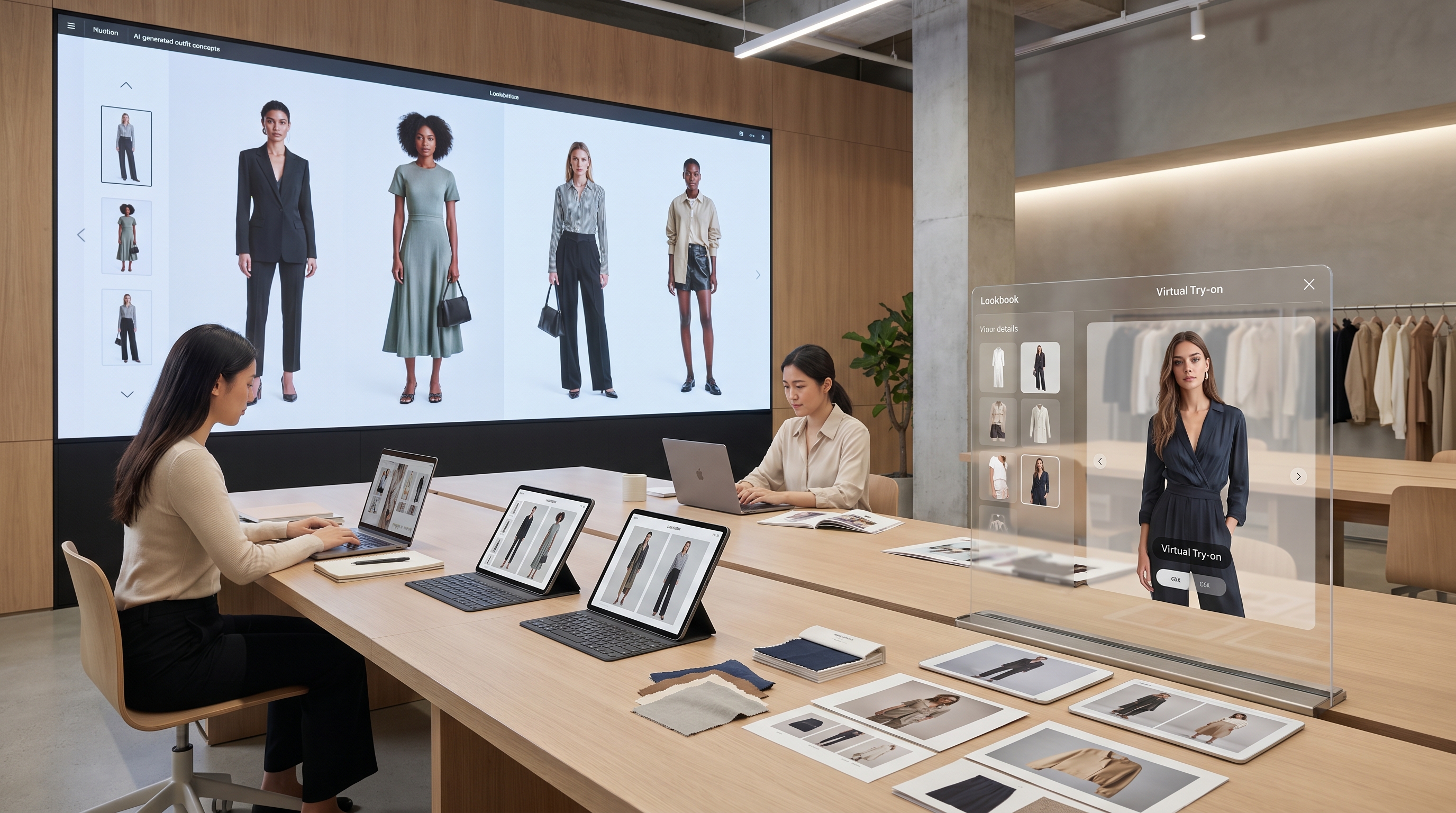
GPT Image 2 becomes more valuable when you treat it as a layout assistant, not only as a single-image generator. For lookbooks, you can ask for repeated rules: same model distance, same lighting, same background tone, same title placement, and consistent outfit labels. This turns the model into an AI lookbook generator for early drafts.
For product pages, the priority is clarity. Use prompts that ask for front view, side view, flat lay, mannequin-style display, or clean lifestyle photography. A product image should show the garment, not bury it under dramatic lighting or a complicated pose. When using AI product photography for planning, ask for accurate structure: visible buttons, collar shape, sleeve length, waistband, hemline, seams, pockets, and fabric folds.
For ads and banners, composition matters more. A homepage hero image may need empty space for text. A mobile ad may need a centered subject and high contrast. A social post may need a strong vertical crop. GPT Image 2 can help create e-commerce fashion images that match the platform before you commit to final design.
From Concept Image to Virtual Try-On
There is an important difference between a fashion concept and a try-on result. GPT Image 2 is strong for visual direction: mood, styling, campaign scenes, product photography drafts, and lookbook ideas. But if your goal is to show how a real garment looks on a person, you should move into a dedicated AI clothes try-on workflow.
A practical process looks like this: first, use GPT Image 2 to create the mood and outfit direction. Then prepare a clean garment image or product photo. Next, use virtual try-on AI to preview the clothing on a real or model-style photo. Finally, return to an image generator for campaign layout, background polish, or social formatting.
For faster outfit-swap ideas, AI Clothes Changer on Fylia AI can help test how different clothing styles might change the same visual. This is useful for creators who need styling variations, before-and-after posts, or quick fashion mockups.
Prompt Tips for Designers, Sellers, and Creators
Designers should use fashion AI for exploration. Ask for silhouette sheets, colorway studies, runway-inspired moodboards, fabric close-ups, and collection concepts. The goal is not to replace design thinking, but to give the designer more visual options at the start.
Online sellers should focus on clean product communication. Use consistent angles, neutral backgrounds, realistic garment structure, and simple lighting. Avoid over-stylized prompts unless the image is for an ad, not a product page. For store visuals, e-commerce fashion images should make the shopper understand the item quickly.
Content creators can use GPT Image 2 for outfit-of-the-day concepts, seasonal style edits, reel covers, fashion thumbnails, and creator lookbooks. The best results usually come from prompts that include both aesthetic and purpose: “TikTok reel cover,” “Pinterest outfit board,” “Instagram carousel cover,” or “YouTube fashion haul thumbnail.”
Common Mistakes to Avoid
The biggest mistake is asking for fashion without describing clothing. AI may understand style, but it still needs garment instructions. Another mistake is using poses that hide the outfit. If the image is for product planning, avoid sitting poses, crossed arms, extreme motion, or heavy shadows unless they serve the concept.
A third mistake is mixing too many trends in one prompt. “Y2K quiet luxury cyberpunk cottagecore” may sound interesting, but it can confuse the image direction. Choose one main style and one supporting detail.
Finally, do not treat every AI image as a final try-on photo. A concept image can suggest a look, but a dedicated AI clothes try-on step is better when realism, fit preview, and garment placement matter.
Conclusion
GPT Image 2 can be a practical visual engine for fashion planning. It helps creators turn rough ideas into outfit concepts, lookbook drafts, product-page references, and campaign layouts. Used with clear prompts, it can support the creative process from early moodboard to e-commerce visual direction.
The strongest workflow is not one tool doing everything. Use ChatGPT Image Generator 2 on VideoWeb AI for concepting and visual planning, then combine it with try-on and clothes-changing tools when the task requires realistic garment previews. That way, fashion AI becomes less of a novelty and more of a useful part of the modern fashion-commerce workflow.
Prompt Pack Add-On: 12 GPT Image 2 Fashion Prompts
-
Minimalist Spring Lookbook Create a clean spring fashion lookbook page featuring three full-body model shots in pastel linen outfits, soft daylight, off-white studio background, elegant magazine layout, readable outfit labels, and refined editorial photography.
-
Luxury Streetwear Campaign Create a premium streetwear campaign image featuring an oversized black bomber jacket, wide-leg cargo pants, chunky sneakers, cinematic night street lighting, confident pose, and sharp fabric texture.
-
E-Commerce Trench Coat Photo Create a clean product photo of a beige trench coat on a neutral mannequin, front view, accurate lapels, belt, buttons, sleeve structure, soft studio lighting, and white background.
-
Summer Resort Outfit Concept Create a summer resort outfit concept with a linen shirt, relaxed shorts, woven sandals, straw bag, coastal background, warm sunlight, natural pose, and soft editorial mood.
-
Autumn Capsule Lookbook Cover Create a high-end autumn capsule lookbook cover, model wearing a tailored wool coat and leather boots, muted brown and charcoal palette, elegant serif title text, and clean luxury layout.
-
Online Store Fashion Banner Create a wide e-commerce fashion banner showing three coordinated winter outfits, clean background, balanced spacing, readable sale text, realistic clothing folds, and premium product photography.
-
Social Reel Cover Create a vertical fashion social reel cover featuring a model in a bold red evening dress, dramatic studio lighting, confident pose, clean headline space, and polished creator-style layout.
-
Denim Collection Moodboard Create a denim capsule moodboard with full-body outfit references, close-up denim texture, stitching details, metal buttons, washed blue palette, and magazine collage layout.
-
Virtual Try-On Reference Concept Create a realistic outfit reference image showing a white cropped blazer, satin camisole, high-waisted black trousers, front-facing pose, neutral background, and accurate garment structure.
-
Lifestyle Sweater Product Scene Create a lifestyle fashion product image featuring a model wearing a cream knit sweater in a cozy café, soft window light, visible knit texture, relaxed pose, and warm neutral palette.
-
Seasonal Outfit Grid Create a four-panel outfit grid showing spring, summer, autumn, and winter looks on the same model style, consistent camera distance, clean background, and readable season labels.
-
Capsule Wardrobe Poster Create a fashion ad poster for a modern capsule wardrobe brand, model wearing a structured black blazer and straight-leg trousers, minimalist studio setting, readable headline text, and premium editorial style.
Recommended Tools for Fashion AI Workflows
For fashion concepting, visual planning, catalog images, and branded lookbook drafts, use ChatGPT Image Generator 2 on VideoWeb AI in addition to the official OpenAI website.
For realistic garment-on-person previews, try AI clothes try-on or virtual try-on AI. For quick outfit swaps and styling tests, use AI Clothes Changer on Fylia AI. For fast image editing and visual variations, test Nano Banana 2 on VideoWeb AI. For polished commercial scenes, try Seedream 4.5 AI Image Generator. For broader creative fashion visuals, use AI Image Generator on HeyDream or the DreamMachine AI image generator.
Related Article
- How to Use Nano Banana 2 for AI Image Generation and Editing
- Nano Banana 2: Ultra-Fast 4K AI Image Model for Creators
- Christmas Video Magic with Nano Banana Pro & Veo 3.1
People Also Read
- AI Clothes Changer Guide: How to Swap Outfits with Nano Banana 2
- AI Clothes Changer with Flux Pro AI: The Future of Virtual Fashion Try-On
- Best 10 Prompts for the Seedream 4.5 AI Image Generator
- Nano Banana 2 vs Nano Banana Pro: What Changed and Which One Fits Your Workflow?
- How to Use DreamMachine AI’s AI Video Generator