OpenAI’s latest image release has quickly become one of the most talked-about launches in AI creativity. Between the official product announcement and the developer documentation, people are seeing several names for what feels like the same leap forward. That is why many users are searching for terms like GPT Image 2, OpenAI image 2.0, and OpenAI GPT Image 2 all at once.
The short version is simple: OpenAI’s new image stack is focused on better image quality, stronger prompt following, cleaner text rendering inside images, and more reliable editing. In the official announcement, the consumer-facing experience is presented as ChatGPT Images 2.0. In developer documentation, the underlying API model is documented as gpt-image-2. For everyday users, though, the main question is less about naming and more about results: what is actually better now, and where can you try it?
Why GPT Image 2 feels like a meaningful release
AI image generation has already gone through several waves. The first wave impressed people with style. The second wave made image creation faster and easier. This new wave is about control. That is the real reason GPT Image 2 by OpenAI is drawing so much attention.
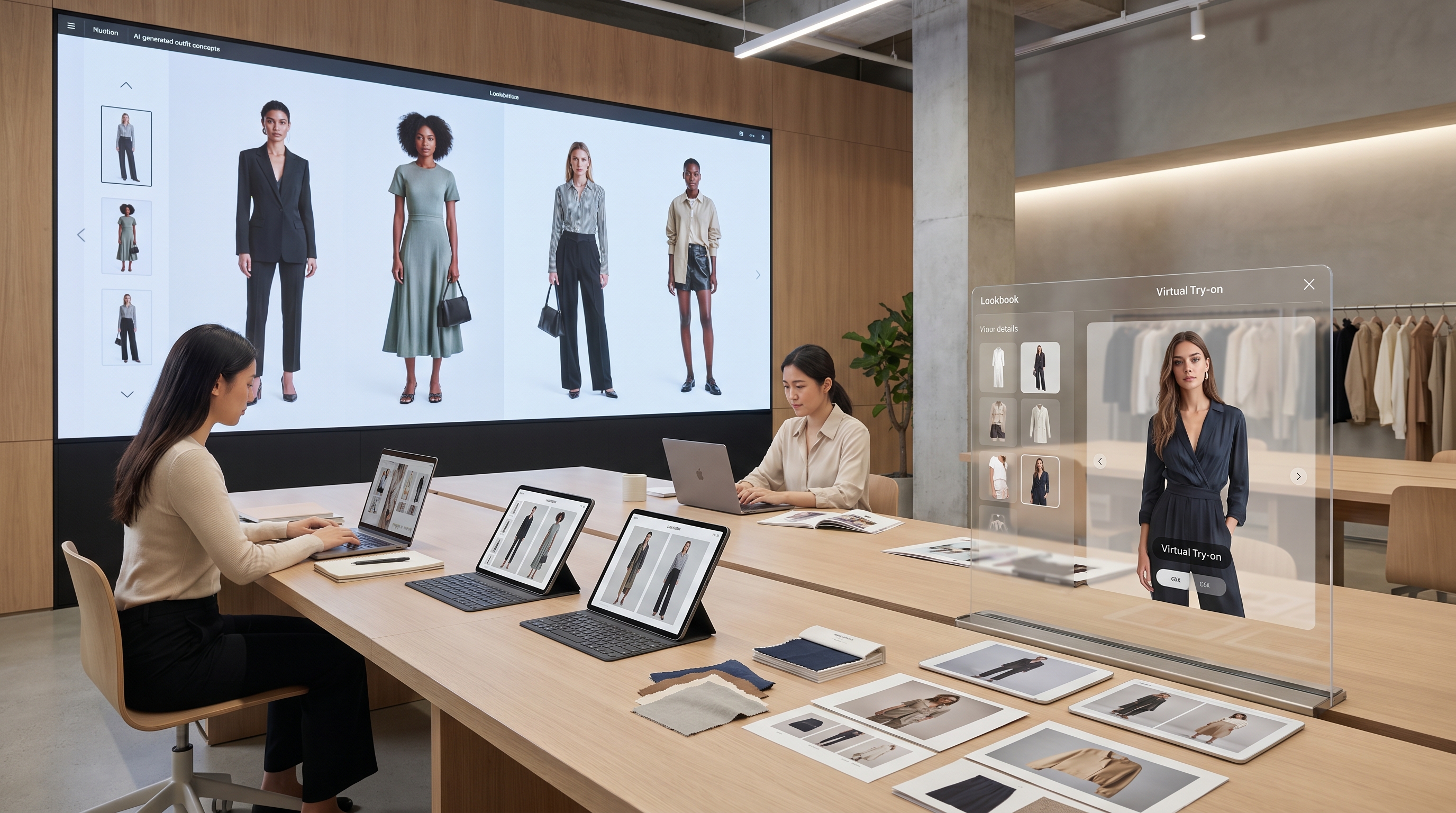
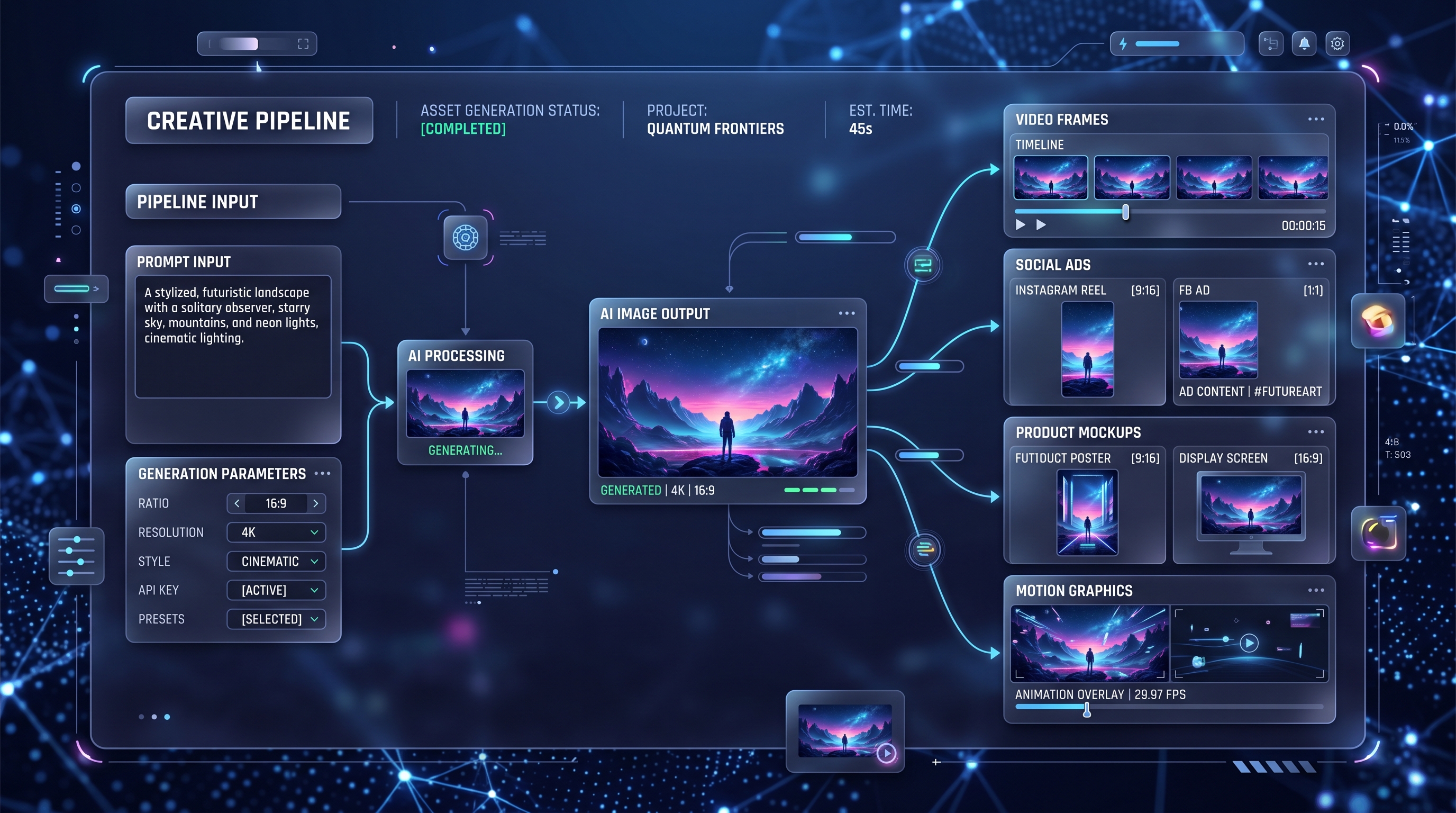
Instead of treating image generation as a one-shot art tool, OpenAI is pushing it toward a more practical creative workflow. You can use it for posters, social creatives, mockups, manga pages, concept art, UI-like compositions, reference sheets, and image edits that need clearer instruction following. In other words, this is not only about “make a pretty image.” It is about “make the image I actually asked for.”
That shift matters for creators, marketers, designers, and developers alike. Better control usually means fewer failed generations, fewer awkward revisions, and a much smoother path from idea to usable output.
What is actually new in GPT Image 2
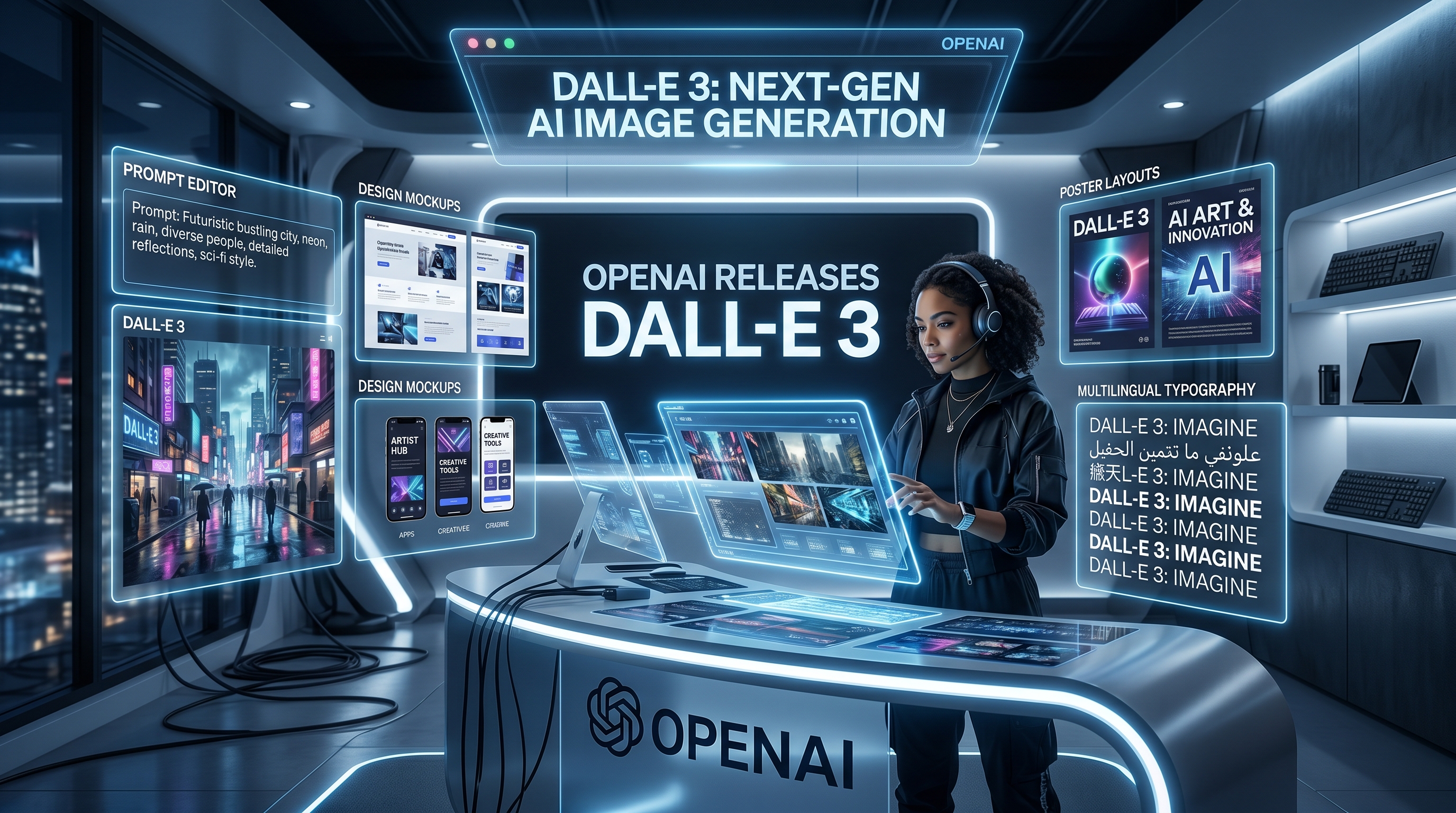
The biggest improvement is text rendering. For years, AI images were visually impressive but unreliable when asked to place readable words inside posters, menus, labels, signs, magazine spreads, or product-style layouts. With OpenAI GPT Image 2, that part looks much more usable.
The second big improvement is multilingual performance. This matters more than it may seem at first. A model that handles multiple writing systems more cleanly is far more useful for global marketing, education, storytelling, and branding.
The third improvement is better instruction following. This is where the model starts to feel less like a slot machine and more like a creative assistant. If you ask for a scene with a certain mood, composition, ratio, and set of design elements, the model is generally aiming to respect more of those directions at the same time.
There is also a stronger sense of layout awareness. That makes this release more relevant for people creating cover concepts, ad drafts, presentation visuals, story panels, menus, posters, and product mockups. It is easier to imagine this model being used in real content pipelines instead of only in experimental art threads.
Finally, editing matters more now. OpenAI is clearly treating image generation and image transformation as parts of the same workflow. That makes the release more practical for people who want to start from a reference image, revise details, or iterate toward a final asset instead of beginning from scratch every time.
Why this release stands out from older OpenAI image workflows
What makes this update feel different is not just one benchmark or one flashy sample. It is the overall experience. Earlier AI image tools often forced users to choose between beautiful visuals and accurate execution. You might get a gorgeous result, but the text would be broken, the layout would drift, or the scene would ignore half the prompt.
The new chatgpt image model direction feels more useful because it closes some of that gap. It is trying to combine visual quality with stronger prompt obedience, editing support, and more polished structure.
That is especially important for non-artists. A lot of people using these tools are not illustrators. They are startup founders, content creators, teachers, marketers, indie developers, and small business owners. They do not need endless style experiments. They need something that can generate a hero image, a menu board, a comic page, a thumbnail concept, or a product visual without fighting them.
Where to access GPT Image 2 officially
If you want the official route, there are two main access paths.
The first is the OpenAI product side, where the release is presented as ChatGPT Images 2.0. That is the easiest mental model for general users: OpenAI has improved the image experience inside its ecosystem, especially around text rendering, multilingual output, aspect ratios, and creative control.
The second is the developer route. In OpenAI’s docs, gpt-image-2 is presented as the current image-generation model for fast, high-quality image generation and editing. It is available through OpenAI’s platform for developers who want to build image features into apps and workflows.
That is why search interest around phrases like chatgpt image api has grown. People want to know whether this new generation of OpenAI image tools is only a consumer feature or something they can also integrate into products. The answer is that OpenAI is clearly supporting both consumer-facing and developer-facing access.
Where to access a simple web-based version now
For many people, official documentation is useful for understanding the release, but not for actually creating. They want a simple interface where they can test prompts quickly, compare results, and move on.
That is where VideoWeb becomes relevant. Its GPT image 2 OpenAI landing page is positioned as an easy browser-based image creation option built around the GPT-4o image workflow. For casual users, this is often the more practical starting point: describe the image, adjust settings, generate, and iterate.
This kind of access matters because convenience changes how often people actually use a model. A powerful model hidden behind technical friction tends to stay theoretical for mainstream users. A clean interface lowers that barrier.
Who should pay attention to GPT Image 2
This release is especially relevant for a few groups.
Creators should care because text-heavy visuals, thumbnails, poster concepts, and social graphics are becoming more realistic use cases. Designers should care because layout discipline and editing now look more dependable. Marketers should care because clearer typography and better instruction following make campaign drafts much easier to prototype. Developers should care because OpenAI is treating image generation as a serious product capability, not just a novelty.
And ordinary users should care too. If you have ever felt that AI image tools were fun but unreliable, this release points in a more usable direction.
The bigger takeaway
The most important thing about this launch is not the exact label. Some people will call it GPT Image 2. Some will say OpenAI image 2.0. Others will think of it as ChatGPT’s newest image engine. The naming may vary, but the core message is clear: OpenAI is pushing image generation toward higher utility, not just higher novelty.
That means better text, better control, better multilingual output, more flexible compositions, and a more practical bridge between generation and editing. If that trend continues, image models will increasingly become everyday production tools rather than occasional creative toys.
For users who want to understand the release, the official OpenAI pages are the best place to verify what is confirmed. For users who want to try a fast web workflow, GPT Image 2 on VideoWeb is a practical next step. And for people comparing ecosystems, it is worth looking at the broader image and video stack on VideoWeb as well.
Recommended tools and models on VideoWeb
- GPT-4o Image Generator
- AI Image Generator
- Seedream 4.5 AI
- Nano Banana Pro AI
- Qwen Image 2
- Seedance 2.0
- Google Veo 3.1
- Vidu Q3
- Kling 3.0
- Image to Video
Related Article
- Mastering GPT4o Image Generation: How to Unlock Creative Potential with the New GPT 4o Image Generator
- How to Use Seedance 2.0 for Anime Clips: Prompt Examples and Scene Ideas
- Vidu Q3 AI vs Kling 3.0: Which AI Video Model Should You Use on VideoWeb AI?
People Also Read
- HeyDream AI Image Generator Guide: Best Models for Text-to-Image and Image-to-Image
- Nano Banana Pro on DreamMachine AI: A Practical Way to Create Better AI Images
- How to Use Sea Imagine AI's Image Generator: A Beginner-Friendly Tutorial
- AIFacefy AI Image Generator 2026: Best Models Ranked + When to Use Each
- GPT Image 2: What’s New, What’s Confirmed, and Why Creators Are Watching Closely
- GPT Image 2 Explained: What’s New, and How It Compares With Nano Banana Pro