Luma Ray3: The Next Leap in AI Video
Introduction
The AI video landscape is moving fast, and one of the most exciting names in the space right now is Luma Labs with its brand-new Luma Ray3 model. Ray3 isn’t just another update — it marks a true leap forward, especially in how AI understands creative direction and delivers professional-grade results.
At the same time, creators don’t have to limit themselves to one tool. Platforms like VideoWeb.ai bring together multiple cutting-edge models — each with its own strengths — and will soon be launching Luma Ray3 as part of their ecosystem. That means you’ll be able to experiment with Ray3 alongside powerful alternatives, all in one place.
In this article, we’ll break down what makes Luma Ray3 special, explore why alternatives matter, and recommend some excellent VideoWeb.ai models you can use right now.
What Is Luma Ray3?
Luma Ray3 is the latest generation of video AI from Luma Labs, and it’s designed to address the biggest challenges creators face: consistency, control, and quality. Here are its headline features:
-
Reasoning for video generation
Unlike older models that simply generate frames, Ray3 “thinks through” a shot. It plans scenes, evaluates drafts, and retries when needed. This makes videos more coherent, with natural motion and logical continuity between frames. -
Native HDR video support
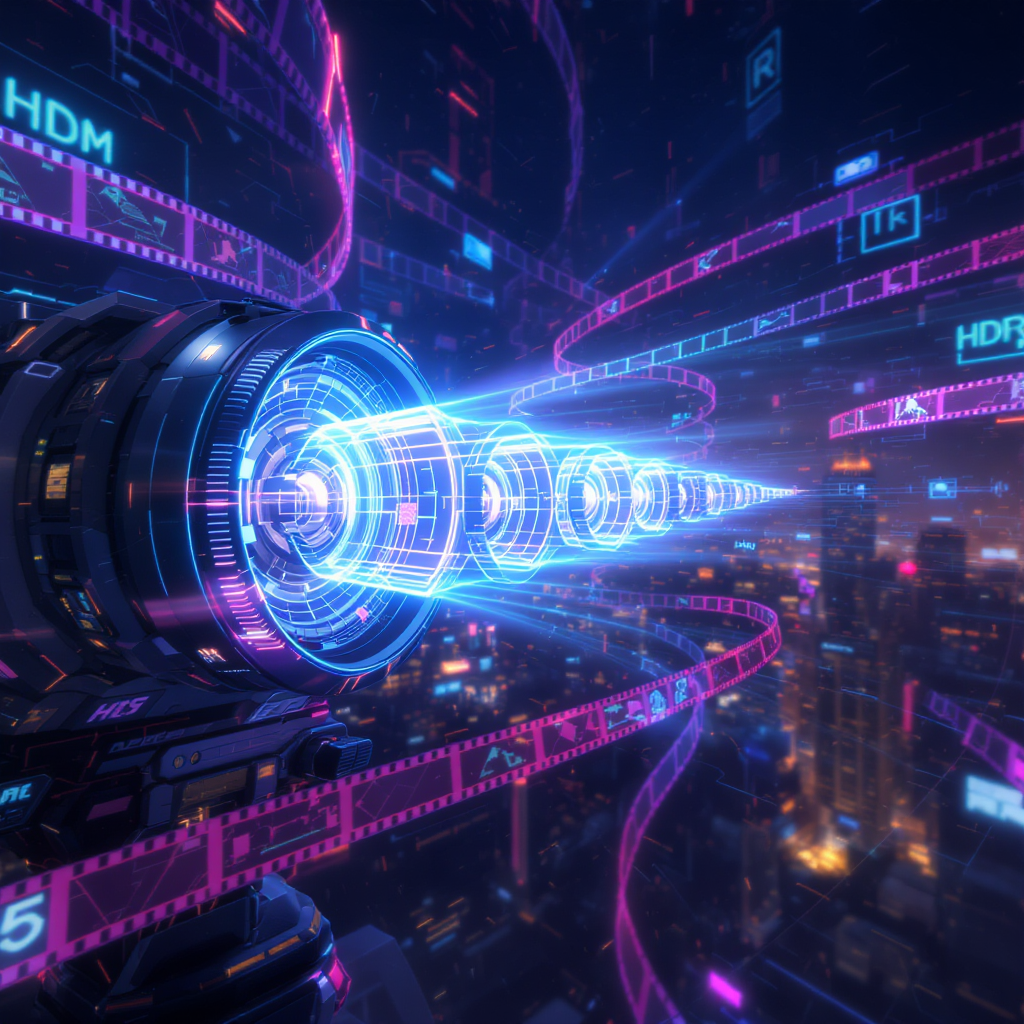
Ray3 is the first AI video model to natively generate HDR content — up to 16-bit color depth. For filmmakers and VFX professionals, this is a huge deal. You can even export frames in EXR format, which integrates smoothly into professional post-production pipelines. -
Draft → Hi-Fi workflow
Creators can now sketch ideas in Draft Mode, which runs about five times faster and cheaper, and then upscale their favorite takes into 4K HDR “Hi-Fi” quality. This balances speed with final-output excellence. -
Advanced creative controls
Ray3 supports tools like keyframes, extend/loop functions, upscaling, and visual annotations — where you can literally draw on an image to guide layout or motion. This is the kind of precision professional teams have been waiting for.
For anyone making cinematic projects, ads, product showcases, or short-form creative videos, these capabilities open new possibilities that weren’t practical even a few months ago.
Why Look at Alternatives on VideoWeb.ai?
Even though Luma Ray3 is groundbreaking, it’s not the only option. Different projects demand different styles, and that’s where VideoWeb.ai stands out.
On VideoWeb, you get a catalog of specialized models — each optimized for unique creative scenarios. Some excel at realism, others at character animation, and some are built for efficient image-to-video workflows.
This flexibility means you don’t have to force every project through one system. Instead, you can pick the right tool for the job — and soon, that toolkit will also include Ray3.
The Best Alternatives on VideoWeb.ai
Here are some of the strongest models you can explore right now on VideoWeb.ai:
1. Wan 2.5 AI
If you’re aiming for high realism and consistent motion, Wan 2.5 is a strong contender. It’s optimized for video generation that feels cinematic and grounded, making it ideal for storytelling, live-action style projects, or ads that demand natural fluidity.
2. Seedream 4.0
Seedream 4.0 shines in image-to-video generation. If you want to transform stills into moving cinematic sequences, this model provides smooth transitions and creative visual depth. It’s great for bringing concept art, mood boards, or promotional designs to life.
3. Hailuo 2.0
Looking for more prompt-driven control? Hailuo 2.0 is built for image-to-video workflows guided by text prompts. It gives you detailed control over motion, scene structure, and overall style. Perfect if you want to direct your video with very specific instructions.
4. Nano Banana AI
This is one of the most creative tools on VideoWeb. Nano Banana AI specializes in character and figure animations — from stylized avatars to collectible-style figures in motion. If your focus is on unique characters or playful visual concepts, this model is a must-try.
5. Flux Kontext Pro
For hybrid workflows, Flux Kontext Pro excels at image-to-image transformations and storyboard-to-video sequences. It’s especially useful for creators who want to start from existing sketches, frames, or rough layouts and evolve them into full video pieces.
The Future: Luma Ray3 on VideoWeb.ai
The most exciting part is that Luma Ray3 is coming to VideoWeb.ai soon. Once it launches, you won’t need to juggle between different platforms to try Ray3 alongside alternatives like Wan 2.5 or Seedream 4.0.
Here’s why this matters:
- Centralized access — one account, multiple top-tier models.
- Creative flexibility — switch between Ray3’s HDR workflows and alternative models depending on project needs.
- Future-proof setup — as VideoWeb adds new models, you’ll always have the latest tools in one place.
For both independent creators and production teams, this makes VideoWeb one of the most versatile platforms in AI video today.
Conclusion
Luma Ray3 is a major step forward for AI video: it thinks, plans, and executes shots with professional-grade HDR and a smart draft-to-hi-fi pipeline. It’s perfect for filmmakers, advertisers, and storytellers looking for more control and quality in their AI workflows.
But it’s also not the only player in the game. Platforms like VideoWeb.ai offer a wide range of models — from the realism of Wan 2.5 to the cinematic transformations of Seedream 4.0, the prompt control of Hailuo 2.0, the character creativity of Nano Banana AI, and the hybrid workflows of Flux Kontext Pro.
And soon, VideoWeb will bring Luma Ray3 into the mix as well — giving creators one platform where the best models coexist.
In short: if you want the sharpest, most flexible AI video toolkit available, VideoWeb.ai is the place to watch.