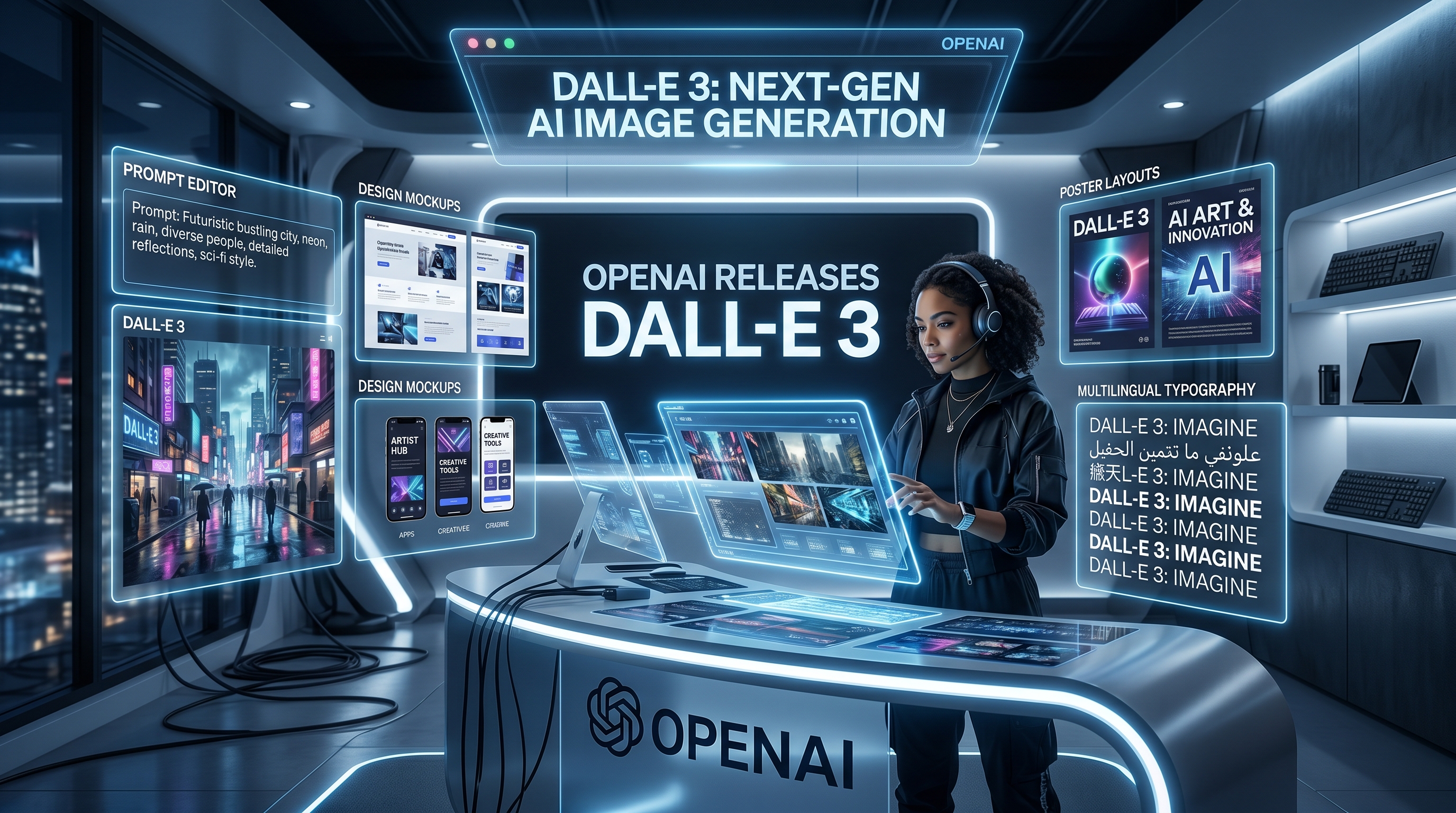
The release of OpenAI Image 2.0 is not just another AI image update. It feels like a sign that image generation is becoming less about one lucky prompt and more about building a complete creative workflow. Instead of simply asking an AI to “make a nice picture,” creators can now think in terms of briefs, layouts, brand assets, storyboards, campaign visuals, and API-powered production systems.
That is why so many users are paying attention to OpenAI GPT Image 2. It is not only interesting because it can generate polished images. It is interesting because it can understand more detailed instructions, support more structured visual needs, and fit into tools where image generation has to be repeatable, not random.
For users who want to try the model without starting from a complex technical setup, Flaq AI offers a practical entry point. The platform allows direct online generation and also provides access to the ChatGPT image API, making it useful for creators, developers, marketers, and teams that want to test before building.
Why ChatGPT Image 2.0 Feels Bigger Than a Normal Update
Many AI image releases promise better quality, but ChatGPT Image 2.0 feels more important because it points toward a different way of creating. The goal is no longer only to produce an impressive image. The goal is to help users move from an idea to a usable asset with more control.
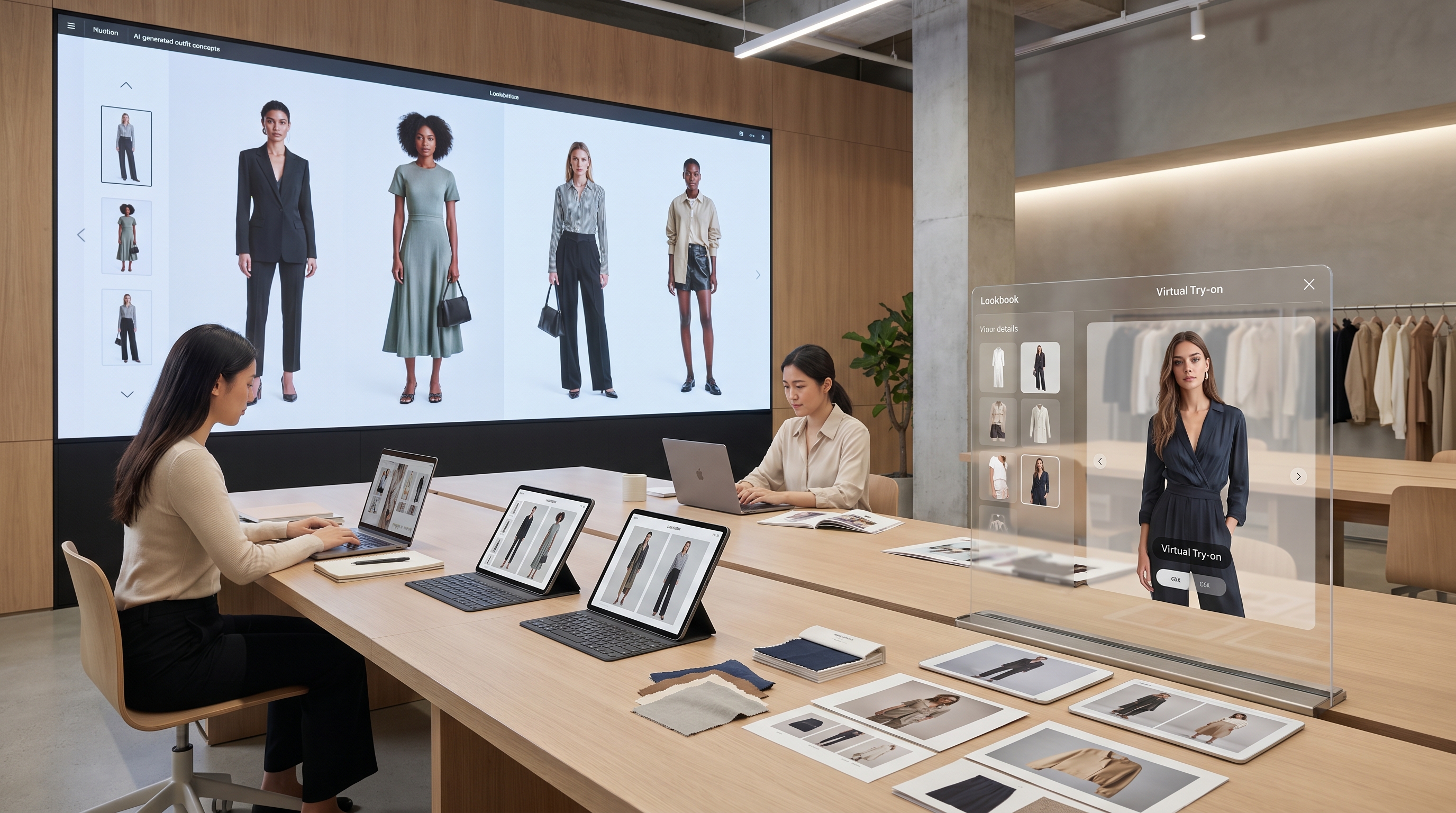
This matters because real creative work is full of constraints. A social media thumbnail needs strong contrast and readable text. A product poster needs clear hierarchy. A blog cover needs the right mood and composition. A startup pitch deck needs visuals that feel consistent, not like they came from five unrelated tools.
That is where the newer ChatGPT image model becomes valuable. It can respond to prompts that sound more like creative briefs: who the image is for, what the layout should emphasize, what kind of mood it should create, and where the final result will be used. This makes the model more useful for practical design work, not just experimental AI art.
What’s Actually New in OpenAI GPT Image 2?
The most important improvement in OpenAI GPT Image 2 is stronger instruction following. In older image generators, a long prompt could become messy. The model might understand the style but ignore the layout, or capture the subject but fail the text. With the new generation, users can expect better handling of detailed creative direction.
This is especially useful for structured visuals. Posters, diagrams, infographics, editorial-style images, product mockups, and social media ads all require more than visual beauty. They need placement, balance, readable elements, and a clear relationship between text and image.
The model is also more suitable for editing and iteration. That means users can think beyond a single generation. They can create a first version, refine the prompt, adjust the style, test a new composition, and gradually move toward a stronger result. In this sense, GPT Image 2 from OpenAI is not just a generator. It is closer to a visual thinking partner.
How Good Is It in Real Creative Work?
The best way to understand ChatGPT Image 2 is to treat it like a junior creative assistant with strong visual imagination. It can help quickly, but it works best when the user gives clear direction.
For marketers, it can generate campaign concepts, product ads, landing page visuals, and seasonal graphics. For content creators, it can help with YouTube thumbnails, podcast covers, TikTok visuals, and blog headers. For developers, it can become part of an app or platform where users need image generation built into the experience.
The model is particularly helpful when you know the purpose of the image. A vague prompt like “make a futuristic skincare ad” may create something attractive, but a detailed prompt can create something much closer to a usable draft. Mention the product type, background, lighting, color palette, format, headline position, and intended platform.
Still, human review remains important. If an image includes brand names, legal text, product labels, or exact typography, it should be checked carefully before publishing. AI can speed up the creative process, but final judgment still belongs to the human team.
Why Try the ChatGPT Image API on Flaq AI First?
Flaq AI is useful because it makes the model easier to test. Instead of jumping directly into backend setup, users can experiment with prompts, quality choices, ratios, and resolution settings through a direct online interface. This is helpful for people who want to understand the model’s behavior before committing to a workflow.
For creators, Flaq AI works like a fast testing studio. You can generate visuals online, compare prompt directions, and decide whether the model fits your content style. For developers, the AI image models API access is useful because it creates a smoother path from experimentation to integration.
This is especially important for teams. Before building an image feature into a website, app, or internal tool, teams need to know how the model handles their common use cases. Can it generate consistent product visuals? Can it follow brand prompts? Can it create enough variety? Testing ChatGPT Image 2.0 on Flaq AI helps answer those questions earlier.
Think Prompt to Pipeline, Not Prompt to Picture
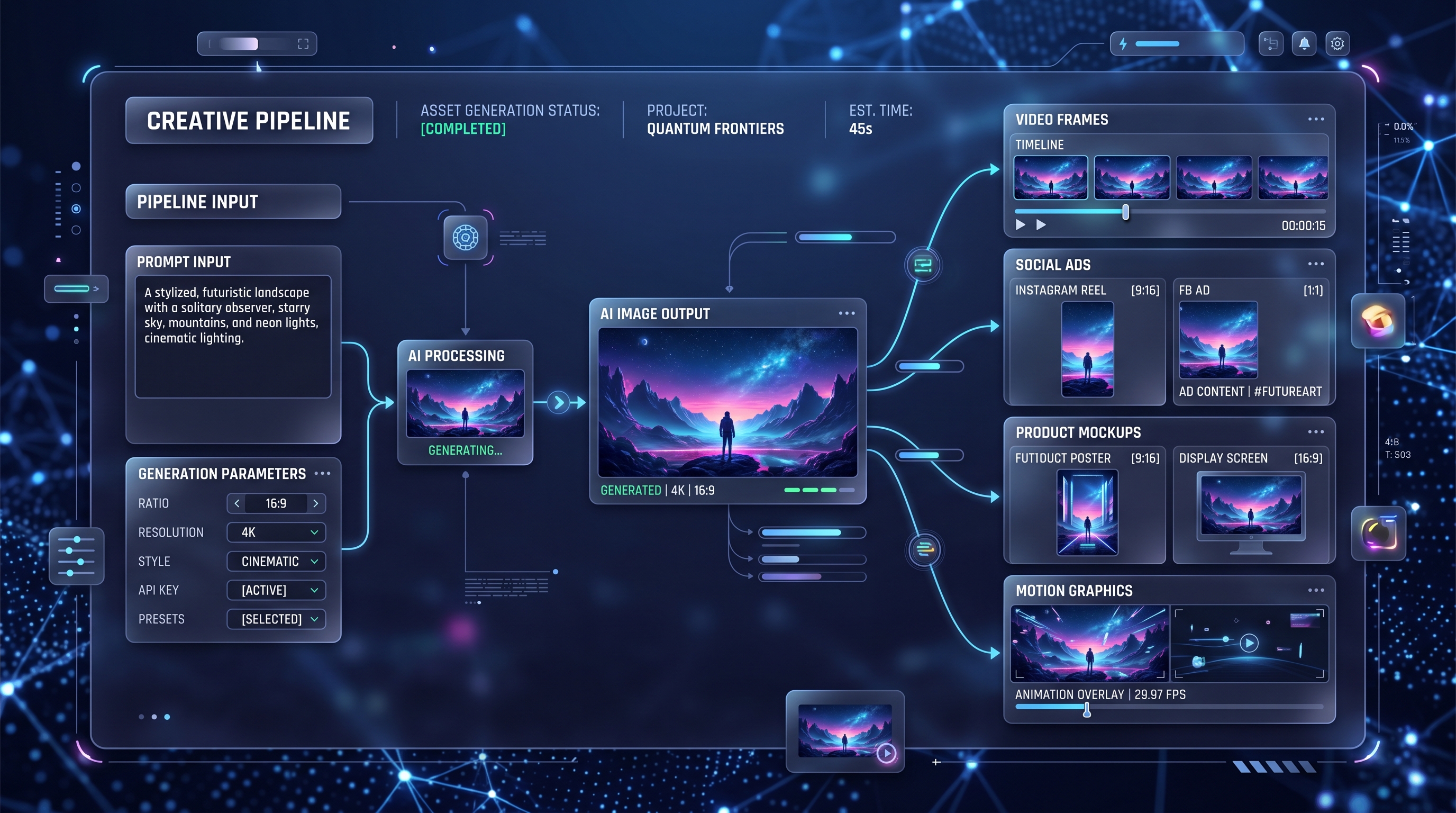
The most innovative way to use ChatGPT Image 2 is to stop thinking of it as a single-output tool. Instead, think of it as the first stage of a creative pipeline.
A creator might start with a still image concept: a cover visual, product poster, character design, or ad mockup. After that, the image can become a video thumbnail, a storyboard frame, a social media campaign asset, or the visual base for an image-to-video workflow. This is where modern AI creation becomes exciting: image generation is no longer the final step. It is the visual seed.
For example, a marketer could use GPT Image 2 from OpenAI to create three product campaign directions. The strongest image could then become the basis for a short video ad, a landing page hero banner, and a social content pack. A YouTuber could generate a thumbnail concept first, then adapt the same visual language into Shorts, community posts, and channel branding.
This is why API access matters. A good API workflow turns image generation from a manual experiment into a repeatable system. Once a team finds prompt structures that work, they can reuse them for product lines, campaigns, clients, or user-generated content.
Prompt Tips for Better Results
The best prompts are clear, structured, and connected to a real use case. Start with the format: poster, thumbnail, ad, infographic, product mockup, editorial cover, or app visual. Then describe the subject, composition, mood, color palette, lighting, camera angle, and any text placement.
A strong prompt might look like this:
“Create a vertical social media poster for a premium coffee brand, one iced coffee cup centered on a marble counter, warm morning sunlight, soft shadows, minimalist beige and dark brown palette, headline space at the top, clean editorial layout, realistic product photography style.”
This works better than simply asking for “a beautiful coffee ad” because the model understands the visual job. When using the ChatGPT image API, teams can turn this structure into reusable templates. Keep the fixed parts for brand style, image ratio, and layout rules, then change the product, scene, audience, or campaign message.
Final Verdict: A More Practical Image Model for Real Workflows
ChatGPT Image 2 stands out because it pushes AI image generation closer to practical production. It is not only about better-looking results. It is about stronger control, clearer instruction following, and a better fit for modern content workflows.
For casual creators, Flaq AI makes the model easy to try online. For developers and teams, the API path makes it possible to build image generation into products, platforms, and creative systems. If your goal is to move from isolated prompts to repeatable visual output, OpenAI GPT Image 2 on Flaq AI is a strong place to begin.
Recommendation: Turn Your GPT Image 2 Visuals Into Motion With VideoWeb AI
Once you have a strong still image, the next creative question is simple: what can it become next? A poster can become a short ad. A product mockup can become a launch video. A character visual can become a story scene. A music cover can become a full visualizer.
That is where VideoWeb AI becomes a natural next step. While Flaq AI is a practical place to test and access GPT Image 2, VideoWeb AI is appealing for creators who want to turn static ideas into richer multimedia content. It brings together video, image, and music-related tools, making it useful for creators who want a more complete production flow.
Recommended VideoWeb AI pages include:
- AI Video Generator for turning creative ideas into video content.
- Image to Video for animating strong still images into motion.
- Text to Video for generating video scenes from written prompts.
- Photo to Video for transforming portraits or still photos into dynamic clips.
- AI Music Video Generator for building visual content around songs or audio ideas.
- AI Image Generator for additional visual ideation and image creation.
A smart workflow could start with GPT Image 2 on Flaq AI, where you design the key visual. Then you can bring that concept into VideoWeb AI to explore motion, short-form video, music visuals, and platform-ready creative assets. This combination gives creators a more complete path from image concept to publishable campaign.
Related Article
- GPT Image 2 Is Here: What’s New, What It Changes, and Where You Can Access It
- VideoWeb AI Image Generator 2026: The Creator Switchboard for Fast-to-Final Images
- Mastering GPT4o Image Generation: How to Unlock Creative Potential with the New GPT 4o Image Generator