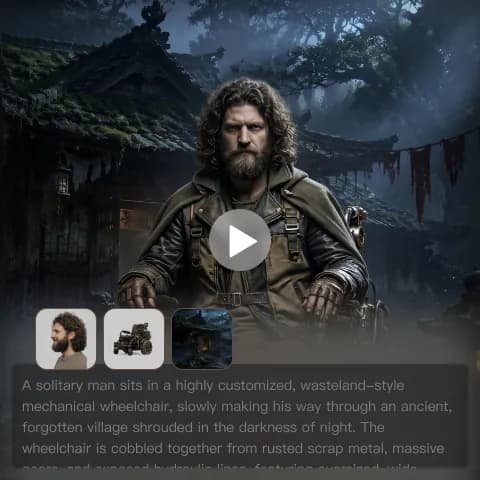
Viggle Meme Generator is a popular search for creators who want to turn a character image into a funny motion-driven meme video. The official Viggle website is the right starting point for checking Viggle itself, while this review focuses on what meme creators, short-video editors, marketers, and UGC teams should compare before choosing a tool.
Viggle is recognizable because it makes AI meme animation feel direct: choose a character, apply motion, and turn the result into social content. However, creators who also need cinematic clips, text-to-video, image-to-video, UGC ads, Reels, Shorts, or multiple model choices may want to compare it with VideoWeb AI as a broader AI video workflow platform.
What Is Viggle Meme Generator?
Viggle Meme Generator is best understood as a motion-focused AI meme animation tool. Its appeal is simple: creators want to take a still character, person, mascot, or original figure and make it move in a way that feels instantly recognizable as meme content.
That search intent usually includes dance videos, character replacement, motion transfer, short comedic clips, and image-to-video experiments. In practice, users should review the current Viggle pricing, credits, queue limits, watermark rules, export quality, commercial-use policy, and available features before relying on it for a campaign or client project.
For creators who mostly want motion-transfer memes, Viggle is a natural tool to evaluate first. For creators who want more than meme animation, the better question is whether a wider AI Video Generator workflow gives them more room to test ideas.

Why Viggle Became Popular for AI Meme Animation
Viggle became popular because meme videos reward speed, clarity, and motion. A funny character pose is useful, but a funny character moving with recognizable timing is much easier to turn into a TikTok, YouTube Short, Instagram Reel, or group-chat clip.
The strongest Viggle-style use cases are character movement, AI dance video ideas, reaction memes, personality-driven clips, and short social edits where the motion is the joke. This is why users often search for AI meme video generator, AI meme animation, AI dance video generator, and viral meme video generator in the same session.
The limitation is that meme motion is not the same as a full creative video pipeline. If your next project needs a cinematic setup, product scene, generated background, prompt-led story, or multiple video styles, a broader platform such as VideoWeb AI Image to Video may fit the workflow better.

Viggle Features Creators Usually Care About
The most important Viggle features are the ones that reduce friction between a meme idea and a shareable clip. Creators usually care about how easily they can upload a character, apply motion, preserve the subject, and export something that looks good enough for social platforms.
When reviewing Viggle or any AI meme creator, test these practical details:
- Motion transfer: does the body movement follow the intended action?
- Character preservation: does the subject still look like the original image?
- Face and limb stability: are expressions, hands, and body proportions usable?
- Export quality: does the final video hold up after platform compression?
- Speed and queue behavior: can you create several variants quickly?
- Rights and watermarks: can you publish the output the way you intend?
This is also where creators should stay careful. Do not assume unlimited free generations, commercial rights, watermark-free export, or high-resolution output unless the live tool page confirms it.

Viggle Limitations: Where a Meme Tool May Feel Narrow
Viggle can feel narrow when the project moves beyond motion-transfer memes. A creator making a dance remix may be happy with a specialized animation workflow, while an ecommerce team may need product scenes, UGC-style variations, cinematic pacing, text-to-video drafts, and vertical ad formats.
The main limitation is not that meme animation is weak. It is that meme animation is only one category of AI video creation. If you want prompt-led scenes, product storytelling, fashion clips, social ads, or multiple model comparisons, a single-purpose workflow can become restrictive.
This is why many creators compare Viggle with a broader AI text to video generator, AI photo to video, and AI image to video generator setup. The right choice depends on whether motion transfer is the whole job or only one part of a larger content plan.

Best Viggle Alternative: Why VideoWeb AI Is Worth Comparing
VideoWeb AI is the best Viggle alternative to compare when you want broader AI video generation rather than only motion-transfer meme clips. It should not be treated as affiliated with Viggle or as an official provider of Viggle technology; it is an independent alternative for creators who want more model choices and more video workflows in one place.
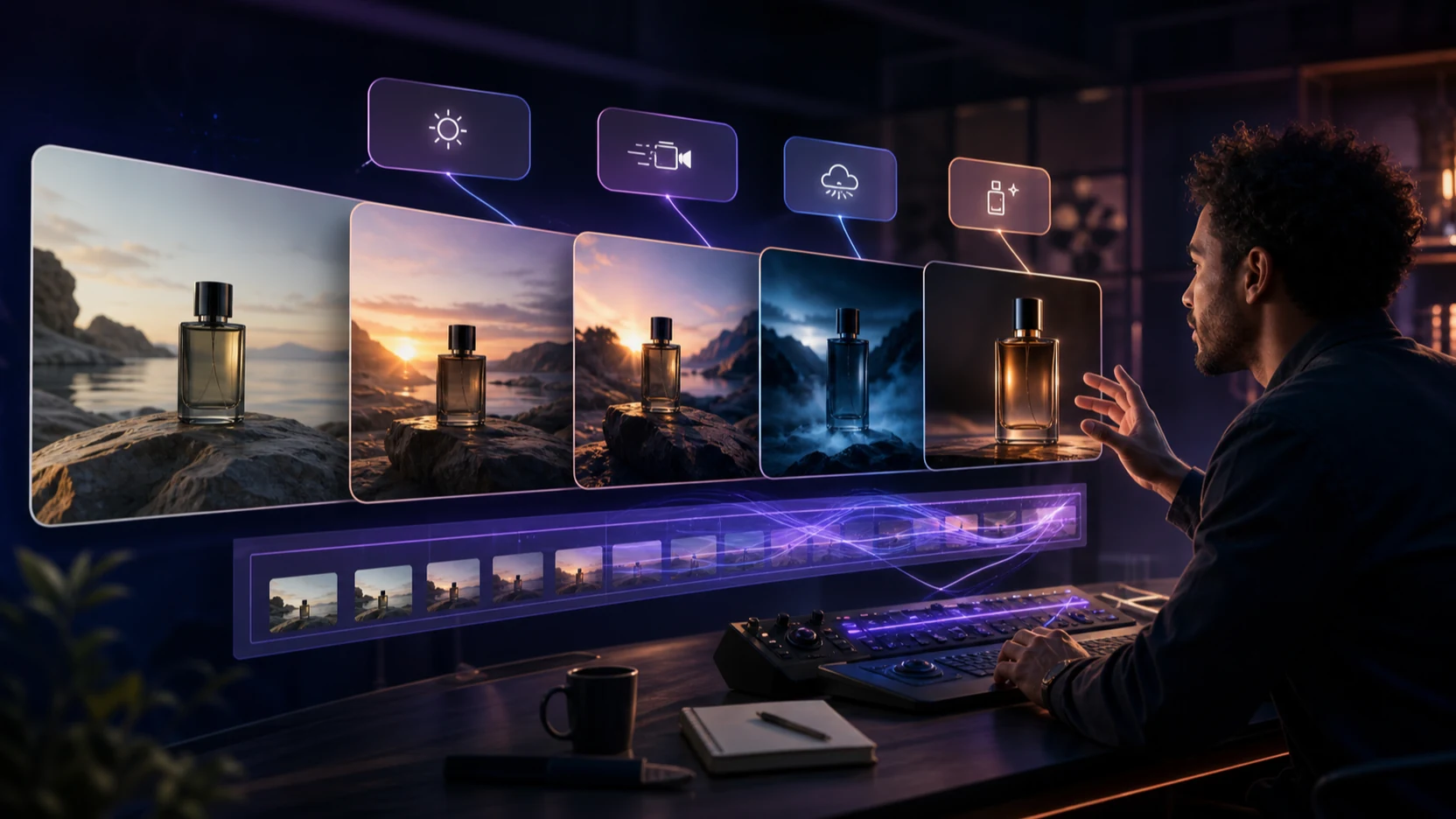
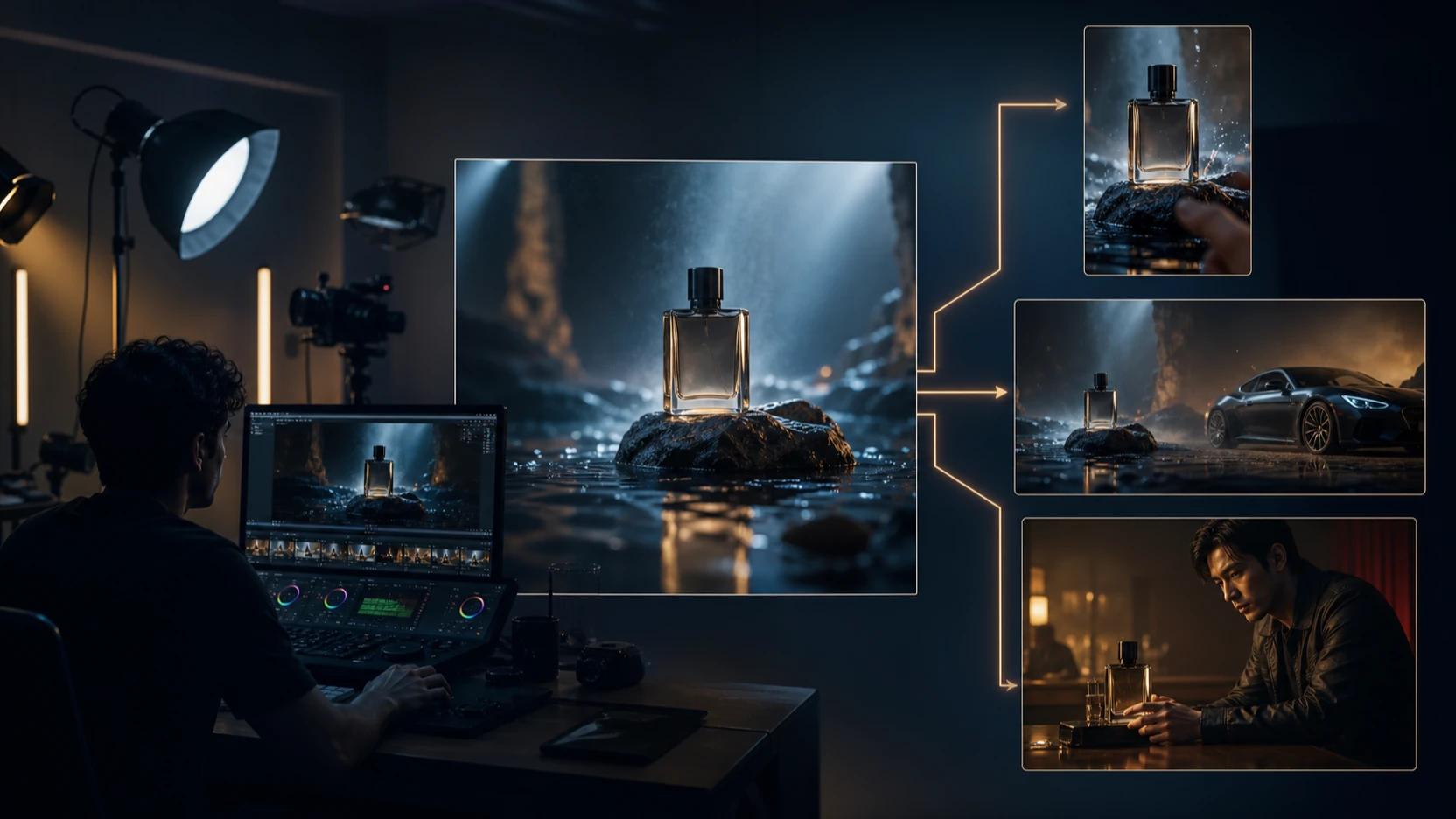
For example, VideoWeb AI can support a creator who wants to test a meme concept as an image-to-video clip, then rebuild the same idea as a cinematic scene, UGC ad, vertical TikTok-style video, or product-focused short. That matters for social teams that need multiple creative angles from one idea.
Useful VideoWeb AI pages to compare include AI Video Generator, Image to Video, Text to Video, Photo to Video, AI TikTok Video Generator, Instagram Reels Generator, and AI UGC Video Generator. Before publishing or scaling, verify supported models, pricing, credits, export quality, and commercial-use terms on the live pages.

VideoWeb AI Models for Cinematic Clips, Social Videos, and UGC
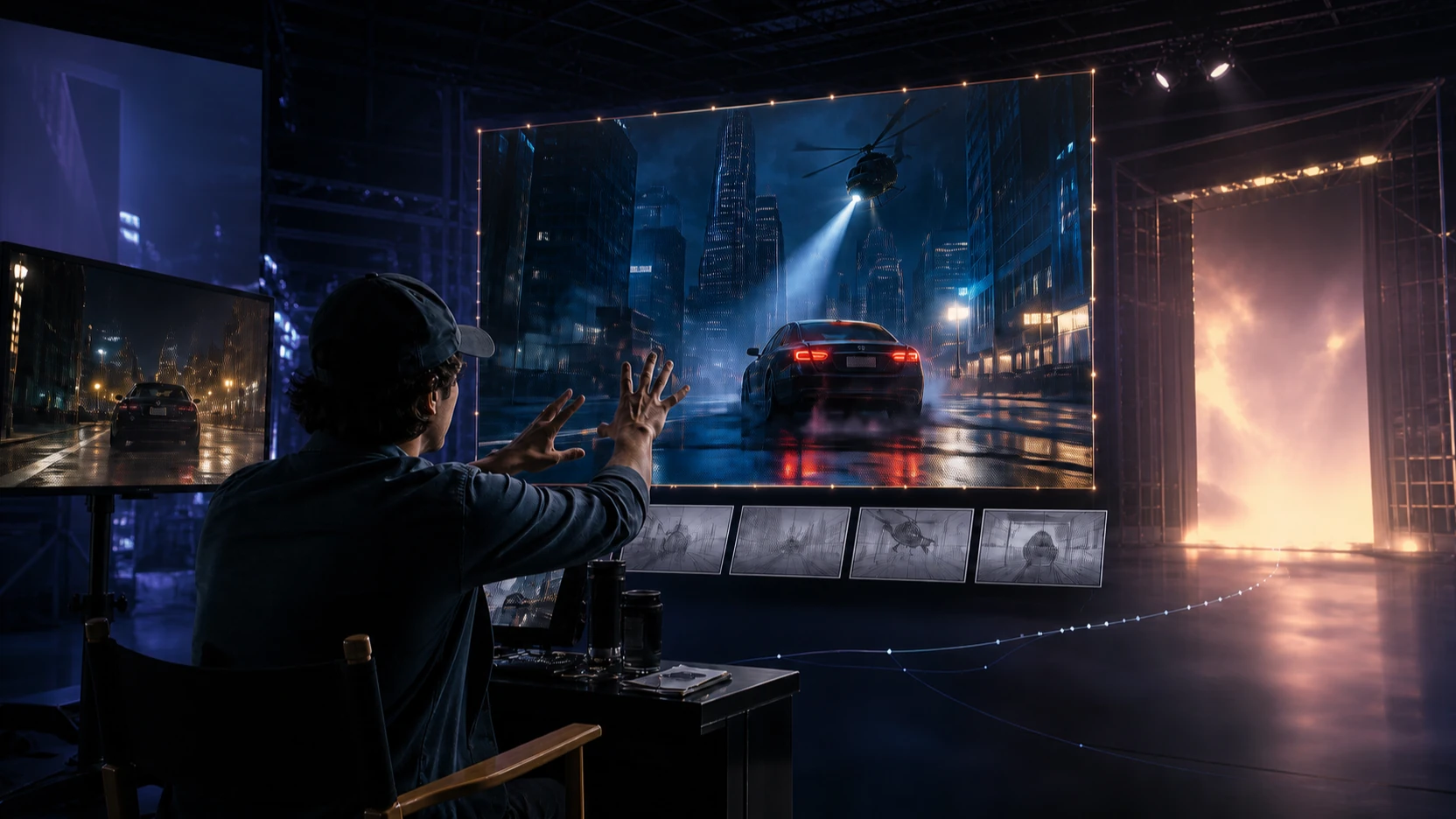
VideoWeb AI is especially useful when creators want to compare different AI video model behaviors. A meme animation workflow may prioritize motion matching, while a cinematic or UGC workflow may prioritize camera movement, scene detail, subject consistency, prompt obedience, and output style.
For cinematic motion and polished scenes, creators can explore Kling 3.0 and Kling 3.0 Turbo. For short-form experimentation and social video ideas, Seedance 2.5 is also worth comparing if it is available on the live page for your use case.
The practical advantage is choice. A meme creator can test a funny prompt in one workflow, then use another model for a cleaner ad-style version or a more cinematic scene. That flexibility is often more valuable than chasing one universal best AI video generator.

Viggle vs VideoWeb AI: Which Should You Choose?
Choose Viggle first if your main goal is a recognizable AI meme animation built around motion transfer, character replacement, or dance-style movement. It is especially suitable when the output is a fast social clip and the motion itself is the punchline.
Choose VideoWeb AI when your content plan needs more formats, more models, and more creative directions. A social media manager may need meme clips, product demos, Reels, Shorts, UGC-style ads, cinematic visuals, and photo-to-video tests in the same week. In that case, a wider AI creator platform can reduce switching costs.
| Need | Better fit | Why |
|---|---|---|
| Motion-transfer meme | Viggle | Focused on character motion and meme animation |
| Image-to-video scenes | VideoWeb AI Image to Video | Better for reference-image animation and scene variation |
| Text-prompt video ideas | VideoWeb AI Text to Video | Better for prompt-led scenes and creative testing |
| TikTok/Reels/Shorts planning | AI TikTok Video Generator and Instagram Reels Generator | Better for short-form campaign workflows |
| UGC-style ads | AI UGC Video Generator | Better for product, creator-style, and marketing drafts |
The cleanest decision rule is simple: use Viggle for motion-first memes, and compare VideoWeb AI when you need broader AI video creation.

Prompt Examples for AI Meme Video Generator Workflows
Good meme video prompts are specific about the subject, action, movement, and expression. They also avoid protected IP, real celebrities, copyrighted characters, brand logos, and any claim that makes the output sound official when it is only a creative draft.
Reusable prompt formula:
[subject] + [funny action] + [camera movement] + [background] + [lighting] + [facial expression] + [motion style] + [duration] + [aspect ratio] + [preserve character identity]
Prompt examples:
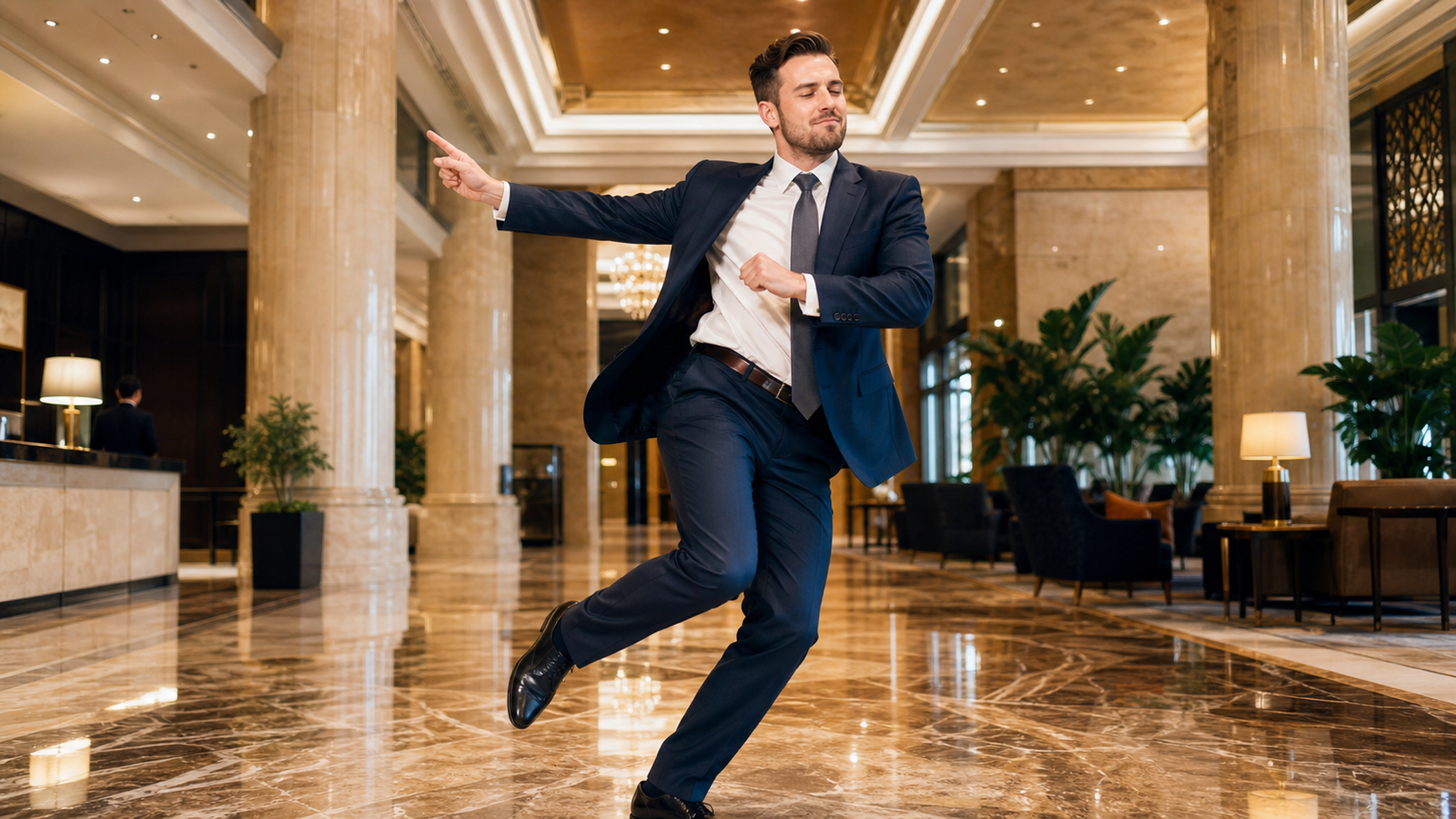
- A businessman confidently moonwalks through a luxury hotel lobby while maintaining realistic facial expressions, smooth handheld camera, 6 seconds, 9:16, preserve character identity.
- A friendly corgi dances in a colorful city square with exaggerated happy body movement, bright daylight, playful camera push-in, 6 seconds, 9:16.
- A medieval knight performs modern dance moves inside a royal castle with cinematic lighting, dramatic but funny body language, 5 seconds, 16:9.
- A tiny astronaut confidently walks across a giant breakfast table with humorous body language, soft morning light, slow tracking camera, 6 seconds, 16:9.
- A penguin confidently struts through a shopping mall like a fashion model, funny facial attitude, smooth runway-style camera, 5 seconds, 9:16.
- A superhero-inspired original character performs exaggerated victory poses in a futuristic city, no logo, no copyrighted costume, energetic movement, 6 seconds, 9:16.
- A businessman dramatically celebrates finishing paperwork with energetic dance moves, office-like neutral background, comedic timing, 5 seconds, 9:16.
- A chef dances while preparing pasta inside a bright Italian kitchen, joyful expression, realistic hand movement, warm daylight, 6 seconds, 16:9.
- A fantasy wizard confidently performs a runway walk through an enchanted forest, flowing robes, magical mist, playful expression, 6 seconds, 9:16.
- A giant teddy bear casually shops inside a luxury supermarket with realistic movement, friendly comedic mood, smooth side tracking, 6 seconds, 16:9.
- A pirate captain confidently dances on the deck of an old sailing ship during sunset, triumphant expression, cinematic golden light, 6 seconds, 16:9.
- A corgi performs synchronized dance moves with a marching band in a city parade, colorful background, happy motion, 6 seconds, 9:16.
For VideoWeb AI tests, use the same subject and action across AI Video Generator, Image to Video, and Photo to Video workflows. Compare character stability, movement quality, camera behavior, output ratio, generation cost, and revision speed before choosing the final version.

FAQ: Viggle Meme Generator and AI Video Alternatives
Is Viggle good for AI memes?
Viggle is a strong tool to evaluate if your main goal is AI meme animation, motion transfer, dance clips, or character movement. Review the live pricing, credits, watermarks, export quality, and usage terms before publishing results.
What is the best Viggle alternative for broader AI video creation?
VideoWeb AI is a practical alternative for creators who want more than motion-transfer memes. It offers related workflows for AI video generation, image-to-video, text-to-video, photo-to-video, short-form videos, and UGC-style content.
Can VideoWeb AI create meme videos like Viggle?
VideoWeb AI can be used for AI meme video generator workflows such as image-to-video, photo animation AI, social video drafts, and prompt-led funny clips. It should be treated as an independent alternative, not an official Viggle integration.
Should marketers use AI meme animation for ads?
Marketers can use AI meme animation for concept testing, UGC drafts, social variations, and playful campaign ideas. Before publishing, check commercial-use rights, source-asset rights, likeness permissions, brand safety, and platform rules.
Which workflow should beginners try first?
Beginners should start with one clear reference image and one short action prompt. If motion transfer is the only goal, test Viggle-style animation; if you want wider creative control, test VideoWeb AI image-to-video and text-to-video workflows.

Conclusion: Viggle Meme Generator Is Fun, but Alternatives Add Flexibility
Viggle Meme Generator is worth reviewing because it fits a clear creator need: fast, recognizable AI meme animation built around motion and character movement. It is most useful when the joke depends on a body action, dance, pose, or character replacement.
VideoWeb AI is the stronger alternative to compare when your content plan goes beyond motion-transfer memes. If you need an AI meme creator plus cinematic clips, AI social video creator workflows, UGC drafts, Image to Video AI, and multiple model choices, start with VideoWeb AI and verify the current pricing, model availability, export quality, and usage terms before publishing.