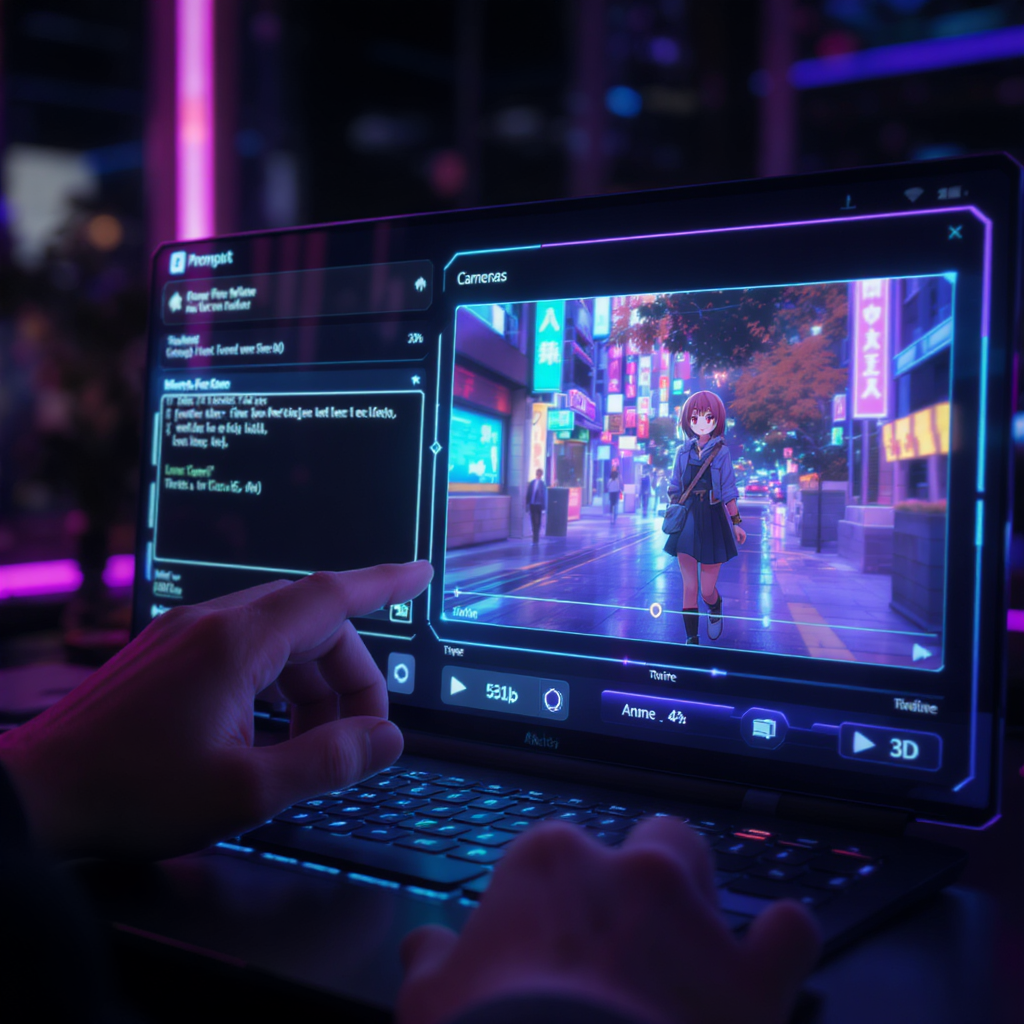
AI-generated video creation is reaching new heights with Pixverse 4.5—now seamlessly integrated into the VideoWeb platform. This powerful model transforms your text and images into visually compelling short-form videos with professional-grade camera motion, rich animation, and striking scene fidelity.
Whether you’re a digital creator, social media strategist, or visionary storyteller, Pixverse 4.5 opens the door to creating cinematic content—no studio or technical know-how needed.
🔍 What Is Pixverse 4.5?
Pixverse 4.5 is a next-generation AI model designed for text-to-video and image-to-video generation. It's built to craft smooth, dynamic, and cinematic scenes from simple inputs, making it one of the most flexible and visually powerful tools in the AI video space.
Compared to earlier versions, Pixverse 4.5 delivers:
- Fluid motion interpolation
- Multiple visual styles
- Enhanced object blending
- Robust handling of complex actions
- Pro-level camera animation
🌟 Key Features of Pixverse 4.5
📝 Text-to-Video Generation
Craft entire video sequences by simply describing the scene in natural language.
🖼️ Image-to-Video Transformation
Upload one or two images and watch the model animate them into compelling motion.
🎞️ Frame Interpolation & Motion Smoothing
Pixverse 4.5 ensures stable, natural transitions between keyframes and actions.
🔗 Multi-Image Fusion
Upload both start and end frames for a seamless animation transition, ideal for scene morphing or pose transformation.
🎥 Cinematic Camera Moves
Supports over 20 cinematic camera styles including zoom-ins, pans, tilts, and orbitals—perfect for short films or trailers.
🚀 What’s New in Pixverse 4.5?
- Multi-style generation: Choose from Anime, Claymation, Cyberpunk, 3D animation, Comic, and more.
- Fusion Mode: Blend two character poses, images, or frames into one coherent video.
- Physics-aware motion: Improved natural movement for actions like walking, falling, dancing, or fighting.
- Improved object and character stability: Reduces distortion artifacts, especially in facial animations.
📽️ How to Use Pixverse 4.5 on VideoWeb
Creating a video with Pixverse 4.5 is streamlined and beginner-friendly. Just follow these steps:
- Enter your prompt – Describe the scene you want to generate with vivid, creative detail.
- Upload an image – Use one as the start frame, and optionally add a second image as the end frame to guide transitions.
- Choose a style – Select from:
- Auto
- Anime
- 3D Animation
- Clay
- Comic
- Cyberpunk
- Choose video resolution – Available in 540p, 720p, or 1080p.
- Choose aspect ratio – Choose from 1:1, 16:9, 9:16, 4:3, or 3:4 depending on your platform or visual goal.
- Click Generate – Let the AI bring your idea to life. Generation takes only a few minutes.
💡 Tip: Use both images and text together for the best visual fidelity and story coherence.
💡 Who Should Use Pixverse 4.5?
Pixverse 4.5 is ideal for:
- Creators building short-form videos for TikTok, YouTube Shorts, and Instagram Reels.
- Marketers producing product demos, animated ads, or brand trailers.
- Indie filmmakers prototyping storyboards or concept visuals.
- Social influencers crafting trending content like AI hugs, kisses, dances, and transformations.
- Website owners adding dynamic visuals to homepages, product galleries, or blogs.
🏎️ Speed, Output, and Limitations
- Render Time: Typically between 1–7 minutes
- Output Format: MP4
- Resolution: Up to 1080p
- Length: 5 to 10 seconds recommended for best results
- Known Limitations:
- Occasional facial or object glitches
- Fusion scenes may need multiple tries for complex results
- Credit-based system for high-res or long animations
💬 What Users Are Saying
“Pixverse 4.5 is like having a personal animation team in your browser.”
“The Anime style is my favorite—it’s better than most mobile apps.”
“Still has some quirks, but the cinematic shots are on another level.”
💰 Access and Pricing
Pixverse 4.5 is available on VideoWeb through a freemium model:
- Free users get limited generations per day
- Paid plans offer more credits and higher render priority
- API access is available for developers or app integration
🧩 Embedding Pixverse Videos on Your Website
Every generated video comes with an embed code, making it easy to add to your:
- Blog posts
- E-commerce product pages
- Digital portfolios
- Landing pages
You can customize playback behavior (loop, mute, autoplay) and even adjust styling with CSS if needed.
❓ Frequently Asked Questions
Can I use Pixverse 4.5 for commercial projects?
Yes, check your plan’s licensing terms for commercial usage.
Does it support audio?
Currently, Pixverse focuses only on video visuals—no audio features yet.
Can I generate longer videos?
Not yet. Videos are optimized for short-format use (5–10 seconds), which keeps generation fast and consistent.
🧠 Pro Tips for Better Results
- Be descriptive and specific in your prompts.
- Combine both start and end images for advanced storytelling.
- Use keywords like “slow pan,” “cinematic lighting,” or “dramatic close-up” to control visual style.
- Test different aspect ratios to suit platforms like TikTok (9:16) or YouTube (16:9).
🔚 Final Thoughts
Pixverse 4.5 on VideoWeb is one of the most accessible and visually powerful AI video tools available today. Its combination of fast generation, cinematic control, and diverse styles makes it a top pick for creators, marketers, and anyone wanting to explore what’s possible with AI animation.











