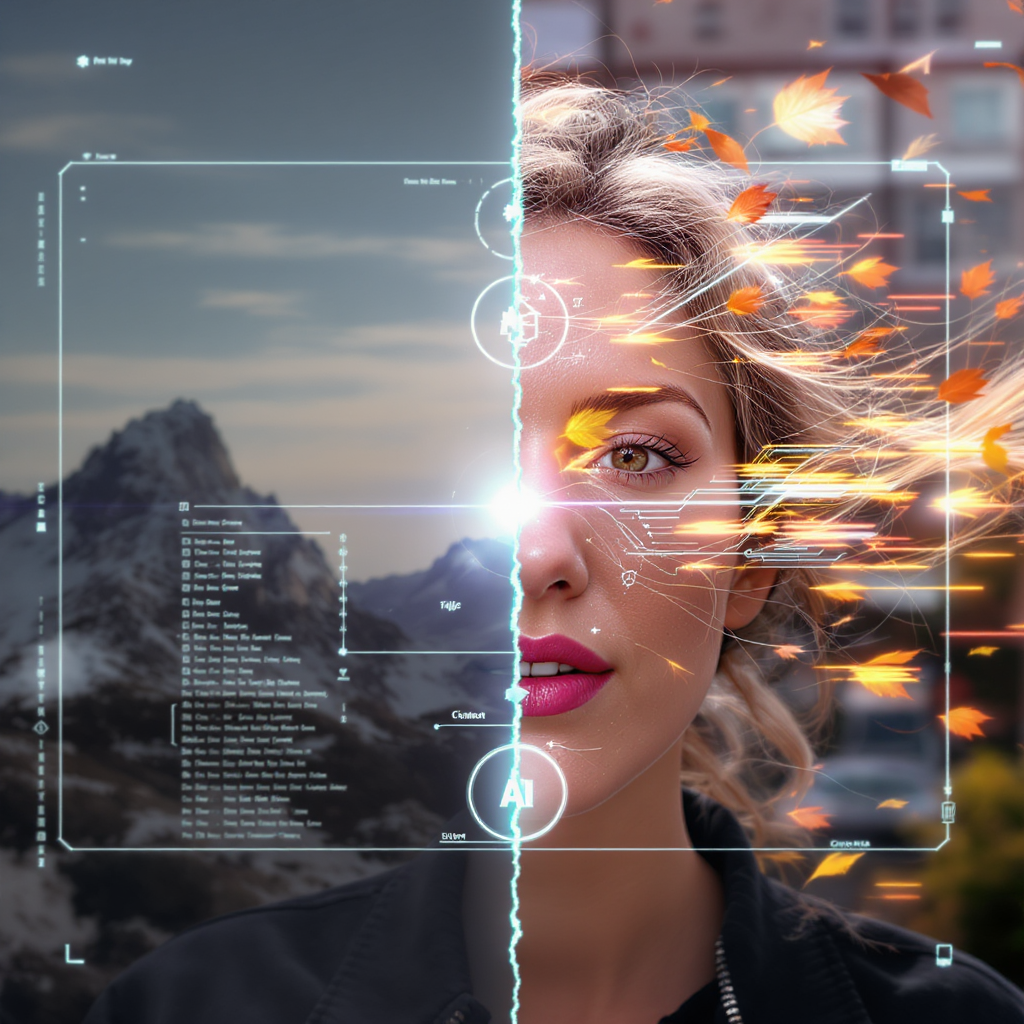
What if you could bring a single image to life—adding motion, depth, and cinematic flow—with just a prompt and one click? Thanks to the power of AI, that’s no longer a fantasy. Now, with image to video with Vidu Q1 AI on VideoWeb, you can turn static images into short, animated video clips effortlessly.
Whether you're an artist, content creator, or marketer, this AI tool gives you the ability to animate your vision and share it in stunning motion—all within minutes.
🤖 What Is Vidu Q1 AI?
Vidu Q1 is an advanced multimodal AI model capable of both text-to-video and image-to-video generation. Designed to simulate realistic motion from written prompts or static visuals, it offers a seamless creative workflow for animators, designers, and storytellers.
Now available on VideoWeb, Vidu Q1 is accessible through a web-based interface with a credit system. New users receive free credits at sign-up, and daily check-ins offer bonus credits—making it easy to try out high-quality video generation without upfront cost.
⚙️ How Image to Video with Vidu Q1 AI Works on VideoWeb
You can use Vidu Q1 in two different modes: Text to Video and Image to Video. Here's how each one works using the actual tool interface:
🔤 Option 1: Text to Video (No Images Required)
If you want to generate a video from scratch, choose Text to Video mode.
- Open the model at VideoWeb
- Select Text to Video from the dropdown menu
- Enter a descriptive prompt (up to 512 characters)
- Choose a video ratio (e.g., 16:9)
- Toggle the Public setting if desired
- Click Generate (600 credits)
This is ideal for scene generation from imagination, storytelling prompts, or AI-powered video concepting without needing any images.
🖼️ Option 2: Image to Video (From a Single Frame)
For creators who want to animate a specific image or artwork, the image to video with Vidu Q1 AI option is perfect.
- On the same model page, select Image to Video mode
- Upload a Start Frame (supported formats: JPG, PNG, WEBP)
- (Optional) Toggle End Frame and upload a second image to morph from one to another
- Enter your prompt to guide the animation style, motion, or transformation
- Choose Public or Private
- Click Generate (500 credits)
The tool will use your image and prompt to generate a short cinematic clip with smooth, AI-interpreted motion.
🎨 Creative Applications of Vidu Q1’s Image-to-Video AI
With just one frame and a few words, you can use this tool to:
- Animate character portraits—add blinking, breathing, or subtle head turns
- Bring landscapes and concept art to life with moving skies, fog, or light shifts
- Morph one scene into another using the End Frame feature (e.g., day to night)
- Showcase products or prototypes in 3D-style animation
- Add dynamic motion to still photos for marketing or storytelling purposes
Whether you're producing cinematic teasers, animated posters, or just experimenting with AI motion, Vidu Q1 gives you creative flexibility in seconds.
🌐 Why Use Image to Video with Vidu Q1 AI on VideoWeb?
Here’s why VideoWeb is the best place to try image to video with Vidu Q1 AI:
- 🆓 Free credits on sign-up and daily check-ins
- ⚡ Fast generation speed (no long queues)
- 🖥️ Web-based—no downloads or installations needed
- 📸 Support for high-quality image input
- 🔁 Flexibility with both single image and two-frame transformation
- 🧠 Prompt optimization suggestions built into the interface
This makes it a perfect entry point for designers, marketers, and creative AI explorers who want a fast and simple workflow.
💡 Tips for Best Results
To get the most out of your image to video with Vidu Q1 AI experience:
- Choose images with clear foregrounds and background depth
- Use prompts that suggest movement, weather, time, or mood
- Enable End Frame only when a strong transition concept is needed
- Use the Private toggle for confidential or unreleased projects
Vidu Q1 works well for both realistic and stylized input, making it highly adaptable to various creative genres.
✅ Conclusion
With image to video with Vidu Q1 AI, turning a still frame into a dynamic video clip is no longer reserved for studios or pro animators. Whether you're creating content for social media, concept art, or advertising, this tool puts the power of generative video in your hands.
Sign up on VideoWeb, claim your free credits, and start exploring what your visuals can become when motion meets imagination.











