1. Introduction: Why Prompts Matter in AI Video
AI has revolutionized the way we create videos, turning static images into vivid, moving stories. Among the latest breakthroughs is Hailuo 2.0, a next-generation model designed for image-to-video generation. Unlike traditional tools, Hailuo doesn’t just animate an image—it creates cinematic, lifelike motion guided by your text prompt.
This is where prompts become the secret ingredient. A strong, descriptive prompt helps the model capture not just what you want to animate, but how it should feel, move, and tell a story. That’s why learning from a hailuo ai video prompt guide is essential. In this article, we’ll walk through everything you need: a step-by-step tutorial, detailed prompt examples, and why VideoWeb is the best place to try Hailuo 02.
2. What is Hailuo 02 and Why Use It on VideoWeb
At its core, minimax hailuo 02 image to video is a state-of-the-art AI system that brings still images to life. Whether you upload a portrait, product photo, or illustration, Hailuo adds smooth, natural-looking motion that feels handcrafted by a video editor.
Key advantages:
- Smooth, realistic motion (no jittery or awkward frames).
- Multiple artistic styles: cinematic realism, watercolor fantasy, anime, surrealism.
- Quick generation: videos render in seconds.
- Pro-level output: ready for social media, ads, or personal projects.
And when it comes to accessibility, VideoWeb is the recommended platform: browser-based, intuitive, and always updated with the latest Hailuo features.
3. Getting Started: Hailuo 02 Prompt Basics
Before diving into examples, let’s understand the anatomy of a good prompt.
A prompt usually includes four components:
- Subject – the main focus (person, object, creature, product).
- Action – what’s happening (walking, turning, glowing, rotating).
- Style – how it should look (cinematic, anime, watercolor, realistic).
- Setting/Mood – background, atmosphere, or camera direction.
Example:
“A fox running through a snowy forest, cinematic lighting, slow camera pan.”
This structure gives Hailuo all the information it needs to generate fluid, creative results.
4. Step-by-Step: How to Use Hailuo 02 for Image to Video
Here’s the exact workflow based on VideoWeb’s Hailuo 02 interface:
Step 1. Enter Prompt & Upload Image
- Type a descriptive prompt (up to 512 characters).
- Upload an image in JPG, JPEG, PNG, or WEBP format.
- The AI combines your description and image to animate with style and motion.
Step 2. Choose Video Settings
- Video Version:
- Standard – quick generation with balanced quality.
- Pro – higher fidelity and more detailed motion (uses more credits).
- Video Duration: Select 6s for looping animations or 10s for extended clips.
Step 3. Generate & Preview
- Toggle Public/Private visibility.
- Click Generate (cost displayed in credits).
- Instantly preview your animated video, then refine prompts or settings until satisfied.
👉 Try this process now on VideoWeb’s Hailuo 2.0 platform.
5. Recommended Prompts for Hailuo 02
This is where the fun begins. Below you’ll find a detailed hailuo 02 prompt guide with categories and copy-paste-ready examples.
Cinematic Prompts
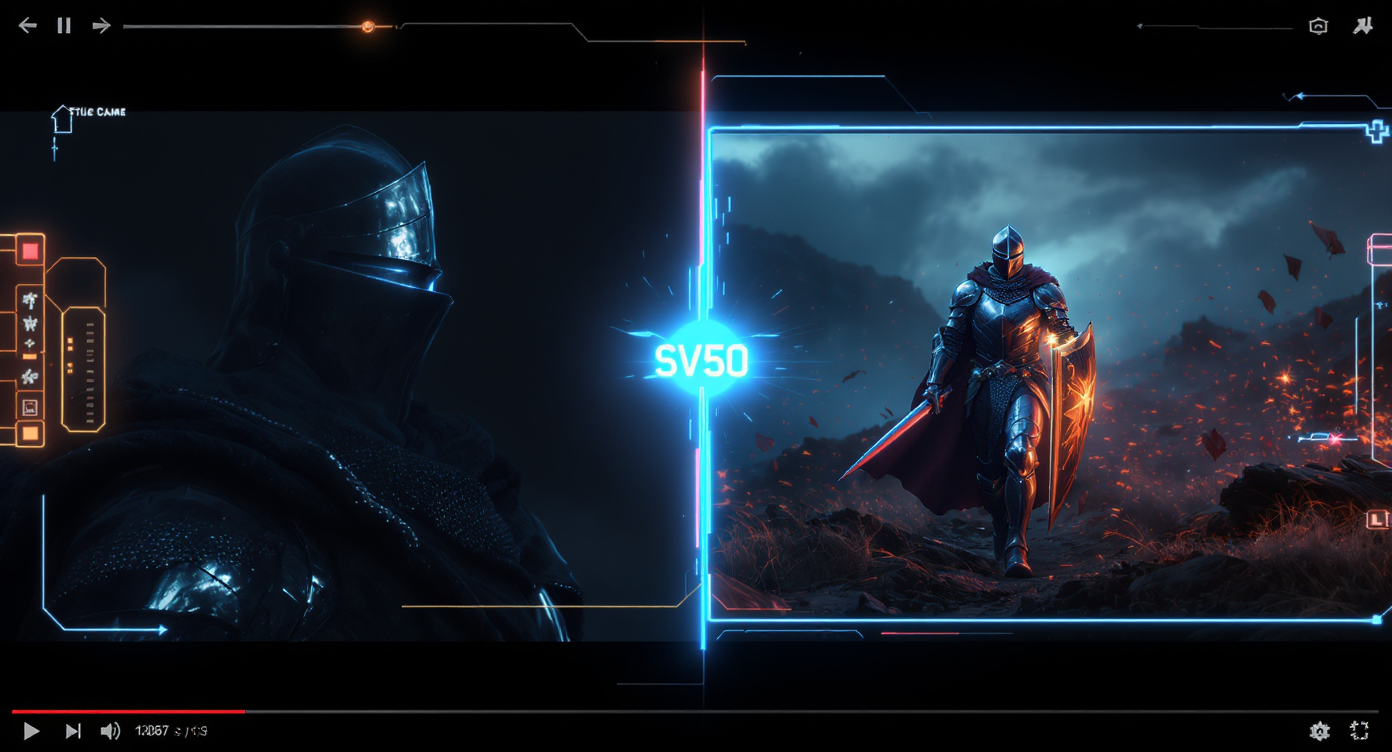
- “A medieval knight walking through a misty battlefield at dawn, cinematic lighting, slow camera pan.”
- “A spaceship flying above a futuristic neon city at night, glowing skyscrapers, cinematic depth of field.”
- “A romantic sunset on the beach, waves crashing in slow motion, soft golden light.”
Fantasy & Sci-Fi Prompts
- “A glowing crystal dragon soaring above snowy mountains, watercolor animation style.”
- “A cyberpunk street at night with neon signs flickering, rain falling, pedestrians moving in slow motion.”
- “A magical forest with fireflies glowing in the dark, ethereal atmosphere, enchanted vibes.”
Portrait Animation Prompts
- “A young woman blinking and smiling softly, long flowing hair swaying in the wind, natural sunlight.”
- “A medieval knight turning his head, helmet reflecting torchlight, serious expression.”
- “An anime boy looking up at the sky, hair moving, eyes sparkling with determination.”
Product Showcase Prompts
- “A sneaker rotating under neon cyberpunk lights, commercial ad style, high-resolution.”
- “A luxury wristwatch close-up, metallic shine reflecting studio lights, cinematic rotation.”
- “A smartphone unfolding with holographic display glowing in futuristic 3D animation.”
Nature & Wildlife Prompts
- “A fox running through a snowy forest, cinematic realism, sunlight breaking through trees.”
- “Waves crashing against black rocks at sunset, water particles sparkling in slow motion.”
- “A butterfly landing on a flower in macro view, delicate wing motion, vibrant colors.”
Looping Animation Prompts
- “A galaxy rotating endlessly, glowing stars and cosmic dust, seamless loop.”
- “A waterfall flowing in slow motion, mist rising, infinite loop effect.”
- “An abstract neon tunnel with pulsing lights, infinite animation, futuristic vibe.”
Abstract & Experimental Prompts
- “A surreal melting clock floating in a desert landscape, dreamlike atmosphere.”
- “Colorful liquid paint swirling into fractals, psychedelic motion, looping animation.”
- “A glitching holographic figure walking through a digital matrix, cyberpunk aesthetic.”
💡 Pro tip: Start with a short description, then refine by adding details about lighting, style, or camera angle. Small adjustments can dramatically change the result.
6. Advanced Prompt Strategies
For creators who want more control, here are some expert-level tricks:
- Camera Angles: Add phrases like “macro close-up,” “slow zoom out,” or “aerial pan.”
- Mood Words: Words like “epic,” “serene,” “chaotic,” or “dreamlike” shift the atmosphere.
- Lighting Effects: Try “cinematic lighting,” “golden hour glow,” or “neon reflections.”
- Movement Style: Use “slow motion,” “fast motion,” or “looping animation.”
- Combine Multiple Elements: For example:
“A glowing fox running across a neon city bridge at night, cyberpunk style, cinematic slow pan.”
This makes your hailuo ai video prompt guide versatile for different goals, from ads to storytelling.
7. Why Choose VideoWeb for Hailuo 02
While Hailuo is powerful everywhere, VideoWeb’s Hailuo 2.0 offers the smoothest experience:
- Simple Workflow: Drag-and-drop image, enter prompt, choose settings, click generate.
- Browser-Based: No installation required.
- Always Up-to-Date: Latest updates for minimax hailuo 02 image to video integrated seamlessly.
- Creative Freedom: Pro version and longer durations let you experiment more deeply.
👉 If you’re learning how to use hailuo 02 for image to video, VideoWeb is the platform we recommend.
8. Conclusion
Hailuo 02 is more than just an AI—it’s a creative companion that turns your ideas into cinematic visuals. With the right prompt, you can transform a still photo into a living story. Whether you’re designing an ad, creating fantasy art, or just experimenting for fun, this hailuo 02 prompt guide shows how much potential lies in a few well-chosen words.
So don’t just imagine it—animate it. Head to VideoWeb’s Hailuo 2.0 today, try a few of these prompts, and watch your creativity come alive in motion.











