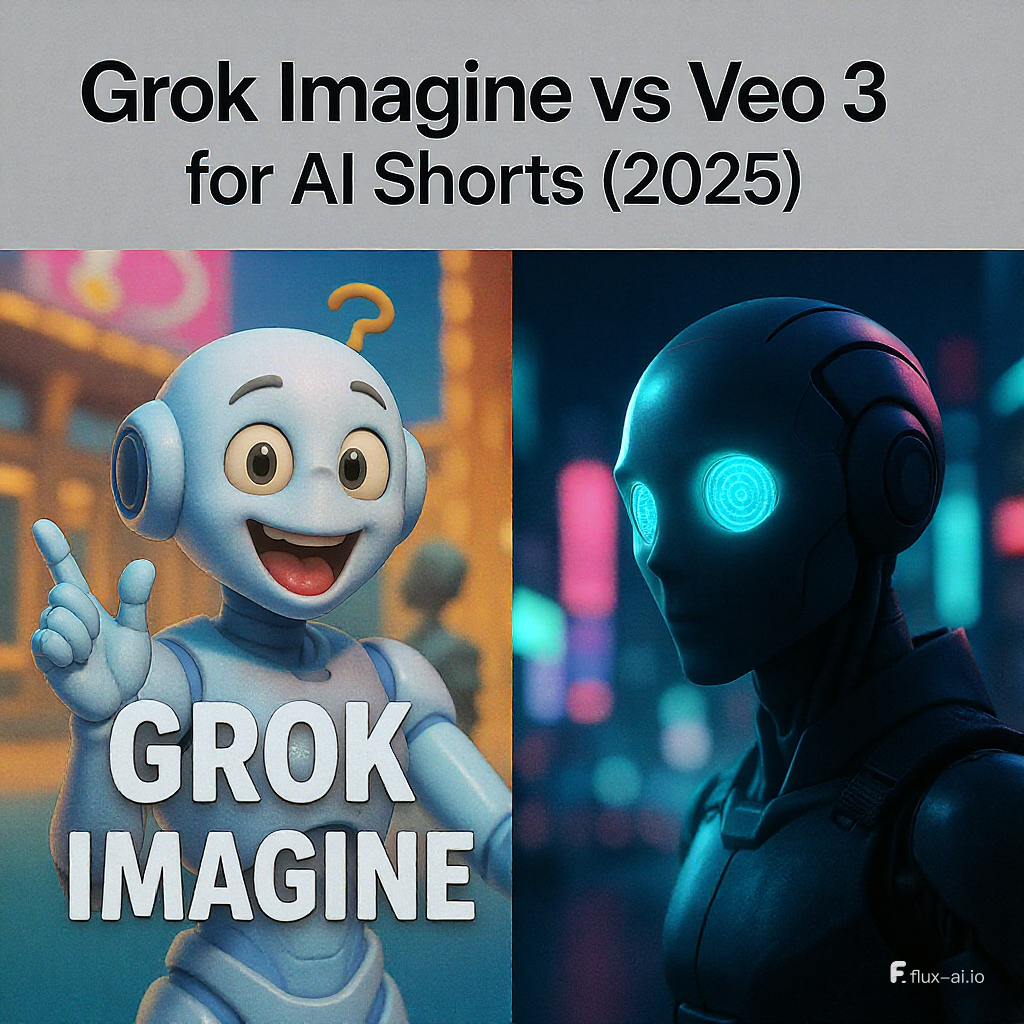
Short-form video is the modern gold rush. TikTok, Instagram Reels, YouTube Shorts — even LinkedIn and Pinterest — are pushing bite-sized vertical videos that grab attention fast.
The good news? AI has caught up to the format. You can now go from an idea in your head to a cinematic, ready-to-post short in minutes. The challenge? Choosing the right tool.
Today, we’ll break down Grok Imagine vs Veo 3 specifically for AI short creation, with a workflow that combines the best of both Veo 3 and Veo 2 from VideoWeb to get you from concept → draft → polished upload.
- Veo 3 on VideoWeb → https://videoweb.ai/model/veo3-video/
- Veo 2 on VideoWeb → https://videoweb.ai/model/veo2-video/
What Makes a Great AI Short in 2025?
Before comparing tools, let’s define what you’re trying to create: a winning short is not just a vertical crop of a cool video — it’s designed for mobile-first attention.
Platform-proven traits:
- Vertical 9:16 aspect ratio — 1080×1920 or higher.
- 6–15 seconds runtime — quick enough to rewatch, long enough to tell a micro-story.
- Instant hook — action, bold statement, or visually striking moment in the first 1.5 seconds.
- Clarity over complexity — one subject, clear motion, and strong contrast.
- Audio synergy — sound that matches visuals and works muted (captions ready).
Why it matters in the Grok Imagine vs Veo 3 decision:
- Veo offers fine camera control and prompt adherence, so you can design the hook shot precisely.
- Grok Imagine is faster but less precise — fine for memes, risky for brand-driven shorts.
If you want full control of framing and pacing, try Veo 3 on VideoWeb. If you want to pump out drafts for testing, start with Veo 2 on VideoWeb.
Snapshot: Grok Imagine vs Veo 3 for Shorts
| Feature | Grok Imagine | Veo 3 |
|---|---|---|
| Input Types | Image → Video only | Text → Video, Image → Video |
| Clip Duration | ~5–15s | 8s (consumer), scalable via API |
| Audio | Adds stock-like track | Generates native, scene-matched audio |
| Style | Playful, meme-friendly | Cinematic, brand-safe, platform-ready |
| Control | Mode presets | Detailed shot-by-shot prompting |
| Consistency | Variable | Strong subject continuity |
| Cost | Free (for now) | Subscription/API usage |
| Best For | Quick memes, casual fun | Professional shorts, brand storytelling |
Veo 3: The Short-Form Powerhouse
Why Veo 3 is ideal for shorts:
- Cinematic motion — whip-pans, dolly-ins, drone sweeps that actually look like a camera was there.
- Prompt accuracy — specify “low-angle tracking shot at golden hour” and get it.
- Native audio generation — rain sounds with the rain, footsteps matching stride, dialogue synced to lips.
- Reference image support — keep your spokesperson or product looking consistent across multiple videos in a series.
Example:
For a cooking channel, try a 10-second Veo 3 clip:
“Close-up of sizzling garlic in a black skillet, steam rising, camera slowly panning right, soft jazz ambience.”
The AI generates both the visuals and the sound in sync.
Create your first cinematic short here: Veo 3 on VideoWeb
Veo 2: The Testing Workhorse
Not every idea deserves your highest-quality render. Sometimes you just need to throw 10 hooks at the algorithm and see which sticks.
Why Veo 2 works for testing:
- Faster renders for bulk variations.
- Lower cost per second, making volume experiments affordable.
- Good enough for initial audience reaction testing.
Smart stack tip:
- Make 8–12 quick variants in Veo 2 on VideoWeb.
- Pick the best 1–2 performers.
- Re-render those in Veo 3 for polish, audio, and brand consistency.
Control & Consistency: Series Creation
If your plan is to run a recurring format — think “Tip of the Day” or “Character Shorts” — control matters more than speed.
- Grok Imagine: Can give unpredictable shifts in appearance or setting between outputs.
- Veo 3: Lets you lock in a style and reuse prompts + reference images to maintain visual consistency across episodes.
This makes Veo 3 on VideoWeb the better choice for building a recognizable, bingeable content library.
Audio: The Secret Engagement Lever
Viewers may scroll past if your video looks great but sounds off.
- Grok Imagine adds generic music — fine for memes, but flat for storytelling.
- Veo 3 delivers native, synced audio: movement-matched SFX, ambience that fits the scene, and lip-synced dialogue.
Pro tip:
If you’re making shorts where sound is the hook (e.g., ASMR cooking, dramatic monologue, product “unboxing”), go straight to Veo 3.
Safety & Brand Risk
This is where Veo pulls ahead for any public-facing account:
- Grok Imagine’s “Spicy” mode has sparked controversy for suggestive deepfake-like content.
- Veo 3 uses stronger safety filters to avoid NSFW and harmful outputs.
For educators, brands, and creators who want content longevity without takedowns, the safer bet is Veo 3 on VideoWeb.
Cost, Access, and Workflow
A creator-friendly split:
- Veo 2 → 70% of your workload: hook testing, concept iteration, platform trend experiments.
- Veo 3 → 30% of your workload: finalizing winners, creating sponsored or high-stakes shorts.
This lets you experiment aggressively without blowing budget, while still delivering premium content for key uploads.
Prompt Recipes for Viral AI Shorts
1) Talking-Head Hook
“Ultra-close-up, 35mm lens, high-contrast lighting, subject says ‘You’re doing this wrong’, glitch transition to demo scene, upbeat percussion track.”
2) Product Hero
“Macro push-in on iced latte in glass cup, sunlight filtering, condensation dripping, slow rotation, gentle lo-fi beat.”
- Final render in Veo 3 ensures steam, condensation, and sound are in sync.
3) Micro-Story
“Three beats: hands drop keys in puddle → sprint to catch bus → comedic twist with empty bus stop.”
- Veo 3 keeps the character consistent across all shots.
A/B Testing Plan for Shorts
- Change one variable per test:
- Hook line
- Camera move
- Color palette
- Background sound
- Run batches in Veo 2 to find the winner.
- Upgrade the winner in Veo 3 for platform posting.
Post-Production & Upload Checklist
- Captions: Ensure they’re within safe zones for TikTok/Reels UI overlays.
- Contrast: Adjust for small screens; avoid overly dark shots.
- Audio Levels: Normalize to -14 LUFS for consistent loudness.
- Thumbnail: Choose a frame with clear subject and bold color.
Export your polished short directly from Veo 3 on VideoWeb.
Distribution Strategy
To maximize reach:
- Post in themed series (3–5 related shorts per week).
- Use a mix of broad and niche hashtags.
- Cross-post with minor edits to avoid algorithm fatigue.
Keep your queue full by drafting in Veo 2 and finalizing in Veo 3.
Verdict: The Best AI Shorts Workflow
If your goal is scroll-stopping quality and consistent branding, here’s the winning formula:
- Draft & test in Veo 2 → https://videoweb.ai/model/veo2-video/
- Polish & publish in Veo 3 → https://videoweb.ai/model/veo3-video/
Grok Imagine is fun for quick ideas and casual clips, but when it comes to professional short-form creation with platform-ready safety and cinematic polish, Veo wins every time.











