AI video creation has entered a new phase. What used to be a novelty—short, unstable clips generated for curiosity—has become a real part of creative workflows. Today, creators are using AI video tools to prototype ads, visualize scenes, produce social content, and even support early-stage filmmaking.
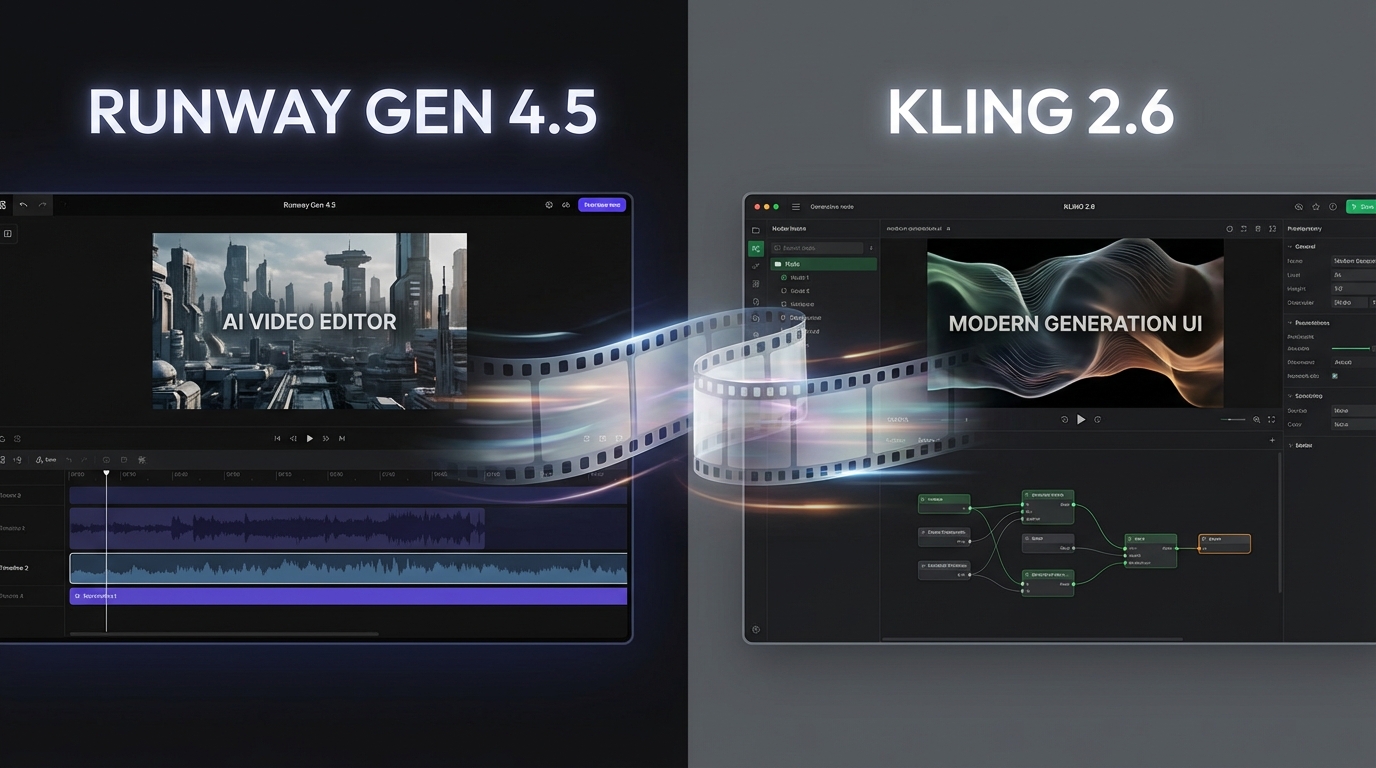
In this landscape, comparisons inevitably arise. One of the most common is runway gen 4.5 vs kling 2.6—two models that represent very different approaches to AI video generation. While this article is framed around creating video in modern AI workflows (often discussed alongside systems like MiniMax Hailuo AI), the real decision many creators face is whether Runway or Kling better fits their needs.
This guide breaks down how Runway Gen 4.5 and Kling 2.6 differ, what each does well, where each struggles, and how to choose between them without hype or brand bias.
Why Runway and Kling Dominate AI Video Creation Discussions
In creator communities, runway vs kling ai has become a recurring debate for a simple reason: both tools are capable, but they optimize for different priorities.
Runway is often associated with cinematic control and polish. Kling, on the other hand, has gained attention for speed, accessibility, and strong text-to-video capabilities. Neither is universally “better.” Instead, they reflect two philosophies of AI video creation:
- One prioritizes control and coherence
- The other prioritizes generation speed and experimentation
Understanding this distinction is more important than focusing on version numbers alone.
Runway Gen 4.5 Overview: Strengths and Creative Focus
The runway ai video generator has long been favored by creators who think in terms of shots, scenes, and camera language rather than raw prompts.
Runway Gen 4.5 builds on that foundation with improvements in:
- Motion stability
- Camera consistency
- Visual continuity across frames
Creators often turn to Runway when they need:
- Short cinematic sequences
- Controlled image-to-video workflows
- Clean visuals suitable for professional contexts
In many runway gen 4.5 comparison discussions, its biggest strength is predictability. When you specify camera movement or framing, the model is more likely to respect those instructions.
The trade-off is that Runway can feel slower or more constrained when you just want to experiment quickly.
Kling 2.6 Overview: Speed, Scale, and Text-to-Video
By contrast, kling 2.6 ai has built its reputation around rapid generation and accessibility. It’s especially popular among creators who prioritize speed and volume over fine-grained control.
As a kling ai video generator, Kling 2.6 is commonly used for:
- Short-form social content
- Concept motion tests
- Fast ideation from text prompts
Kling’s strength lies in how easily it turns text into motion. You can describe a scene, generate a clip, tweak the prompt, and regenerate quickly—without overthinking camera logic or technical constraints.
However, that same speed can come with drawbacks: visual drift, inconsistent framing, or motion that feels less intentional.
Runway Gen 4.5 vs Kling 2.6: Core Capability Comparison
At a high level, the runway gen 4.5 comparison and kling 2.6 comparison usually come down to four factors:
Motion Quality
Runway tends to produce smoother, more deliberate motion. Kling can generate energetic motion quickly, but it may feel less controlled.
Visual Consistency
Runway excels at maintaining subject identity and scene coherence. Kling sometimes prioritizes creativity over stability.
Prompt Interpretation
Kling responds strongly to descriptive text. Runway responds better to cinematic instructions—shot type, movement, and pacing.
Output Polish
Runway outputs often feel closer to “final-ready.” Kling outputs are often better viewed as drafts or experiments.
This is why the runway gen 4.5 vs kling 2.6 debate persists: each model solves a different problem.
Text-to-Video: Kling 2.6 vs Runway Gen 4.5
Text-to-video is one area where Kling stands out.
With kling 2.6 text to video, creators can generate motion directly from descriptive prompts with minimal setup. This makes Kling particularly useful when:
- You don’t have reference images
- You want to explore ideas quickly
- Visual precision is less critical
Runway also supports text-driven workflows, but its real strength emerges when paired with image-to-video or more structured inputs. Text-only prompts can work, but they often require refinement to achieve the same immediacy Kling offers.
In short:
- Kling wins on speed
- Runway wins on control
Image-to-Video and Cinematic Control
Image-to-video workflows highlight the philosophical difference between the two tools.
Runway is designed to respect image structure. If you provide a well-composed image, the resulting motion usually preserves framing, lighting, and subject identity. This makes it attractive for:
- Brand visuals
- Character-based storytelling
- Consistent visual narratives
Kling can animate images as well, but results are more variable. It shines when you want stylistic variation or expressive motion, but it’s less reliable when consistency is critical.
Creators who think like filmmakers tend to prefer Runway here, while creators who think like content experimenters often lean toward Kling.
Workflow Comparison: Which Tool Fits Your Creative Style?
Choosing between Runway and Kling often comes down to how you work.
Choose Runway Gen 4.5 if you:
- Care about cinematic language
- Want stable, repeatable results
- Prefer image-to-video workflows
- Are producing fewer, higher-quality clips
Choose Kling 2.6 if you:
- Prioritize speed and iteration
- Rely heavily on text-to-video
- Produce high volumes of short content
- Are exploring ideas rather than final outputs
This runway vs kling ai decision isn’t about quality alone—it’s about alignment with your creative habits.
Common Limitations and Trade-Offs
Neither model is perfect.
Runway can feel:
- Slower to iterate
- Less flexible for abstract ideas
- Overly structured for casual experimentation
Kling can feel:
- Visually inconsistent
- Less predictable across frames
- Harder to control precisely
Recognizing these limitations upfront helps avoid frustration and unrealistic expectations.
Choosing the Right Platform to Access Runway and Kling
One challenge many creators face isn’t choosing a model—it’s managing access to multiple models across different platforms. Switching tools disrupts workflow and makes side-by-side comparison difficult.
This is where centralized platforms become valuable.
Final Recommendation: Use VideoWeb AI for Runway and Kling Workflows
If you want to experiment with both models efficiently, VideoWeb AI offers a practical solution.
VideoWeb AI allows creators to:
- Access Runway Gen 4.5 and Kling 2.6 from one place
- Compare outputs without changing platforms
- Test text-to-video and image-to-video workflows easily
Rather than committing prematurely to one model, VideoWeb AI makes it easier to choose based on real results. For creators navigating the runway gen 4.5 vs kling 2.6 decision, that flexibility matters more than any feature checklist.
In the end, the best AI video tool isn’t the most talked about—it’s the one that fits how you actually create.











