Nano Banana 2.1 AI Image Generator for Creative Visuals
Turn a script scene or reference photo into a still visual concept. Explore framing, subject clarity, and thumbnail layouts that better follow your brief with Nano Banana 2.1 before planning the rest of the video.
Nano Banana 2.1 Image Creation Capabilities
Compare the inputs and results behind four ways to create and refine an image.
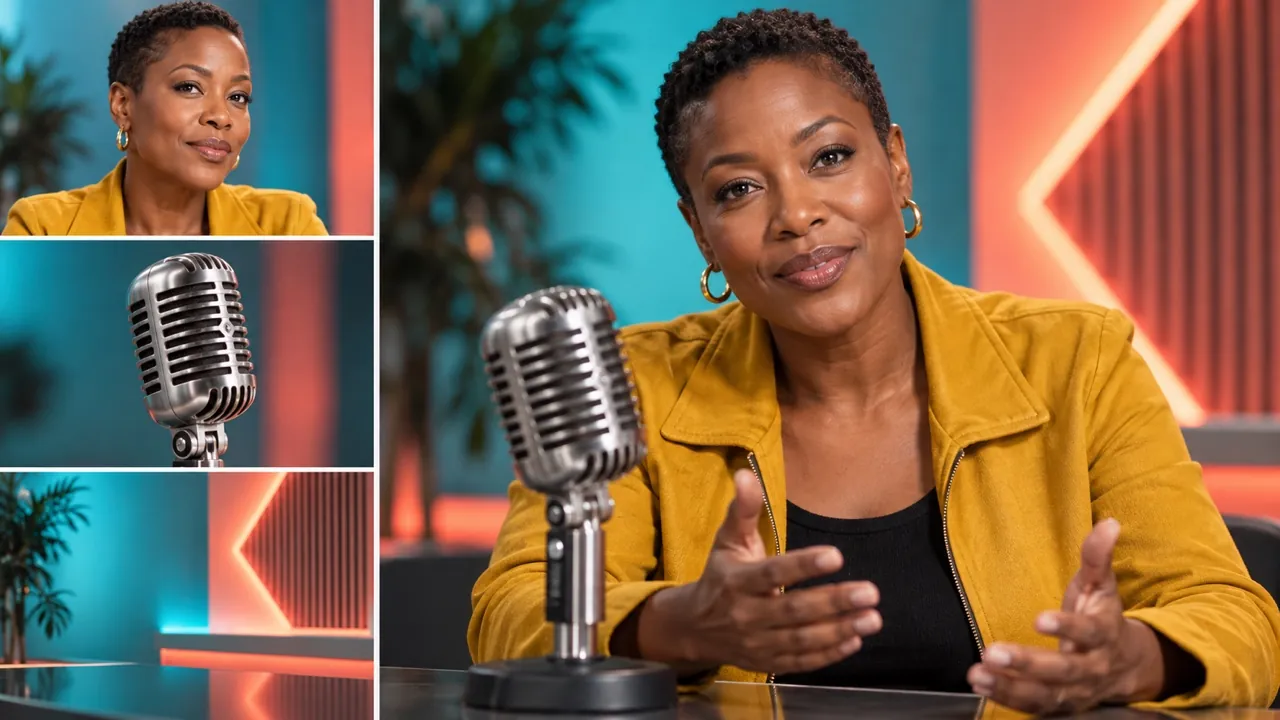
Combine Multiple References
Bring separate references for a person, product, and setting into one cohesive image. Check whether each source remains recognizable in the final composition.
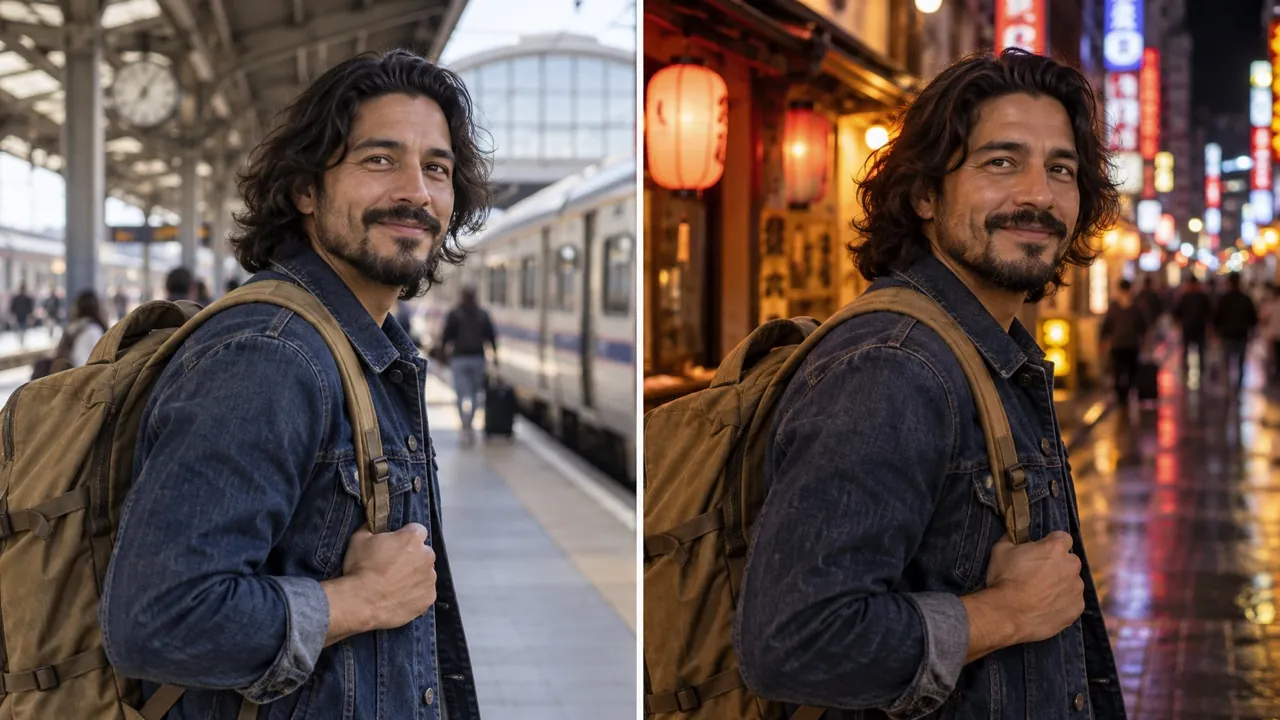
Keep Subjects Consistent
Change the setting or visual mood while keeping a person’s likeness and important object details recognizable. Build a series around the same subject.
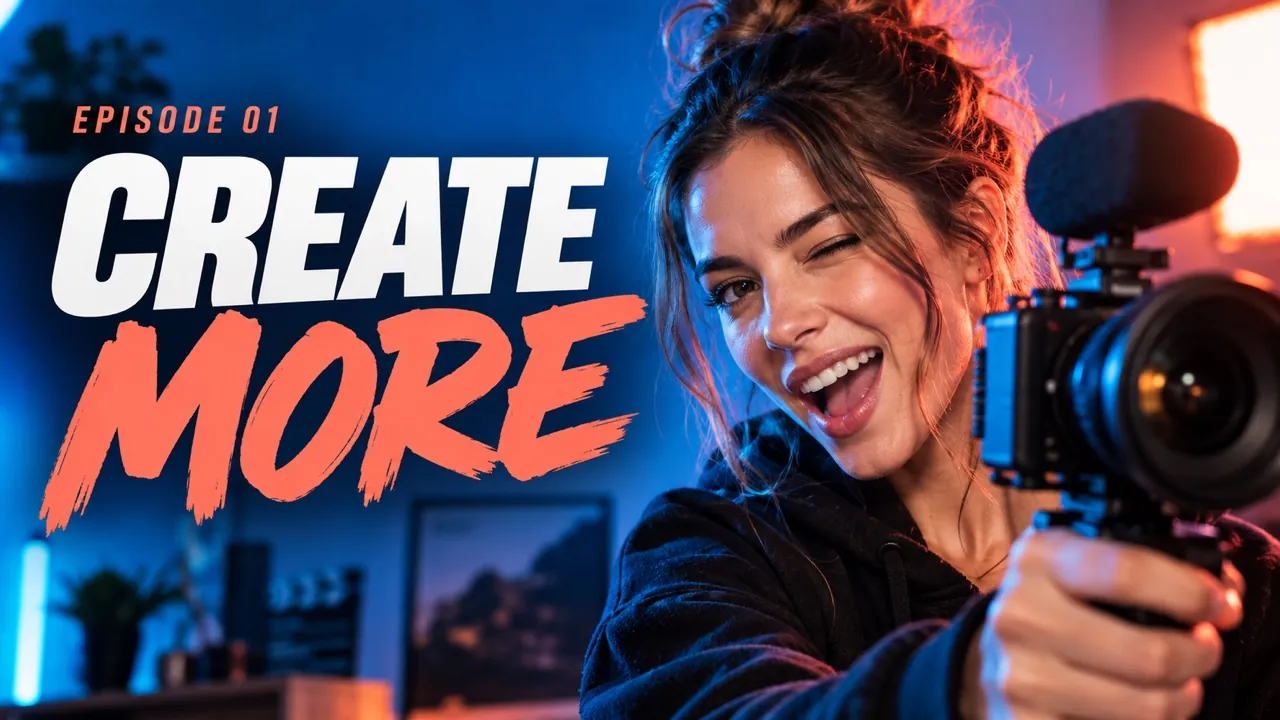
Design Images with Readable Text
Turn a title and key details into a poster or infographic with a clear visual hierarchy. Review every word for accuracy and legibility before publishing.
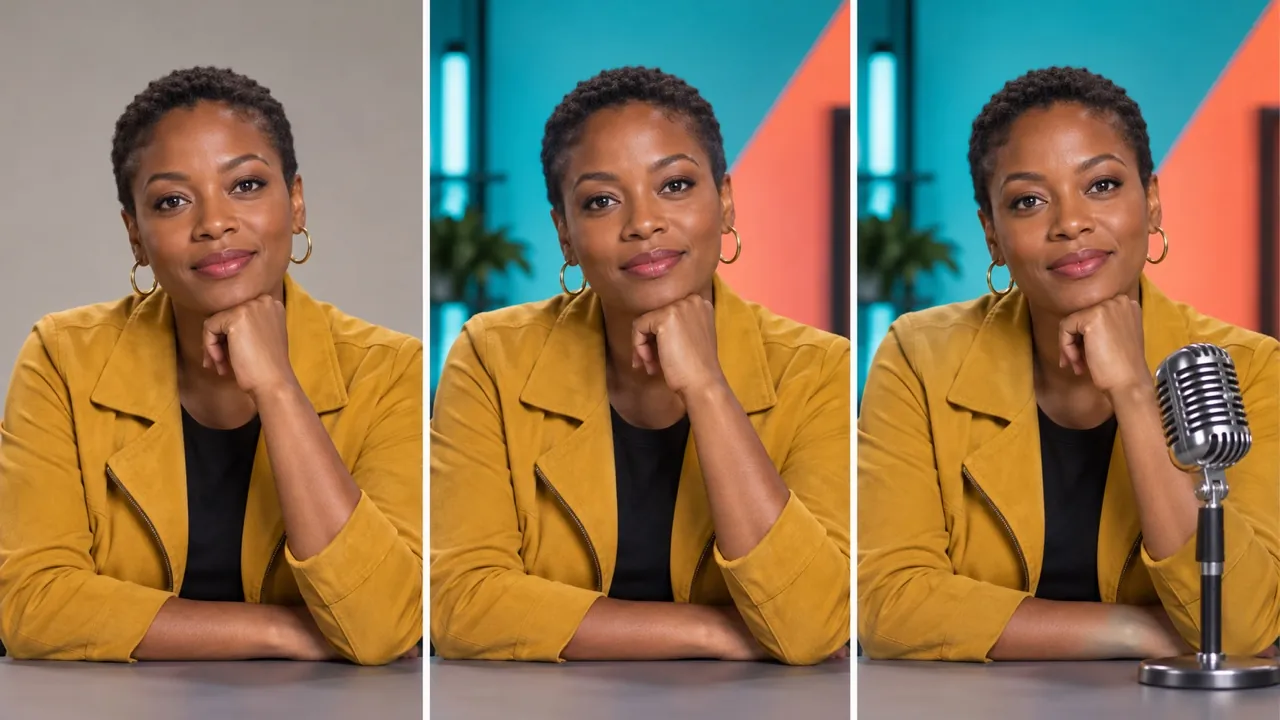
Edit in Steps, Keep What Matters
Refine an image one instruction at a time, such as changing a color and then the setting. Compare each step to confirm new edits and preserved details.
Nano Banana 2.1 Tools for Image Direction
Use a prompt to establish a scene or a reference photo to anchor an edit. Written instructions guide what appears in the image and how the composition should feel.
Visualize a Written Scene
Turn a short scene description into a still image. Include the subject, environment, and viewing angle so the first result gives you a concrete composition to review.
Rework a Source Image
Supply a reference photo and describe a new background, mood, or styling choice. Make clear which subject details should carry through to the edited result.
Explore Thumbnail Framing
Name the main subject, expression, and headline placement for a thumbnail concept. If text should appear inside the image, quote the exact short wording; inspect faces and lettering at small size before finalizing the design.
Refine a Selected Direction
Upload a preferred result as a new reference and adjust the prompt. For example, request a closer view while keeping the scene and color palette recognizable.
Nano Banana 2.1 Benefits for Content Planning
Image generation helps make a content idea visible early. Reference editing then gives collaborators a practical way to request changes to that direction.
Give a Script a Visual Reference
Generate a still from a key moment in your script. Use the image to discuss subject placement and mood when words alone leave too much room for interpretation.
Test the Opening Impression
Create alternative thumbnail or opening-frame concepts before assembling the full piece. Review whether the generated subject and framing communicate the intended topic.
Turn Notes into Edit Requests
Convert feedback about the image into a specific prompt, such as simplify the set or bring the subject closer. Review the resulting edit against that single request.
Carry a Chosen Look Forward
Reusing a selected still as a reference can guide further image edits. Inspect each output for continuity instead of assuming every detail will stay identical.
Nano Banana 2.1 Content Creation Scenarios
Generate and edit still images for the planning stages of videos, social posts, explainers, and creator campaigns.
Develop a Video Thumbnail Concept
Describe a surprised presenter beside an oversized everyday object. Generate a clear visual hierarchy, then test whether the subject remains readable when the image is viewed small.
Picture a Script Opening
Write the first scene of a travel story as an image prompt: a lone traveler at a quiet station at dawn. Use the generated still to discuss atmosphere and framing.
Explore an Explainer Illustration
Describe an approachable illustration of a complex topic, such as a rainwater collection system. Generate a concept and check all factual details before using it in an explainer.
Update a Creator Campaign Photo
Upload a portrait and request a new set design or background color. Review the edited face and clothing alongside the source before selecting a campaign direction.
Create with Nano Banana 2.1 on VideoWeb AI
Start from the scene you want viewers to understand. Generate an image from text, or add a reference photo and explain the edit, then inspect the resulting still.