Free ChatGPT Images 2.5 AI Image Generator
Use Free ChatGPT Images 2.5 to generate AI images 100% free without signup. Write a visual brief or upload one reference for a guided revision, with nine aspect ratios to frame the result.
Choose a GPT Image Workflow
Use the available GPT Image pages to compare browser workflows, including the free 2.5 tool. The API link opens the OpenAI GPT Image model page on Flaq. The API has separate pricing from free browser generation.
What 2.5 Brings to Image Work
The 2.5 introduction from OpenAI highlights detail, editing precision, and subject preservation through changes. Compare a familiar prompt or single reference in the free 2.5 form to evaluate it for your project.
Read OpenAI’s Images 2.5 introductionFree ChatGPT Images 2.5 AI Image Examples
Explore these image creation and editing examples for inspiration.
Image Examples 1–2
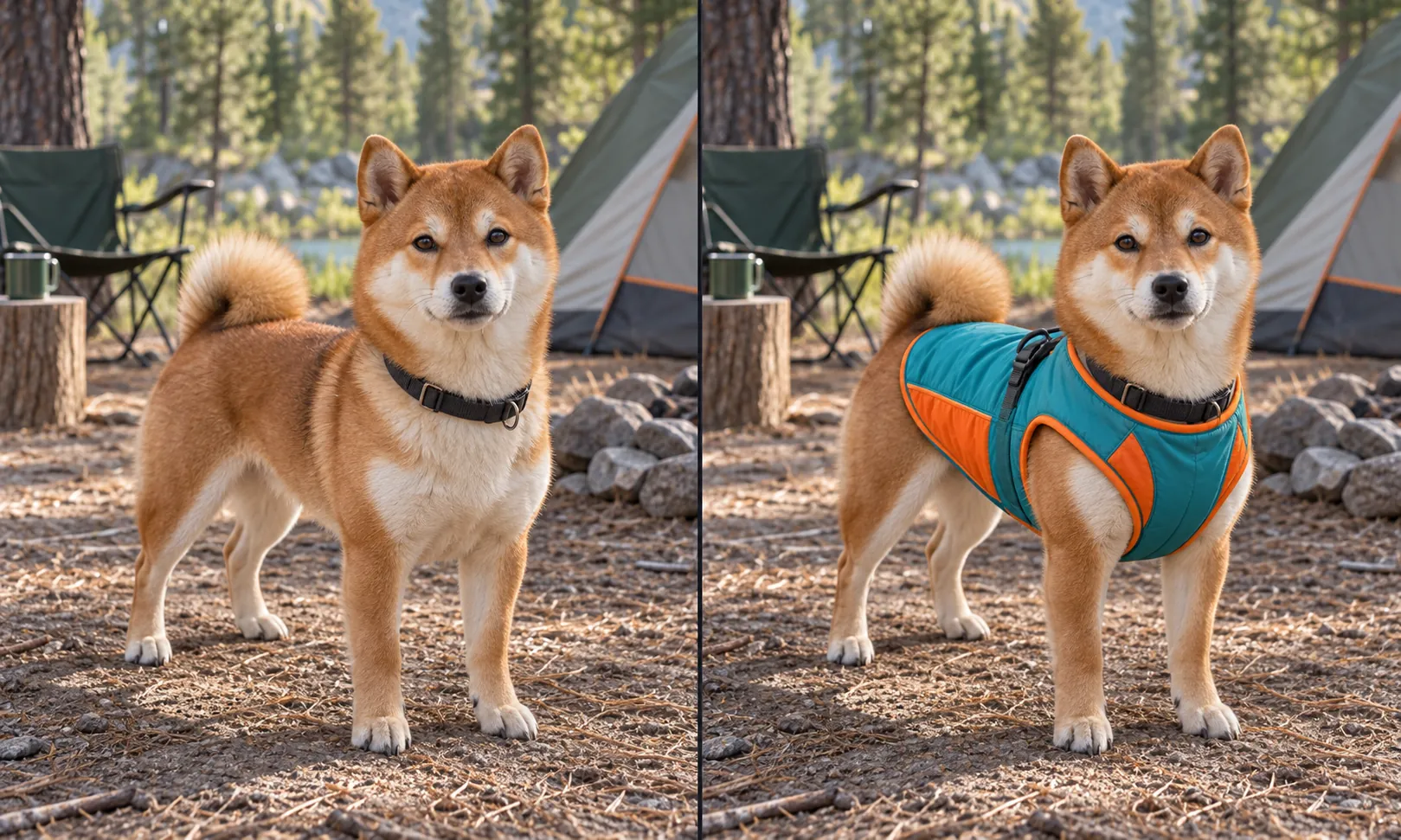
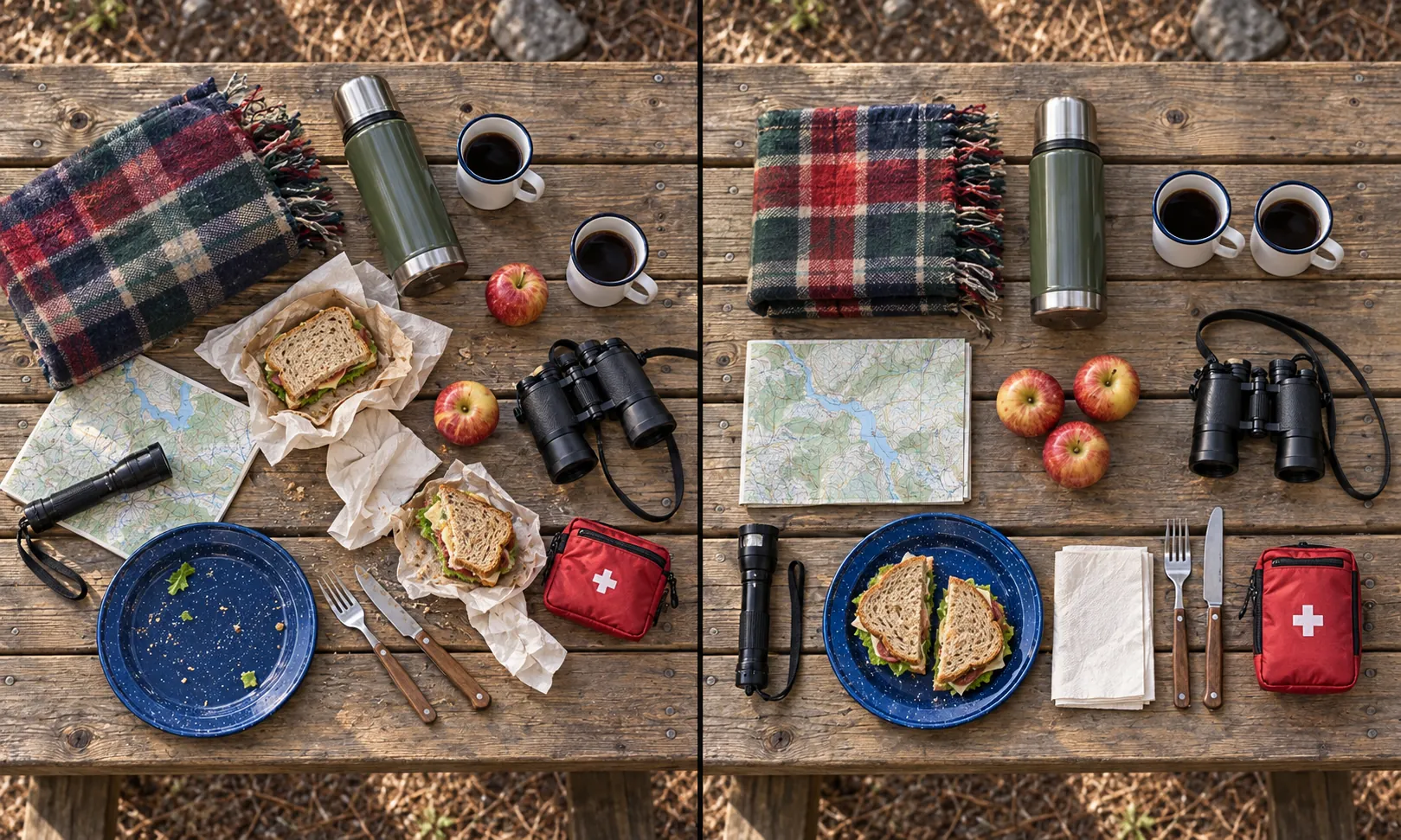
Image Examples 3–4
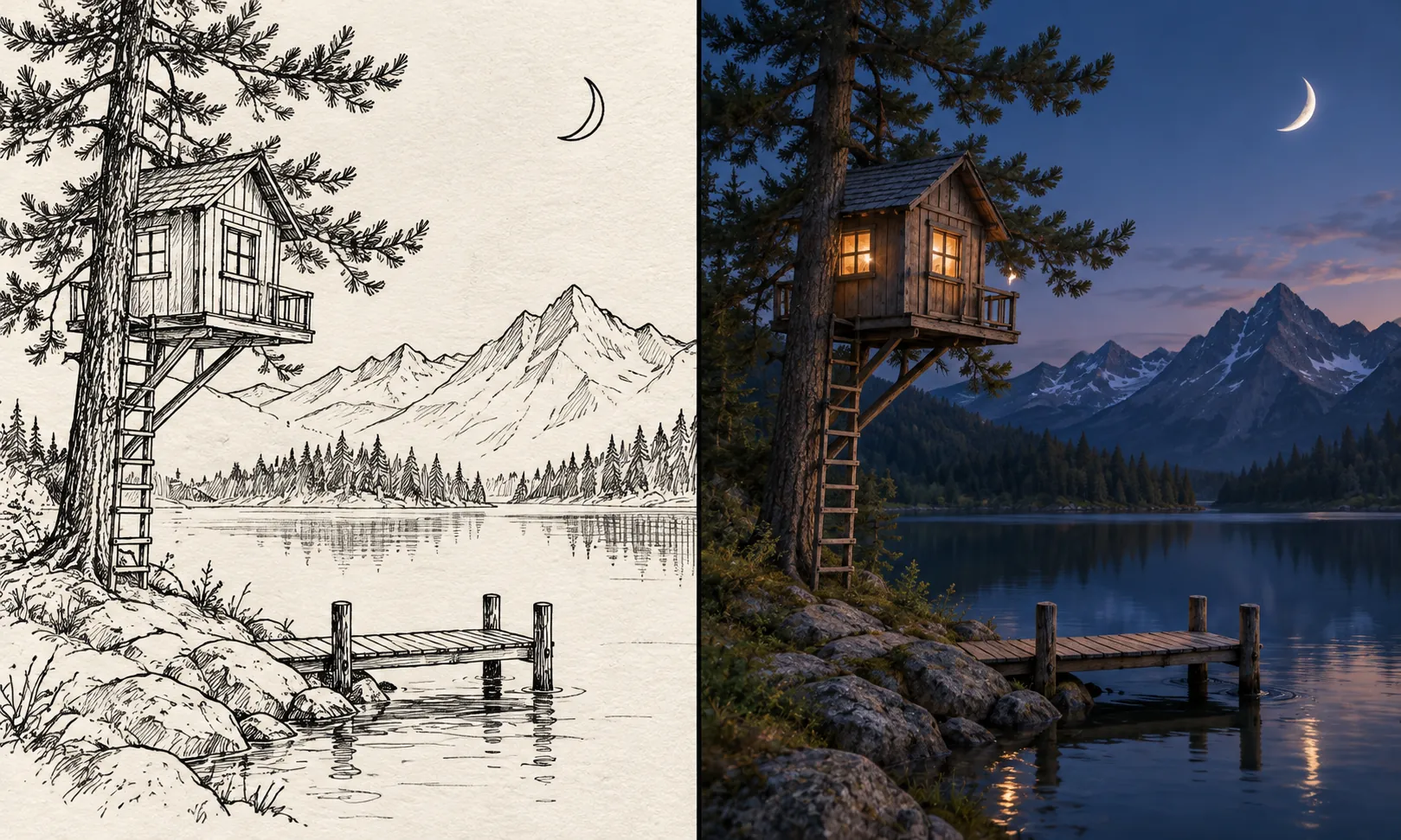
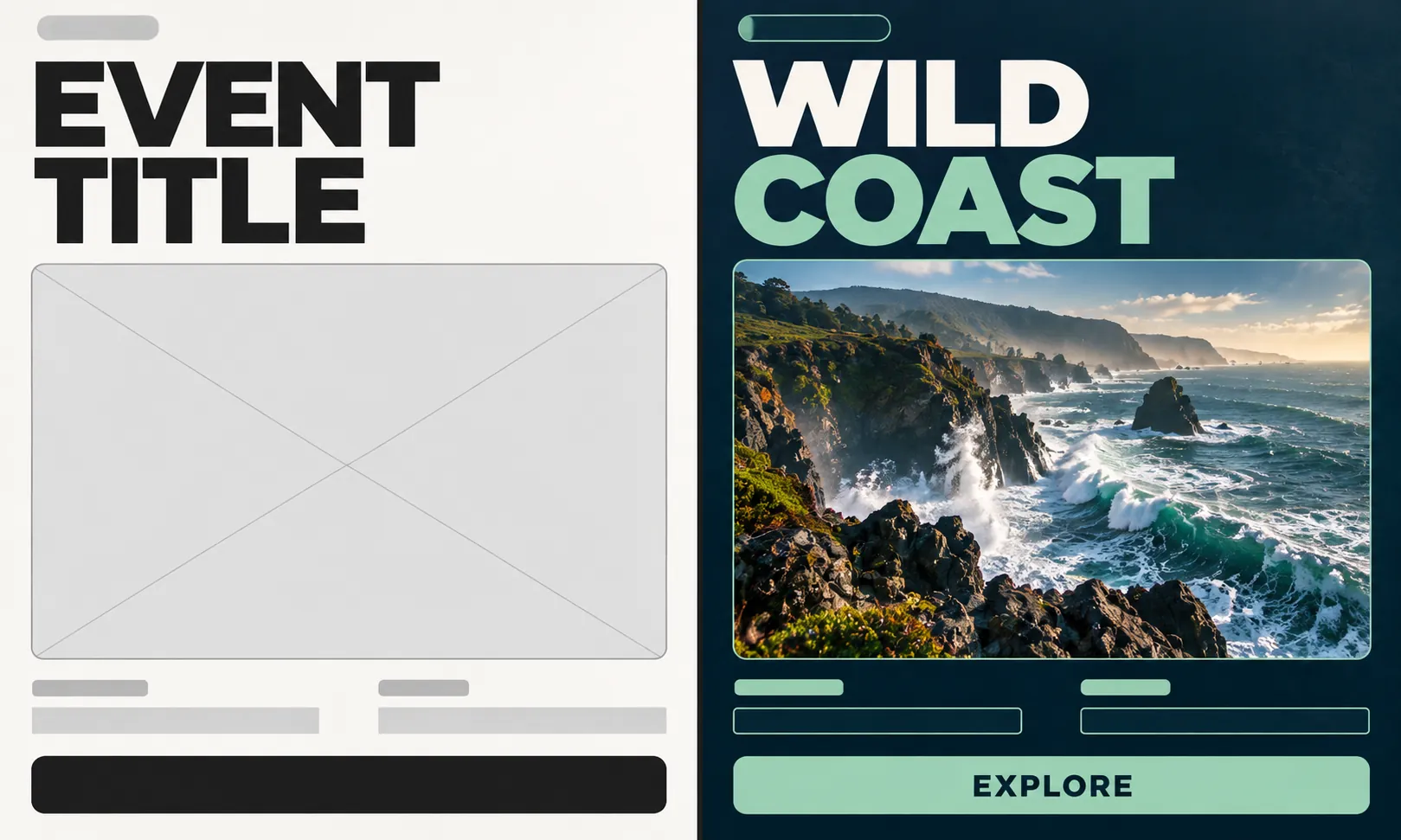
Working with Free ChatGPT Images 2.5
Draft a visual from a written brief, or supply one reference to guide a revised composition. Choose the aspect ratio with your intended layout in mind before generating.
Draft a Visual from Words
Describe a cinematic room interior with warm practical lighting and a strong doorway frame. Build the brief around the subject, its environment, and its position in the frame.
Use a Reference to Direct Revisions
Upload a reference for a transition between two scene compositions and describe what to change. Name the reference details that the revised draft should retain.
Set the Image Shape for Your Layout
Select one of nine aspect ratios to plan an image for a wide layout, square concept, or portrait composition. Make that framing choice before generation.
Review and Download the Draft
Review the composition before saving a draft for your project. Open Download and continue through the dialog to keep the generated image.
Plan Your Next Project with Free ChatGPT Images 2.5
Move from an image brief to a visual draft without signup or generation fees. Text and single-reference inputs support different starting points for your project.
Make a Visual Draft for Free
Use the 100% free form to create a visual draft from text or one reference. Advanced image tools are a separate choice when you want to explore them.
Begin Without Registration
Begin the image brief without registering an account. Complete verification when you are ready to submit the free request.
Choose the Right Starting Input
A text prompt can establish the whole scene, while a single reference helps direct a revision. Choose the input that fits your visual brief.
Inspect the Draft Before Saving
Review the visual draft before choosing Download. Compare it with the brief to decide what a further revision should address.
Free ChatGPT Images 2.5 for Video and Visual Projects
Explore the following visual concepts with a text brief or a single reference picture. Each idea gives video creators and marketers planning short sequences a concrete starting point for an image prompt.
Film Opening Concepts
Describe a cinematic room interior with warm practical lighting and a strong doorway frame, or use one reference image to guide the result. Generate a composition to review for a short film opening.
Transition Reference Frames
Describe a garden composition with a sharp foreground leaf and a softly lit path beyond, or use one reference image to guide the result. Generate a composition to review for a transition in a video sequence.
Campaign Key Visuals
Describe headphones on a sculptural pedestal with directional studio light, or use one reference image to guide the result. Generate a composition to review for a campaign pitch.
Location Design References
Describe a coastal village seen from a hillside with layered roofs and a clear horizon, or use one reference image to guide the result. Generate a composition to review for a location and atmosphere study.
Get Started with Free ChatGPT Images 2.5 on VideoWeb AI
Write an image brief and add one reference if it would help guide the result. Select from nine aspect ratios, complete verification, and generate. Review the picture, then use the download dialog's continue option to save it.
Using Free ChatGPT Images 2.5: Common Questions
Try More Creative AI Tools at VideoWeb AI
Video AI
Image AI
More AI Tools
Free ChatGPT Images 2.5 Prompt Resources
Browse the Flaq AI and BestImage AI GitHub prompt collections for ChatGPT Images 2.5. Use an idea as a starting brief, then adjust the scene and framing for your own generation.