Introduction
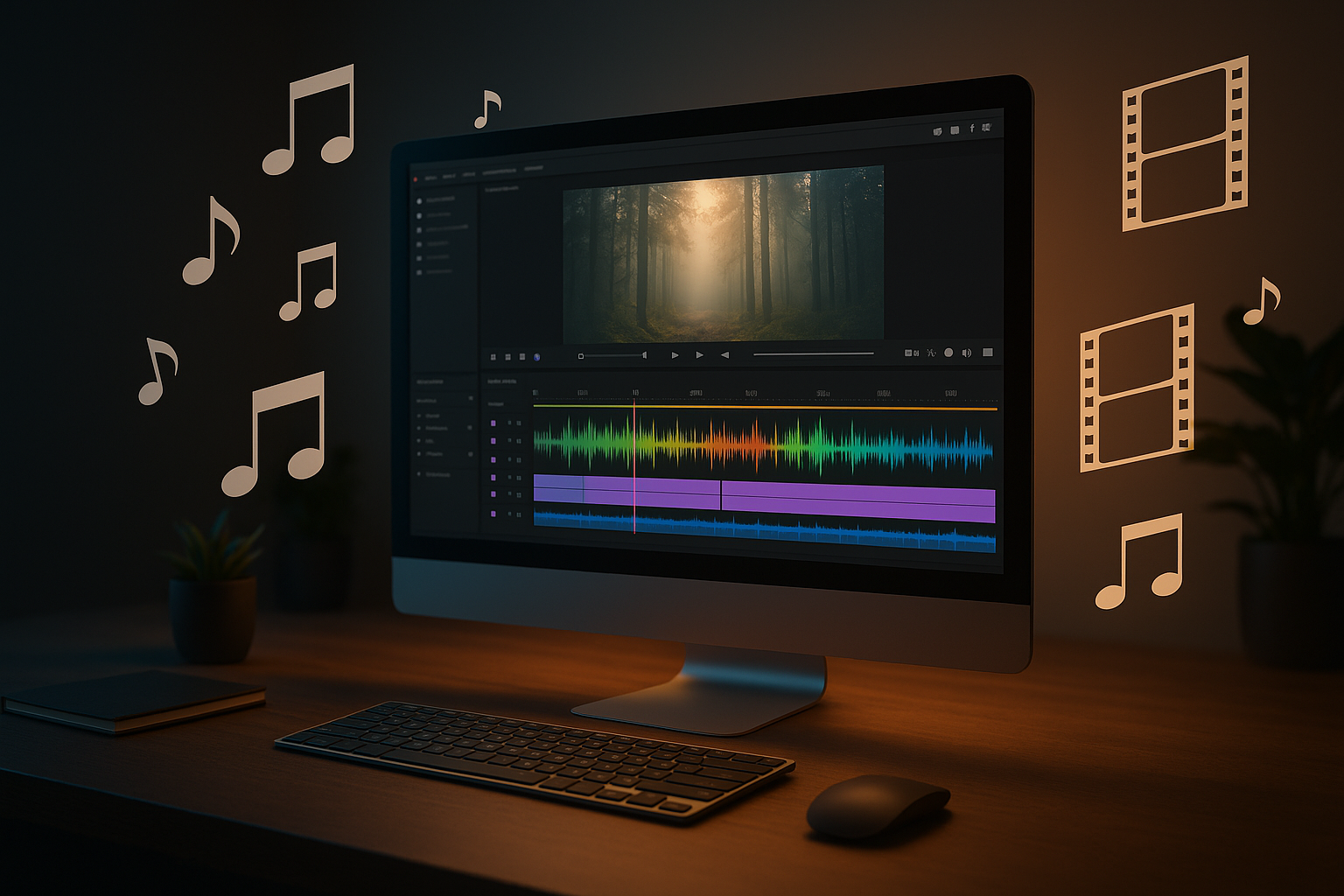
The rise of short-form content and multimedia storytelling has made it essential to generate high-quality video with music audio efficiently. Veo3 is an advanced AI tool that simplifies the process, allowing creators to quickly turn ideas into engaging videos with synchronized audio. This article introduces veo3, outlines the step-by-step process, and compares its innovations with the previous veo2 model.
What is Veo3?
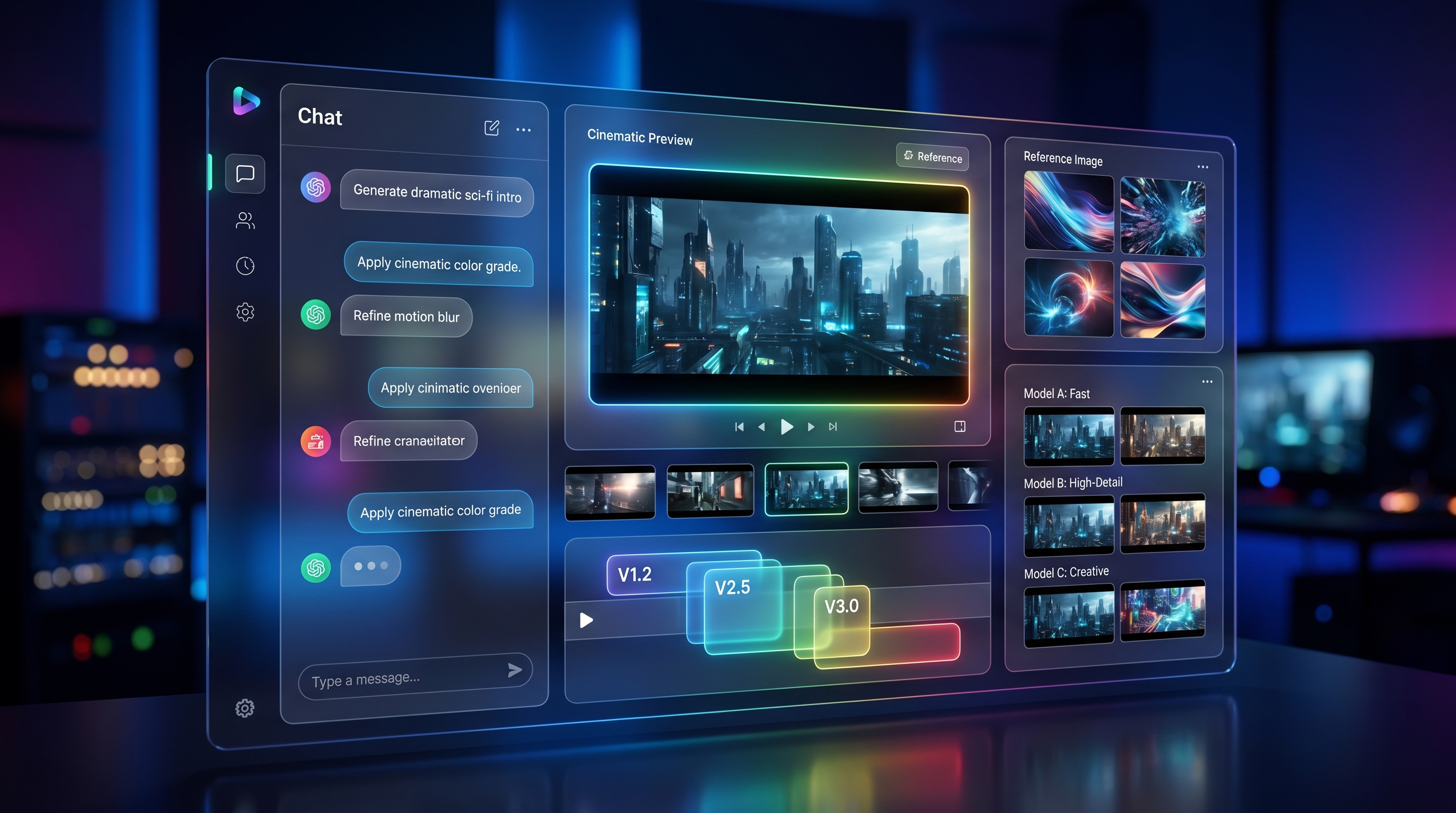
Veo3 is a cutting-edge AI video generator designed for both beginners and professionals. It enables users to effortlessly create a video with music audio, leveraging AI to deliver smooth, high-resolution outputs. With veo3, users can start from either text prompts or images and easily integrate music or sound to enhance their videos.
Whether you are making content for social media, marketing, education, or personal use, veo3 provides an intuitive workflow and a fast turnaround time, letting you focus on creativity while the AI handles the technical details.
How to Create a Video with Music Audio Using Veo3
Creating a video with music audio using veo3 is quick and user-friendly. Here are the accurate steps:
-
Open the Veo3 Webpage Go to the official veo3 model page.
-
Choose Text to Video or Image to Video Select whether you want to generate a video from a text prompt or from an uploaded image.
-
Input Prompt and/or Upload Image
- If you select Text to Video, simply enter your creative prompt.
- If you select Image to Video, upload an image as the starting frame along with your text prompt.
-
Choose Audio or No Audio Decide if you want to add music or sound. Upload your preferred audio file or select from available options, or proceed without audio.
-
Click Generate and Wait Hit the “Generate” button. The AI will process your video with music audio and deliver the finished result within minutes.
This streamlined approach ensures that producing professional-quality videos with music is accessible to everyone, regardless of editing experience.
Veo3 vs Veo2: What’s New?
While veo2 helped popularize AI-generated video, veo3 introduces a series of upgrades and expanded options:
| Feature | Veo2 | Veo3 |
|---|---|---|
| Video Generation Modes | Basic prompt-based video | Choice of Text to Video or Image to Video |
| Audio Integration | Limited music/audio features | Enhanced support for music/audio upload and integration |
| Customization | Fewer creative controls | Greater flexibility and intuitive workflow |
| AI & Rendering | First-generation AI, slower output | Advanced AI, faster processing, higher-quality visuals |
| Use Cases | Simple video projects | Broader applications: marketing, education, social media |
With these enhancements, veo3 is especially well-suited for users who need to make a video with music audio that stands out in terms of both quality and ease of creation.
Practical Applications of Veo3 for Video with Music Audio
Veo3 is versatile and applicable to many content types:
- Social Media: Craft visually engaging posts with custom music.
- Advertising & Marketing: Generate product or campaign videos with soundtracks.
- Education & Training: Add voiceovers or music to explainer videos.
- Personal Projects: Easily create memorable, music-backed videos for special occasions.
Its simplicity and power make it a valuable tool for anyone wanting to combine visuals with audio, no matter the industry or purpose.
Conclusion
The ability to create a video with music audio has never been more accessible. Veo3 combines AI innovation with user-friendly design, making professional video creation possible in minutes. Compared to veo2, veo3 offers expanded features, more creative flexibility, and a smoother workflow. For those looking to elevate their multimedia projects, veo3 is a top choice to consider.