AI TikTok Video Generator
Create stunning short videos for TikTok with AI instantly. Simply upload text ideas and images, and the AI will generate a video that is ready to post on TikTok.
Video Examples of TikTok Video Generator
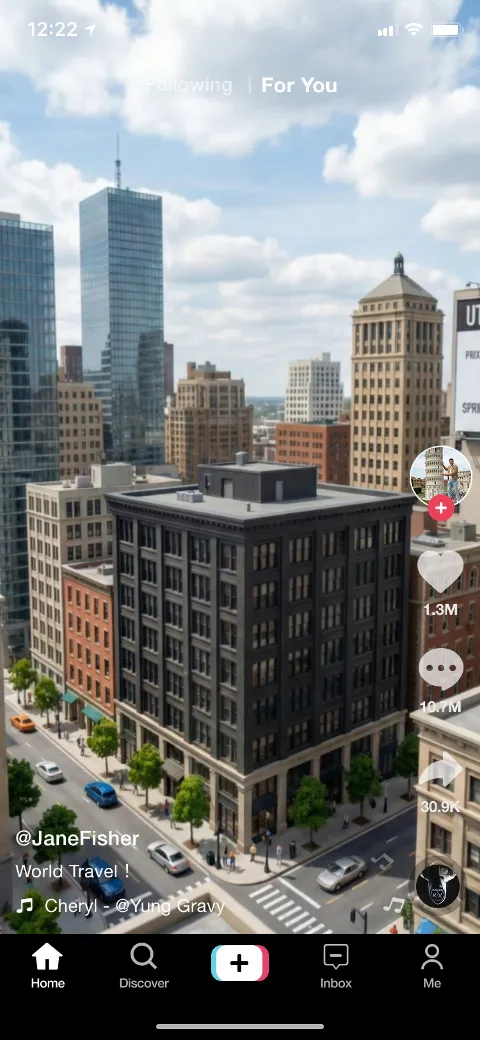
Showcases video clips covering various dimensions such as lifestyle sharing, knowledge popularization, and product demonstrations. The footage features smooth transitions, precise subtitle synchronization, and natural voice synthesis, reflecting the system's professional capability in handling fast-paced narratives and visual trends to produce high-definition assets meeting social media aesthetic standards.
Core Functions of TikTok Video Generator
Employs multi-modal understanding to simplify complex creative workflows into intelligent commands, ensuring every output is logical and visually appealing.
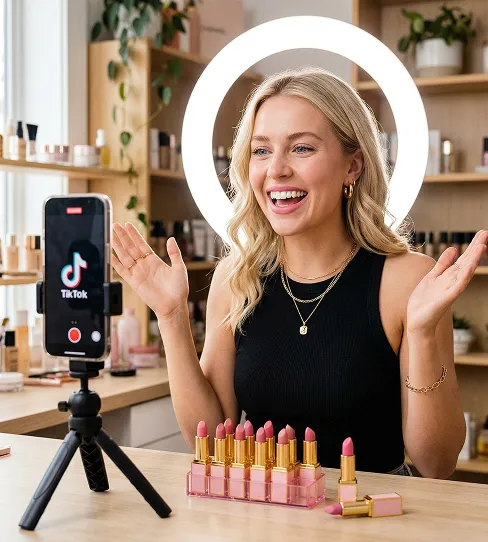
Semantic-Driven Automated Modeling
Deeply parses user input text scripts and automatically matches corresponding visual elements and scene structures, rapidly mapping abstract text to concrete imagery and reducing material gathering and scene building time.
Intelligent Shot Arrangement and Pacing Control
Automatically adjusts shot transition frequencies based on audio rhythm and narrative focus. Precisely calculates visual motion paths to create a professional cinematic feel and high visual impact within compact durations.
Multilingual Natural Language Synthesis
Offers speech synthesis solutions in multiple languages and timbres. Supports adjustment of speech rate and emotional tone to suit the video, enabling high-quality voiceovers without recording and powering global content distribution.
Automated Adaptation of Visual Styles and Filters
Automatically suggests and applies suitable color tones, filters, and dynamic text styles based on video themes. Ensures high visual consistency and enhances brand identity through automated design logic.
Advantages of TikTok Video Generator
Overcomes traditional video production challenges—tedious workflows and high entry barriers—through technical innovation, allowing for large-scale creation without sacrificing quality.
Streamlined Production Workflow
Integrates post-production editing and special effects synthesis into an automated workflow. Users focus on creative input while the backend efficiently handles complex rendering and exporting, vastly increasing production efficiency.
Convenience of Cross-Device Creation
Supports project management and editing across multiple devices, allowing creators to capture and transform ideas wherever and whenever inspiration strikes.
Stability of Visual Presentation
Maintains continuity of character features, lighting, and compositional logic during generation. Ensures stylistic consistency across series for a stable visual identity.
Multi-Dimensional Customization Flexibility
While automated, the platform offers extensive detail controls. Users may fine-tune each frame and audio track for unique outputs, leveraging high-speed automated generation.
Application Scenarios of TikTok Video Generator
Designed to support content creation, brand promotion, and personal influence building across various domains with professional efficiency.
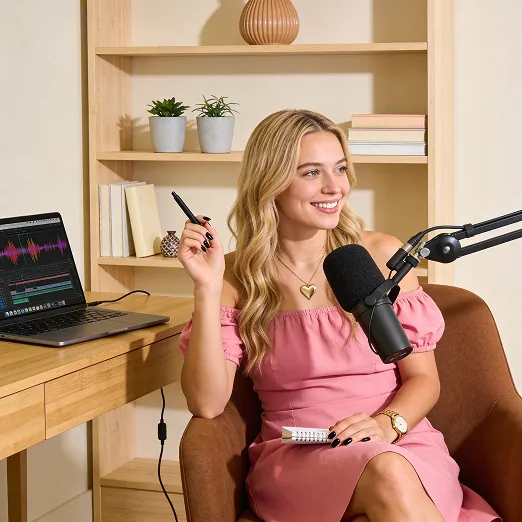
High-Frequency Social Media Content Updates
Empowers creators to maintain regular updates by rapidly producing high-quality short videos, helping enhance account exposure and audience engagement.
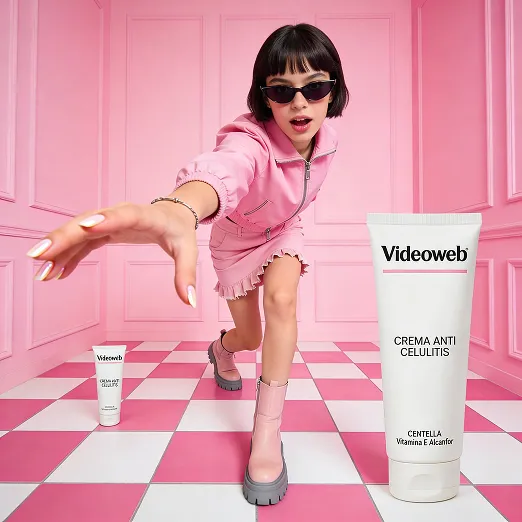
Cross-Border Marketing & Localization
Quickly generates ad creatives aligned with local aesthetic preferences through multilingual synthesis and cultural feature recognition, supporting multi-market testing with lower costs.

Knowledge Monetization & Online Teaching
Transforms complex concepts into digestible short video lessons with clear visuals and guided narration, improving knowledge delivery and learning efficiency.
Usage Steps of TikTok Video Generator
Step 1 Enter the creative space and input a text script describing the core idea of the video, or choose an existing preset as the creative foundation. Step 2 Configure the video's visual tone, including aspect ratio, target language, and desired voice style, and upload specific brand assets if necessary. Step 3 Initiate the generation command. After rendering is complete, users can perform final minor adjustments in the preview interface and export the video file compatible with various platforms once confirmed.