Why Vidu Matters Right Now
If you’ve ever felt frustrated trying to bring your creative visions to life without hours of editing, you’re not alone. In 2025, as content demands skyrocket, creators, marketers, and filmmakers are turning to AI-powered video generation to save time and boost quality. That’s where Vidu AI comes in.
Developed by Shengshu Technology and Tsinghua University, Vidu AI isn’t just another video tool – it’s an entire ecosystem for transforming static images and ideas into cinematic, dynamic videos in seconds.
What Exactly Is Vidu AI?
At its heart, Vidu AI uses a “Reference-to-Video” approach. Upload an image – or up to three references – and within seconds you’ll have a high-quality 16-second HD video with natural motion, vivid lighting, and consistent character details.
Whether you’re an indie creator visualizing storyboards or a marketer needing quick product reels, Vidu AI bridges the gap between imagination and reality effortlessly.
The Vidu Toolbox: Powerful Features at Your Fingertips
Image-to-Video
With Vidu AI, turning a single image into a captivating video has never been easier. Simply upload, describe, and generate.
Text-to-Video with Prompt Optimization
Don’t have a reference image ready? Just write a detailed prompt, and Vidu AI will bring it to life – perfect for brainstorming visual content without design bottlenecks.
Multi-Reference Consistency
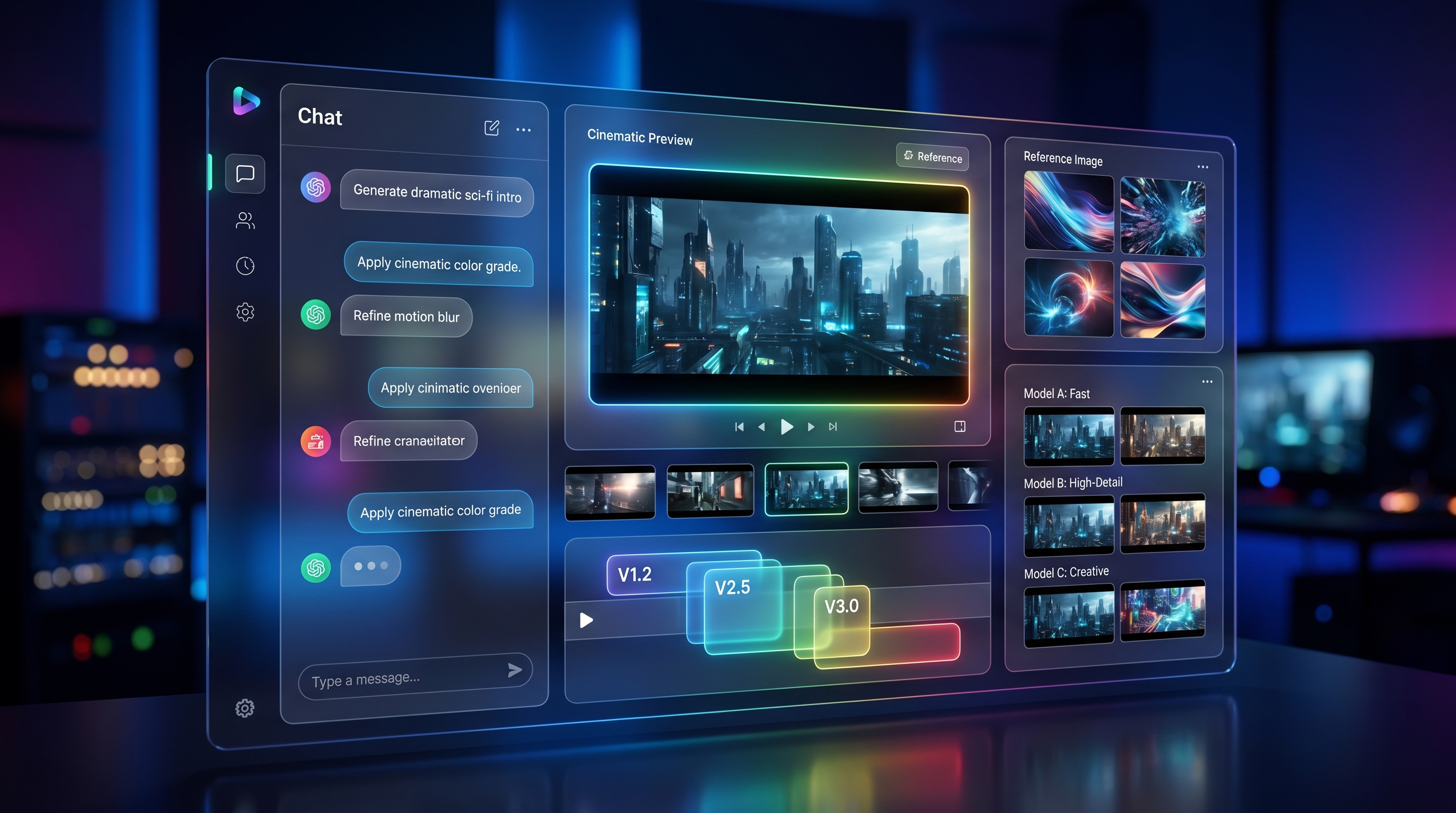
One standout feature is multi-reference support. While Vidu AI offers up to 3 references for consistent character depiction, Vidu Q1 expands this to 7 references, preventing drift in animations and ensuring scene continuity.
How Vidu Has Evolved
| Release | Key Highlights |
|---|---|
| Vidu AI (2024-Q4) | First public launch, 1-3 image refs, 16s HD videos. |
| Vidu 2.0 (2025-Feb) | Smoother motion, enhanced lighting, richer emotional expression. |
| Vidu Q1 (2025-Jul) | Up to 7 references, first/last-frame control, AI SFX, and soundtrack layering. |
What Makes Vidu 2.0 Special?
Vidu 2.0 takes everything great about Vidu AI and makes it even better. You get:
- One-click Image-to-Dynamic Scene workflows for instant storytelling.
- Advanced emotion mapping and realistic backgrounds.
- Ideal for creators making Instagram Reels, TikToks, or short ads that feel cinematic without heavy editing.
Stepping Up with Vidu Q1
If you’re ready to take your video creations to the next level, Vidu Q1 is your best friend. Here’s why:
- 7-image multi-reference fusion keeps characters looking identical from start to finish.
- First and last-frame cinematography controls let you plan your entire shot with precision.
- Built-in AI sound effects and background music, so your videos are production-ready right off the generator.
Quick Comparison: Which Vidu Should You Choose?
| Feature | Vidu AI | Vidu 2.0 | Vidu Q1 |
|---|---|---|---|
| Reference Slots | 1-3 | 3 | Up to 7 |
| Max Resolution | 1080p | 1080p with improved lighting | 1080p HD + cinematography control |
| Processing Speed | Fast | Faster | Fastest |
| Best For | Quick videos | Rich emotional clips | Advanced projects, studios |
How Creators Are Using Vidu Right Now
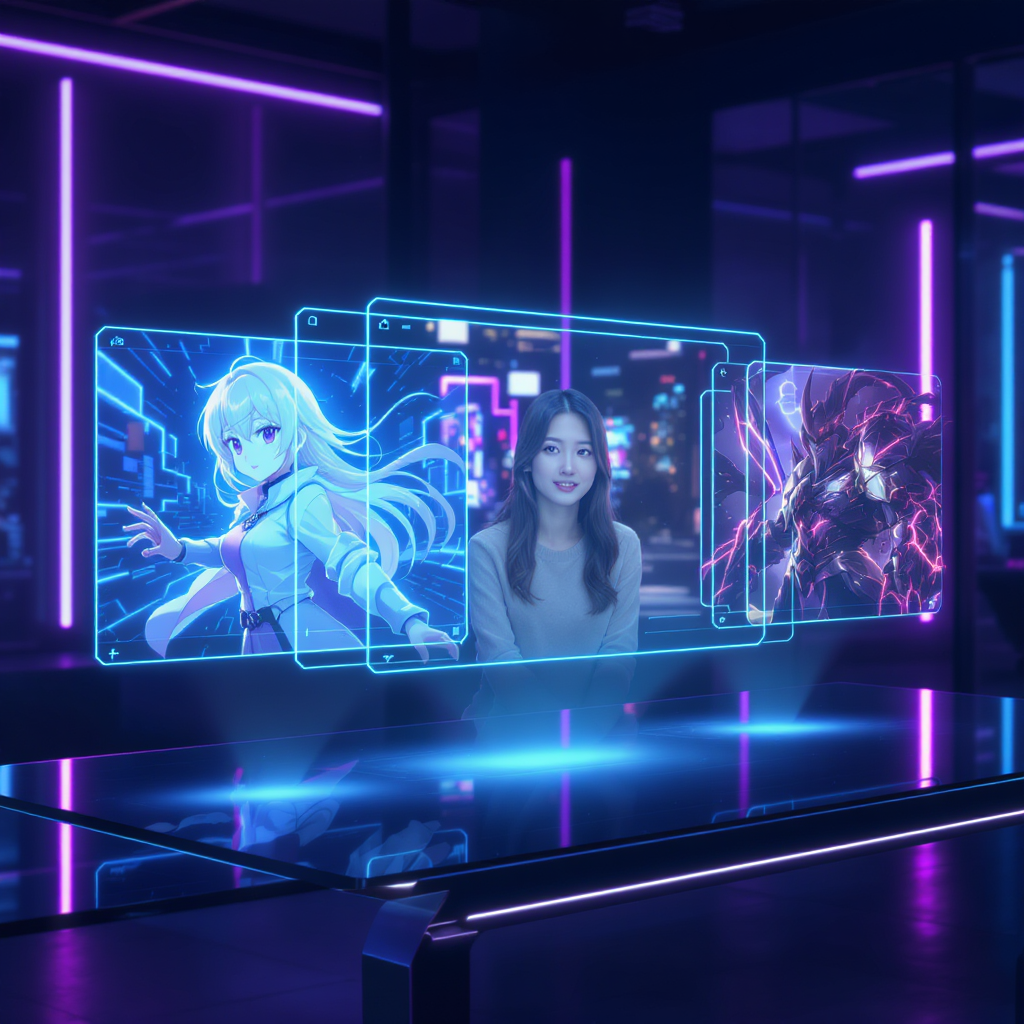
🖌️ Anime studios are leveraging Vidu Q1 for multi-angle character animations without manual frame stitching.
📈 Marketing teams use Vidu 2.0 to create dozens of scroll-stopping vertical ads daily.
🎬 Indie filmmakers prototype their stories with Vidu AI before committing to expensive production.
“With Vidu Q1, we ensured our characters stayed perfectly consistent throughout dynamic action scenes – it cut our production time in half.” – Anime Creator, Studio X
How to Get Started with Vidu on VideoWeb AI
- Sign up at VideoWeb AI.
- Choose your ideal tool:
- Upload your references, optimize your prompt, adjust your settings.
- Hit Generate and download your masterpiece.
Pro Tips for Prompting with Vidu
✅ Use clear character names and details to lock in appearances.
✅ For Vidu Q1, upload first and last frame images to guide your story’s flow.
✅ Mix visual references with descriptive prompts for maximum fidelity.
✅ Balance credit usage with resolution needs depending on your publishing platform.
Looking Ahead: Vidu’s Roadmap
The team behind Vidu is working on:
- A Flow-to-Film editor for multi-scene stories.
- Enhancements to stay ahead of competitors like Google Veo 3, Runway Gen-3, OpenAI Sora, and Kling.
But what sets Vidu apart is its multi-reference system, giving creators unparalleled control over consistency and realism in AI-generated videos.
Final Thoughts: Which Vidu Is Right for You?
✨ If you’re a general creator, start with Vidu AI.
🎞️ Need richer storytelling? Upgrade to Vidu 2.0.
🎥 Ready for pro-level projects? Dive into Vidu Q1 today.
Bring your ideas to life faster, easier, and more beautifully with Vidu. Start creating on VideoWeb AI now.