AI video tools have reached an interesting point. They’re no longer just novelty toys, but they’re also not yet full replacements for traditional video production. Pollo AI sits right in the middle of that transition—and that’s both its biggest strength and its biggest weakness.
Pollo doesn’t try to be the best at one thing. Instead, it tries to be the place where you can do everything: generate videos from text, animate images and photos, restyle existing clips, create talking avatars, add effects, and export something shareable without jumping between tools.
That sounds great on paper. The real question is whether it actually works well in practice—and whether it’s the right choice for you.
What Pollo AI Is Really Trying to Be
At its core, Pollo AI is an all-in-one short-form video hub. It’s built for creators who want speed, variety, and convenience more than absolute control. If you’ve ever thought, “I just want something that works without setting up a whole pipeline,” Pollo is clearly designed for you.
This review focuses on real-world use:
- How Pollo’s workflows actually feel
- Where quality holds up—and where it doesn’t
- How the credit pricing affects daily use
- And when it makes sense to look elsewhere
What You Can Create With Pollo (And Why That Matters)
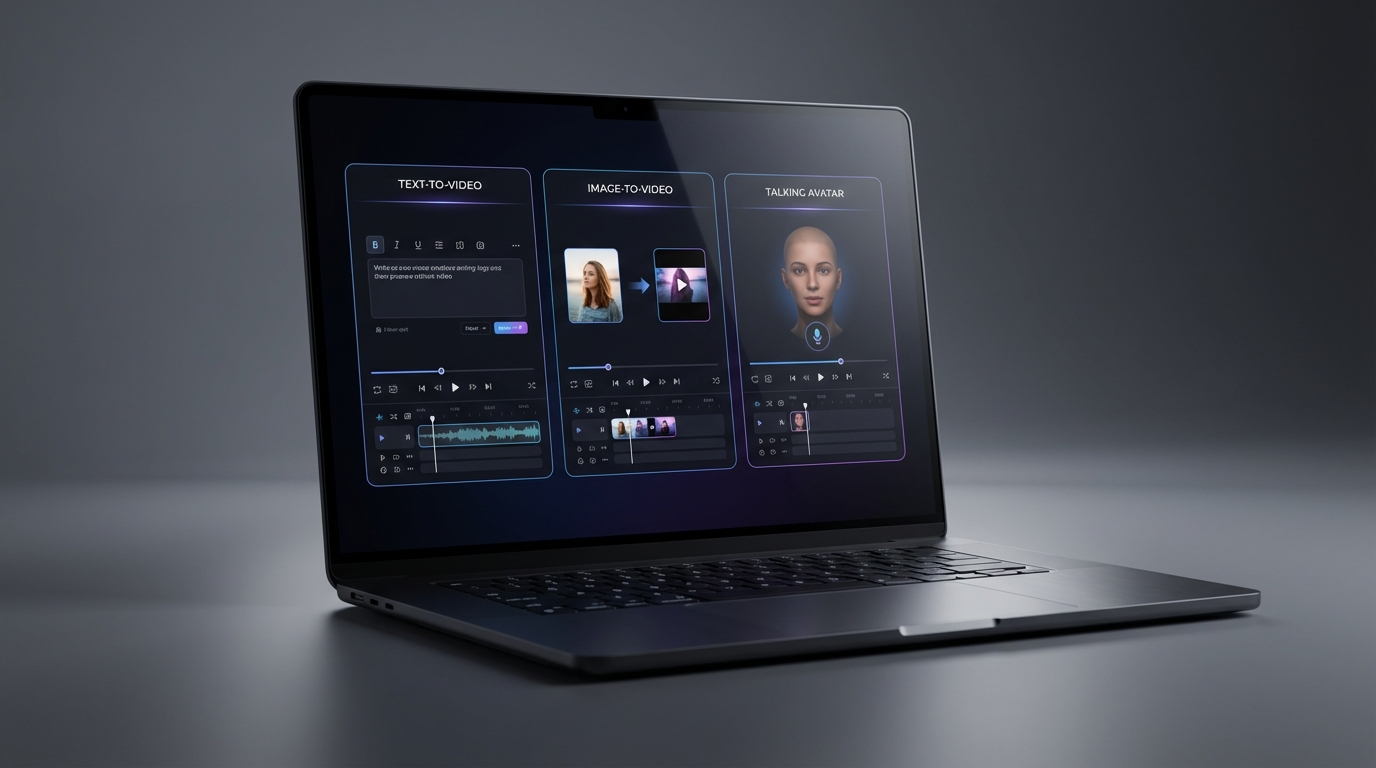
Pollo covers three main creation styles, which already explains most of its appeal.
First, there’s text-based generation. You type an idea, tweak a few style options, and let the AI turn words into motion.
Second, there’s image and photo animation. Instead of guessing what the AI thinks your subject looks like, you give it a starting point—product photos, portraits, illustrations, posters—and ask it to add motion.
Third, there’s video-to-video transformation. You upload an existing clip and ask Pollo to restyle it, re-render it, or apply a different visual language.
That combination makes Pollo flexible, especially for creators who don’t want to commit to a single workflow.
Text-to-Video: Fast Ideas, Mixed Results
Pollo’s text generation feels similar to most modern text-to-video ai systems. You describe a scene, specify the vibe, and wait for the result.
Where Pollo does well is speed. If you’re brainstorming ad concepts or social ideas, it behaves like a lightweight ai text to video generator that lets you iterate quickly.
Where it struggles is precision. Like most text-only systems, results can drift—characters change slightly, environments morph, and motion doesn’t always match intent.
Practical prompt tips:
- Explicitly state camera movement (pan, dolly, static)
- Describe lighting clearly (studio, sunset, neon, soft)
- Start with short clips and refine before extending
Image-to-Video: Where Pollo Becomes More Reliable
Once you switch to image-based workflows, Pollo feels noticeably more stable.
Using image-to-video ai gives the system something concrete to anchor itself to. Product shots stay recognizable. Faces don’t drift as much. Composition stays intact.
For many creators, this is where Pollo stops feeling “experimental” and starts feeling usable. If your goal is motion—not invention—an ai image to video generator is often a better choice than starting from text.
Photo-to-Video: Simple, Fast, Social-First
Photo-to-video is its own category for a reason. The goal isn’t realism—it’s speed.
With photo to video ai, Pollo adds subtle movement to still images: gentle zooms, background motion, light shifts. It’s ideal for social feeds where motion matters more than perfection.
An ai photo to video generator works best when expectations are modest. Avoid aggressive motion, especially on faces, and treat it as enhancement rather than transformation.
Video-to-Video: Useful, But Still Fragile
Video-to-video tools are tempting—and risky.
Pollo lets you upload a clip and restyle it, but this is where AI’s current limitations show up most clearly. Flickering textures, drifting faces, and inconsistent lighting are still common problems.
For light experimentation, Pollo’s approach is fine. But if you need controlled results, a dedicated video-to-video ai workflow is usually safer.
If restyling is your main use case, an ai video restyle tool that’s purpose-built for transformations will feel more predictable than an all-in-one platform.
Talking Avatars and Lip-Sync: Acceptable, Not Exceptional
Talking videos are everywhere—product explainers, spokesperson ads, character narrations. Pollo includes avatar and lip-sync features, but they’re very much “good enough,” not best-in-class.
What matters most here:
- Mouth timing
- Eye focus
- Facial stability
Compared to specialized ai talking avatar tools, Pollo’s results are serviceable but inconsistent. If speech accuracy is critical, a dedicated ai lip sync generator is usually the better choice.
Talking Baby Videos: Fun, But Extremely Niche
Yes, Pollo can do talking baby videos. And yes, they sometimes go viral.
But ai talking baby content is novelty by definition. It works for memes, greetings, or one-off jokes—but it’s easy to overuse.
A talking baby ai generator should be treated like seasoning: effective in small doses, unpleasant in excess.
Music Videos and Effects: One of Pollo’s Best Areas
This is where Pollo feels genuinely creator-friendly.
Music-driven visuals—beat sync, mood changes, rhythmic transitions—are fast to generate and look decent right away. For social clips, Pollo is often faster than setting up a dedicated ai music video generator workflow.
That said, if you want fine-grained control, a focused music video ai generator still offers more precision.
Templates and Effects: Speed Has a Cost
Templates save time. They also make content look similar.
Using ai video effects can elevate basic clips, and ai video templates are especially useful for teams producing lots of marketing content.
For personal branding or storytelling, too many templates quickly feel generic.
Prompt Tools: Quietly Useful
Prompting is where most time gets wasted. Pollo’s helpers don’t get much attention, but they matter.
An ai video prompt generator helps structure ideas consistently, and standardized text prompt for video ai formats are especially helpful for teams.
Less guessing, fewer reruns, fewer wasted credits.
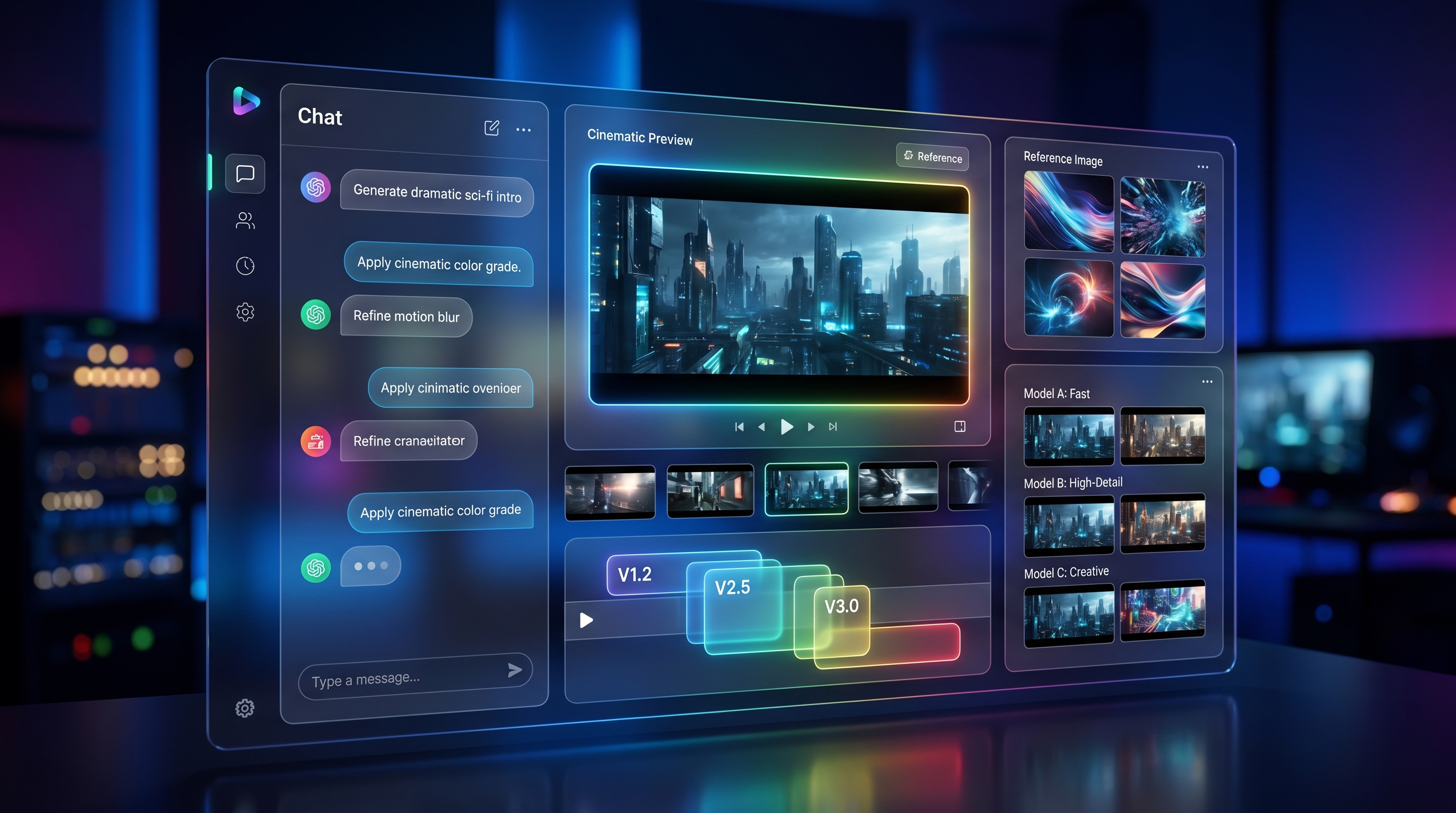
Models Matter More Than Platforms
Here’s a hard truth: the model often matters more than the platform.
Different creators gravitate toward different engines:
- kling ai video generator / kling ai text to video for energetic motion
- runway gen 4 / runway gen 4 video generator for creator workflows
- luma dream machine / dream machine ai video generator for cinematic shots
- pixverse 5.0 / pixverse ai video generator for social speed
- veo 3.1 video generator / veo 3.1 ai video for higher-end visuals
Pollo gives you variety, but not always clarity about which model is best for which task.
Pricing and Credits: The Real Dealbreaker for Some Users
Pollo’s credit system is flexible—but unpredictable.
Credits are consumed differently depending on length, resolution, and features. If you need strict budgeting or predictable cost per video, this can be frustrating.
Before paying, always check:
- Watermark rules
- Commercial usage rights
- Credit rollover
- Export limits
- Queue speed
Who Pollo Is (and Isn’t) For
Pollo is a good fit if you:
- Create short-form content regularly
- Value speed over perfection
- Experiment a lot
Pollo is not ideal if you:
- Produce long-form narrative videos
- Need strict cost predictability
- Work in high-compliance environments
Final Take: Pollo Is Convenient—But Not Always the Cleanest Choice
Pollo AI does exactly what it promises: it gives you everything in one place. For many creators, that convenience is enough.
But if you prefer clarity—choosing the right tool and model for each job—starting with an ai video generator platform like VideoWeb often makes more sense.
VideoWeb lets you mix and match each ai video generator tool intentionally:
- text-to-video ai / ai text to video generator
- image-to-video ai / ai image to video generator
- photo to video ai / ai photo to video generator
- video-to-video ai / ai video restyle tool
- ai talking avatar / ai lip sync generator
- ai music video generator / music video ai generator
- ai video prompt generator / text prompt for video ai
And with direct access to models like kling ai video generator, runway gen 4, luma dream machine, pixverse 5.0, and veo 3.1 ai video, you’re choosing what fits the project—not forcing everything into one box.