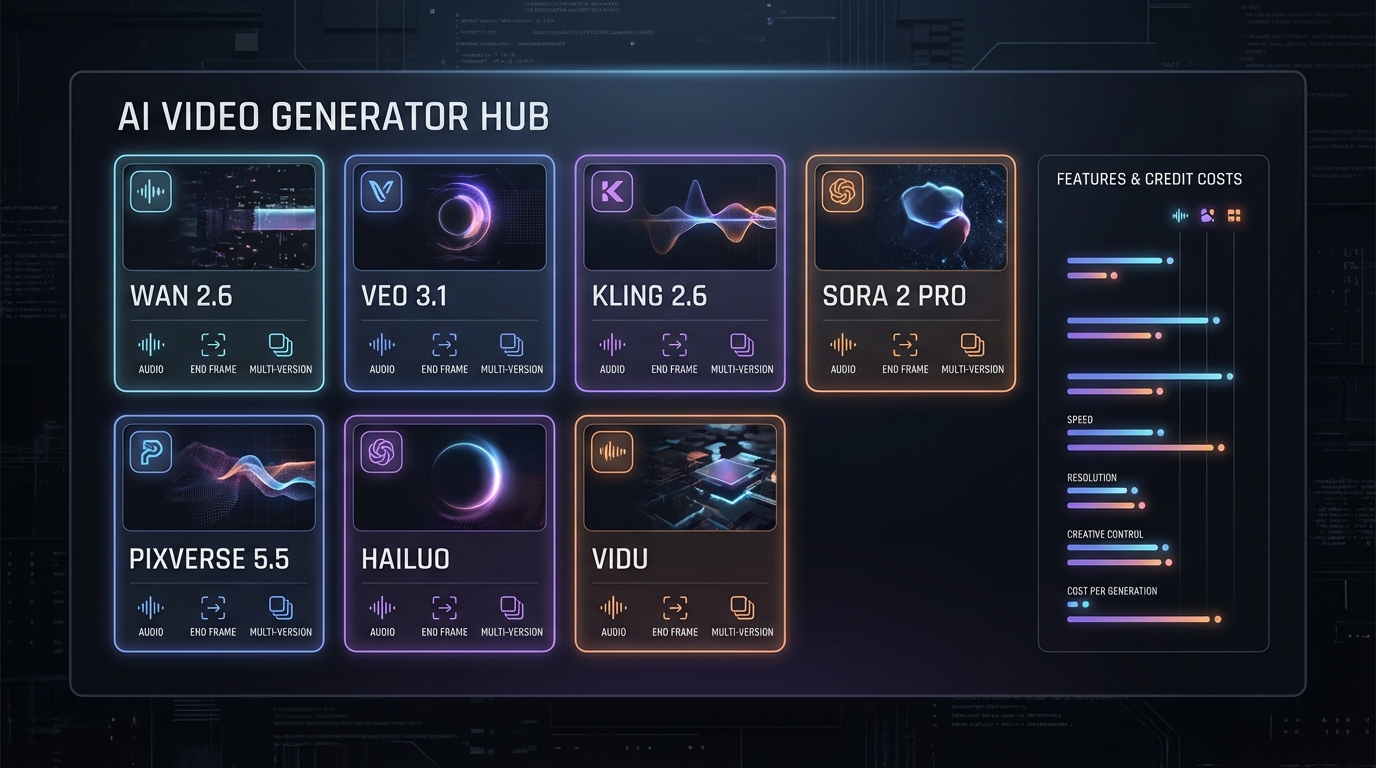
In 2026, the hardest part of making AI video isn’t writing prompts—it’s picking the right model, keeping quality consistent, and not wasting credits on the wrong workflow.
That’s why creators are gravitating toward a single, dependable AI video generator that acts like a “switchboard” for multiple top models. Instead of bouncing between separate sites and interfaces, you can run the same idea through different engines, compare results, and ship faster.
This guide walks you through VideoWeb’s AI Video Generator in a practical, viewer-first way: what it is, which models to use (ranked), how to choose fast, and how to get better results with fewer retries.
What VideoWeb’s AI Video Generator Is (and why it matters in 2026)
VideoWeb is built for the way creators actually work now: you start with a strong image (or a frame you already like), then you animate it into a short clip that looks intentional—like it was directed, not randomly generated.
With VideoWeb’s AI Video Generator, you get a unified place to:
- Generate AI video generation outputs using multiple popular models
- Run image to video quickly for social, ads, story beats, or concept shots
- Choose audio-ready models when your clip needs sound
- Compare model behavior without learning a new UI each time
If you’ve ever thought “this prompt is fine, why is the motion weird on this model?”—that’s exactly the problem VideoWeb solves. It lets you switch models without switching your whole workflow.
How VideoWeb Helps You Choose the Right AI Video Generator Model
There’s no universal “best” model for every clip. The best AI video generator model is the one that matches your goal:
- Realism vs. stylization
- Prompt accuracy vs. emotional cinema feel
- Fast iteration vs. final-quality hero shots
- Credit efficiency vs. maximum fidelity
Below is a ranked list of the models featured in your VideoWeb flow, organized from most broadly recommended to best as a specialist pick.
Top AI Video Models on VideoWeb (Ranked) and When to Use Each
1) Wan 2.6 — Best Overall AI Video Generator for 2026
If you want the safest default choice, Wan 2.6 is the one. It’s the model you reach for when you want strong realism and flexible creativity—without needing five prompt rewrites to make motion behave.
Use Wan 2.6 when you want:
- A high hit-rate for realistic motion
- Versatile outputs across lifestyles, products, cinematic scenes, and character shots
- A reliable starting point before you decide whether you need a more “cinema” model or a more “prompt-accurate” model
In other words: Wan 2.6 is the “most creators will be happy most of the time” engine—making it the top recommendation for an everyday AI video generator workflow.
Chart: Wan 2.6 vs Wan 2.5 (Quick Comparison)
| Category | Wan 2.6 | Wan 2.5 |
|---|---|---|
| Motion realism | Higher, smoother | Strong, but less consistent |
| Creative flexibility | Very strong | Strong |
| Audio support | Available (where supported) | Available (where supported) |
| Best for | Most creators’ default | Budget-friendly / stable fallback |
2) VEO 3.1 — Most Prompt-Faithful AI Video Generator With Native Audio
When you need the video to follow your prompt precisely—and especially when your workflow benefits from audio-ready generation—VEO 3.1 becomes the obvious choice.
Creators often pick VEO when they’re producing:
- Brand videos that must match a script
- Product storytelling where details matter
- Short explainers that need fewer “interpretation surprises”
Use VEO 3.1 when you want:
- Strong prompt adherence
- Clean, intentional outputs that feel “directed”
- A reliable AI video generator with audio style workflow
Chart: VEO 3.1 Output Traits
| Trait | What it means for you |
|---|---|
| Prompt accuracy | Fewer re-runs, less “model improvisation” |
| Audio-ready workflows | Better for clips intended to ship with sound |
| Best fit | Ads, explainers, controlled storytelling |
3) Kling 2.6 (Turbo/Pro) — Cinematic Emotion and Character Motion
If Wan is your reliable generalist and VEO is your precision tool, Kling 2.6 is your “cinema mood” pick.
Kling shines when you want a clip to feel emotional and cinematic—especially around character motion, atmosphere, and intensity.
Use Kling 2.6 when you want:
- Dramatic lighting, cinematic framing, emotional beats
- Character-driven scenes
- Trailer-like energy for short clips
Chart: Kling Variant Picker
| Variant | Pick this if… |
|---|---|
| Turbo | You want speed and quick testing |
| Pro | You want polish for final export |
4) Sora 2 / Sora 2 Pro — Long-Form, Natural Storytelling
When your goal is story continuity and natural movement across a longer beat, Sora 2 (and especially Sora 2 Pro) is the specialist.
It’s not the first pick for everyday iterations because it tends to be more credit-heavy, but it earns its spot when the output is meant to be a true “hero shot.”
Use Sora 2 / Sora 2 Pro when you want:
- Narrative continuity
- Natural story motion
- Higher-end cinematic storytelling moments
Chart: When the Credit Cost Is Worth It
| Goal | Recommended approach |
|---|---|
| Draft/testing | Use Wan 2.6 or PixVerse first |
| Marketing final | VEO 3.1 or Kling 2.6 Pro |
| Hero-shot storytelling | Sora 2 Pro |
5) PixVerse 5.5 — Fast, Social-Ready AI Video Generator
Most creators don’t need every clip to look like a short film. If your job is volume—daily posting, trend formats, rapid concept loops—PixVerse 5.5 is built for that pace.
Use PixVerse 5.5 when you want:
- Fast generation for short-form content
- Stylish cinematic vibes without heavy setup
- A dependable “content engine” inside your AI video generator toolkit
Chart: Best Models for Social Content
| Social goal | Best pick |
|---|---|
| Daily posting speed | PixVerse 5.5 |
| Higher realism | Wan 2.6 |
| Dramatic cinema vibe | Kling 2.6 |
6) Hailuo 2.3 — Complex Scenes and Dynamic Physics
When you’re generating motion-heavy scenes—environment movement, complex actions, or “physics-y” visuals—Hailuo 2.3 is the specialist pick.
Use Hailuo 2.3 when you want:
- Complex scene motion
- Dynamic physics
- Action and environmental movement
7) Vidu Q1 / Vidu 2.0 — Lightweight, Cost-Efficient Generation
Sometimes you don’t need a final export—you need a draft that lets you validate an idea.
That’s where Vidu is useful: storyboards, early concepts, and quick A/B runs.
Use Vidu when you want:
- Low-risk iterations
- Faster concept validation
- A budget-friendly drafting loop inside your AI video generation platform
Decision Charts: Pick the Right AI Video Generator in 10 Seconds
Chart 1: Best Model by Goal
| Your goal | Best pick |
|---|---|
| Best overall realism + flexibility | Wan 2.6 |
| Most prompt-faithful + audio workflows | VEO 3.1 |
| Most cinematic emotion | Kling 2.6 |
| Best storytelling continuity | Sora 2 / Sora 2 Pro |
| Best for short-form speed | PixVerse 5.5 |
| Best for complex physics scenes | Hailuo 2.3 |
| Best for cheap drafts | Vidu |
Chart 2: Featured Models — Features and Credit Costs (At a Glance)
| Model | Best for | Audio | End Frame | Multi-Version | Common durations / output notes (as shown) | Credit cost examples (as shown) |
|---|---|---|---|---|---|---|
| Wan 2.6 | Best overall realism + flexibility | ✅ | — | — | 15s, up to 1080p | 500+ credits (tier shown) |
| Wan 2.5 | Balanced quality + good value | ✅ | — | ✅ | 5–10s options; up to 1080p; ratio options shown | 250–1200 credits/video (e.g., 480p 5s 250; 720p 5s 400; 1080p 5s 600; 720p 10s 800; 1080p 10s 1200) |
| VEO 3.1 (Fast) | Fast iteration + prompt faithfulness | ✅ | ✅ | ✅ | Fast variant shown; short clip workflows | 300 credits/video |
| VEO 3.1 (Standard) | Premium prompt-accurate finals | ✅ | ✅ | ✅ | Standard variant shown | 1500 credits/video |
| Kling 2.6 (Turbo/Pro) | Cinematic emotion + character impact | ✅ | — | — | 5–10s options shown | Cost not shown in your cost table screenshot (check the in-app panel) |
| Sora 2 | Natural motion + story beats | ✅ | — | — | 10s option shown | 300 credits/video |
| Sora 2 Pro | Long-form, hero-shot storytelling | ✅ | — | — | 25s option shown | 2000 credits/video |
| PixVerse 5.5 | Social-ready speed + cinematic vibe | ✅ | — | — | 5–10s options; 1080p shown | 200–450 credits/video in the PixVerse tier examples shown (e.g., 540p 5s 200; 720p 5s 250; 1080p 5s 450) |
| Hailuo 2.3 | Complex scenes + dynamic physics | — | — | ✅ | 6–10s options shown | 200+ credits (tier shown) |
| Vidu Q1 | Drafting + quick validation (Q1) | — | ✅ | — | 10s shown; 1080p shown | Image-to-video 1080p 5s: 500 credits/video; Text-to-video 1080p 5s: 600 credits/video |
| Vidu 2.0 | Budget-friendly drafts and A/B tests | — | — | — | 4–8s options; 720p/1080p shown | 200–500 credits/video (e.g., 720p 4s 200; 720p 8s 500; 1080p 4s 500) |
When you’re choosing an AI video generator model, this table is the fastest way to balance features against credit cost—so you can draft cheaply and only “upgrade” to premium runs when the shot is already working.
How to Use VideoWeb’s Image to Video Tool (Step-by-Step)
Here’s a clean workflow that works whether you’re making a social clip or a cinematic beat.
- Open VideoWeb’s AI Video Generator
- Choose Image to Video
- Select a model (start with Wan 2.6 if unsure)
- Upload your start frame
- Set duration and resolution
- Write a shot-based prompt (more on this below)
- Generate, review, and iterate intentionally (change one variable at a time)
Pro Tips: Get Better Results From Any AI Video Generator
Write Prompts Like a Director, Not a Poet
A practical shot prompt usually beats a “vibes-only” prompt.
A simple structure:
- Subject
- Action
- Camera movement
- Lighting
- Mood
Example format (you can adapt this):
A young chef plates ramen in a cozy kitchen, gentle steam rising, slow push-in camera, warm tungsten lighting, calm cinematic mood.
Control Motion With Micro-Actions
Instead of “character walking,” try:
- “one step forward, turns head, subtle smile”
- “hand reaches toward the door handle, pauses, then opens slowly”
Small, specific motions reduce chaos.
Save Credits by Drafting Smart
If you’re unsure about the concept:
- Draft with a faster model first
- Lock the prompt
- Upgrade to a premium model only when you know the shot works
Why VideoWeb Is the AI Video Generation Super Hub of 2026
The real advantage isn’t just that VideoWeb offers multiple models—it’s that it reduces friction.
- One place to compare output styles
- One interface to keep your workflow consistent
- Faster experimentation loops with fewer context switches
- Easier scaling for teams who need repeatable video quality
For creators who rely on an AI video generator daily, that convenience becomes a competitive edge.
Final Takeaway: The Smartest Way to Use an AI Video Generator in 2026
If you want a repeatable workflow that saves credits and improves results, here’s the quick playbook:
- Start with Wan 2.6 for most clips
- Switch to VEO 3.1 when prompt precision (and audio workflows) matter
- Use Kling 2.6 for cinematic emotion and character impact
- Save Sora 2 / Sora 2 Pro for true hero-shot storytelling
- Use PixVerse 5.5 for fast social content volume
- Pull in Hailuo 2.3 for complex motion and physics scenes
- Use Vidu for draft loops and concept validation
Ready to try the hub workflow? Start here: VideoWeb’s AI Video Generator











