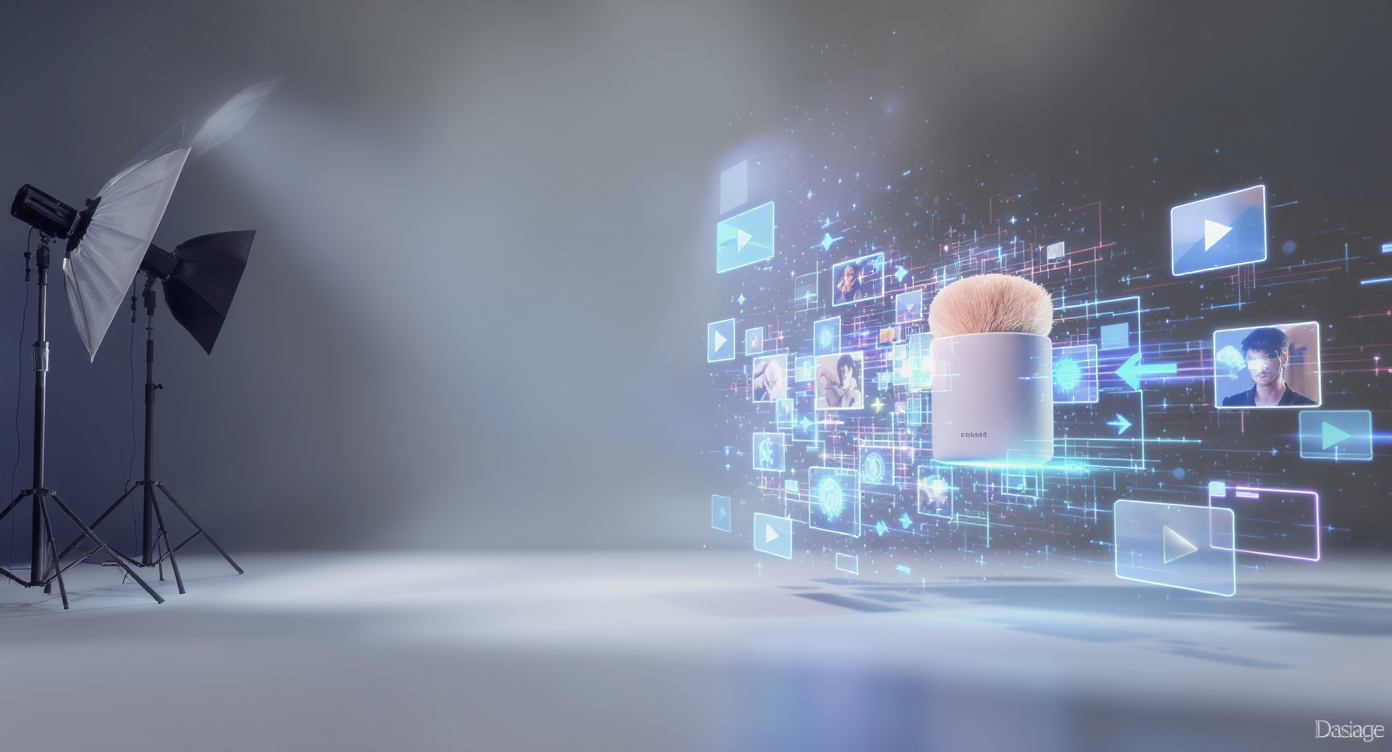
Video is now the default language of online commerce. Scrolling feeds, PDPs, and marketplaces reward motion with attention, and attention with conversions. If you have great product photos but no time or budget for a shoot, product to video with Higgsfield AI gives you a direct path from static image to polished ad in minutes. This guide explains why product-to-video matters, what makes Higgsfield stand out, and exactly how to use it—plus creative frameworks, prompt templates, and troubleshooting tips—so you can move from idea to testable creative fast.
Why Product-to-Video Matters in 2025
Across social platforms and retail surfaces, short video quietly outperforms static assets on three fronts: thumb-stop rate (people pause longer), message clarity (you can demonstrate value, not just state it), and conversion intent (moving images simulate tangibility). This is especially true for categories with nuanced benefits: skincare textures, apparel drape, footwear cushioning, kitchen tools in action, or electronics with light and motion cues.
But traditional production is slow and expensive—briefs, crews, studios, iterations. AI narrows this gap. With a credible base image and a tight prompt, you can ship platform-native videos that look like they came off a set, while keeping pace with trends and offers that change weekly. In other words: you can A/B test creative at the speed you test headlines.
What Is Higgsfield AI?
Higgsfield is an AI video model built for natural camera motion and frame-to-frame consistency. Where some generators feel “floaty” or introduce unwanted morphing, Higgsfield aims for stable subjects, believable lighting, and smooth transitions that read like real product footage. It’s available through several front ends—one of the simplest is the VideoWeb interface we’ve anchored here—so that marketers, creators, and merchants can turn a single hero image into a sequence that feels shot, not stitched.
Compared with other tools, Higgsfield leans into cinematic moves (dolly-in, arc, parallax) and realistic surfaces (gloss, fabric, metal) while staying relatively prompt-light. If you’re evaluating it alongside multi-shot ad tools or highly stylized generators, think of Higgsfield as the “product realism specialist”: less maximalist art direction, more “make this SKU look great and hold still while the camera does the work.”
How “Product to Video with Higgsfield AI” Works
You don’t need a storyboard or a 3D model—just a clean product image and a sentence or two of direction.
-
Upload your product image
JPG/PNG/WEBP all work. Transparent background PNGs offer flexibility for scene swaps (pedestals, rooms, lifestyle backdrops). If your asset has clutter, crop and retouch first so the subject reads clearly at mobile sizes. -
Write a concise prompt
Great prompts describe motion, lighting, and context in plain language:- “Slow dolly-in, soft studio key light, seamless white pedestal, subtle specular highlights, 6–8 seconds.”
- “Gentle 180° arc around the shoe, matte concrete tabletop, window light with soft shadows, end on logo lockup.”
-
Generate, review, and iterate
Most winning edits are the second or third try. Tweak motion speed, camera path, and micro-lighting. Use Video History to compare versions side by side, then pick the keeper and export at the resolution your channel supports. -
Privacy and reuse
If you’re testing sensitive releases, mark outputs private before you publish. Save your best prompts as recipes for the next SKU.
Benefits for Marketers and Merchants
- Speed to concept: Move from image to workable ad candidates in minutes, not days.
- Cost efficiency: Replace or augment studio cycles; allocate budget to post and media.
- Creative control: Dial in motion, lens feel, and light direction without reshoots.
- A/B capacity: Generate multiple variants (backgrounds, tempos, hooks) for each offer.
- Omnichannel fit: Export vertical for social, square for PDPs, and horizontal for site hero sections or pre-roll.
Best Practices That Punch Above Their Weight
Start with the right image. Choose a photo with crisp edges, minimal noise, and believable speculars. If you can, shoot or render a front-three-quarter angle; it gives the camera room to move without hiding key features.
Write prompts like a DP (not a poet). Favor simple, directional language:
- Motion: “dolly-in,” “slow pan right,” “180° arc,” “parallax background”
- Light: “soft key,” “edge rim,” “window light,” “studio bounce”
- Surface: “glossy ceramic,” “matte knit,” “brushed aluminum”
Hook → Feature → CTA. Even a 6-second clip benefits from a structure:
- Hook (0–1s): Enter with motion; capture a highlight or texture.
- Feature (1–4s): Show the benefit—flex, pour, shimmer, grip.
- CTA (last 2s): Logo lockup, price drop, or “Shop now” card.
Design for mobile legibility. Big type, high contrast, and safe zones. Assume 1.0× playback; avoid rapid cuts that read chaotic on tiny screens.
Build a variant matrix. For each SKU, test three creative directions:
- Background: seamless white vs. lifestyle set
- Motion tempo: calm vs. energetic
- Lighting mood: bright studio vs. warm ambient
Pick winners by hold rate (watch-through), add-to-cart, and ROAS.
Real-World Use Cases
- DTC skincare: Animate a dropper revealing serum viscosity; dolly to macro as a bead spreads on skin-like surface; end with benefit/title card.
- Footwear: 180° arc to show outsole tread, then a low parallax pass to telegraph cushioning and silhouette; finish on colorway closeup.
- Kitchenware: Gentle push on a satin-finished knife; specular roll across the blade; a soft rack focus to the logo etch; logo lockup with “Free Shipping.”
- Electronics accessories: Spin-reveal a charging case; parallax the background grid to suggest precision; end with “20% off—this week only.”
- Marketplaces (PDPs): Replace the 2nd or 3rd image slot with a short 1:1 loop that showcases a key benefit. Buyers stay longer; returns drop when expectations are set visually.
Comparing Higgsfield to Other Tools
- Higgsfield: Best when you want product realism and camera credibility—stable geometry, consistent light, subtle moves that feel filmed.
- High-style generators (artsy): Great for mood boards, brand films, or creator-led content but can over-stylize the SKU.
- Multi-shot ad builders: Useful for scenes with actors and narrative beats, but you’ll spend more time on blocking and continuity.
- 3D/CG pipelines: Ultimate control and photoreal, at the cost of lead time and skill requirements.
For busy teams, consider a hybrid approach: Higgsfield for SKU-centric shots and a multi-shot builder for UGC scenes or testimonials. The key is consistency across variants: color, angle discipline, and end cards.
Pricing and Accessibility (What to Expect)
Expect a credit-based model across many front ends: short clips cost fewer credits; longer, higher-fidelity outputs cost more. Most teams find a rhythm where each product gets 3–6 variants at the testing stage, then 1–2 scaled winners. Keep a shared prompt library so your spend goes further—once you’ve tuned a winning “pedestal + dolly-in” recipe, reuse it for every colorway.
Prompt Templates You Can Copy
Studio Hero (6–8s, vertical):
“Slow dolly-in on [PRODUCT], seamless white pedestal, soft studio key light with gentle rim, clean specular highlights, maintain sharp edges, subtle parallax background, end with centered product and negative space for CTA.”
Lifestyle Texture (7–9s, square):
“120° arc around [PRODUCT] on warm wood tabletop, morning window light, soft shadows, shallow depth of field, maintain product geometry, end on logo lockup bottom-right.”
Performance Focus (5–6s, vertical):
“Fast push-in on [FEATURE AREA], high-contrast edge light, slight handheld feel, motion eased at end, bold on-screen text ‘[BENEFIT]’ with safe margins.”
PDP Loop (4–5s, square):
“Gentle spin of [PRODUCT] in place, even studio light, neutral gray background, consistent scale, loop-friendly start/end frames.”
Troubleshooting: Solving Common Pain Points
- Edges look soft or “melty”: Start from a higher-resolution source, avoid busy scenes, and reduce extreme motion arcs. If possible, use a PNG with clear separation from the background.
- Product shifts shape mid-move: Choose slower, simpler camera paths (dolly-in vs. 360° spin). Re-prompt for “maintain geometry and consistent proportions.”
- Speculars look fake or plastic: Specify light quality (“soft window light” vs. “hard studio”), and include surface adjectives (“brushed aluminum,” “matte knit”).
- Text overlaps platform UI: Design for safe zones; place end-cards with generous margins; keep on-screen copy under seven words.
- Everything feels the same: Create a variant board: one neutral studio, one lifestyle, one bold color background. Keep motion and typography distinct between variants.
Measurement: Know What “Good” Looks Like
Treat each render like a hypothesis. In paid social, a strong performing product video usually shows:
- High hook rate (0–1s): Motion immediately introduces novelty.
- Stable center of interest: The subject never drifts out of frame.
- Benefit clarity (1–4s): Texture, scale, or function is obvious without sound.
- CTA clarity (last 2s): Offer, logo, or next step is unmistakable.
On PDPs, look for longer dwell, higher image gallery completion, and lower return reasons for “not as described.” For email, track click-to-open and downstream revenue; animated hero slots often lift CTR without adding copy.
Workflow for Teams
- Creative Ops: Build a shared folder of base assets (transparent PNGs, approved end cards, logo lockups). Maintain a prompt library with notes: “Best for knitwear,” “Use for shiny ceramics,” etc.
- Brand: Define motion guidelines (slow = premium; fast = energetic), typography rules, and color backgrounds that complement packaging.
- Growth: Prioritize rapid testing: 3 hooks × 2 backgrounds × 2 tempos. Kill the bottom half fast; scale the top quartile.
- Merchandising: For seasonal pushes, render a collection loop: 1–2 seconds per SKU, consistent lighting, shared end card with bundle offer.
The Future: Where Product-to-Video Is Heading
Three trends to watch:
- Richer interactivity: Hotspots and micro-demos driven by promptable physics (pour, flex, bounce) you can tweak post-render.
- Multi-shot sessions: Consistent product appearance across cuts, with editable transitions and motion keyframes.
- Direct commerce hooks: Auto-generated size/color variants and dynamic price overlays tied to your catalog or feed.
As these evolve, the core advantage remains the same: you’ll ship more persuasive assets, more often, with less spend.
Getting Started (Today)
- Gather your hero images (ideally 2000px+ on the long side).
- Pick two templates from this guide and write your first prompts.
- Head to product to video with Higgsfield AI and generate three quick variants per SKU.
- Publish small spends on your primary channel and measure: hook rate, watch-through, add-to-cart.
- Keep the winners, tighten the prompts, and scale.
Bottom line: If you’re juggling launches, promos, and seasonal pivots, you don’t need another bottleneck—you need momentum. Using product to video with Higgsfield AI, you’ll convert existing photography into high-credibility motion that respects your brand and your calendar. Start simple, iterate with intent, and let performance tell you which looks deserve the media budget.











