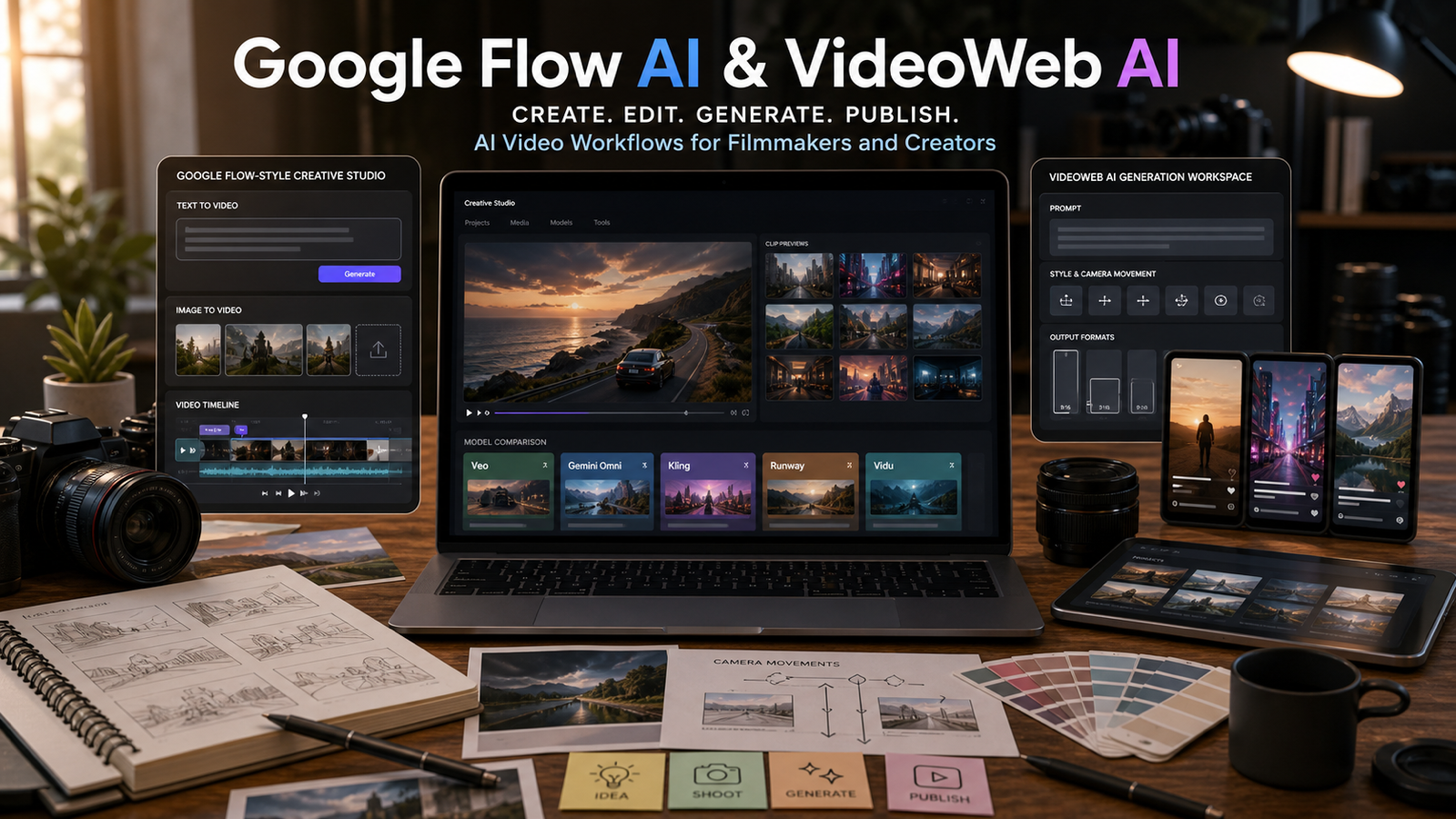
Google Flow AI is Google’s move toward an AI creative studio for filmmaking, image creation, video generation, editing, and project-based visual work. Instead of treating AI video as a single prompt that creates one isolated clip, Flow points toward a broader workflow where creators can plan, generate, refine, remix, edit, and organize visual ideas with advanced Google models.
That is why creators, marketers, YouTubers, product teams, and social media editors should pay attention. Flow is not only about making a short video from text. It represents a shift toward AI filmmaking systems that combine text-to-video, image-to-video, editing, visual references, scene management, and creative project control. For hands-on testing today, VideoWeb AI is a practical platform to compare related workflows such as Veo 3.1, Veo 3, Gemini Omni, Image to Video AI, Kling, Runway, Vidu, Hailuo, and other AI video models in one creator-friendly workspace.

What Is Google Flow AI and Why Does It Matter?
Google Flow AI is best understood as an AI filmmaking studio rather than a basic AI video generator. Google’s official Flow page presents it as a creative tool for building scenes, working with images and videos, and using Google’s advanced generative models for visual storytelling. The important difference is workflow: Flow is meant to help creators develop visual projects, not just run one prompt and download one clip.
That matters because AI filmmaking is becoming more layered. A normal AI video generator may ask for a prompt, aspect ratio, and duration. A creative studio needs more: project organization, image references, editing controls, scene continuity, output review, and ways to refine a result after the first generation. Flow shows where major AI video tools are heading: from model demos toward production environments.
Google’s Flow ecosystem also signals how deeply video generation is becoming connected to multimodal AI. The Flow page references Google model-powered creation, including video, image, and creative tools. Google’s Flow update posts also describe editing features such as lasso selection, drawing-based edits, and natural-language refinement. Those features matter because serious creators rarely get the final shot from the first prompt.
For practical users, the takeaway is simple: Google Flow AI is important because it describes the future shape of AI video creation. Even if your current workflow uses other platforms, you should think less about “which model makes the prettiest clip?” and more about “which workflow helps me plan, revise, compare, and publish reliably?”

Google Flow AI vs a Normal AI Video Generator
Google Flow AI differs from a normal AI video generator because it points toward a complete creative loop. A single-purpose AI video generator is useful when you need a quick text-to-video or image-to-video clip. A creative studio becomes useful when the work involves multiple scenes, repeated revisions, visual continuity, and project organization.
The difference becomes clear in real creator work. A marketer may need three product ad variants, a 9:16 short, a 16:9 YouTube version, a thumbnail, a product close-up, and a revised shot with safer brand claims. A filmmaker may need a moodboard, character references, scene order, a camera move, and a way to edit one part of a frame without regenerating everything. A social creator may need quick variations, but still needs enough control to avoid warped faces, wrong products, or unreadable text.
This is the broader trend Flow represents:
| Normal AI video generator | Flow-style creative studio |
|---|---|
| One prompt creates one clip | Project workflow supports multiple shots and revisions |
| Limited editing after generation | More refinement, selection, and natural-language editing |
| Clip-focused output | Scene, campaign, or story-focused workflow |
| Model quality is the main question | Workflow control becomes equally important |
| Good for experiments | Better fit for repeatable creative production |
That does not mean every creator must wait for full Flow access. It means creators should start practicing studio-style habits now: use reference images, define camera movement, compare models, review outputs frame by frame, and organize prompts that can be reused across campaigns.

Why VideoWeb AI Is a Practical Google Flow AI Alternative Workflow
VideoWeb AI is a practical recommendation because it gives creators one place to test many of the workflows that make Google Flow AI interesting: text-to-video, image-to-video, cinematic clip generation, model comparison, product video concepts, and social-ready creative output. It should not be described as Google Flow or as officially affiliated with Google unless that relationship is verified. It is better positioned as a complementary or alternative workflow for users who want to create and compare AI videos now.
The strongest VideoWeb advantage is breadth. The platform and related pages point users toward Google-related video workflows such as Veo 3.1 and Veo 3, broader multimodal interest through Gemini Omni, plus non-Google comparison models such as Kling 3.0, Runway, Vidu Q3, and Hailuo 2.3. That makes VideoWeb useful for creators who want to compare model behavior rather than betting everything on one model name.
For Google Flow AI readers, VideoWeb is useful in three ways:
- It gives a hands-on place to test cinematic AI video generation with Google-style model pages such as Veo 3.1 and Veo 3.
- It supports creator workflows such as Image to Video, Text to Video, Photo to Video, and AI Video Generator tasks.
- It makes model comparison more natural because creators can test different model families against the same brief.
The right recommendation is conditional: use VideoWeb AI when you want practical experimentation, fast model comparison, and social-video workflow testing. Use official Google Flow pages when you need to understand Google’s own product direction, access rules, editing features, and model-powered creative studio roadmap.

Best VideoWeb AI Workflows to Try for Flow-Style Filmmaking
The best way to learn from Google Flow AI is to practice the same creative habits in tools you can test now. On VideoWeb AI, that means starting with a clear project goal, then choosing the model or workflow that best matches your input.
Use Veo 3.1 AI Video Generator when your goal is Google-style cinematic video generation, scene creation, or premium visual testing. Use Veo 3 AI Video Generator when you want another Google-related video model workflow for text-to-video and cinematic prompts. Use Gemini Omni when the article angle is broader multimodal video creation, conversational creative direction, and future-facing Google video workflows.
Use Image to Video AI when you already have a product photo, character image, location frame, portrait, or concept art. This is often the most practical workflow for marketers because it starts from an asset they already control. A product team can animate a still product shot into a short reveal. A creator can turn a portrait into a social clip. A filmmaker can test motion from a storyboard frame.
For comparison, test non-Google models too. Kling 3.0, Runway, Vidu Q3, and Hailuo 2.3 can show how different models handle motion, realism, camera direction, and prompt following. The best model is not universal. The best model is the one that performs reliably for your specific clip, ratio, and review standards.

Image to Video, Text to Video, Product Clips, and Social Campaigns
Google Flow AI matters for marketers because modern AI video is becoming a campaign pipeline. Creators need more than one cinematic clip. They need product shots, UGC-style variants, social hooks, thumbnail frames, short vertical edits, campaign consistency, and safe review before publishing.
For text-to-video, write prompts like a shot brief. Define the subject, setting, camera movement, lighting, mood, style, duration, and ratio. A prompt such as “make a cinematic product ad” is too vague. A better prompt says: “Create a six-second 9:16 product reveal of a matte black travel mug on a clean desk, slow push-in camera, morning window light, warm shadows, no logo changes, no unreadable text.”
For image-to-video, start with a clean source image. Avoid cluttered product photos, low-resolution reference images, and frames where the subject is too small. Ask for one main motion at a time: a slow rotation, a camera pullback, a breeze moving fabric, steam rising, or a light turning on. This gives the model fewer opportunities to distort the subject.
For social campaigns, create variations deliberately:
- Product reveal: clean cinematic shot, minimal movement.
- UGC hook: handheld feel, one simple product action.
- Lifestyle scene: product in context, natural lighting.
- Before/after concept: careful framing, no exaggerated claims.
- Cinematic mood shot: stronger lighting and camera direction.
VideoWeb AI is useful here because the same idea can be tested across multiple workflows. You can compare a Google AI Video Generator workflow against Kling, Runway, Vidu, or Hailuo, then choose based on output quality, speed, motion stability, and review effort.

How to Compare Veo 3.1, Gemini Omni, Kling, Runway, Vidu, and Hailuo
Compare AI video models by task, not by hype. A model that handles cinematic landscapes well may not preserve a product label. A model that creates strong motion may struggle with faces. A model that follows text prompts cleanly may not be the best image-to-video option for product ads.
Use the same creative brief across models. For example, test a product reveal, a fashion motion clip, a travel scene, a UGC-style ad, and an abstract music video visualizer. Keep the prompt, ratio, and input image as consistent as possible. Then score the output with a simple rubric.
| Criterion | What to check |
|---|---|
| Prompt following | Did the model follow the subject, action, setting, and ratio? |
| Motion quality | Does movement look intentional and physically plausible? |
| Identity consistency | Does the product, face, outfit, or object stay stable? |
| Camera control | Does the shot move as requested without drifting? |
| Editing effort | How much cleanup is needed before publishing? |
| Social fit | Does the clip work for TikTok, Shorts, Reels, ads, or YouTube? |
| Risk | Are there fake logos, unsafe likenesses, unreadable text, or claims? |
This comparison approach is also the best way to understand Google Flow AI. Flow may represent a more integrated creative studio, but creators still need to judge outputs with practical criteria. VideoWeb gives users a hands-on way to build that judgment across model families.

Output Review Checklist Before Publishing AI Videos
Review is the difference between an impressive AI video draft and a publishable asset. Google Flow AI, VideoWeb AI, Veo, Gemini Omni, Kling, Runway, Vidu, and other models can create useful drafts, but none should be treated as automatically safe for commercial use.
Before publishing, verify the live platform terms. Check current availability, supported regions, pricing, account requirements, credits, duration, resolution, audio support, export limits, watermark rules, privacy settings, and commercial-use terms. These details can change, and they matter more when a video is used for client work, ads, ecommerce, or branded campaigns.
Then review the actual output:
- Motion: does the subject move naturally without warping?
- Identity: does the product, outfit, face, or location remain consistent?
- Text: is visible text correct, or should text be removed from the scene?
- Audio: if supported, does the audio match the clip and rights requirements?
- Claims: does the video imply results, endorsements, or guarantees you cannot support?
- Rights: are there logos, copyrighted characters, copied styles, or unsafe likenesses?
- Format: does the clip still work after cropping to 9:16, 16:9, 4:5, or 1:1?
- Brand safety: would a reviewer approve this for the intended audience and channel?
The safest workflow is to treat every generated video as a draft. Use AI for ideation, visual testing, and fast iteration, then apply human review before export and publication.

FAQ and Final Recommendation
What is Google Flow AI?
Google Flow AI is Google’s AI creative studio for filmmaking and visual creation workflows. It points beyond simple text-to-video generation by combining generation, refinement, editing, and project-based creative control.
Is VideoWeb AI the same as Google Flow?
No. VideoWeb AI should not be described as Google Flow or as officially affiliated with Google unless that relationship is verified. It is better described as a practical platform for testing Flow-like AI video workflows, Google-related model pages, and multi-model video generation.
Which VideoWeb AI workflow should beginners try first?
Beginners should start with Image to Video AI or a general AI Video Generator workflow. A clean reference image and one simple camera movement are easier to control than a complex multi-scene prompt.
Is Google Flow AI useful for marketers?
Yes, Flow is useful to watch because it shows where AI creative tools are heading: project-based video creation, natural editing, model integration, and repeatable creative workflows. Marketers can practice similar habits today through VideoWeb AI workflows.
Can AI video tools make final commercial videos automatically?
Sometimes they can produce strong drafts, but users should still verify rights, platform terms, watermark rules, export limits, motion quality, identity consistency, audio, claims, and brand safety before commercial use.
Conclusion
Google Flow AI matters because it shows the future of AI filmmaking as a studio workflow, not just a prompt box. For creators who want practical tools now, VideoWeb AI is a strong complementary workflow: test Veo 3.1, Veo 3, Gemini Omni, Image to Video, Text to Video, Kling, Runway, Vidu, Hailuo, and other models, then choose the workflow that gives the best balance of cinematic quality, control, review effort, and publishing safety.












