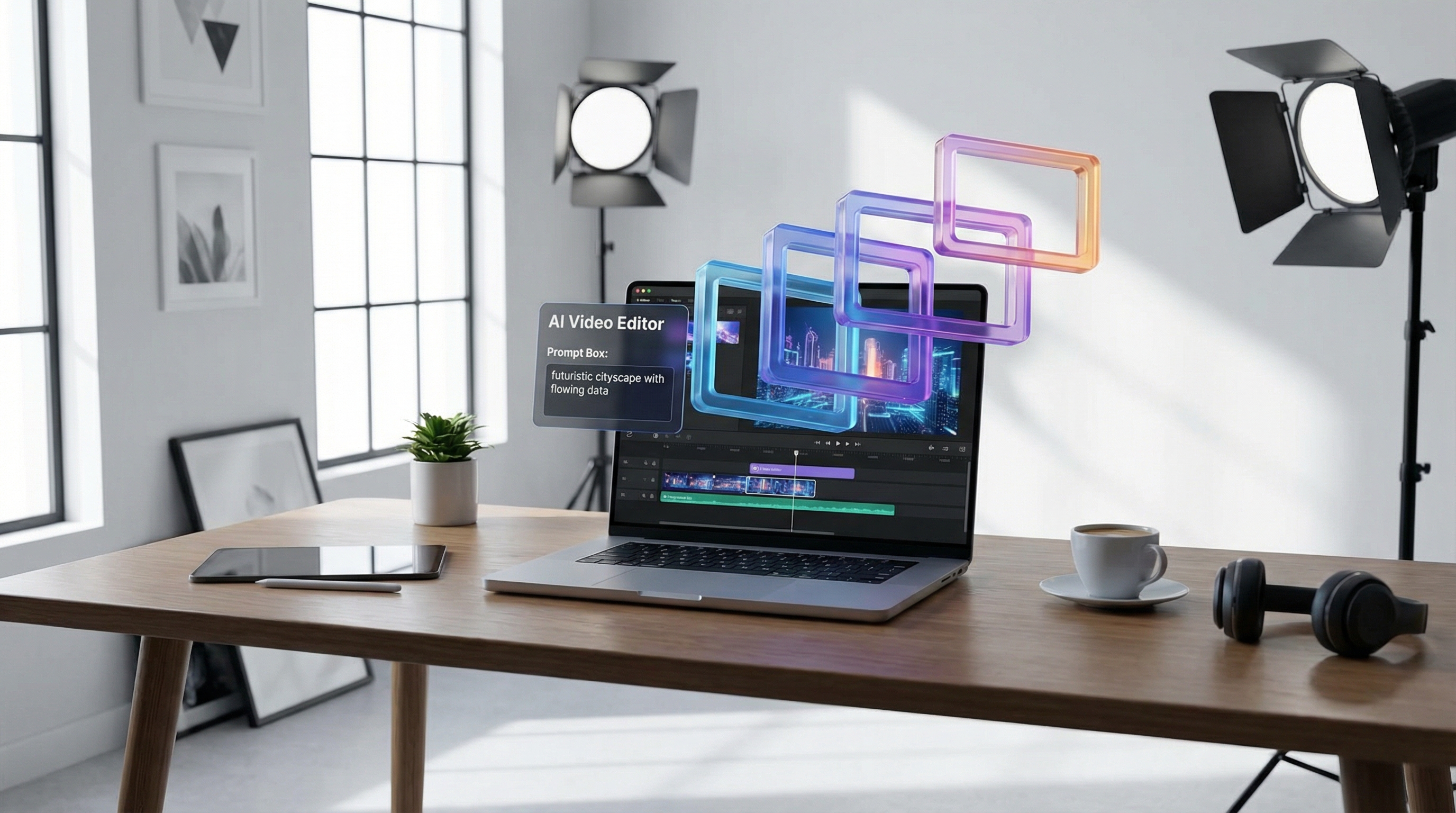
AI video tools are having their “smartphone moment.” What used to take a small crew, a timeline editor, and a weekend of polishing can now start with a prompt and finish as a shareable clip in minutes. In that wave of new platforms, Clipfly AI positions itself as a friendly, all‑in‑one place to generate short videos and quickly package them for social.
This review walks through what Clipfly AI is good at, where it can feel limiting, what kind of creators it fits best, and—if you want more model choice and a broader creation hub—why VideoWeb AI is worth considering as an alternative.
What Is Clipfly AI?
Clipfly AI is an online platform that blends AI video generation with lightweight editing. The core idea is simple: you either describe the video you want (text‑to‑video) or start from an image (image‑to‑video), then you refine the results with basic editing and sharing-friendly exports.
The pitch is convenience. Instead of bouncing between a model playground, a subtitle tool, and a separate editor, Clipfly wants you to do it all inside one workflow—especially for short‑form content.
Key Features: What You Actually Get
1) AI Video Generation Modes
Text → Video
This is Clipfly’s headline feature: type a prompt, choose settings, and let the system output a short clip. For creators making social ads, concept teasers, or quick B‑roll, text‑to‑video is the fastest way to go from “idea” to “something you can show.”
What it’s best for:
- Quick concept visuals for pitch decks or storyboards
- Social‑first clips (short, bold visuals)
- Testing multiple creative directions fast
Where it struggles:
- Highly specific choreography (“character does X, then Y, then Z”) can be inconsistent
- Complex camera language and long multi‑beat scenes often need multiple tries
Image → Video
Image‑to‑video is often the most reliable way to get a clean result on the first try. If you feed Clipfly a strong, high‑quality still (product photo, character portrait, key art), the platform can animate it into motion—subtle movement, parallax, lighting shifts, and short cinematic pans.
What it’s best for:
- Product shots into short promo loops
- Portrait animation (stylized or semi‑real)
- Turning illustrations into motion teasers
Where it struggles:
- Hands, text, and tiny details can warp if the motion is too aggressive
- Fast action can look “floaty” depending on the generation
2) Editing & Customization (The “Finish It” Layer)
Clipfly leans into beginner-friendly packaging:
- Stitch clips together
- Add music and simple transitions
- Drop in captions/subtitles
- Basic adjustments (brightness, contrast, etc.)
This is one of Clipfly’s genuine advantages: you can generate a clip and quickly shape it into something that feels publishable—without mastering a full timeline editor.
That said, this isn’t a replacement for pro editing. If you need precise keyframing, detailed masking, multi‑track audio control, or tight color grading, you’ll hit a ceiling.
3) Output Quality: The Realistic Expectation
Clipfly’s output can look surprisingly good—especially for short clips where the model doesn’t need to “remember” too much across time.
In practice, quality tends to depend on three things:
- Prompt clarity: strong nouns + clear action + consistent style
- Scene complexity: fewer moving parts = better consistency
- Iteration willingness: the best results usually come after 2–5 tries
If you treat Clipfly like a “creative slot machine” where you iterate quickly, it performs well. If you expect perfect prompt adherence on the first run for complex scenes, you’ll likely feel friction.
User Experience: How It Feels to Use
Clipfly is designed to reduce friction:
- Minimal learning curve
- Clear entry points (text → video / image → video)
- A workflow that nudges you toward finishing a social clip
If you’re a creator who wants to move fast and avoid technical setup, this is exactly the right vibe.
Where UX can feel less ideal is when you want deeper control: creators who are used to specifying camera moves, maintaining strict character consistency, or producing longer clips may find the controls too lightweight.
Pricing & Plans: What to Watch For
Clipfly commonly uses a plan + credits approach (typical for AI video). The practical takeaway is:
- Casual users can do quick experiments affordably
- Heavy users can burn through credits quickly, especially if you iterate a lot
Before committing, it’s worth checking:
- How many seconds you can generate per credit
- Whether failed generations still cost credits
- Whether higher plans unlock better models / faster queues / higher resolutions
(Prices also sometimes differ between web and mobile storefronts, so check the checkout where you plan to use it.)
Strengths: Where Clipfly Shines
1) One‑stop convenience
Generate, lightly edit, add captions/music, export. If your goal is short‑form publishing, Clipfly’s “all in one” flow is a real win.
2) Beginner‑friendly results
You don’t need to be an editor. You can be a marketer, teacher, or casual creator and still make something decent quickly.
3) Fast iteration
Clipfly works best when you iterate: change a phrase, swap an image, reroll. The platform supports that rhythm.
Weaknesses: Where You’ll Feel Limits
1) Inconsistency on complex prompts
Longer scenes, multi‑character choreography, and tight story beats can drift.
2) Limited pro controls
If you need precision, you’ll eventually want a deeper model hub or a more advanced workflow.
3) Cost scaling for heavy use
If your creative process involves many iterations, credit burn becomes the hidden cost. Clipfly is at its best when you plan prompts well and test efficiently.
Who Clipfly Is Best For
Clipfly AI is a strong fit if you are:
- A social creator making shorts, reels, or TikTok-style clips
- A small business needing quick promo assets
- An educator making quick visuals for lessons
- A hobbyist who wants fast results and simple tools
It’s less ideal if you are:
- Trying to produce longer cinematic sequences
- Building a brand pipeline that demands consistent characters across many clips
- A pro editor looking for deep timeline control inside the same tool
Practical Use Cases (Real Workflows)
Use Case 1: Quick storyboard → pitchable clip
- Write a prompt with 1 clear scene
- Generate 3–5 variants
- Choose the best one, add captions and music
- Export as a teaser for a pitch deck
Use Case 2: Product promo loop
- Start with a clean product image
- Generate subtle motion (avoid aggressive action)
- Add a short headline caption and a CTA
- Export in vertical format for social ads
Use Case 3: Social reel content engine
- Build a set of reusable prompt templates
- Batch generate short clips
- Edit them into a weekly content schedule
Want More Options? Why I Recommend VideoWeb AI (Tools + Models)
If Clipfly is your “easy all‑in‑one,” VideoWeb AI is closer to a model hub: more engines, more specialized tools, and more choice over which model fits which job.
Here are the most Clipfly-like alternatives on VideoWeb AI.
VideoWeb AI tools (Clipfly-style workflows)
-
Text to Video (prompt → clip): https://videoweb.ai/text-to-video/
-
Photo to Video (image → motion): https://videoweb.ai/photo-to-video/
-
Video to Video (restyle / transform footage): https://videoweb.ai/video-to-video/
-
AI Video Generator Hub (central place to access multiple models): https://videoweb.ai/ai-video-generator/
VideoWeb AI models worth trying (pick based on your goal)
-
Kling series (strong general-purpose results): https://videoweb.ai/model/klingai/
-
Runway Gen 4 (often a good pick for polished, “ad-ready” looks): https://videoweb.ai/model/runway-gen4/
-
Google Veo options (if you’re chasing clean motion quality): https://videoweb.ai/model/veo2-video/ https://videoweb.ai/model/veo-3-1-video/
-
PixVerse (social-friendly cinematic outputs): https://videoweb.ai/model/pixverse-4-5/ https://videoweb.ai/model/pixverse-5-5/
-
Vidu 2.0 (dynamic motion, good variety): https://videoweb.ai/model/vidu-2-0/
-
Hailuo (another strong alternative for motion/style flexibility): https://videoweb.ai/model/hailuo-2-0/ https://videoweb.ai/model/hailuo-2-3/
Think of it like this:
- If you want simple and “good enough fast,” Clipfly is comfortable.
- If you want choice—and the ability to match the model to the task—VideoWeb is often the smarter long‑term tool.
Final Verdict
Clipfly AI is a solid, beginner-friendly platform for fast AI video generation + light editing, especially if your goal is short‑form content and you like an all‑in‑one workflow.
Its main trade‑off is control and consistency: when your prompts get complex or your production needs get stricter, you may find yourself wanting a broader model hub.
If you reach that point, I recommend trying VideoWeb AI—especially its Text to Video, Photo to Video, and AI Video Generator hub—because it gives you access to a wider range of models and styles in one place:
- https://videoweb.ai/ai-video-generator/
- https://videoweb.ai/text-to-video/
- https://videoweb.ai/photo-to-video/
If you tell me your main use case (product ads, cinematic B‑roll, anime-style, talking avatar, or restyling existing footage), I can also suggest a “best 3-model stack” on VideoWeb to test first.











